QR codes on

Web banners

An automated ad placement can resize or crop it without anyone noticing until it's live.

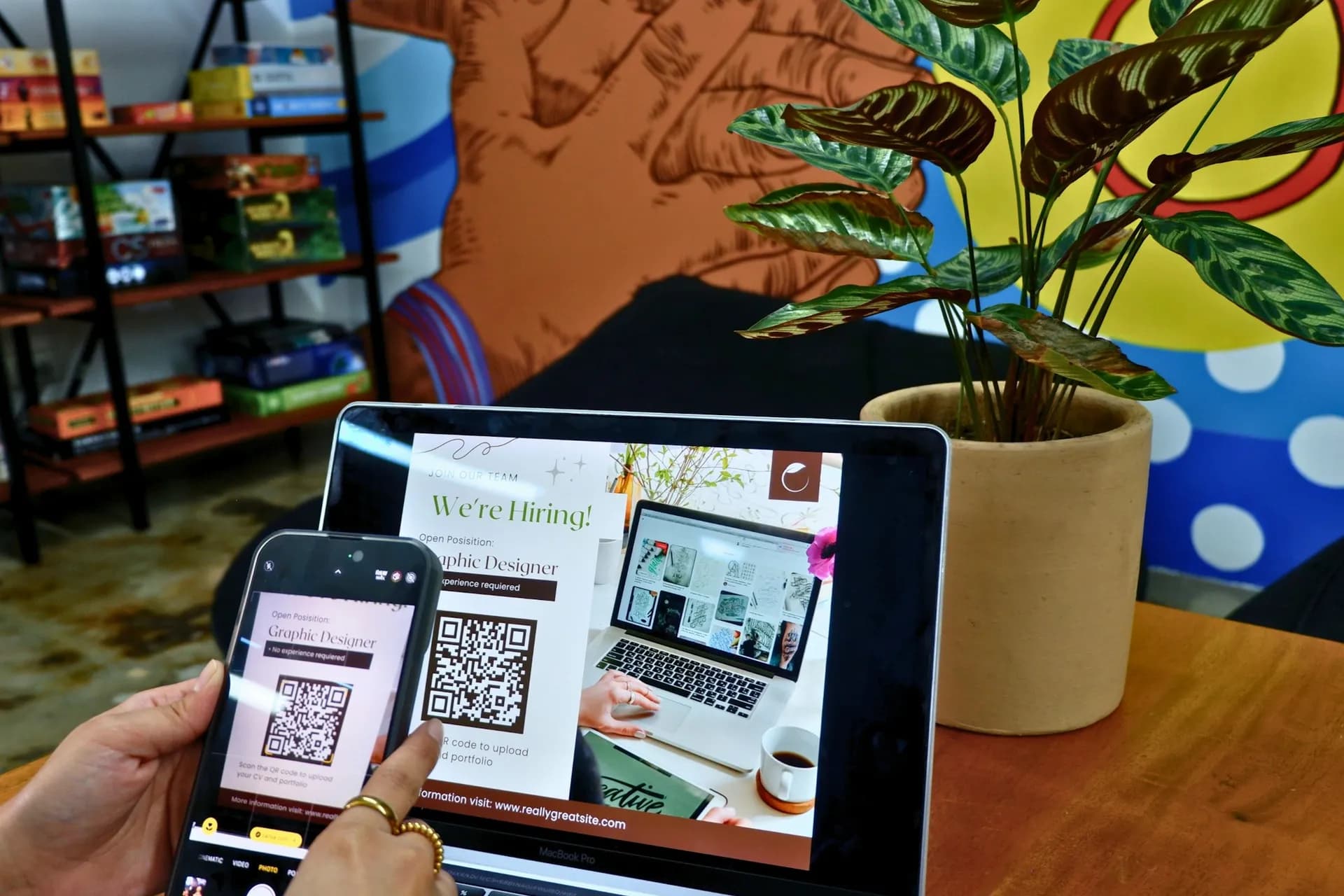
A phone scanning a QR code on a web page open on a laptop.

Best QR type for this

Landing page

A banner ad is already selling one specific thing in a tiny space, so the code should lead to a Landing Page that continues that exact message — not a general site a click-weary visitor has to re-orient on. Consistency between the ad's promise and the landing page's headline matters more here than almost anywhere else, since banner clicks are famously low-commitment.

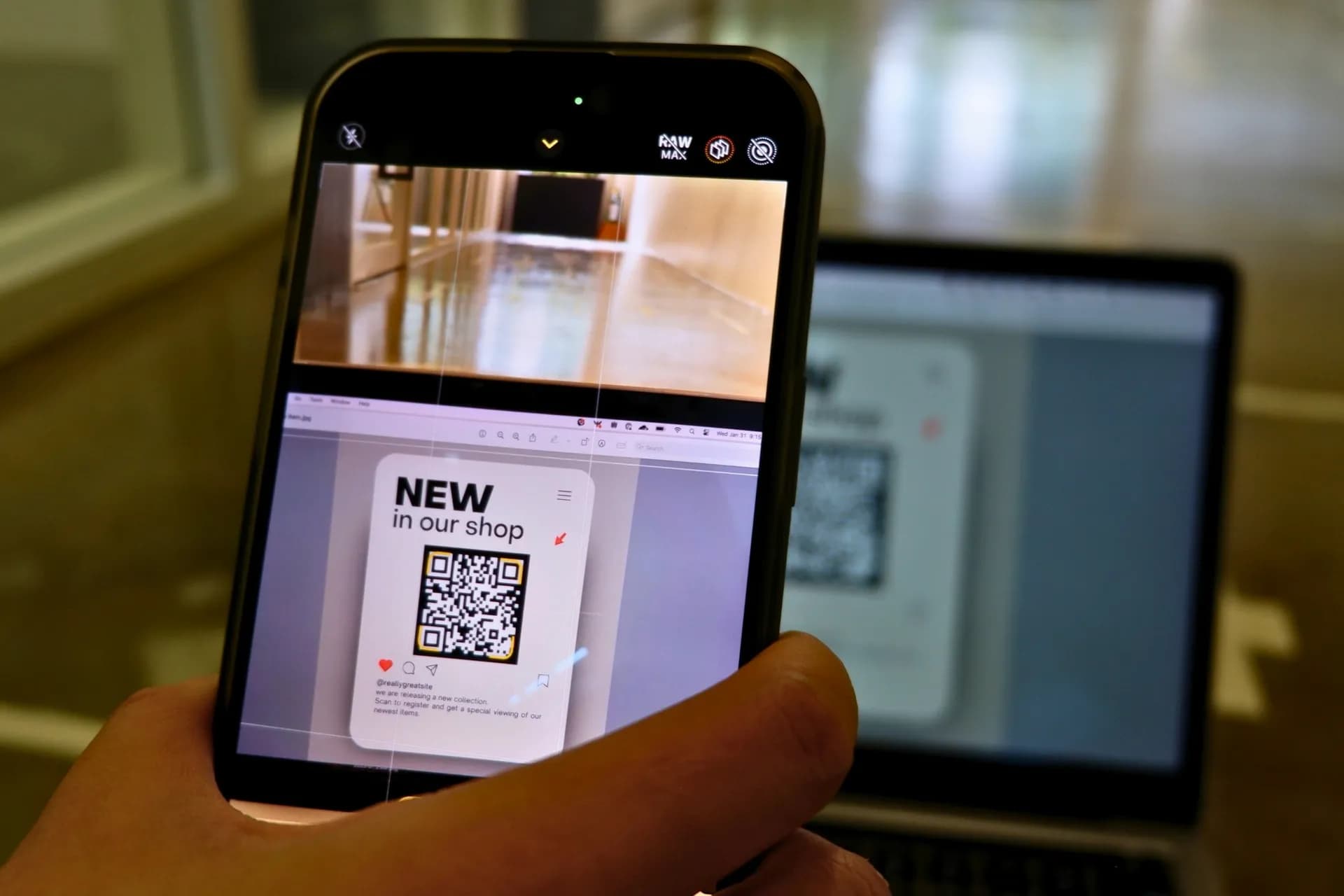
A phone showing a "new in our shop" QR code in front of a laptop.

Design considerations for print

Dynamic vs. static, for web banners

Dynamic, and for a very practical reason: banner campaigns get paused, adjusted, and re-targeted constantly, often by a media buying team working faster than the creative team that built the original banner file. A static code baked into creative assets that are cached and served across a dozen publisher sites can't be corrected without a creative refresh across every one of those placements. A dynamic code lets the same served banner keep running while the destination gets adjusted as often as the campaign strategy changes.

A worked example

At 40cm, the 10:1 rule needs 4cm — on screen, that's roughly 150–200px depending on pixel density, which is a meaningful fraction of even a large banner format like a 728×90 leaderboard. The real risk on this surface isn't the initial size calculation; it's that the same creative gets served at several different standard sizes automatically, and nobody checks whether the code survives the smallest one.

The ad network can shrink or crop it without telling you

Almost every other surface in this guide has one production step between a design file and the final printed or displayed result, and a designer or approver typically sees the actual output before it goes live. Web banner advertising frequently doesn't work that way. A single creative is commonly built once and then served automatically across a whole set of standard IAB ad sizes — a leaderboard, a medium rectangle, a skyscraper, a mobile banner — sometimes by the same platform resizing or cropping one master asset to fit different placements without a human ever reviewing each individual output.

This automated step is exactly where a banner's QR code is most likely to break, and it happens after the design and approval process most teams treat as the finish line. A code that was checked and approved at the primary 728×90 leaderboard size can end up served at a much smaller mobile banner dimension through automatic scaling, shrinking every element proportionally including the code — and unlike text, which stays legible even scaled down significantly, a QR code has a hard functional floor below which it simply stops scanning, with no visual cue that anything's wrong. The banner still looks fine to a human glancing at it; it just doesn't work anymore for anyone who tries to scan it.

Ad-network required elements add a second, less obvious risk: platforms frequently overlay a small "Ad" label or similar required badging on served creative, positioned automatically rather than designed around the specific creative underneath it. A code placed too close to a corner or edge — a common choice, since that's often the only free space in a small banner — can end up partially covered by exactly this kind of platform-added element, again without the original design file ever showing the problem. The only reliable defense is treating "how it renders across every actual serving size and placement" as part of the QR code's testing process, not assuming the master creative file is a faithful preview of what every publisher and device combination will actually display.

Common mistakes

How to do it

  1. 1

    Design for the smallest served size

    Confirm the code holds up at the smallest standard banner dimension the campaign will actually run, not just the primary creative.

  2. 2

    Leave real margin

    Account for ad-network badging or labels that might encroach on the creative after it leaves your file.

  3. 3

    Keep the destination dynamic

    A code baked into cached, multi-publisher creative should point somewhere that can be corrected without a creative refresh.

Frequently asked

How big should a QR code be in a web banner ad?
At least 20% of the banner's shorter dimension, with a hard floor around 150px regardless of the overall banner size — and it needs checking at every standard size the campaign actually serves, not just the largest one.
Can an ad network resize a QR code without permission?
Ad platforms commonly serve the same creative across multiple standard sizes automatically, and some add required badging that can crowd a design's edges — always request proofs at the actual serving sizes rather than trusting the source file alone.
Should a web banner's QR code be dynamic?
Yes. Banner creative is often cached and served across many publisher sites, and a static code baked into that creative can't be corrected without refreshing every placement — a dynamic code avoids that entirely.
Where should a QR code go in a banner ad?
A fixed corner that holds up across the banner's common aspect ratios and sizes, kept simple enough to survive the format's very limited working space.

Related materials

Relevant QR types

Ready to print one?

Free to generate, free to download.

Create your Landing page QR code