
Static — no tracking

URL QR code

Point directly at a web address — fixed once it's printed.

A static URL QR code stores your web address directly in the code, with no redirect and no tracking. It keeps working forever without depending on any service, but it can't be changed once printed.

  • Your address stored directly in the code
  • No redirect and no tracking
  • Works even without this platform
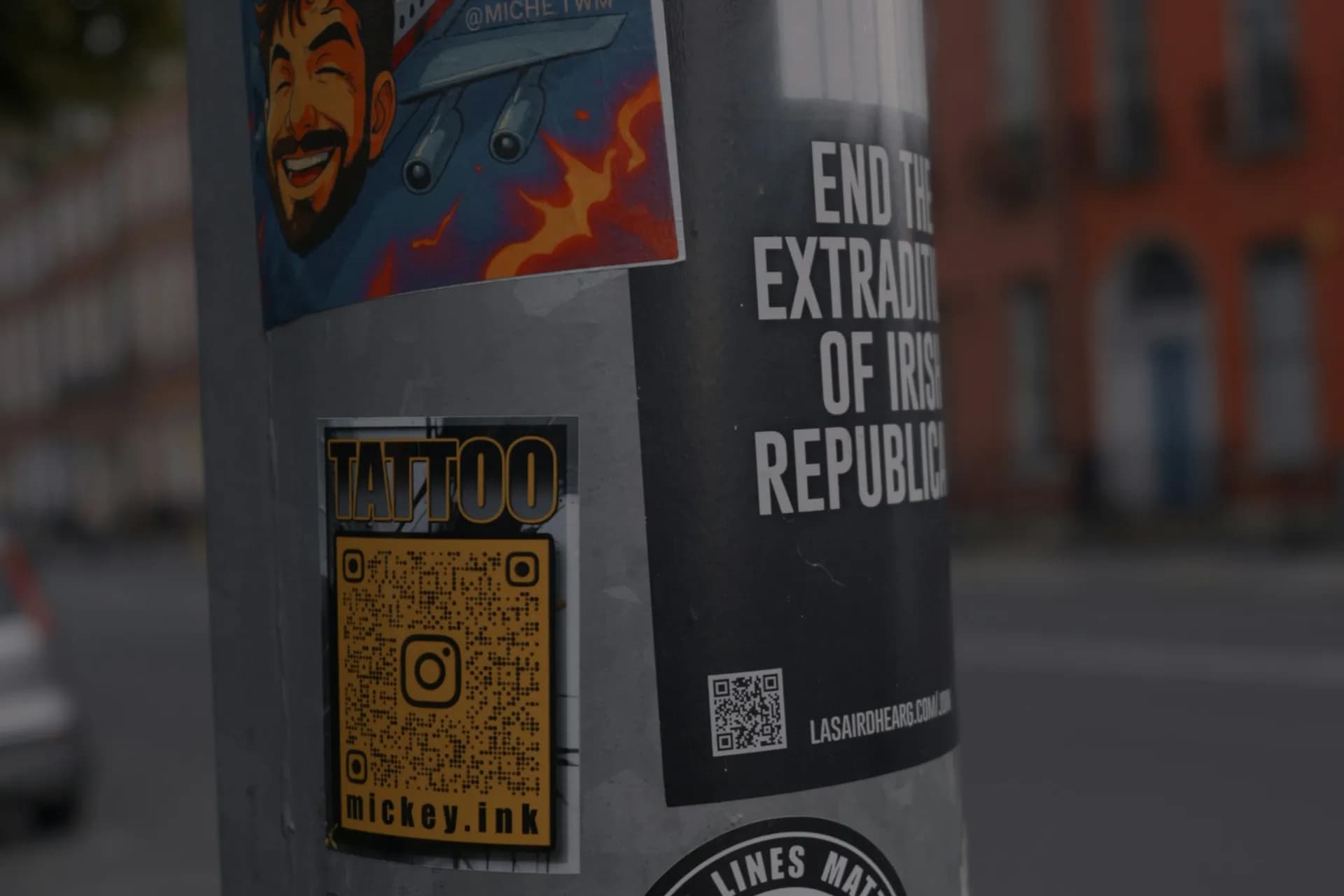
A lamppost with posters attached, including one printed with a large QR code.

Try it

See a url QR code in action

Sample content, but a real, scannable code — try it with the phone in your hand.

Create your URL QR code

URL

Redirects straight to your URL — no page of its own.

How it works

What happens when someone scans a url QR code

  1. 1

    The camera decodes a payload that's a plain http(s):// address, no different from typing it in by hand.

  2. 2

    iOS and Android both recognize the URL prefix and offer to open it directly in the default browser, no intermediate screen.

  3. 3

    The browser goes straight to your address — there's no other server in the path, this platform included.

Examples

Where to use a URL QR code

Real places a URL QR code earns its spot — each links to a full guide for that material.

Fit

Is a url QR code the right choice?

Use it when

  • A destination you're genuinely confident won't move — a permanent homepage, an evergreen resource.
  • Anywhere you want zero dependency on a third party for the code to keep working, ever, even if this platform disappears entirely.
  • Latency-sensitive placements where you'd rather skip even a fast redirect hop, though in practice the difference is milliseconds.

Consider another type when

  • Anything you might restructure, rebrand, or move to a new domain later — a static code baked to the old address becomes dead print the day the URL changes.
  • Anywhere you want scan analytics. A static code never touches this platform's servers, so there's no count, no location, nothing.
  • Campaign material with any real print run size — the dynamic Website type exists specifically so a broken link is a dashboard fix, not a reprint order.

Dynamic vs. static

Dynamic vs. static url QR codes

Static here means what it always means on this platform: your actual URL is compiled directly into the code's pixel pattern, so there's no lookup, no redirect, and no way to change it short of printing a new code. The dynamic Website type above trades that permanence for editability — it encodes a short link this platform controls, so the real destination can move anytime. Pick static only when you're confident the address is genuinely final and you'd rather have no third-party dependency at all.

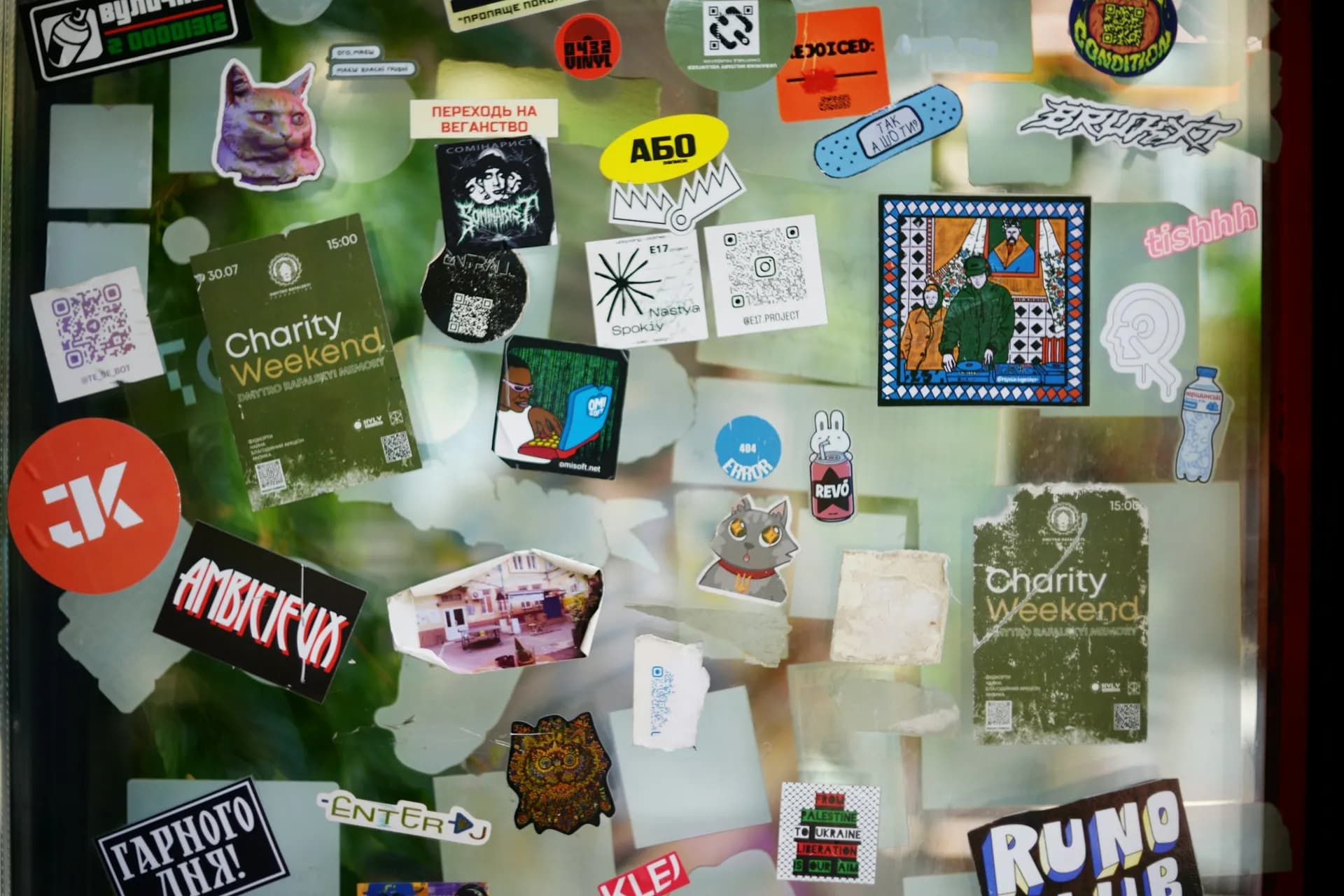
A board of colourful stickers and magnets, a few printed with small QR codes.

Under the hood

Why a longer URL makes a visibly denser code

Unlike the dynamic type's fixed-length short link, a static URL code's size scales directly with the address itself — a bare domain like https://example.com fits in a small version-2 or version-3 code, while a long URL with UTM parameters and a deep path can push it into version 6 or higher, visibly denser and requiring more room to scan reliably. If you're printing at a small physical size, trimming query parameters (or switching to the dynamic type, which stays a constant, short size regardless of the real destination's length) keeps the code scannable at a glance.

No middleman, by design

A static URL code is the simplest type on this platform in the sense that matters most: nothing sits between the scan and your website. That simplicity is also the whole limitation — there's no lookup step to add tracking to, no short link to edit, nothing to pause or reschedule. What you print is permanently, exactly what a scanner gets.

When "it just works, forever" beats "it's editable"

Most printed material benefits from the dynamic type's editability. The exception is anything meant to genuinely outlast the platforms around it — a plaque, a permanent installation, a QR code stamped into something that won't be reprinted on any predictable timeline. For those, a code with no dependency on a service staying online is worth more than the convenience of being able to redirect it later.

Step by step

How to create a url QR code

  1. 1

    Paste the full address

    Include the https:// — most scanners handle a bare domain fine, but the explicit scheme avoids ambiguity on older camera apps.

  2. 2

    Check the code density

    A long URL with tracking parameters produces a visually dense code — shorten the link first if you're printing small.

  3. 3

    Export at print resolution

    SVG for anything printed, so the code stays crisp regardless of final print size.

URL QR code FAQ

Can I edit the destination after printing?
No — the URL is embedded directly in the code. If you need to change it later, use the dynamic Website type instead, which keeps the printed code fixed while letting you edit the destination behind it.
Does this type track scans?
No. A static code never contacts this platform's servers at all — the phone reads the address straight out of the code and opens it directly, with nothing logged anywhere.
Why does my code look denser than someone else's URL code?
Code density tracks the length of what's encoded. A long URL with tracking parameters or a deep path takes more modules to represent than a short, clean domain — shortening the address produces a visually simpler code.
Is there any real downside to using dynamic instead?
For most people, no — the redirect hop is milliseconds and buys real editability. Static only wins if you specifically want zero third-party dependency or you're certain the destination is permanent.

Related QR types

Where people put this code

Create your url QR code

Free to generate, free to download — no account required to try it.

Create your URL QR code