QR codes on

Digital signage

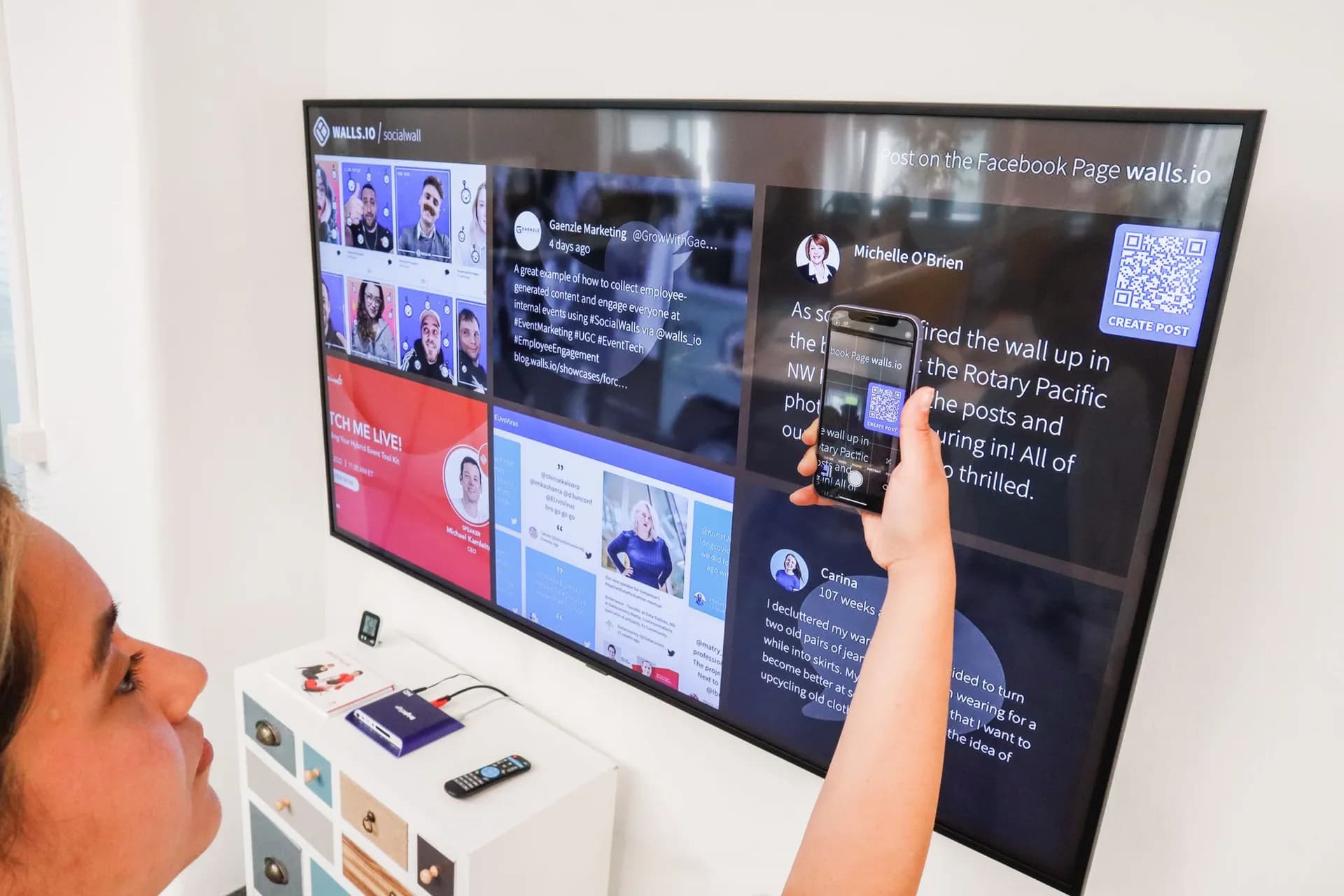
One slide in a rotation — on screen for seconds, then gone until the loop cycles back.

A woman scanning a QR code on a large digital wall display.

Best QR type for this

Landing page

Digital signage content is almost always one message at a time — a promotion, a directory listing, a menu item — and a Landing Page matches that single-purpose format better than a general site. It also loads fast, which matters for someone scanning during the brief window a slide is actually on screen.

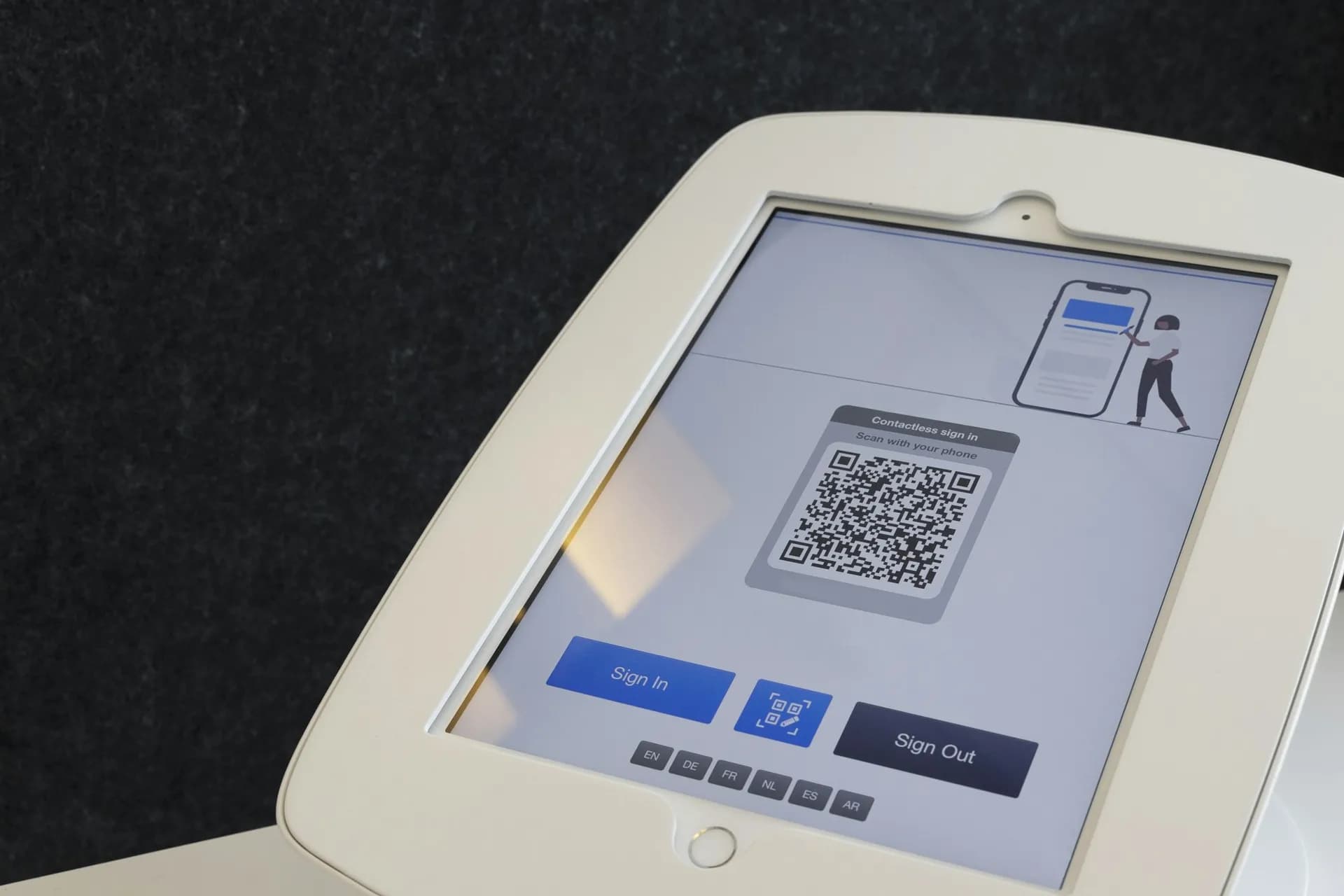
A tablet check-in kiosk showing a QR code to scan.

Design considerations for print

Dynamic vs. static, for digital signage

Dynamic, and for a reason distinct from most print material: digital signage networks are frequently deployed and then left to run largely unattended for months at a time, especially across multiple locations managed by a small central team. A static code baked into a slide asset means fixing a bad destination requires pushing a new asset through the entire content management pipeline — coordinating with whoever manages that system, on whatever schedule they operate on. A dynamic code decouples those two updates entirely: the destination can be corrected immediately, without touching the signage content or its distribution pipeline at all.

A worked example

A screen viewed from 2m needs roughly 20cm of code size under the 10:1 rule — on a typical 55-inch signage display (about 1.2m across), that's around 15–20% of the screen's width, which lines up with sizing the code as a meaningful fraction of the display rather than a small corner element. The harder constraint on this surface usually isn't hitting that size on a single slide — it's making sure the slide stays up long enough, and often enough, for that size to matter at all.

Unattended for months, and only on screen part of the time

A printed sign is either up or it isn't — once installed, it's continuously available to be scanned for as long as it physically remains in place. Digital signage breaks that continuity by design: most signage systems cycle through a rotation of multiple messages, meaning any single slide, including one with a QR code on it, is only actually visible for a fraction of the loop's total runtime. A directory board might rotate through a dozen listings; a retail screen might alternate between several promotions. A viewer standing in front of the screen at any given moment has some chance of seeing the code slide and some chance of seeing something else entirely, and that chance is baked into the rotation's design whether or not anyone thought about it from the code's perspective.

This creates two related problems worth solving separately. The first is dwell time within a single appearance — if the code slide only stays up for two or three seconds before cycling to the next message, most viewers won't have time to notice it, raise a phone, and complete a scan, even if the code itself is sized correctly. The second, larger problem is operational: digital signage networks, especially ones spanning multiple locations, are frequently set up once and then left running with minimal day-to-day attention for months at a stretch. Nobody is walking past most signage screens daily checking whether the QR code on slide seven of eleven is still pointing somewhere useful.

That combination — infrequent appearance within the loop, and infrequent human oversight of the deployed content — means a broken destination on digital signage can go unnoticed for a genuinely long time compared to a staffed retail environment where someone might notice a torn poster within a day. The fix for the appearance problem is a content decision: give the code slide enough dedicated dwell time, or repeat it across more of the rotation than a single slide would provide. The fix for the oversight problem is architectural: keep the destination on a dynamic code that can be corrected the moment someone does notice a problem, without that fix depending on pushing a new asset through a signage content system that might not get touched again for weeks.

Common mistakes

How to do it

  1. 1

    Set an adequate dwell time

    Give the code slide enough on-screen time for a realistic scan attempt, not just a glance.

  2. 2

    Keep placement consistent

    Use the same position across every slide the code appears on, so repeat viewers know where to look.

  3. 3

    Decouple content and destination

    Use a dynamic code so the link can be fixed without pushing a new asset through the signage system.

Frequently asked

How big should a QR code be on a digital signage screen?
At least 15% of the screen's shorter dimension is a reasonable starting point, but the bigger factor is dwell time — a code needs to stay on screen long enough for someone to actually complete a scan, not just flash past in a fast rotation.
How long should a QR code stay on screen in a slide rotation?
Long enough for a realistic scan attempt — a code that cycles off after only a second or two, the way some fast-rotating signage does, doesn't give most viewers enough time regardless of how well-designed the code itself is.
Why does digital signage need a dynamic QR code if the screen can already be updated remotely?
Because the screen's content and the code's destination are often managed through completely different systems. A dynamic code lets the destination be fixed immediately without waiting on or coordinating a full content push through the signage platform.
Does screen brightness affect QR code scanning?
Yes, especially outdoors or in bright ambient light — a screen that isn't bright enough relative to its surroundings can wash out the contrast a scanner needs, the same practical problem a printed sign has in direct sun.

Related materials

Relevant QR types

Ready to print one?

Free to generate, free to download.

Create your Landing page QR code