

Dynamic — editable, with tracking

Landing Page QR code

Launch a page built just for this campaign — start from a ready-made template.

A landing page QR code opens a page built from a ready-made template and hosted for you — no separate website needed. Edit the copy, images, or button anytime as your campaign changes.

  • A hosted page from a template
  • Edit content anytime after printing
  • No website or hosting required
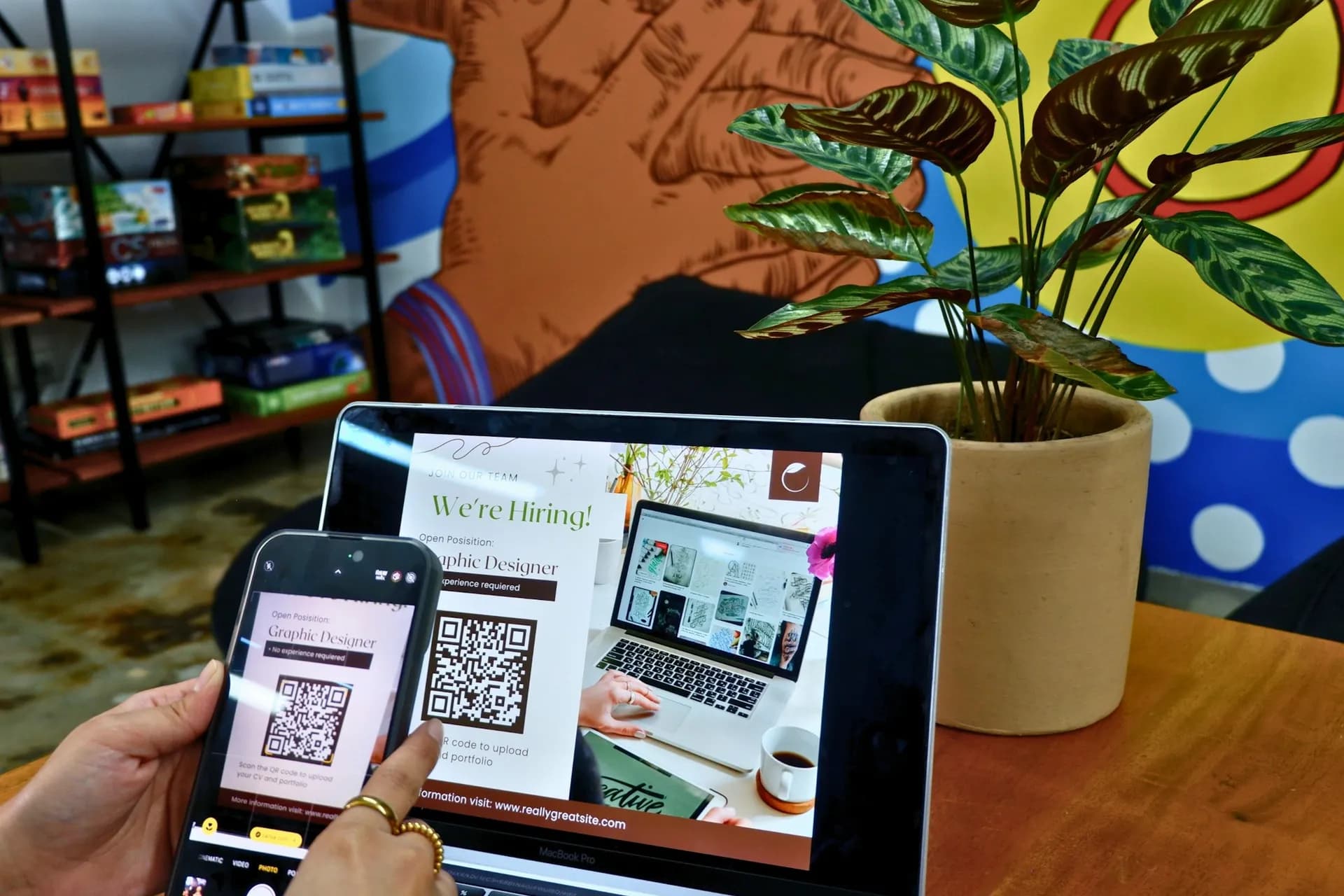
A phone scanning a QR code on a web page open on a laptop.

Try it

See a landing page QR code in action

Sample content so you can see what a scan looks like — this type only exists as a dynamic code, so the code shown to real visitors always points at your own account's live link.

Create your Landing Page QR code

Rivera Studio

Brand & product design

We help small teams ship work that looks like it came from somewhere bigger. Based in Portland, working everywhere.

See our work

How it works

What happens when someone scans a landing page QR code

  1. 1

    The camera decodes a short link, resolved by the redirect route to this platform's hosted landing page.

  2. 2

    The page shows your title, subtitle, and body copy, with a single call-to-action button if you've added one.

  3. 3

    Tapping the button sends the visitor wherever you've pointed it — an external site, a form, a store — while the hosted page itself stays simple and self-contained.

Examples

Where to use a Landing Page QR code

Real places a Landing Page QR code earns its spot — each links to a full guide for that material.

Fit

Is a landing page QR code the right choice?

Use it when

  • A campaign, event, or promotion that needs its own page but doesn't justify building and hosting a real website.
  • Content you want live today and editable as the campaign evolves — swap the copy, change the button's destination, without touching whatever the code is printed on.
  • Anywhere a plain redirect (the Website type) isn't enough because you actually want some page content, not just a hop straight through to somewhere else.

Consider another type when

  • If you already have a real destination page — a Website code redirecting straight there is simpler than duplicating that content here.
  • Multi-page experiences with real navigation — this type is a single page with one button, not a mini-site.
  • Content requiring rich layout, multiple images, or custom design — the template here is intentionally plain text-and-button, not a page builder.

Dynamic vs. static

Dynamic vs. static landing page QR codes

Landing Page exists only as dynamic — the entire premise is hosting real page content (title, body copy, a button) that has to live somewhere a server can serve it, and that same server relationship is what lets the content be edited after the code is printed. There's no static equivalent that could represent an editable page inside a fixed pixel pattern.

A wall plastered with stickers and posters, including a large printed QR code.

Under the hood

What this type is, versus a full website

The hosted page renders from four fields — title, subtitle, body text, and an optional single button with its own label and destination URL — using this platform's own fixed layout, not custom HTML or a page builder. That constraint is deliberate: it means a page goes live in minutes with no design work, at the cost of visual customization beyond what the fixed template offers. For anything needing real design control, this type is meant as scaffolding to launch fast, not a permanent site replacement.

A page in minutes, not a site

The entire value proposition is speed: filling in a title, some body copy, and an optional button produces a live, scannable page immediately, with no hosting, no domain, and no design work. That's a deliberate trade against customization — this is scaffolding for a campaign that needs to exist today, not a permanent web presence.

An honest limitation

The fixed template means every landing page on this platform shares the same basic layout — there's no way to add multiple images, custom fonts, or a different structure per page. If a campaign outgrows that, the natural next step is a real hosted page elsewhere, linked to with a Website code instead.

Step by step

How to create a landing page QR code

  1. 1

    Write the title and body copy

    Title and subtitle set the headline; body text carries the actual message — up to a few thousand characters.

  2. 2

    Add a button, if there's an action to send people to

    Optional — a label and a destination URL, for anything from a signup form to an external site.

  3. 3

    Edit as the campaign evolves

    Update copy or the button's destination anytime from your dashboard — the printed code and short link stay the same.

Landing Page QR code FAQ

Can I customize the design of the page?
Not beyond the fixed template — this type prioritizes launching fast with zero design work over visual customization. For a fully custom page, you'd host that yourself and use a Website code to point at it.
Is the button required?
No — a landing page with no button works fine as a pure announcement or informational page; add one only if there's somewhere you actually want to send people next.
Can I completely rewrite the page later for a new campaign?
Yes — edit every field anytime; the printed code and short link are reusable across campaigns if you want to keep using the same physical placement.
How is this different from the Website type?
Website redirects straight through to an external URL with no page of its own. This type hosts actual content — a title, body copy, a button — directly, without needing you to build and host a separate page.

Related QR types

Where people put this code

Create your landing page QR code

Free to generate, free to download — no account required to try it.

Create your Landing Page QR code