QR codes on

Billboards

Read by a passenger, not a driver, in the few seconds a vehicle passes by.

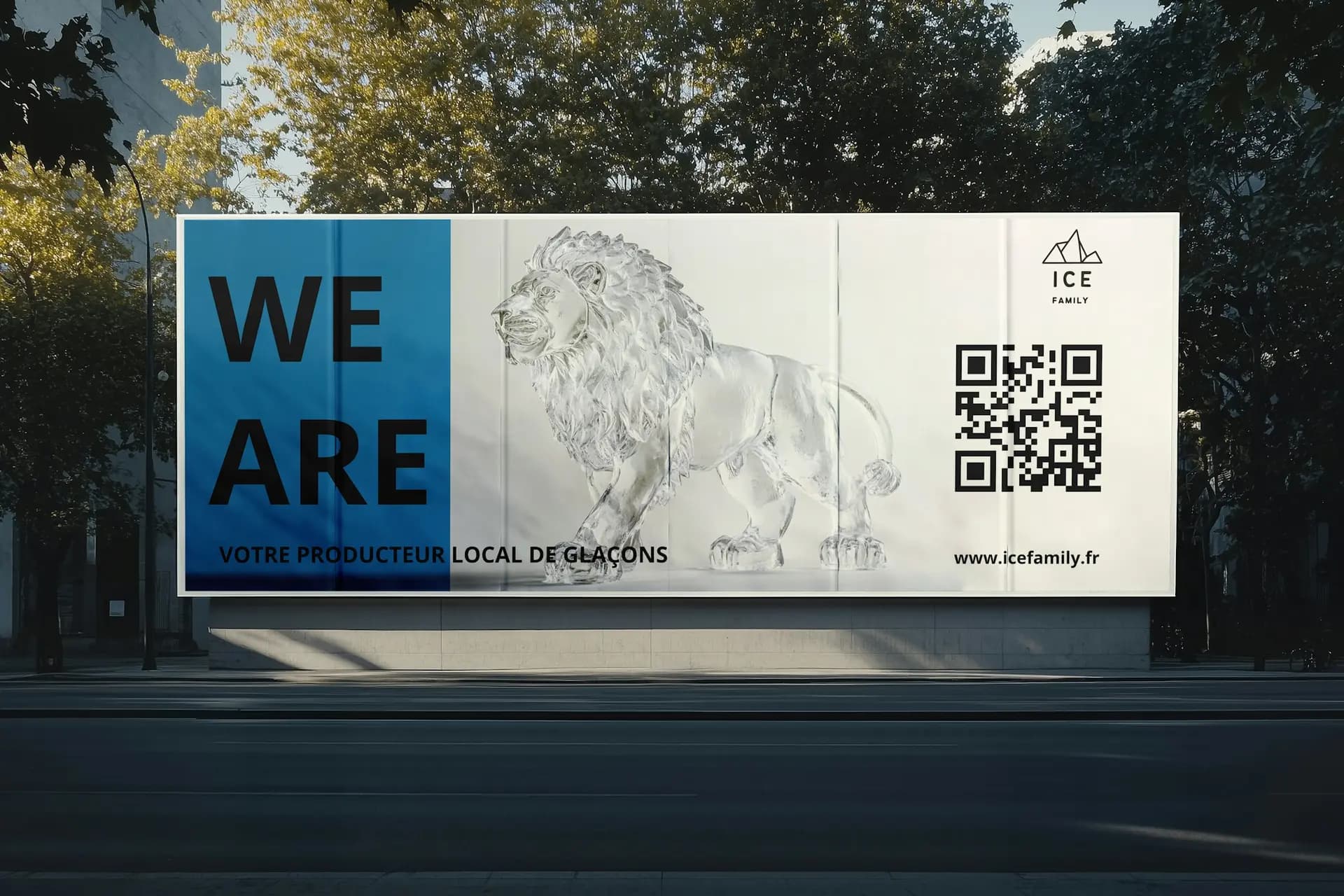
An outdoor billboard poster with a large QR code beside the headline.

Best QR type for this

Landing page

Anyone who actually scans a billboard code has, at most, a few seconds of attention and no patience for navigation — a Landing Page with one headline and one action matches that constraint far better than a general website. The page needs to load fast and say one thing clearly, the same brief the billboard's creative itself follows.

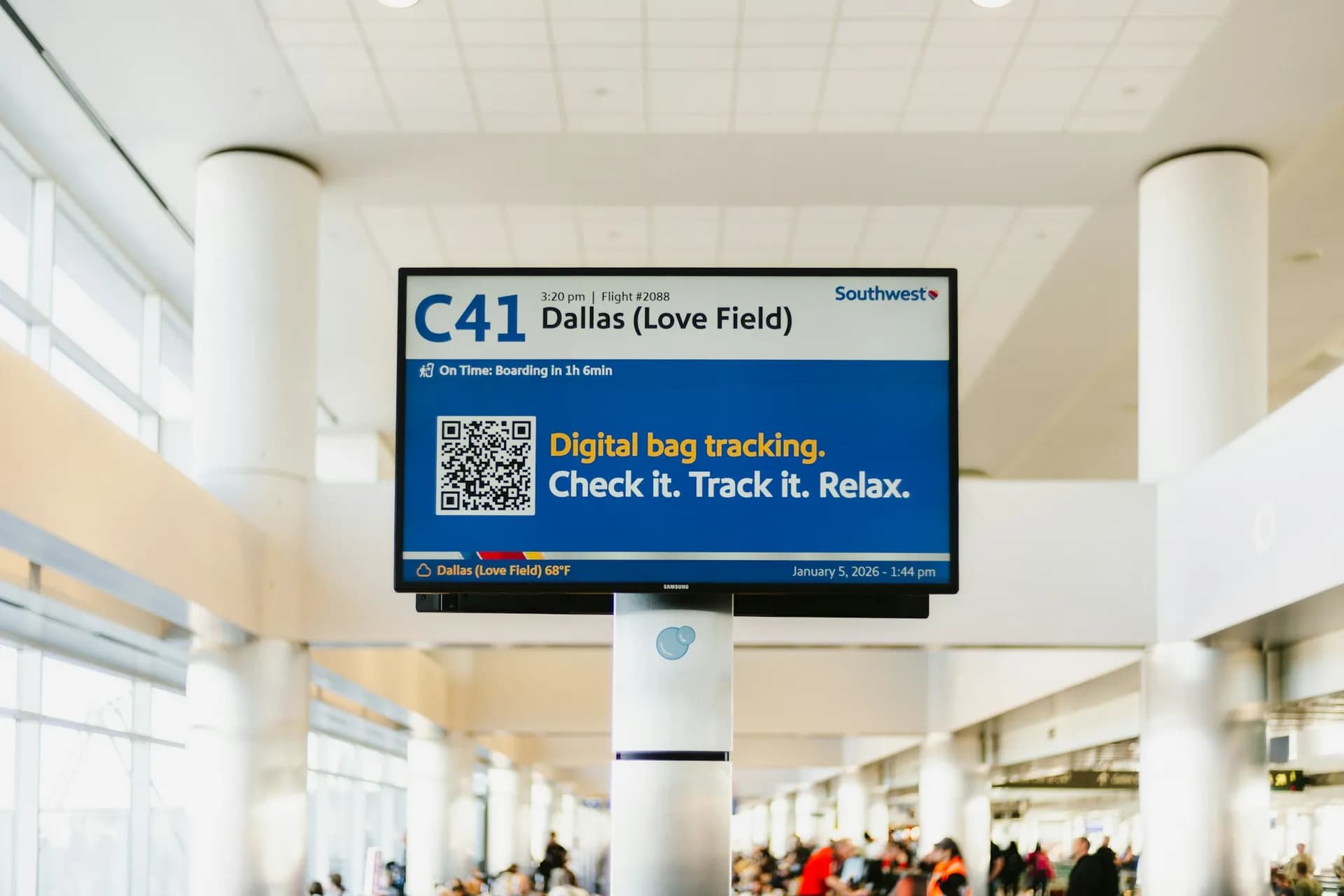
An airport digital screen inviting travellers to scan a QR code for bag tracking.

Design considerations for print

Dynamic vs. static, for billboards

Dynamic, mainly for measurement and campaign flexibility rather than urgent correction. A billboard is expensive and slow to change — vinyl printing and installation take real lead time, so most campaigns run a fixed flight without a mid-campaign reprint regardless of code type. What a dynamic code adds here is scan tracking (knowing whether the placement is actually generating scans, broken down by location if multiple boards are running the same creative) and the ability to redirect the destination after the flight ends, so a billboard code doesn't sit there useless — or start bouncing to nothing — the moment the campaign officially concludes.

A worked example

At a realistic 5m stopped-traffic distance, the 10:1 rule needs a 50cm floor — a 500mm code clears that with the kind of margin billboard production actually needs, given large-format print tolerances and the fact that vinyl isn't held perfectly flat once it's up on the structure. Push the assumed distance out to highway speed and the required size becomes impractically large for a standard bulletin format, which is the real argument for not designing around that scenario in the first place.

The realistic billboard audience is a passenger, not a driver

Billboard advertising has always had an honest limitation that predates QR codes entirely: a driver moving at speed cannot safely read much beyond a few words and a logo, and any billboard creative that ignores this is asking for something that won't happen. Adding a QR code doesn't change that physics — it just makes the mismatch more obvious, because a code demands something a fast-moving driver categorically cannot do: pull out a phone, aim a camera, and hold it steady enough to scan, all while operating a vehicle. Anyone treating a highway billboard's QR code as a serious driver-facing feature is designing for a scenario that traffic safety alone rules out.

The realistic audience is narrower and worth naming directly: a passenger in a moving vehicle, someone stopped at a red light with a clear view of the board, or a pedestrian near a billboard mounted closer to street level. Passengers have something drivers don't — free hands and a few unhurried seconds, especially on a longer drive where a billboard is visible well before the vehicle passes it and for a moment after. A stopped-traffic scan has a genuinely different set of constraints too: the code needs to be visible and scannable from within a vehicle, potentially through a windshield, at whatever distance the nearest lane sits from the board.

Designing for this actual audience changes a few decisions. Size should be calculated around the realistic scanning distance — a stopped car's distance from the board, not the sign's maximum sight line down a highway — since oversizing for a scenario that won't produce scans wastes visual space that could go toward a more effective ad. Placement should assume a passenger's glance, not a driver's split-second read, meaning the code doesn't need to compete for the same half-second of attention the headline does. And measurement matters more here than almost anywhere else in this guide, because scan volume on a billboard is the only reliable way to find out whether this narrower, passenger-and-stopped-traffic audience is actually using the code at all.

Common mistakes

How to do it

  1. 1

    Size for stopped traffic, not highway speed

    Design around the realistic distance someone could actually scan from — a red light, a slow street, a parking lot view — not the sign's maximum visibility distance.

  2. 2

    Give it its own clear zone

    Isolate the code from the main creative rather than integrating it into the artwork.

  3. 3

    Track scans and plan the post-campaign redirect

    Use a dynamic code to measure real engagement and to redirect the destination once the flight ends.

Frequently asked

How big should a QR code be on a billboard?
500mm or larger on a standard bulletin billboard, sized for someone stopped or moving slowly within roughly 3–10 meters — not for someone passing at highway speed, who realistically won't be scanning anything.
Can a QR code on a billboard actually get scanned at highway speed?
No, reliably. Billboards facing highway traffic should treat the code as a secondary element for anyone stopped nearby (an intersection, a slow access road) rather than the primary call to action for drivers moving at speed.
Should a billboard's QR code be dynamic?
Yes, mainly for scan tracking and the ability to redirect the destination once the campaign flight ends — the physical vinyl itself typically doesn't get reprinted mid-campaign either way.
Where should the QR code go on a billboard's design?
In its own isolated, high-contrast corner, separate from the main creative — a billboard's whole design logic is a fast read from a distance, and a code blended into the artwork works against that.

Related materials

Relevant QR types

Ready to print one?

Free to generate, free to download.

Create your Landing page QR code