
QR codes on

Books

A companion link that has to outlive the edition — updated without a second printing.

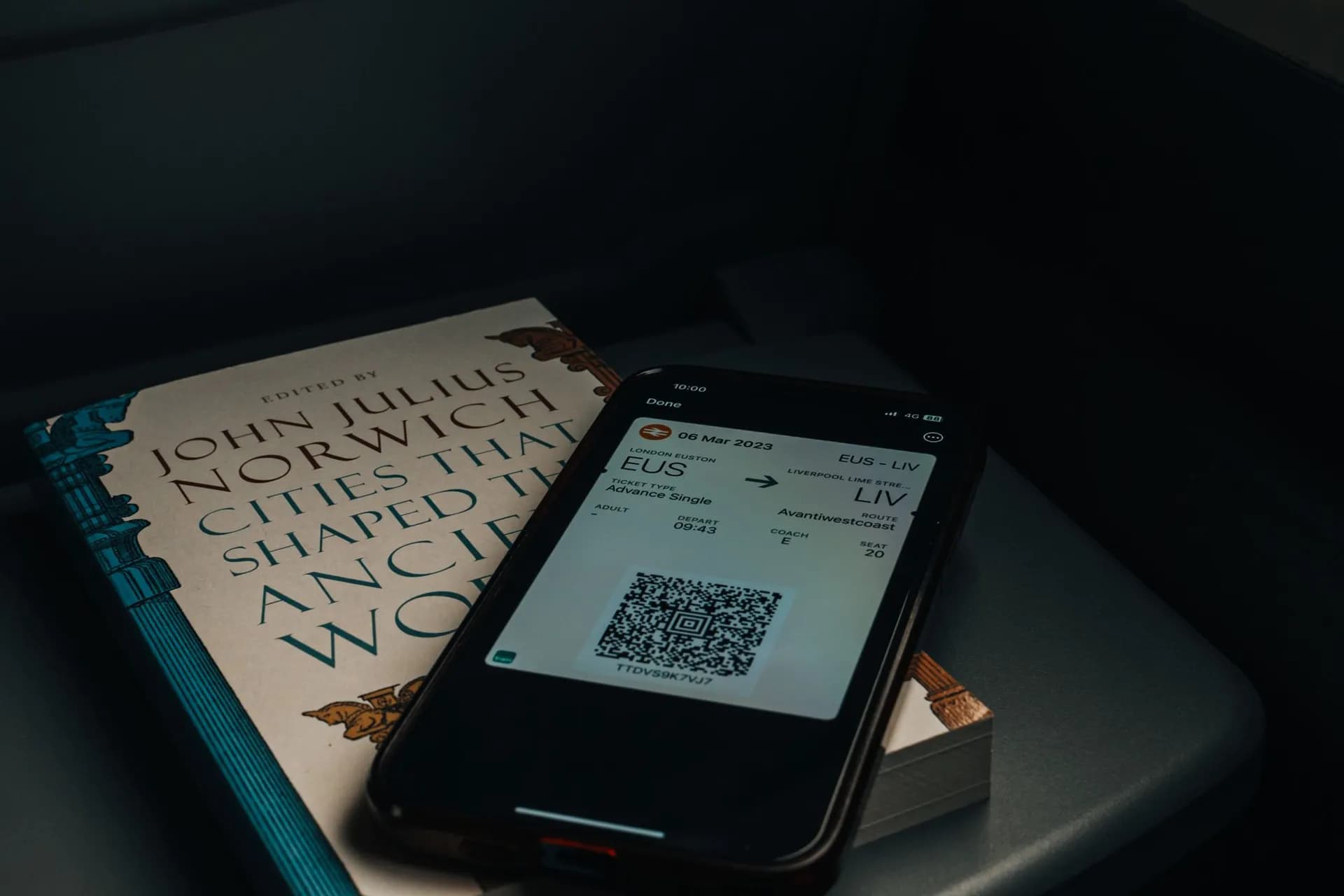
A phone showing a QR code resting on an open book.

Best QR type for this

List of links

A book's companion material is rarely just one thing — author interviews, a reading group guide, source citations, an audiobook sample — so a List of Links page that gathers everything in one place suits it better than sending a reader to a single destination. It also means new companion material can be added years after publication without touching the printed code at all.

An open journal with a printed ticket and its QR code pasted beside handwritten notes.

Design considerations for print

Dynamic vs. static, for books

Dynamic, for a reason that's almost unique to books: a printed book can stay in circulation, unchanged, for years or decades — read new, found secondhand, rediscovered on a shelf — while everything a code might point to (an author's website, a publisher's companion page, a since-renamed streaming platform) has an ordinary web page's much shorter lifespan. A flyer's problem is that details change before the print run is gone in a few weeks; a book's problem is the same idea stretched to a scale most other print material never has to plan for. A static code baked into a first printing is a bet that a specific URL survives as long as the book does, and that bet gets worse every year after publication. A dynamic code separates the two lifespans — the physical book stays exactly as printed, and the destination can be updated as many times as the years demand.

A worked example

An interior-page code read at 30cm needs just 3cm to satisfy the 10:1 rule — in practice, 18–22mm gives comfortable margin above that floor while staying small enough not to compete with the page's typography. A back-cover code meant to be scanned from slightly further away in a bookstore aisle, say 40–50cm, needs the fuller 25–30mm a poster-adjacent surface would use.

The only print surface built to outlive the internet

Almost every other surface in this guide gets sized and placed around a viewing distance and a few weeks or months of circulation. A book breaks that assumption in a way worth naming directly: a printed book, once it exists, tends to keep existing — on a shelf, in a used bookstore, passed between readers, sitting in a library system — for a timescale that has more in common with furniture than with a marketing campaign. A flyer's whole design problem is that its printed destination might be wrong within weeks of the print run finishing. A book's design problem is the same shape stretched out to years, sometimes decades, and that difference in scale changes what actually matters.

A URL printed in a book's front matter isn't competing against a short print run going stale — it's competing against ordinary web infrastructure's actual lifespan, which is shorter than most people assume. Domains lapse. Publishers merge or fold. Companion microsites built for a launch get taken down once the marketing budget for that title moves to the next release. None of that is unusual or negligent; it's just how the web normally works, on a timeline that has nothing to do with how long a book stays readable on a shelf. A code that was perfectly correct at the first printing can be a dead link before the book reaches its second printing, let alone a reader who picks up a used copy a decade later.

This is why a dynamic code matters more here than almost anywhere else in this guide, and why the destination should ideally be something built to be maintained rather than a one-off campaign page — a List of Links a publisher or author can keep adding to, rather than a single URL frozen at whatever was current the year the book went to press. The physical object is permanent by design. The digital side of it shouldn't have to pretend to be, and with a dynamic code, it doesn't have to.

Common mistakes

How to do it

  1. 1

    Choose front or back matter

    Copyright page, author bio, or back cover — never mid-chapter.

  2. 2

    Write a one-line caption

    State plainly what the code leads to; an unexplained code gets skipped far more than a labeled one.

  3. 3

    Point it at a List of Links

    Companion material accumulates over a book's life — a single flexible destination handles that better than one fixed link.

Frequently asked

Where should a QR code go in a printed book?
Front or back matter — the copyright page, an author bio, or the back cover — never inside the main body text, where it interrupts reading.
How big does a QR code need to be in a book?
18–22mm is enough for an interior page read at 25–35cm. A dust jacket or back cover meant to be scanned before purchase, potentially from a bit further away in a bookstore, can go up to 30mm.
Why does a book need a dynamic QR code more than a flyer does?
Books stay in circulation for years or decades after printing, while ordinary web pages rarely last that long. A dynamic code lets the destination be updated as many times as needed over the book's life; a static one is locked to whatever was true at the first printing.
Should a book's QR code have a caption?
Yes. Readers are far less likely to scan an unexplained code — a short line stating what it leads to (bonus chapter, author interview, reading group guide) measurably improves whether it gets used at all.

Related materials

Relevant QR types

Ready to print one?

Free to generate, free to download.

Create your List of links QR code