QR codes on

Stationery

A letterhead that still points somewhere current, long after the ream was printed.

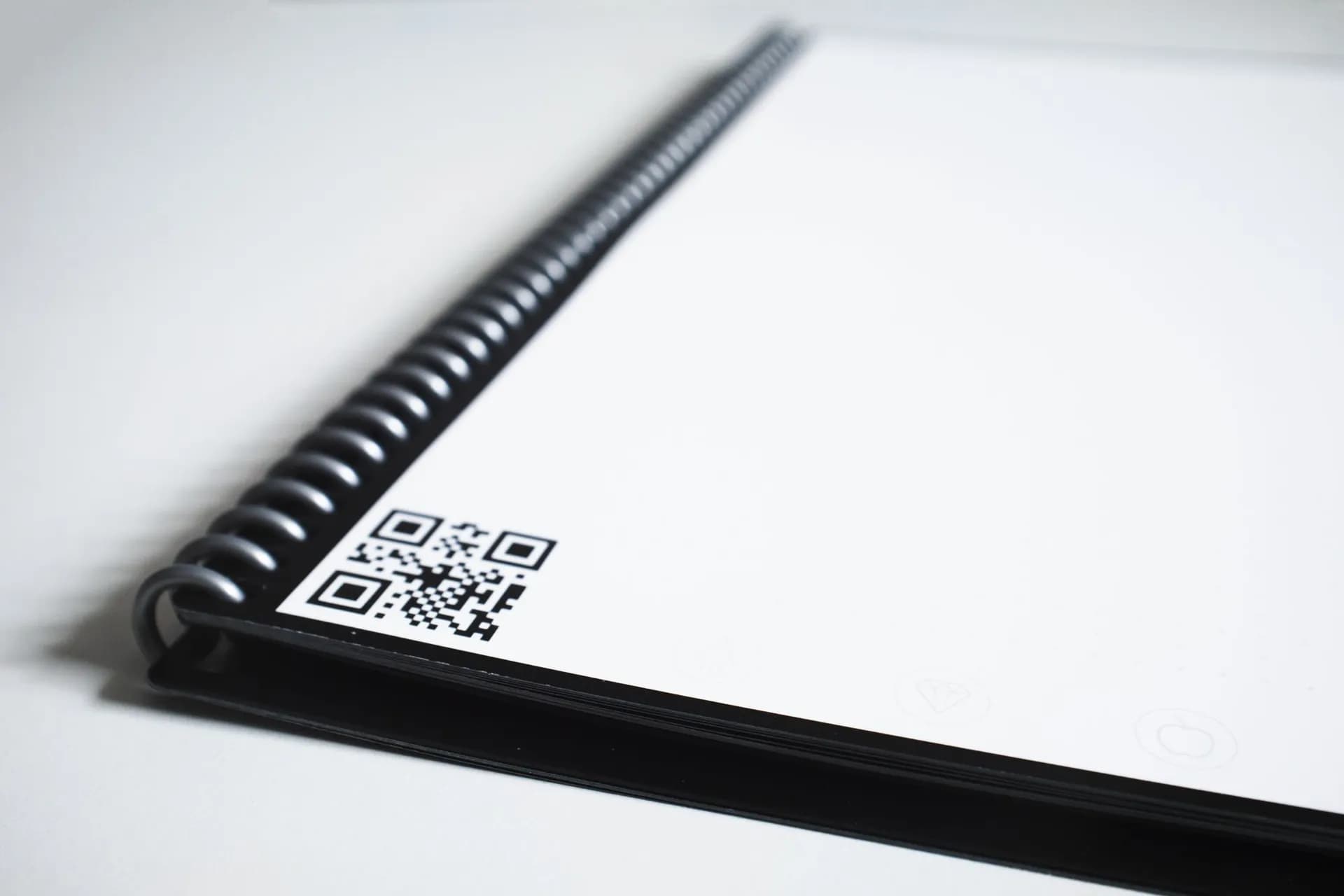
A spiral notebook with a QR code printed on the cover.

Best QR type for this

vCard Plus

Stationery's whole job is representing a person or business in a formal document, so a vCard Plus — a full contact card someone can save straight to their phone — matches what a letterhead is already communicating. It saves the recipient from retyping a name, number, and email off a printed page, which is the single most useful thing a code on a letter can do.

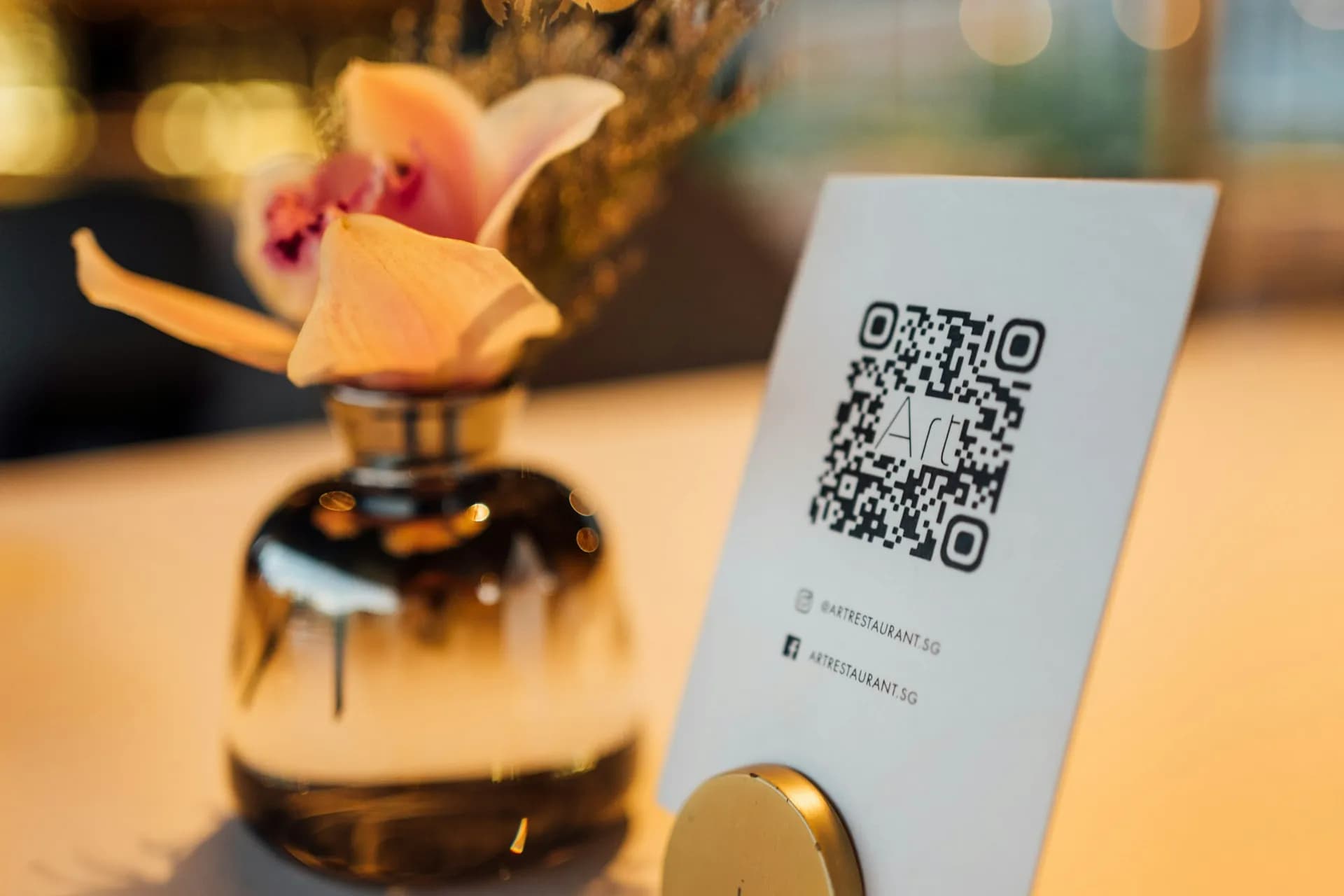
A printed QR code card standing beside a small glass vase on a table.

Design considerations for print

Dynamic vs. static, for stationery

Dynamic, mainly because of who controls the print run. A commercial flyer or poster goes through a proofing process before a large batch ships; a letterhead template usually doesn't — an employee opens the file and hits print whenever a letter needs to go out, potentially years after the template was designed and the code was set. A static code baked into that template locks the destination to whatever was true the day the template was built, and nobody proofing an individual letter is likely to notice or update it. A dynamic code means the same letterhead template stays accurate indefinitely — update the destination once, centrally, and every letter printed after that point, from any printer, in any office, points at the current version.

A worked example

At a 40cm desk-reading distance, the 10:1 rule puts the floor at 4cm — in practice, 25–30mm holds up fine because a letter is read close and held steady, unlike a poster viewed in passing. The bigger risk at this size isn't the math; it's whether the printer actually rendering it can hold that size cleanly, which is the part most size guides skip entirely for this surface.

The real production constraint is the office printer, not the design

Every other print surface in this guide assumes, reasonably, that the final print run goes through some kind of professional production step — a commercial offset press, a large-format printer, a sign shop. Stationery usually doesn't. A letterhead template gets designed once, approved once, and then printed one page at a time, indefinitely, on whatever laser or inkjet printer happens to be sitting in the office — often for years after the original design file was signed off, by people who have no reason to think about print quality at all. That gap between a polished design proof and years of ordinary office printing is where most letterhead codes actually fail.

Office printers introduce variables a commercial press doesn't have to deal with. Draft or economy print modes, turned on by default on a lot of shared office printers to save toner, deliberately reduce ink density and can visibly soften fine detail — exactly the kind of detail a QR code's smaller modules depend on. Toner cartridges running low produce streaky, uneven coverage well before most people think to replace them, and different printer models within the same office can render the identical file at noticeably different quality. None of this shows up when a designer tests the letterhead on a high-quality commercial proof before approving the template — it only shows up months later, when someone in accounting prints a letter on a half-empty cartridge in draft mode, and the code on that particular page simply doesn't scan.

The fix is a change in what "testing" means for this surface specifically: proof the template on the actual office equipment it'll really be run from, not just a commercial-grade sample, and check it again after a cartridge change rather than assuming the first test holds forever. It's a small, unglamorous step that every other surface in this guide gets for free from its production process, and the one surface that doesn't is exactly the one most likely to have that step skipped.

Common mistakes

How to do it

  1. 1

    Design at office-printer quality

    Test the actual template on the printer it'll really be run from, not a commercial proof.

  2. 2

    Reserve a header or footer slot

    Never let the code compete with the letter's body text for space.

  3. 3

    Point it at a vCard Plus

    A full, savable contact card is the single most useful thing a letterhead code can offer.

Frequently asked

How big should a QR code be on letterhead?
25–30mm in the header or footer margin is a reliable size for something read at a normal desk distance of around 40cm.
Does a draft-mode office printer affect QR code quality?
Yes, more than most people expect. Toner-saving draft modes and low ink levels can visibly degrade fine print detail, so a code that looks fine on a commercial proof should also be tested on the actual printer it'll be run from day to day.
Should a letterhead's QR code be static or dynamic?
Dynamic. Letterhead templates get reused for years by whoever needs to send a letter, with no proofing step most other print jobs go through — a dynamic code means the destination can be corrected centrally without anyone touching the template.
Where does a QR code go on a business letter?
In the header or footer margin, clear of the body text and clear of both fold lines if the letter is going to be tri-folded into a standard envelope.

Related materials

Relevant QR types

Ready to print one?

Free to generate, free to download.

Create your vCard Plus QR code