Dynamic — editable, with tracking

List of links QR code

One page linking out to every profile and link you have.

A list of links QR code opens one page with all your important links — profiles, shop, booking, and more — like a link in bio. Add or remove links anytime without changing the printed code.

  • All your links on one page
  • Add or remove links anytime
  • One scan count across every link
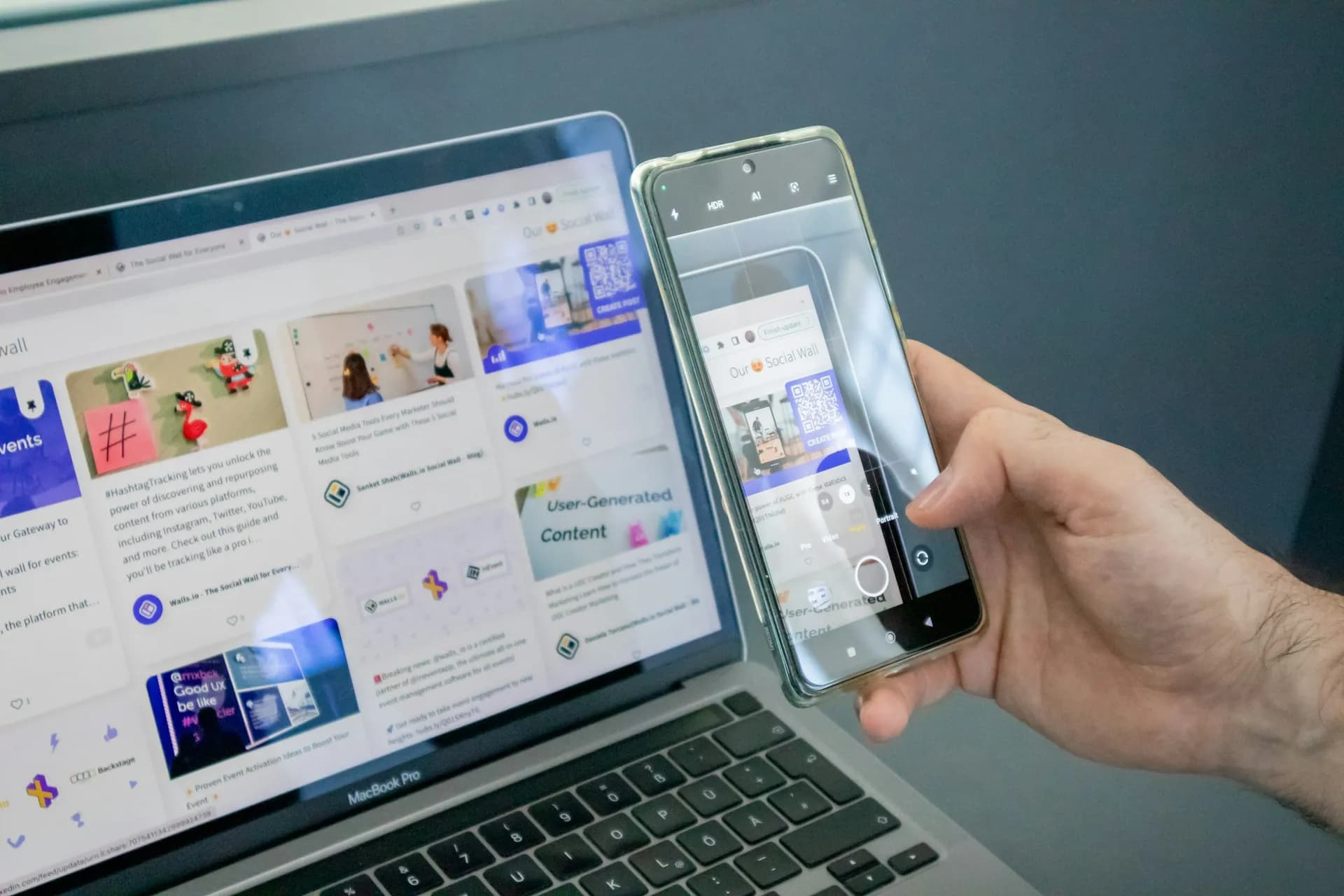
A phone scanning a QR code on a laptop showing a social feed.

Try it

See a list of links QR code in action

Sample content so you can see what a scan looks like — this type only exists as a dynamic code, so the code shown to real visitors always points at your own account's live link.

Create your List of links QR code

Corner Café

Coffee, pastries, and good mornings.

How it works

What happens when someone scans a list of links QR code

  1. 1

    The camera decodes a short link, which the redirect route resolves and sends to this platform's own hosted page for that code.

  2. 2

    The hosted page renders a title, an optional bio, and every link you've added, each with an icon for its platform.

  3. 3

    Tapping any individual link opens it directly — Instagram, a website, WhatsApp, whatever's listed — while the hosted page itself stays put if the person taps back.

Examples

Where to use a List of links QR code

Real places a List of links QR code earns its spot — each links to a full guide for that material.

Fit

Is a list of links QR code the right choice?

Use it when

  • A single print placement — a poster, a table tent, a badge — that needs to represent several destinations at once, the same job a 'link in bio' does on a social profile.
  • Situations where your set of active links changes over time — add or remove one without touching the printed code.
  • Anywhere you want one scan count across all your links combined, rather than needing a separate code per destination.

Consider another type when

  • A single, obvious destination — routing through a list-of-links page adds an extra tap for something that could be a direct Website code instead.
  • If you want a single specific profile to open immediately with zero interstitial page — the dedicated Social Media type routes straight to one profile instead of showing a list.
  • A polished, branded landing experience with real page content (not just a list of outbound links) — the Landing Page type is built for that instead.

Dynamic vs. static

Dynamic vs. static list of links QR codes

This type only exists as dynamic — the whole feature is a hosted page whose link list can be edited after printing, which structurally requires a server in the loop. There's no static equivalent that could represent 'an editable list of things' inside a fixed pixel pattern; the closest a static code could get is one hard-coded link, which is a different type entirely (URL).

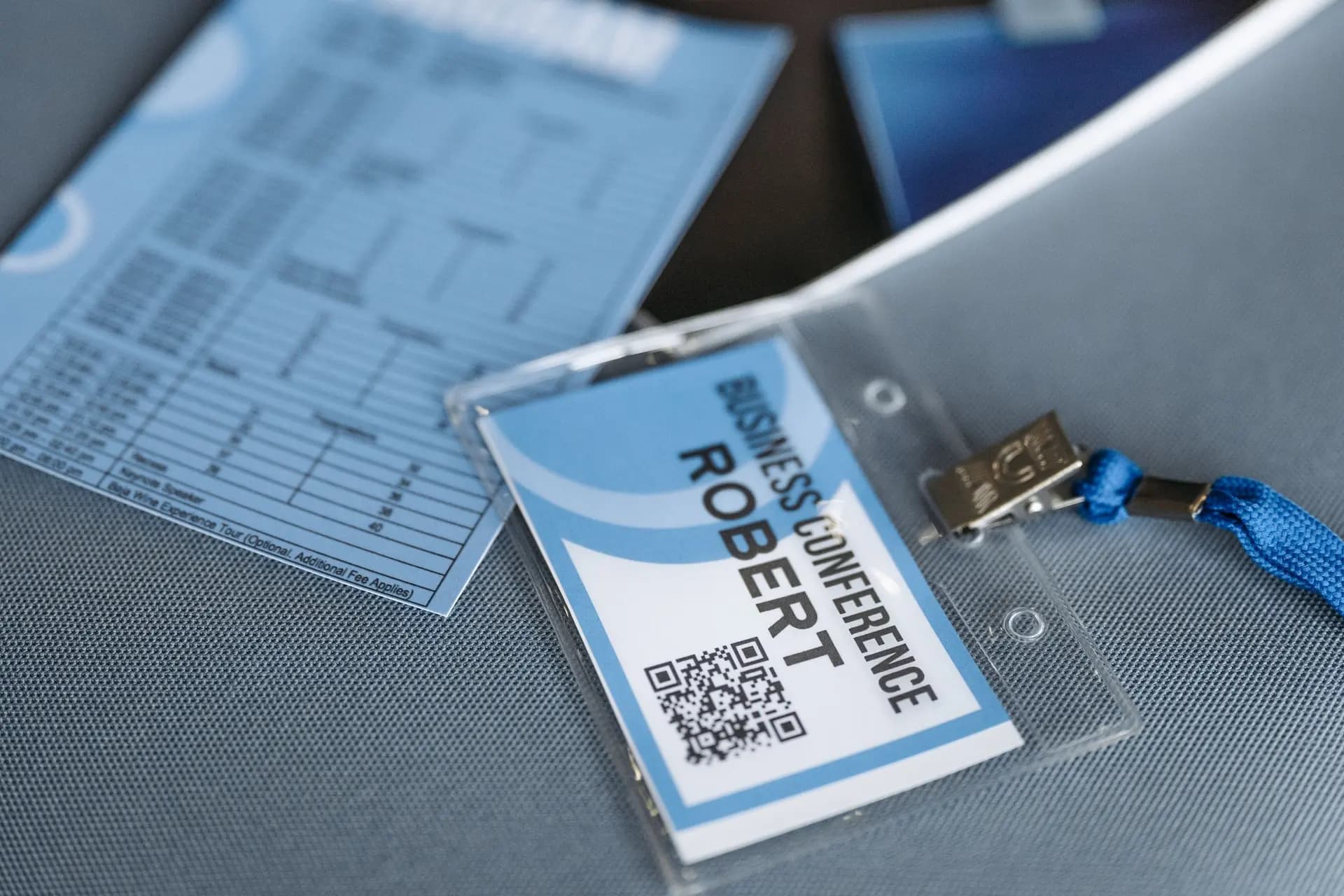
A blue business-conference name badge with a printed QR code, lying beside the event programme.

Under the hood

What's actually stored per link

Each entry is a platform (Instagram, X, TikTok, YouTube, LinkedIn, WhatsApp, email, phone, or a plain website) paired with a value — a handle, a phone number, or a URL depending on the platform. The hosted page builds the correct destination for each at render time (a wa.me link for WhatsApp, a mailto: for email, a tel: for phone, the raw URL otherwise), so you fill in the natural value for each platform rather than constructing the final link yourself.

Built for "I have more than one link"

The gap this type fills is specific: a single QR code can only ever point at one thing directly, but most people and brands have several destinations worth sharing at once. Rather than choosing one and dropping the rest, or printing a code per link, this type puts all of them behind a single scan and a single tap-through choice.

The hosted page is intentionally plain

There's no template customization beyond the link list itself — it's closer to a link-in-bio page than a full site. If you want more control over layout, imagery, and page content, the Landing Page type is the better fit; this one optimizes for "get someone to the right destination in two taps" over visual design.

Step by step

How to create a list of links QR code

  1. 1

    Add a title and optional bio

    Shown at the top of the hosted page — usually a name or brand, plus a short line of context.

  2. 2

    Add each link

    Pick the platform and enter the handle, number, or URL — the correct destination format is built automatically.

  3. 3

    Reorder or edit anytime

    Add a new platform, remove an old one, or change a handle from the dashboard — the printed code never has to change.

List of links QR code FAQ

How many links can I add?
There's no hard cap enforced by the type itself — practically, a page with more than eight or nine links starts to feel like a lot to scroll through on a phone, so most people keep it tighter than that.
Can I remove a link after printing the code?
Yes — edit the list from your dashboard anytime. The hosted page updates immediately; nothing about the printed code changes.
Does tapping a link count as a separate scan?
No — the scan is logged once, when the hosted page itself loads. Which individual links get tapped from there isn't broken out separately today.
Is this the same as a Social Media QR code?
No — Social Media routes straight to one profile with no page in between. This type shows a list and lets the visitor choose, which is the better fit when you have more than one destination to offer.
Related QR types

Where people put this code

Create your list of links QR code

Free to generate, free to download — no account required to try it.

Create your List of links QR code