QR codes on

Emails

Useful only when the reader isn't on the same device the email arrived on.

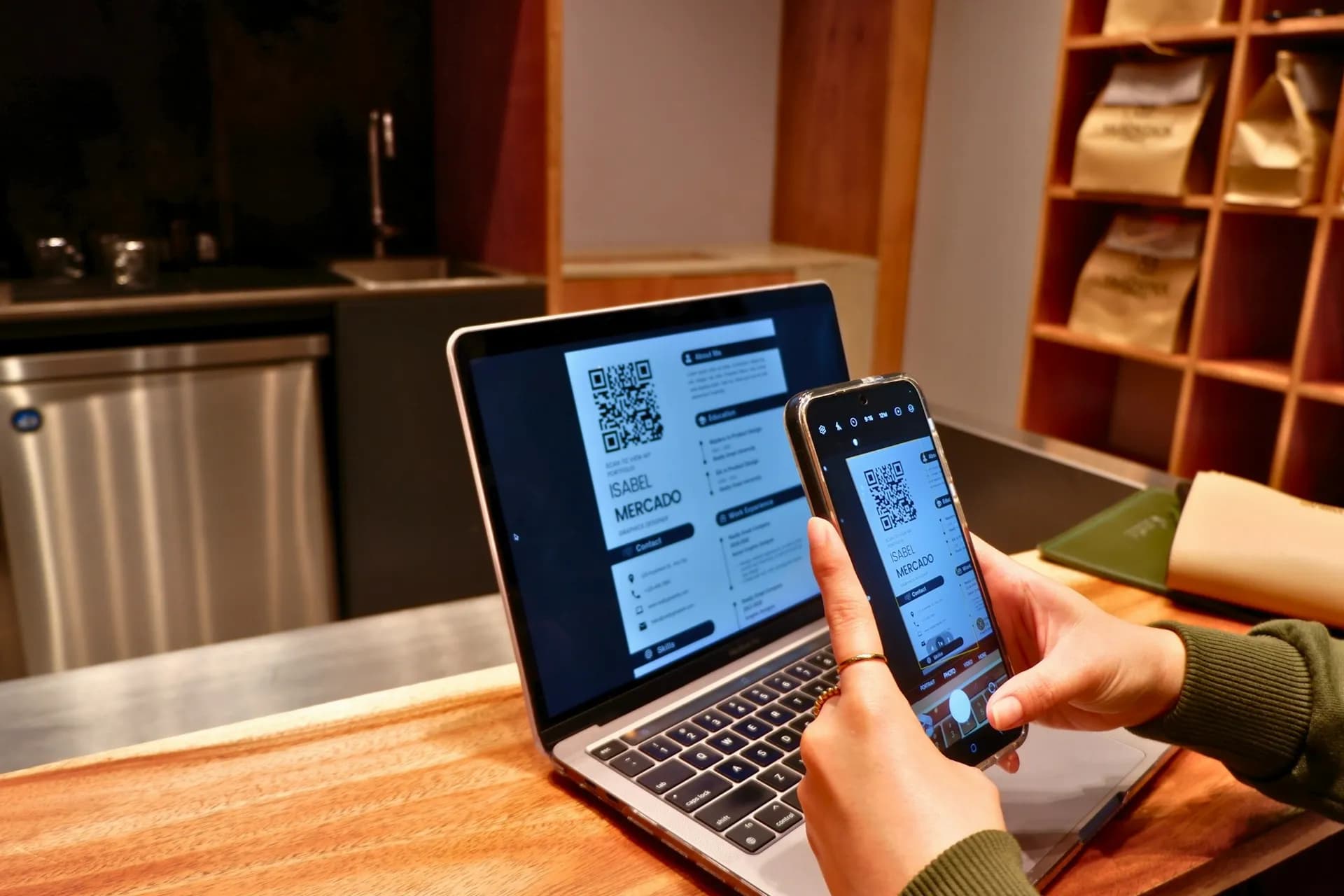
A person scanning a QR code on a laptop screen with a phone.

Best QR type for this

vCard Plus

The strongest real use of a QR code in an email is a signature — someone reading the email on a screen the recipient can see in person, like during a meeting or a sales conversation, scanning it with their own phone to save full contact details instantly. A vCard Plus matches that use case directly and is a genuinely better outcome than the recipient manually retyping a name and number.

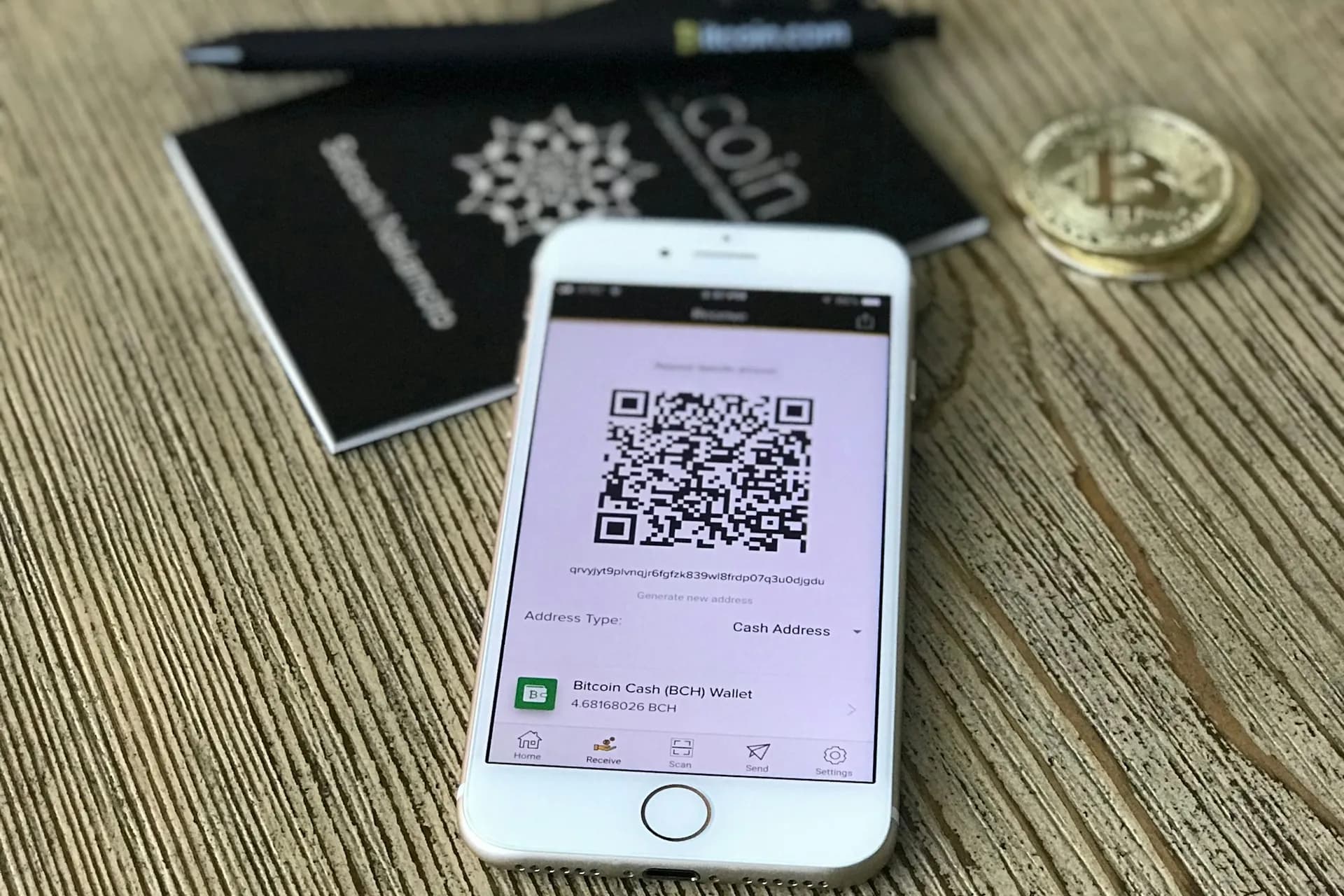
A phone on a wooden desk with a QR code on its screen.

Design considerations for print

Dynamic vs. static, for emails

Dynamic, mainly for the signature use case — a personal contact card attached to a code in an email signature should be trivial to keep current as a job title, phone number, or office location changes, without every email ever sent having to be individually corrected. For a marketing email, a dynamic code offers the same benefit any other dynamic code does: the ability to adjust the destination without needing every recipient to have received an updated version, though as with websites, the marketing email's own content can usually just be edited directly before sending if it hasn't gone out yet.

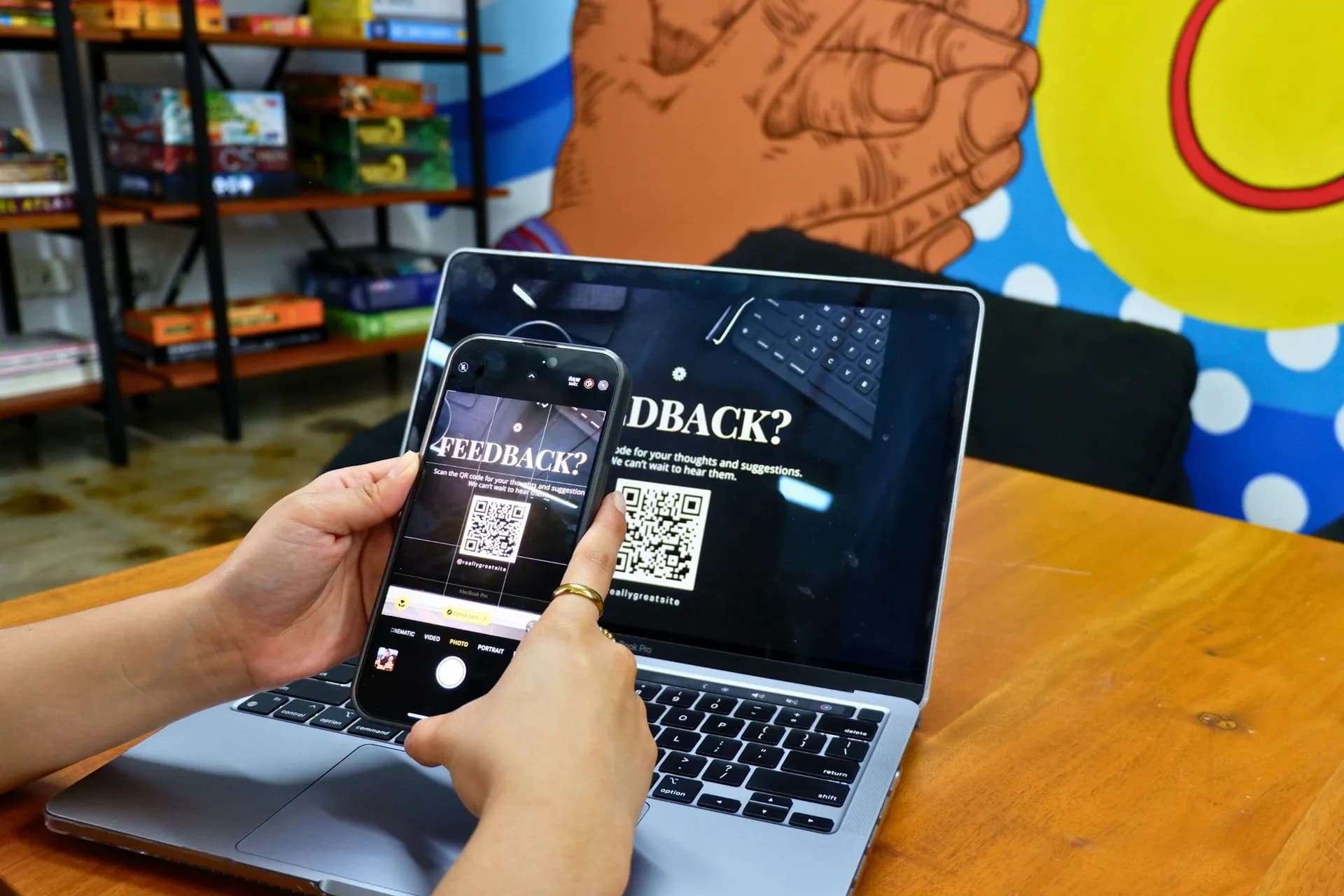
A phone scanning a QR code shown on a laptop screen.

A worked example

A signature code viewed at 30cm on someone else's phone needs roughly 3cm, or about 150–200px as rendered — small enough to sit comfortably in a signature block without dominating it, since it's a secondary element next to a name and title, not the email's main content.

The same honest limitation as websites, from the other direction

An email and a website share the same core problem when it comes to QR codes, and it's worth stating just as plainly here: whoever is reading an email is, by definition, already looking at a screen — a phone, a tablet, a desktop monitor — and that screen is fully capable of opening a normal hyperlink with a single tap. Asking that same reader to instead open a separate camera app, aim it at the email they're currently reading, and scan a code embedded in it is adding steps to reach a destination a plain link would reach immediately. If the goal is getting an email reader to a webpage, a hyperlink almost always wins on pure friction, and no design polish on the QR code changes that basic fact.

Where email genuinely differs from a website, and where a QR code earns a real place, is the signature block — because a signature isn't primarily read by the person it was sent to scanning their own screen. It's frequently seen by a third party: someone in a meeting glancing at a shared screen, a sales prospect on a video call who wants to save a rep's contact details, someone handed a tablet or shown a printed email during an in-person conversation. In each of those cases, the person who'd actually use the code is looking at a screen that isn't theirs, and scanning it with their own phone genuinely is the fastest way to capture a full contact card, faster than asking them to type an email address correctly by hand or wait for a follow-up message.

That distinction — a QR code useful when the potential scanner and the screen belong to different people, and largely pointless when they're the same person on the same device — applies to email exactly the way it applies to websites, just showing up in a narrower part of the format. A marketing email's main call-to-action button should stay a normal link every time. A signature, read by someone other than the recipient, is the one place in an email where a QR code is solving a real problem rather than adding one.

Common mistakes

How to do it

  1. 1

    Use it for signatures, not CTAs

    Reserve the code for device-handoff moments like a signature scanned in person — keep the email's main action a normal link.

  2. 2

    Size for a phone scanning a screen

    A signature code needs to hold up when read by someone else's phone camera off whatever screen displays the email.

  3. 3

    Test across email clients

    Confirm the code actually renders — several major clients block images by default unless the recipient opts in.

Frequently asked

Should an email's main call-to-action be a QR code?
No — a QR code in an email asks the reader to do more work than simply tapping a hyperlink on the device they're already using. Reserve QR codes in email for genuine device-handoff cases, like a signature meant to be scanned by someone else.
What's the best use of a QR code in an email signature?
A vCard-style contact card scanned by someone else, in person or on a video call, off the screen displaying the email — replacing the awkward moment of manually exchanging contact details.
Do QR codes always display correctly in emails?
Not automatically — several major email clients block images by default until a recipient chooses to display them, so any code used in an email needs to be tested across clients rather than assumed to render.
Should a QR code in an email be dynamic?
Yes for a signature, since contact details change over time and a dynamic code lets that update without every previously sent email needing correction.

Related materials

Relevant QR types

Ready to print one?

Free to generate, free to download.

Create your vCard Plus QR code