QR codes on

Business cards

A card that hands over your full contact details without anyone typing a thing.

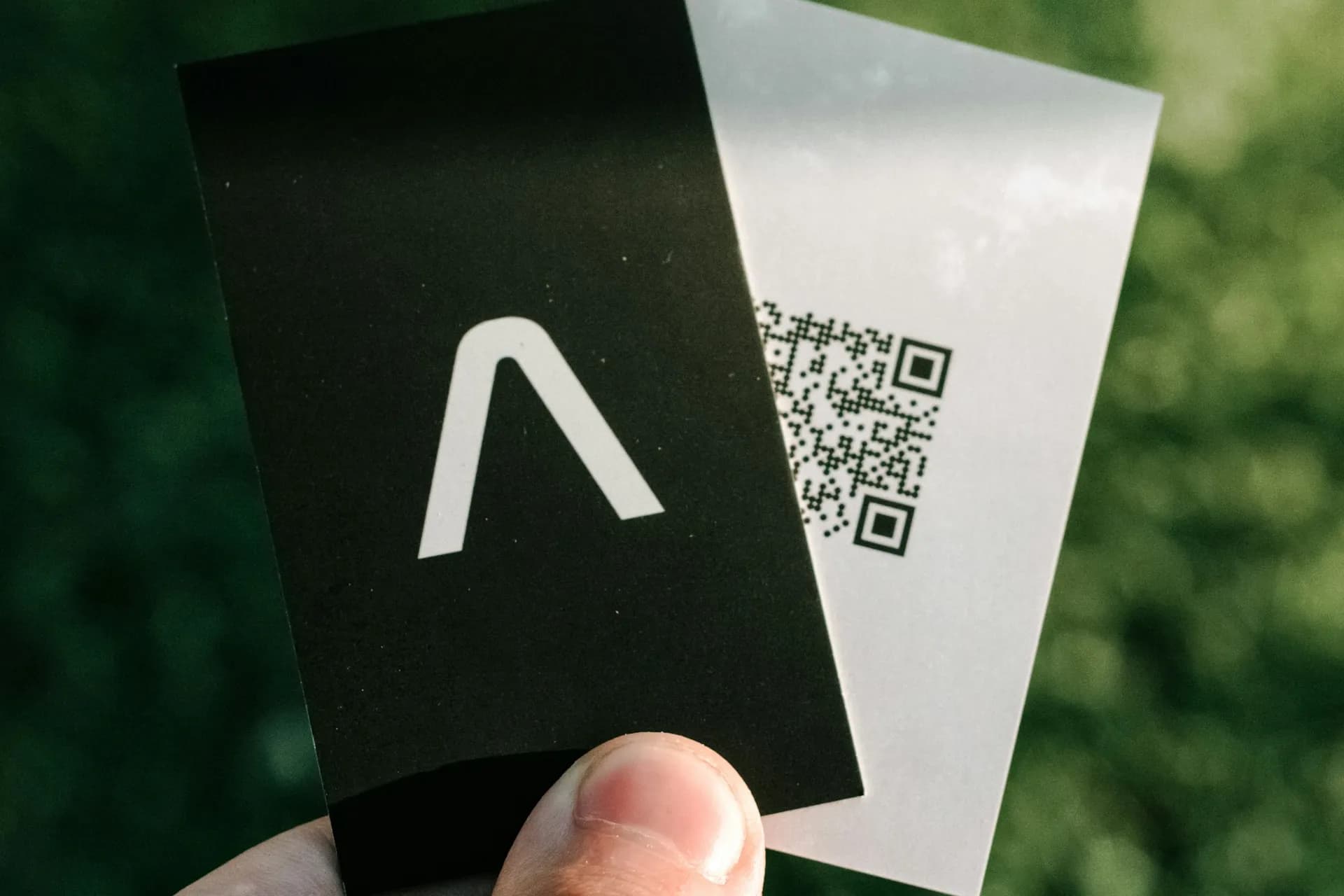
A hand holding two business cards, one printed with a QR code.

Best QR type for this

vCard

A static vCard needs no network at all — it opens straight into the phone's native Add Contact screen, which matters at a conference with three bars of signal and two hundred people on the same Wi-Fi. If your details change often, or you want a hosted profile with a photo and social links, point the card at a Website or vCard Plus type instead — the printed card stays fixed either way.

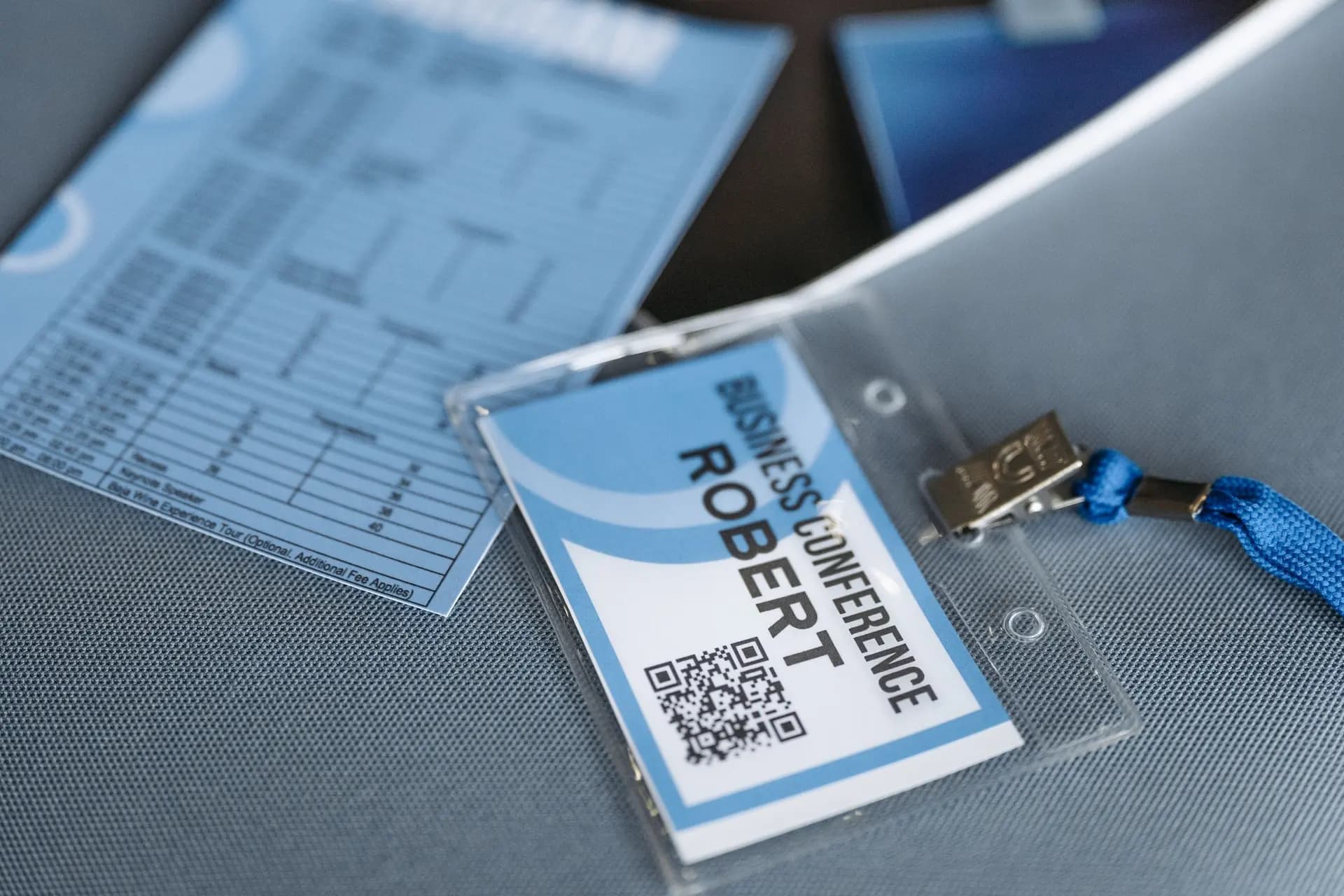
A blue business-conference name badge with a printed QR code, lying beside the event programme.

Design considerations for print

Dynamic vs. static, for business cards

This is the one material where static's core weakness — no fixing it after printing — collides with the most common reason contact details actually change: people switch jobs, roles, and phone numbers more often than they reprint stationery. A run of 500 cards at roughly $0.08–0.15 each is $40–75 gone the moment a title changes, on top of the cards already handed out that are now silently wrong. A static vCard is still the right call for a card that's genuinely stable (a landline, a role that doesn't rotate); anyone printing cards for someone new to a role is better served by a dynamic Website or Landing Page type pointed at a contact page you can update without a reprint.

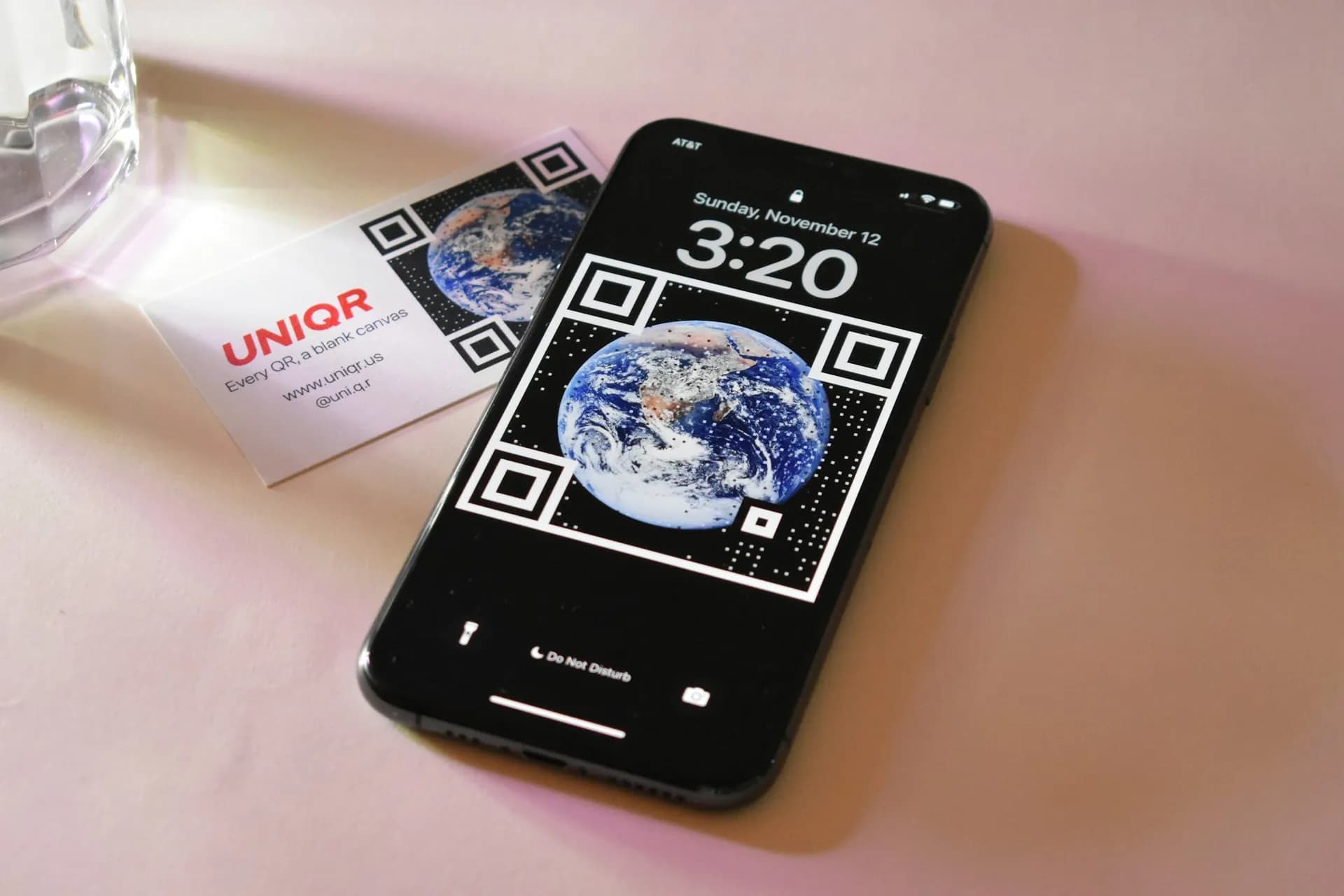
A printed QR code card on a table beside a phone showing the same code.

A worked example

A standard US business card is 89mm × 51mm. Reserve an 18mm code in the bottom-right corner with a 5mm margin, and you've used roughly 18% of the card's printable area — enough to leave real room for a name, title, and one line of contact info without the layout feeling cramped. Push the code down to 15mm to "save space" and you're now below the floor most phone cameras handle comfortably at normal arm's-length distance, especially under the slightly-off-angle scanning that's typical when someone's holding a stack of cards rather than one flat on a table.

An honest limitation

A business card's static vCard has no way to tell you it was scanned. If you actually want to know who's engaging with your card — how many scans, from where, on what device — that requires a dynamic type routed through a short link, which means giving up the offline reliability that makes static vCard the safer default in the first place. Pick based on which one you'll actually miss more.

Common mistakes

How to do it

  1. 1

    Pick static vCard or a dynamic link

    Static if your details are genuinely stable; dynamic if there's any chance you'll change roles, numbers, or want analytics on who's scanning.

  2. 2

    Size it to the card, not the design

    Reserve at least 18mm × 18mm plus a 5mm margin before you start laying out the rest of the card — retrofit the design around the code, not the other way around.

  3. 3

    Proof a physical print before the full run

    Print one card at actual size on the actual stock and scan it with two different phones before committing to 500 of them.

Frequently asked

What's the smallest a QR code can be on a business card?
18mm × 18mm is a safe practical floor for a code scanned at arm's length with a modern phone camera; smaller than that and module density plus real-world print tolerances start working against you.
Should a business card QR code be static or dynamic?
Static (vCard) if the contact details are genuinely stable — it works with zero network dependency. Dynamic (a Website or Landing Page type) if there's any real chance you'll need to update the destination, since a static code baked with old details just becomes wrong the moment something changes.
Can I put my logo in the middle of the code?
Yes, in moderation — this platform automatically raises error correction to Level H the moment a logo is added, which is what makes a logo covering roughly a fifth of the code still reliably scannable. Push much past that and even Level H can't guarantee a clean decode.
Does the QR code need to be black on white?
No, but contrast is what actually matters, not the specific colors — a code needs enough luminance difference between its dark and light modules to read reliably, and pure black on white is simply the easiest way to guarantee that under unpredictable print and lighting conditions.

Related materials

Relevant QR types

Ready to print one?

Free to generate, free to download.

Create your vCard QR code