
Dynamic — editable, with tracking

vCard Plus QR code

Share a richer contact profile — photo, links, and more in one card.

A vCard Plus QR code opens a hosted contact profile with your photo, contact details, and social links, plus a button to save it to the phone. Update your details anytime without reprinting.

  • Profile with photo, links, and save button
  • Update details after printing
  • See how often your card is scanned
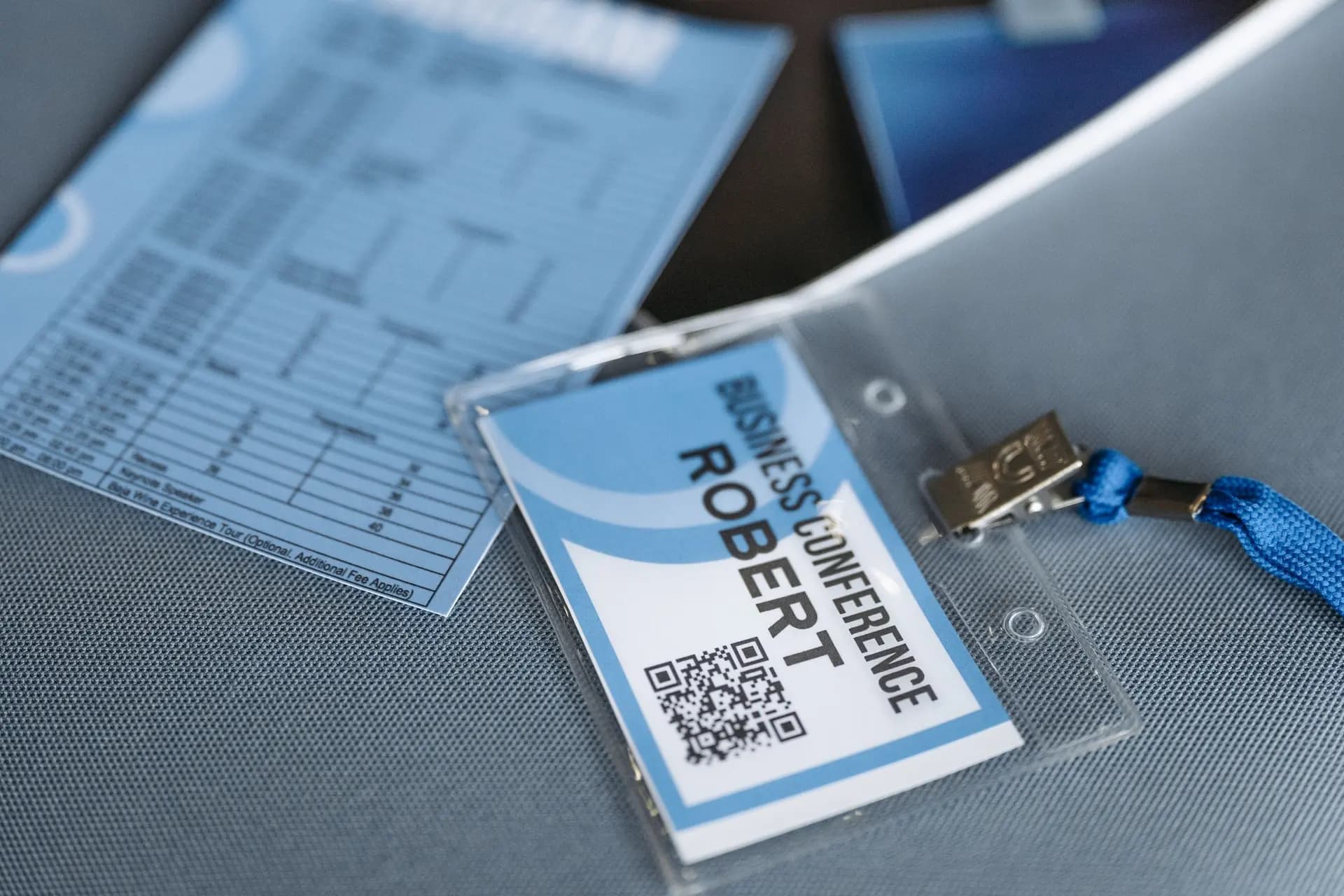
A blue business-conference name badge with a printed QR code, lying beside the event programme.

Try it

See a vcard plus QR code in action

Sample content so you can see what a scan looks like — this type only exists as a dynamic code, so the code shown to real visitors always points at your own account's live link.

Create your vCard Plus QR code

How it works

What happens when someone scans a vcard plus QR code

  1. 1

    The camera decodes a short link, resolved by the redirect route to this platform's hosted profile page.

  2. 2

    The page shows a photo, name, title, company, and any social links you've added, laid out as a branded contact profile rather than a bare system dialog.

  3. 3

    A 'save contact' button on the page generates and downloads a real vCard file the phone can add to its address book — the same underlying format the static vCard type uses, just built dynamically from your current details.

Examples

Where to use a vCard Plus QR code

Real places a vCard Plus QR code earns its spot — each links to a full guide for that material.

Fit

Is a vcard plus QR code the right choice?

Use it when

  • A business card, badge, or booth sign where you want a polished profile page with a photo and socials, not just bare contact fields.
  • Anywhere your title, company, or details might change and you'd rather not reprint every time they do.
  • Situations where you want scan analytics on a contact card — how many people scanned, when — which the static vCard type can't provide.

Consider another type when

  • Trade show floors or venues with unreliable connectivity — this type needs a network round-trip to load the profile page, unlike the static vCard's fully offline save.
  • If you want the absolute lowest-friction save-to-phone with a single native OS prompt — static vCard's direct 'Add Contact' dialog is one step faster than this type's 'load a page, then tap save.'
  • A card with no need for a photo, socials, or a page presentation at all — the plain, static vCard type is simpler if you just need name, number, and email.

Dynamic vs. static

Dynamic vs. static vcard plus QR codes

This is the dynamic sibling of the static vCard type — same underlying contact-card concept, but hosted behind a short link instead of compiled directly into the code. That trade buys a photo, social links, a branded page, and editability after printing, at the cost of needing a network connection to load (versus vCard's instant, fully offline native save). Pick vCard Plus when the richer profile and post-print editing are worth that trade; pick plain vCard when offline reliability and one-tap simplicity matter more.

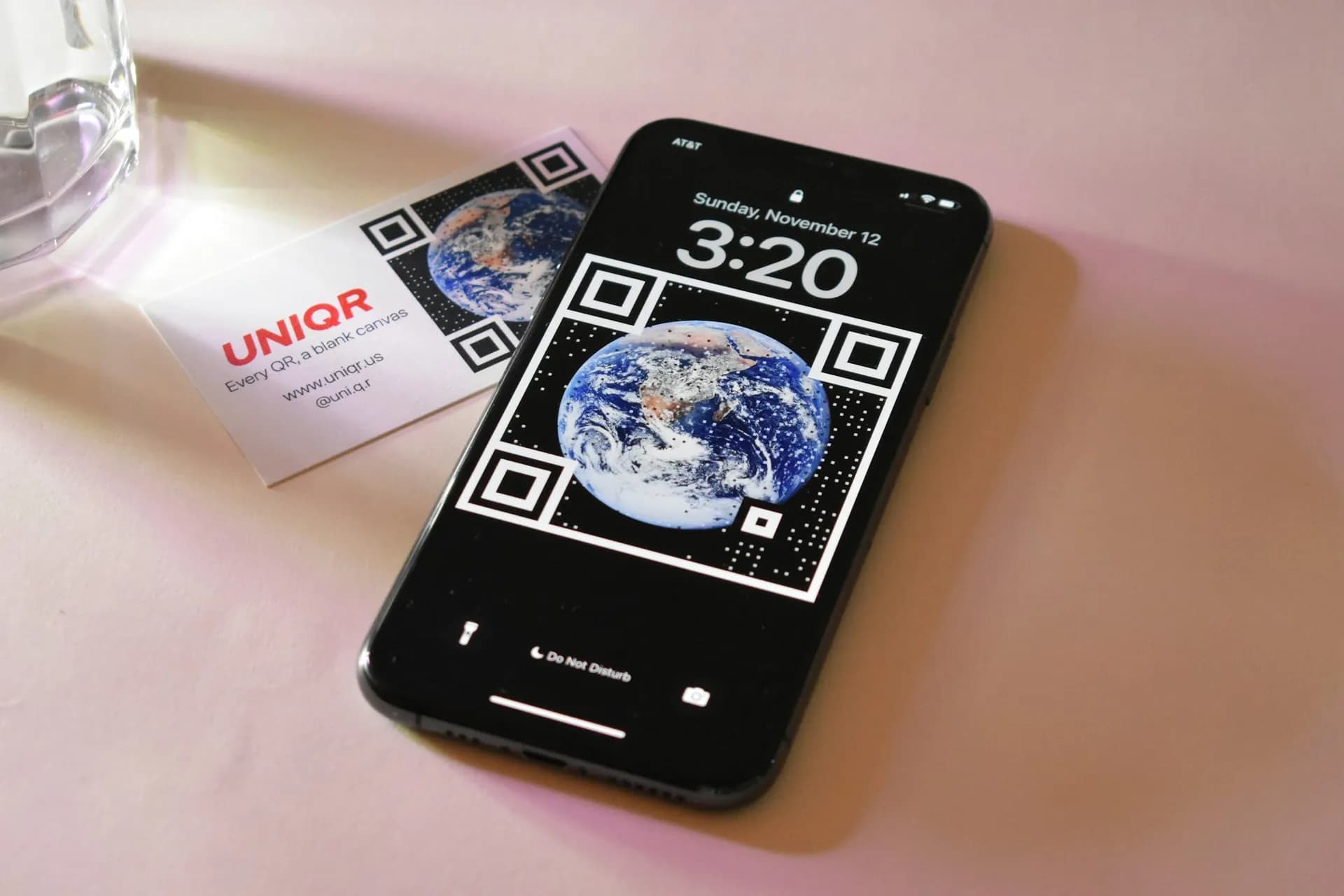
A printed QR code card on a table beside a phone showing the same code.

Under the hood

How the save-to-phone button actually works

Tapping 'save contact' on the hosted page builds a real vCard 3.0 file server-side from your current profile fields — the same BEGIN:VCARD format the static type embeds directly in its QR payload — and offers it as a download, which the phone's OS then recognizes and offers to add to contacts. Because that file is generated fresh on each tap rather than baked in at print time, any edit you make to your profile (a new phone number, an updated title) is reflected the next time anyone saves the contact, even from a card printed months earlier.

The richer, editable version of a classic

Where plain vCard optimizes for reliability and offline simplicity, this type optimizes for presentation and longevity — a real profile page with a photo and socials, and the ability to correct details long after the card's been handed out. Which one's right depends on whether you value that polish and editability more than the plain type's zero-dependency, one-tap save.

An honest limitation

Because saving a contact here means loading a hosted page first, this type is a weaker fit for places with unreliable signal — a trade show hall with bad connectivity, a basement venue — where the static vCard's fully offline dialog will simply work more reliably.

Step by step

How to create a vcard plus QR code

  1. 1

    Fill in your details and add a photo

    Name, title, and company are the core; photo and social links round out the profile page.

  2. 2

    Add social links

    Instagram, LinkedIn, a website — whatever's relevant, shown as tappable icons on the profile page.

  3. 3

    Keep it current

    Update your title, number, or photo anytime from your dashboard — every future scan and save reflects the change.

vCard Plus QR code FAQ

How is this different from the plain vCard type?
vCard Plus adds a hosted profile page with a photo and social links, plus the ability to edit your details after printing and see scan analytics — all things the offline, static vCard type can't do. The trade-off is needing a network connection to load the page.
Does saving the contact require an internet connection?
Yes — the profile page and the save action both require loading over a network, unlike static vCard's fully offline native save dialog.
Can I update my phone number after the card is printed?
Yes — edit it from your dashboard anytime. Anyone scanning or re-saving the contact afterward gets the updated number; people who already saved the old version would need to update it manually on their end.
Can I add more than one social link?
Yes — add as many as are relevant; each renders as its own tappable icon on the hosted profile page.

Related QR types

Where people put this code

Create your vcard plus QR code

Free to generate, free to download — no account required to try it.

Create your vCard Plus QR code