QR codes on

Menus

A printed menu that updates its prices without a reprint.

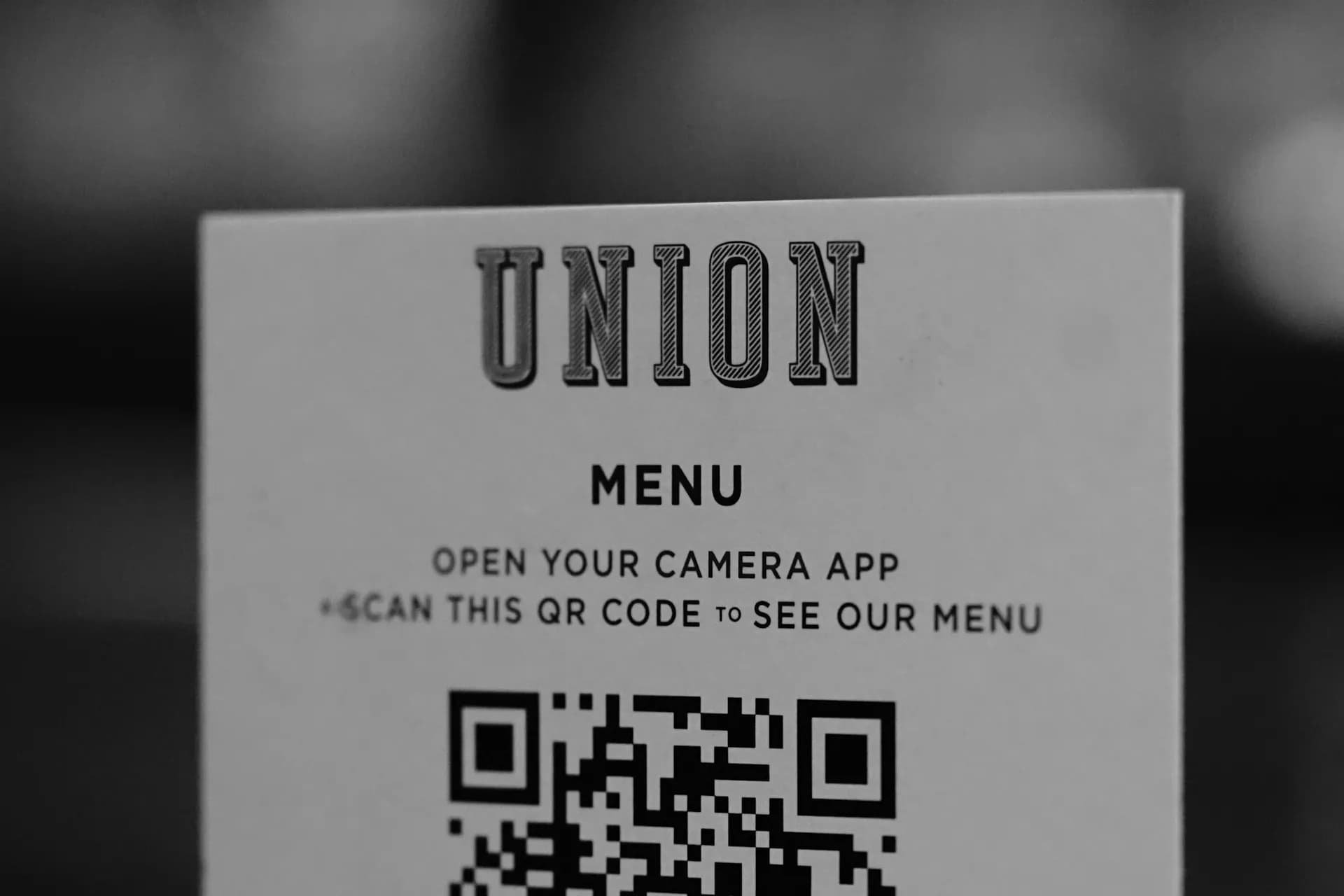
A printed restaurant menu card asking guests to scan its QR code to see the menu.

Best QR type for this

Menu

A handed-out menu changes on the same schedule a table tent's does — seasonally, with ingredient costs, sometimes for a nightly specials insert — and the Menu type is what lets every printed copy already in circulation point at the current version without reprinting a stack of menus every time something changes.

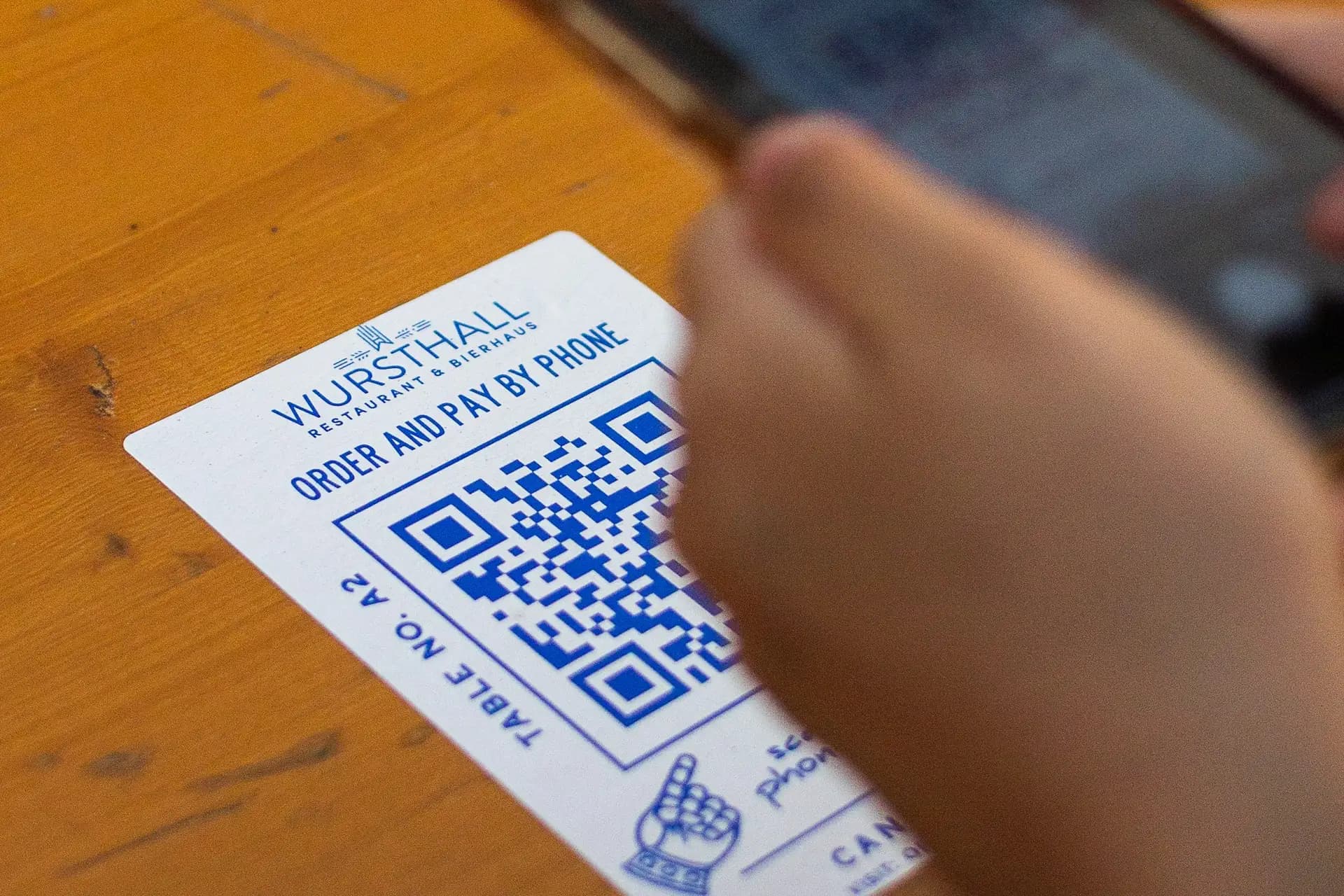
A hand beside a table card printed with a blue QR code to order and pay by phone.

Design considerations for print

Dynamic vs. static, for menus

The real decision for menus usually isn't static versus dynamic — a printed menu with any regularly-changing content should be dynamic, full stop, the same way a table tent should be. The more interesting question is how much of the menu the code should carry versus what stays printed. A full multi-page laminated booklet costs meaningfully more per unit than a small card — a printed menu booklet runs $3–8 depending on page count and lamination, against roughly $0.10–0.20 for a small card — so a restaurant that changes its menu often has a real financial reason to go code-only or hybrid rather than reprinting a full booklet every time a dish or price changes. A restaurant with a genuinely stable core menu and just a rotating specials board might reasonably keep the printed core and use the code only for the part that actually changes.

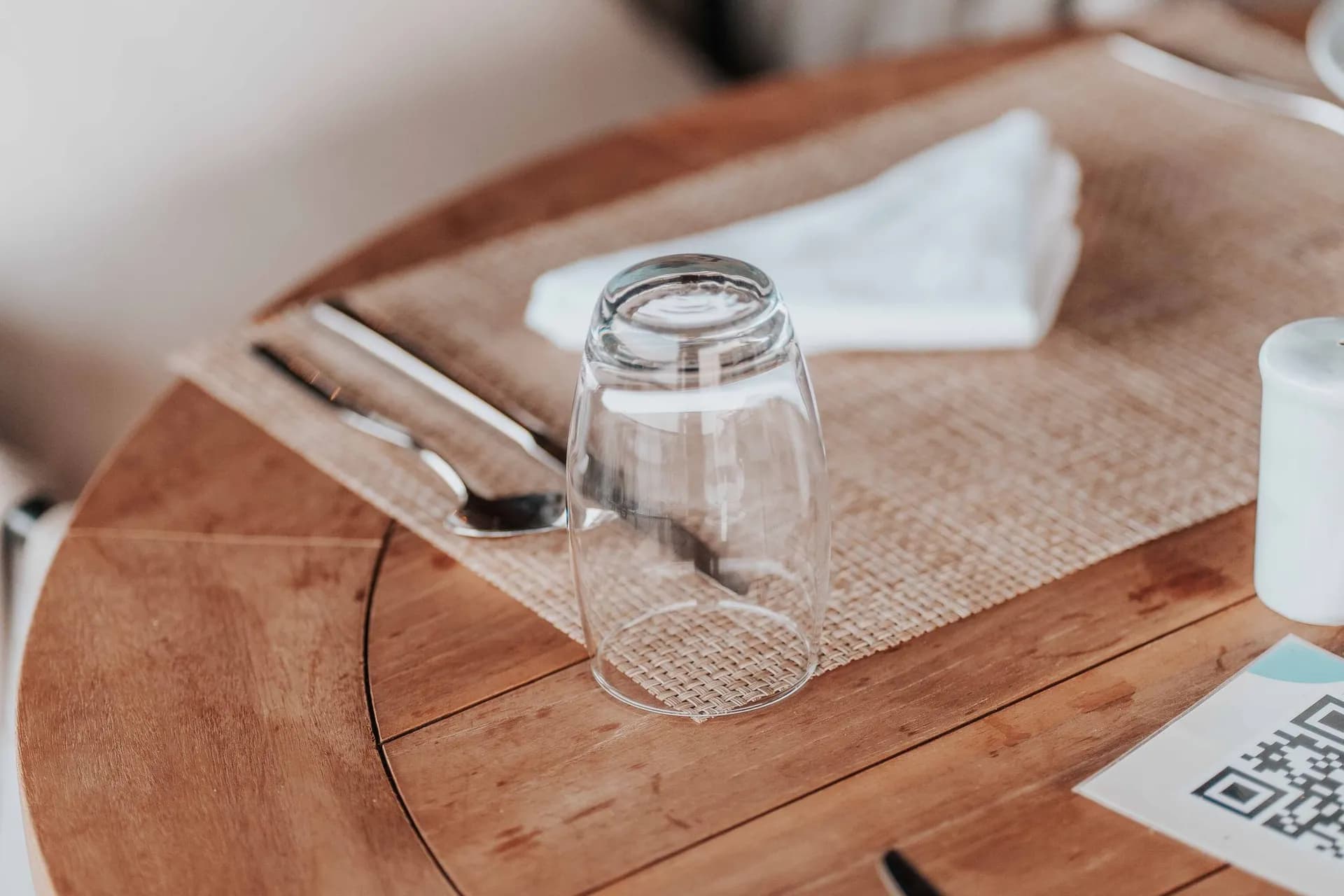
A set restaurant table with a printed QR code menu card.

A worked example

A café keeps its core breakfast and lunch menu printed — those items rarely change — and adds a labeled code for a rotating weekly specials board, since that's the part that actually changes every few days. Printing a new specials insert every week would have meant a steady stream of small print jobs; instead, the specials page in the dashboard gets updated once a week, and the same printed card with the same code stays out for months at a time.

An honest limitation

A guest without a smartphone, without signal, or who simply doesn't want to scan anything mid-meal is left with nothing if the menu is code-only. That's a real cost, not a hypothetical one — keeping at least a short printed fallback (even just the day's mains and prices) alongside a code for the rest is worth the small extra printing cost for the guests a fully digital menu quietly excludes.

Common mistakes

How to do it

  1. 1

    Decide full digital or hybrid

    Replace the printed menu entirely, or keep a stable printed core and use the code for the parts that actually change often.

  2. 2

    Build the menu in the dashboard

    Categories, items, and prices — this becomes the live page every printed copy already handed out points to.

  3. 3

    Test under real dining-room lighting

    Scan the actual printed piece under lighting as close to service conditions as you can manage, not a bright office ceiling.

Frequently asked

Should a restaurant replace its printed menu with just a QR code?
It's a real trade-off, not an obvious yes — code-only saves the most on reprints and per-unit cost, but a hybrid approach (a stable printed core menu plus a code for whatever changes often) keeps a physical fallback for guests who'd rather not scan anything.
Does restaurant lighting actually affect whether a code scans?
Yes — dim, warm dining-room lighting reduces the contrast a scanner's camera has to work with compared to daylight or office lighting, so a code that tests fine at a desk is worth re-testing under conditions closer to actual service.
What's the difference between this and a table tent?
A table tent is a small standing card, usually just the code with minimal other content; a menu here is a full printed sheet or booklet a guest holds and reads, where the code's job is either replacing that content or extending it (wine list, specials, allergens).
How should the code be labeled?
With a short, specific line describing what scanning it gets you — "Full wine list," "Today's specials," "View menu" — rather than a bare code with no context, which leaves a guest guessing whether it's worth the interruption.

Related materials

Relevant QR types

Ready to print one?

Free to generate, free to download.

Create your Menu QR code