
Dynamic — editable, with tracking

Menu QR code

Share your menu, categorized and priced, built for a table or window.

A menu QR code opens a categorized, priced menu built for phones. Change prices, add specials, or remove sold-out dishes from your dashboard — every table card stays correct.

  • Categorized menu with prices
  • Update dishes and prices anytime
  • One code per location, edited independently
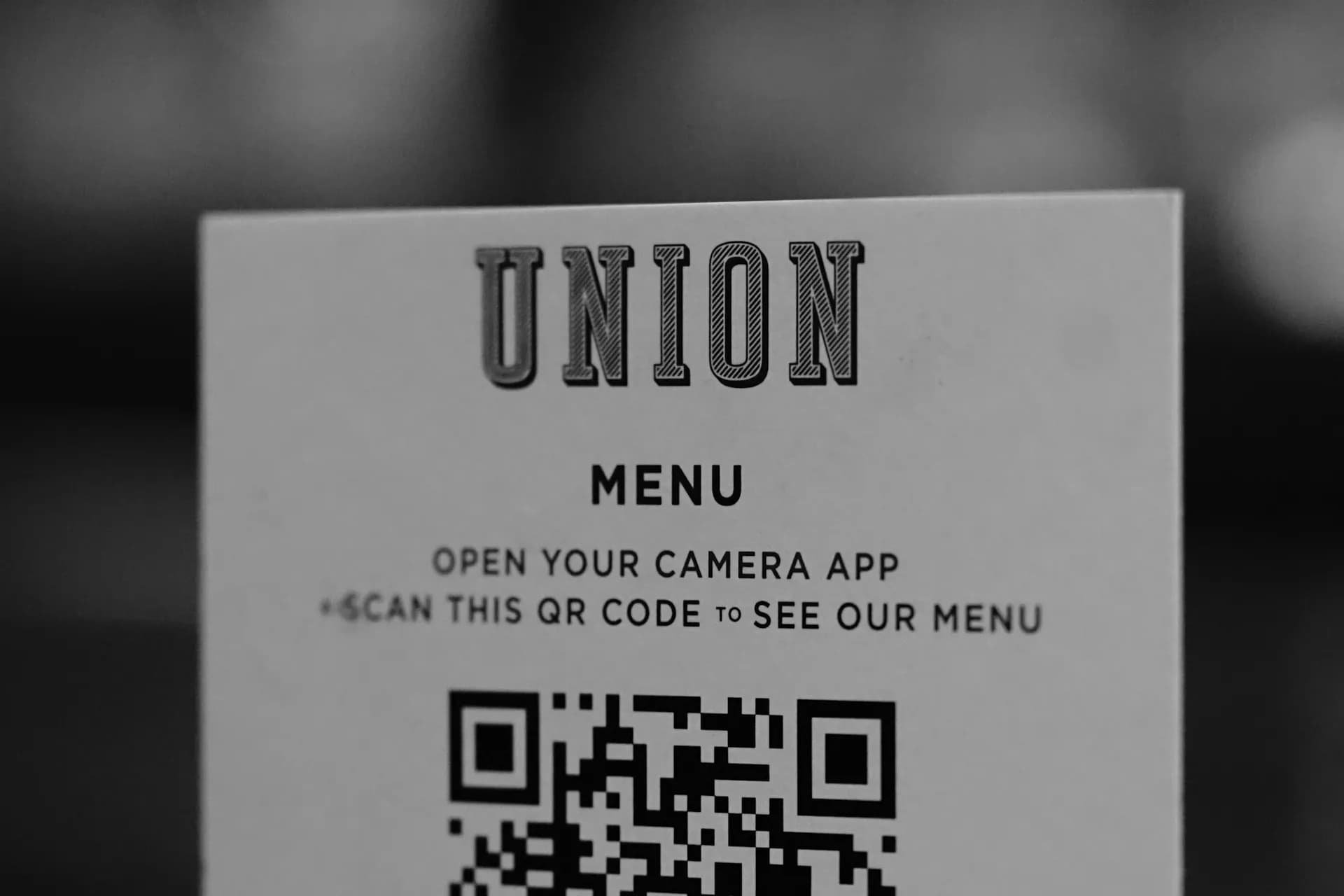
A printed restaurant menu card asking guests to scan its QR code to see the menu.

Try it

See a menu QR code in action

Sample content so you can see what a scan looks like — this type only exists as a dynamic code, so the code shown to real visitors always points at your own account's live link.

Create your Menu QR code

Corner Café

Coffee

Espresso

Double shot

USD 3.50

Flat White

Espresso, steamed milk

USD 4.75

Pastries

Almond croissant

Baked fresh daily

USD 4.25

How it works

What happens when someone scans a menu QR code

  1. 1

    The camera decodes a short link, resolved by the redirect route to this platform's hosted menu page.

  2. 2

    The page renders your restaurant name at the top, then each category as a heading with its items and prices listed underneath, in currency you've set.

  3. 3

    There's no ordering or payment on the page itself — it's read-only, the same as a printed menu, just hosted and editable.

Examples

Where to use a Menu QR code

Real places a Menu QR code earns its spot — each links to a full guide for that material.

Fit

Is a menu QR code the right choice?

Use it when

  • A table tent, window sticker, or counter sign where reprinting for every price or seasonal-item change is impractical.
  • Multi-location operations where the printed code is identical everywhere but each location might eventually want its own menu — one code per location, all editable independently.
  • Any menu that changes more than once a season — daily specials, seasonal rotations, 86'd items.

Consider another type when

  • A menu that's genuinely fixed and unlikely to change (a very small, stable offering) — a static PDF or even a printed card may be simpler to maintain than a dashboard.
  • If you need online ordering or payment built into the scan itself — this type is a read-only display, not a checkout flow.
  • A menu with heavy imagery per dish — the hosted template is text-first (name, description, price), not a photo-forward layout.

Dynamic vs. static

Dynamic vs. static menu QR codes

Menu only exists as a dynamic type, because the entire value proposition is editability without reprinting — a static payload would have to encode the full menu text directly into the code, which produces an extremely dense, hard-to-scan code for anything beyond a handful of items, and still can't be corrected without a new code once printed. Routing through a hosted page removes both problems: the code stays small and constant regardless of menu size, and every edit is instant.

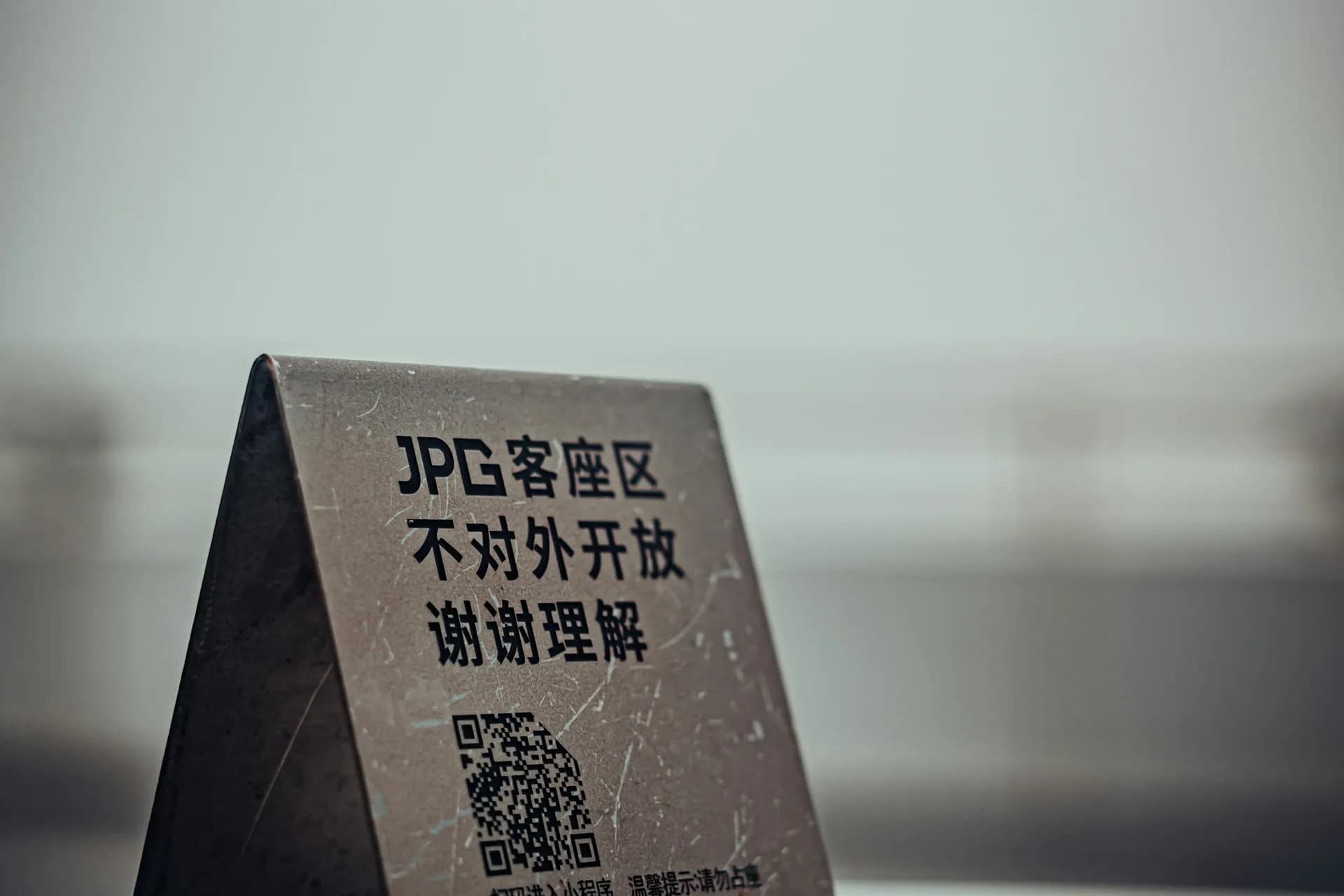
A folded metal table sign with a printed QR code.

Under the hood

How categories and items are structured

The menu is a restaurant name plus a list of categories, each holding a list of items with a name, an optional description, and a price in the currency you've set. There's no limit on categories or items enforced by the type itself, though a very long menu makes for a long scroll on a phone screen — most people find splitting a large menu into clearly labeled categories (Coffee, Pastries, Sandwiches) reads better on-device than one long undivided list.

Built for the "prices change, print doesn't" problem

Restaurants reprint menus more often than almost anyone wants to — a seasonal swap, a price adjustment, an ingredient shortage. This type exists specifically to decouple the two: the table tent or window sticker stays exactly as printed, while the actual menu content underneath can change as often as the kitchen does.

An honest limitation

This isn't a POS integration or an ordering system — it's a display. If you need scan-to-order or scan-to-pay, this type covers the "show the menu" half of that job but not the transaction itself; you'd be pairing it with a separate ordering system rather than replacing one.

Step by step

How to create a menu QR code

  1. 1

    Add your restaurant name and currency

    Currency affects how prices display — pick the one your prices are actually in.

  2. 2

    Build out categories and items

    Group related items under a category heading; each item needs a name and price, description is optional.

  3. 3

    Update prices and items as they change

    Every edit is live immediately — no reprint needed for a price change, a seasonal swap, or an item running out.

Menu QR code FAQ

Can customers order or pay through this page?
No — it's a read-only menu display, the digital equivalent of a printed menu. There's no ordering or payment built into the scan.
How often can I update prices?
As often as you need — changes take effect immediately on the hosted page, with no reprint or delay.
Can I have a different menu at each location?
Yes — create a separate menu code per location; each is independently editable even if the printed table tents look identical.
Is there a limit to how many items I can list?
No hard limit, but very long menus get harder to scan visually on a phone — grouping into clear categories keeps a large menu navigable.

Related QR types

Where people put this code

Create your menu QR code

Free to generate, free to download — no account required to try it.

Create your Menu QR code