A worked example
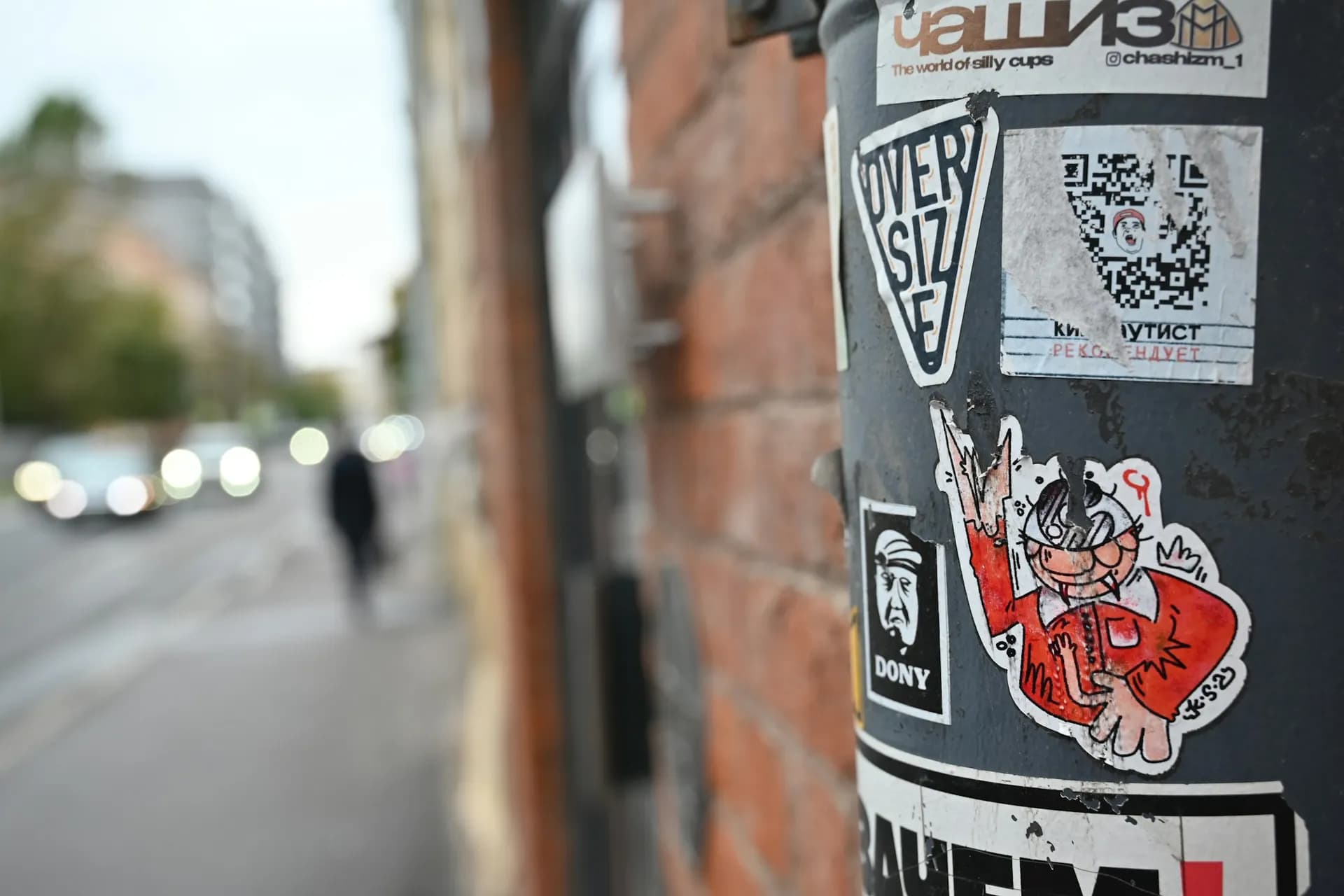
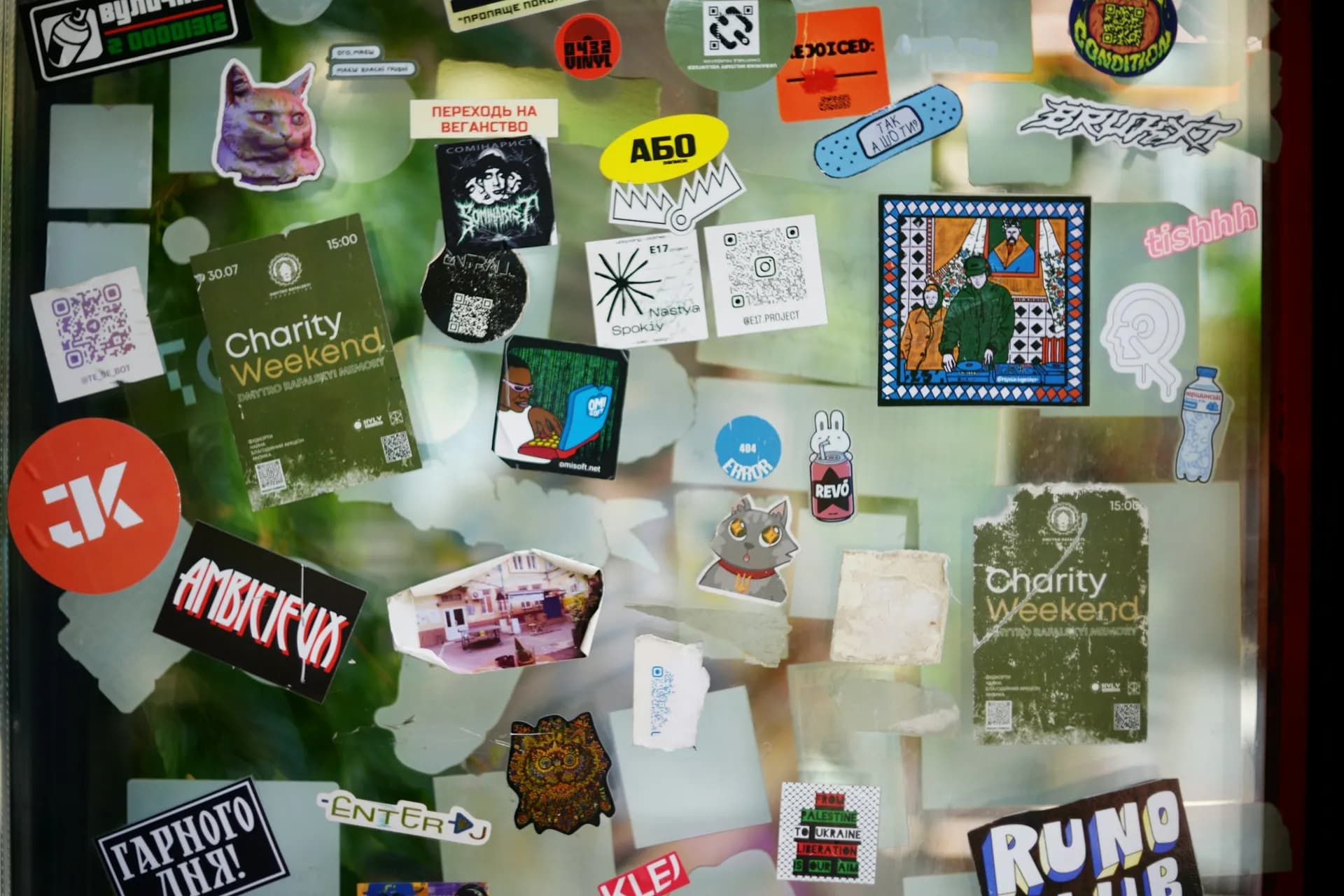
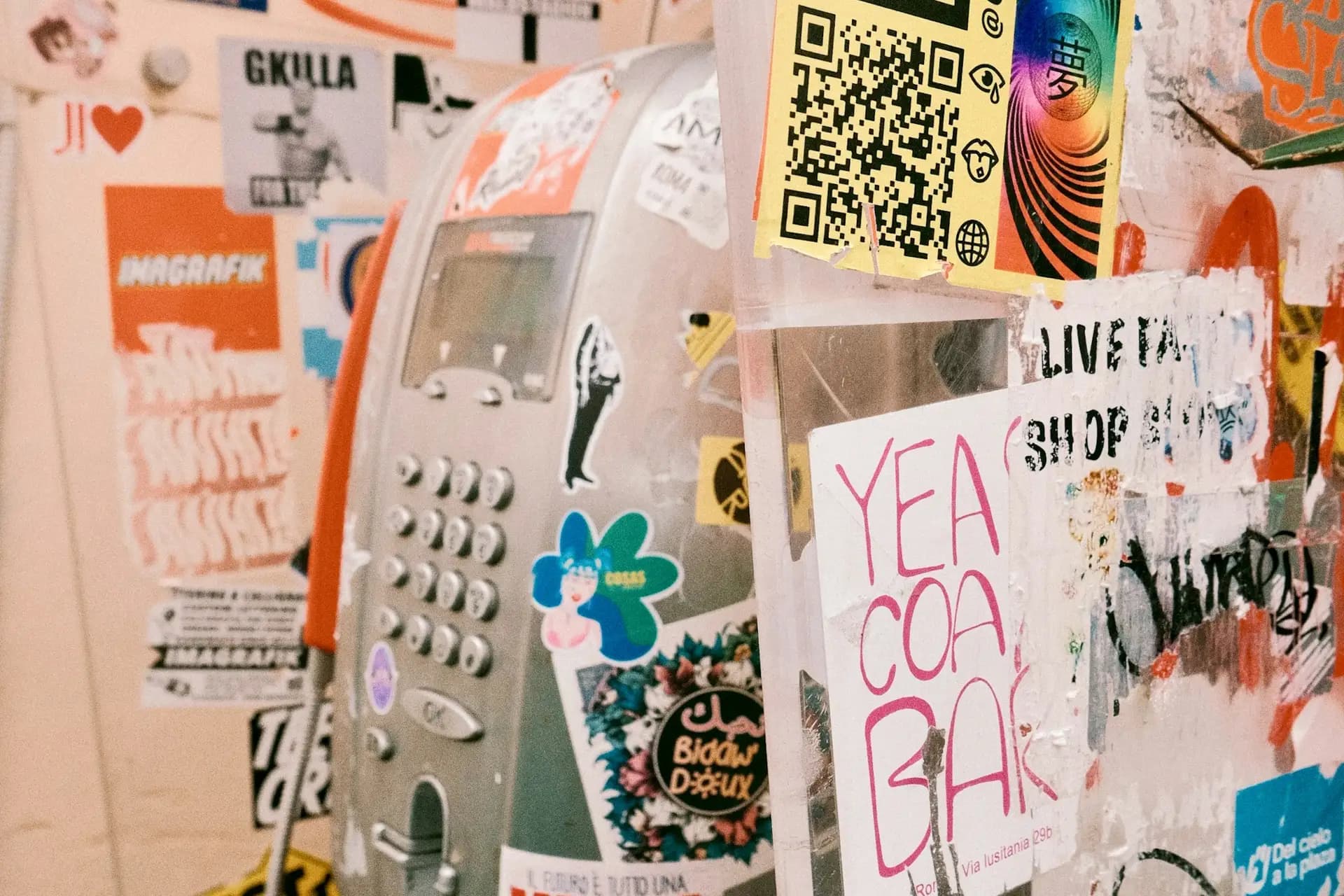
A small brand hands out 500 stickers at a market stall, each with a code pointing to its Instagram profile. A year later the brand switches platforms and wants to redirect that traffic — with a dynamic code, that's a single dashboard edit, and every sticker already stuck to a stranger's laptop, water bottle, or notebook starts pointing at the new destination on its next scan. A static code would have meant 500 permanently outdated stickers scattered across however many bags, bottles, and desks they ended up on, with literally no way to reach any of them again.
An honest limitation
A sticker gives almost no room for explanatory text — there's no headline, no context, often not even room for a tagline next to the code. Whoever scans it is acting on curiosity or a very short prompt alone, which means the destination page needs to make sense to someone who arrived with essentially zero context, not someone who read three paragraphs of setup first.
Frequently asked
- Why is 22mm the floor for stickers specifically?
- It's roughly the smallest size that still holds enough module density to scan reliably with a normal phone camera at close range — stickers are the smallest material covered here, so there's very little room between that floor and a code that starts failing.
- Does a curved surface actually affect scanning?
- Yes — wrapping a flat code around a curve (a bottle, a can, a laptop's curved edge) distorts its geometry slightly, which can be enough to affect reliability depending on how tight the curve is. Test on the actual surface rather than assuming a flat-proof result carries over.
- Should a sticker's QR code be static or dynamic?
- Dynamic is the strong default here — once stickers are distributed, there's no way to reach or replace the ones already stuck to other people's belongings, so a static code that later needs to change has no fix available at all.
- What stock should I use?
- Standard paper for indoor, dry placements like a laptop lid; weatherproof vinyl for anything that'll be washed, rained on, or handled a lot, like a water bottle or a bike frame.