QR codes on

Table tents

The menu that updates itself without a single tent card being reprinted.

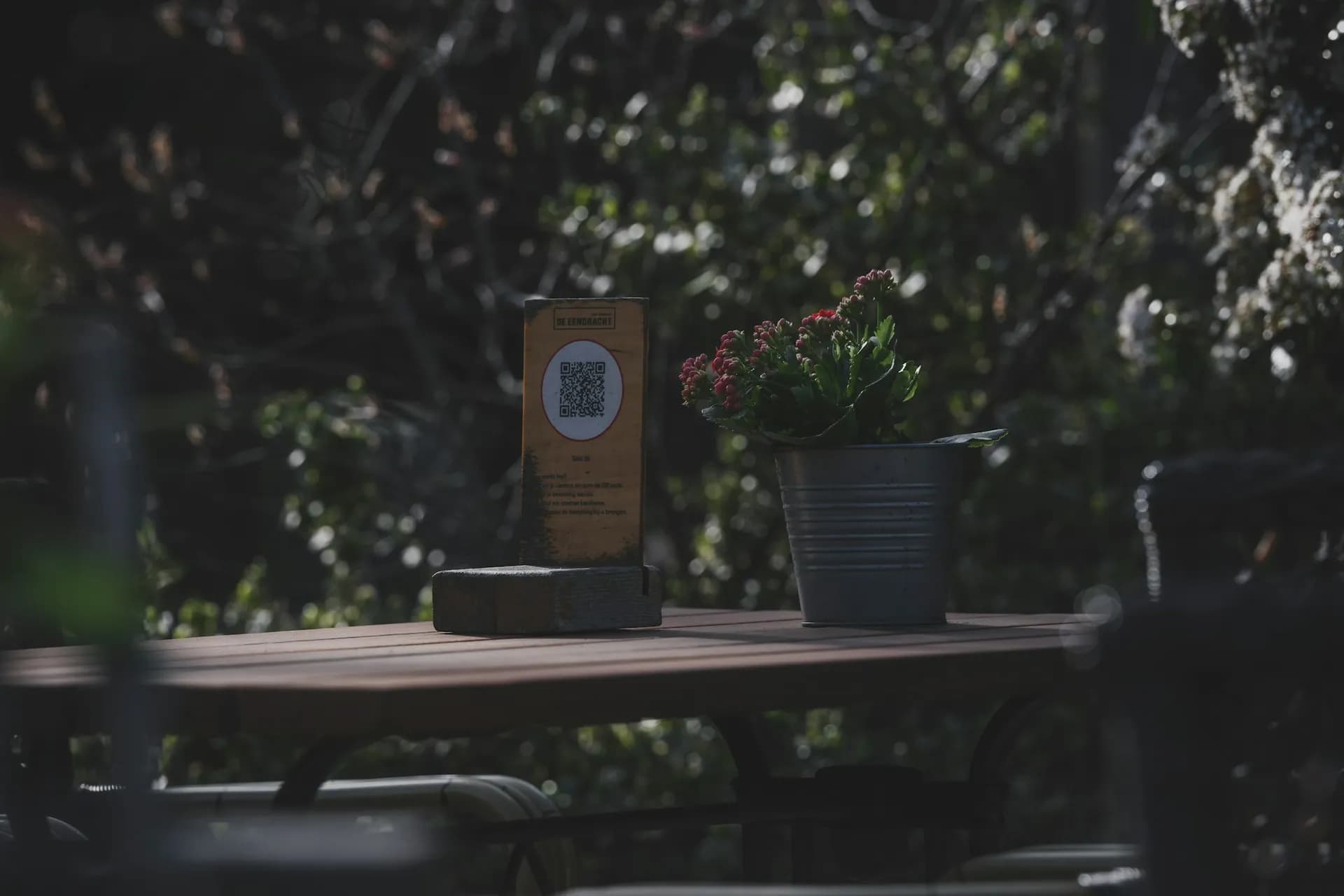
An outdoor café table with a small QR code stand beside a potted plant.

Best QR type for this

Menu

A restaurant menu changes — seasonally, with supply costs, sometimes weekly for a specials board — which is exactly what the Menu type is built for: categorized items and prices you edit from the dashboard, with every tent card on every table pointed at the same always-current page.

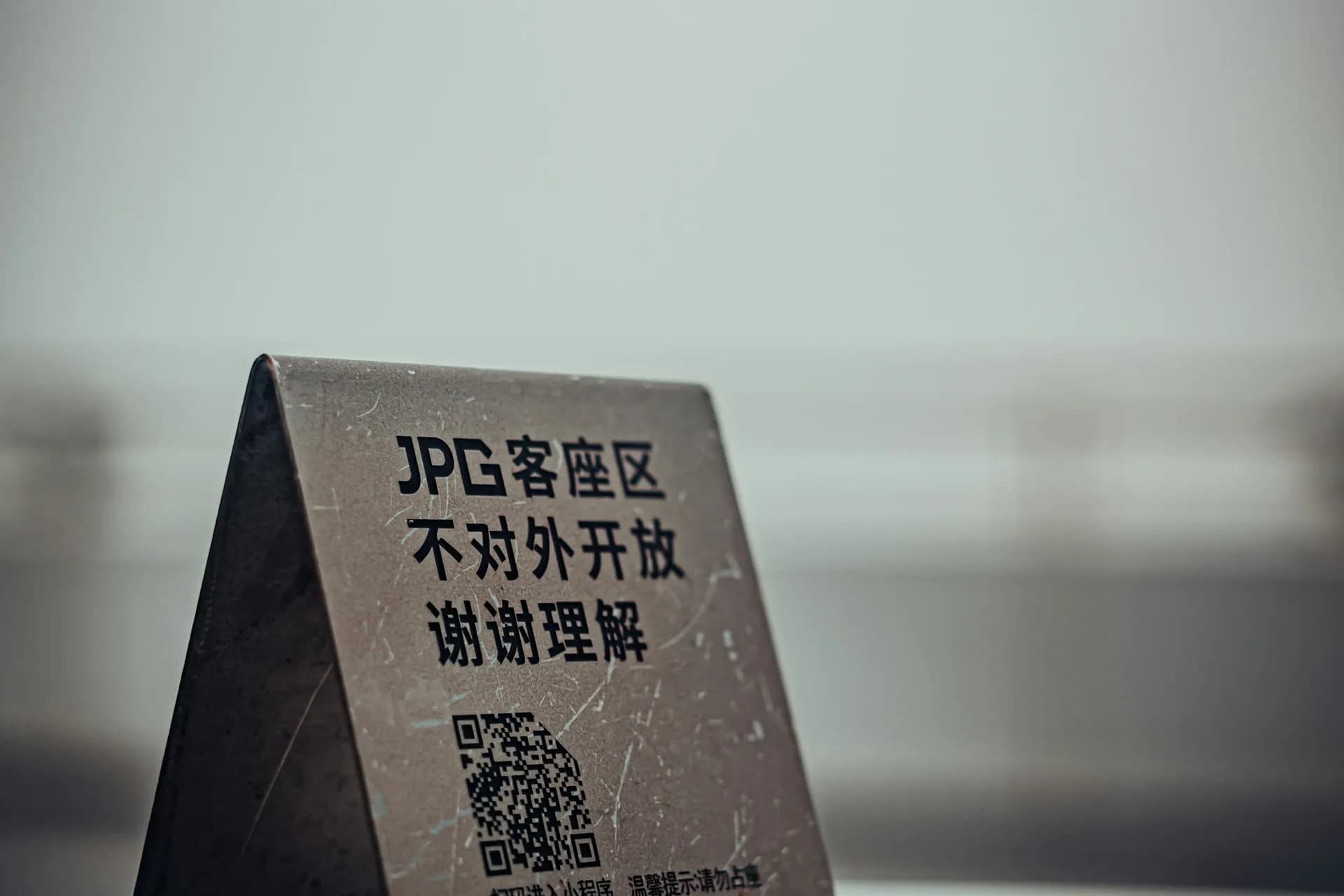
A folded metal table sign with a printed QR code.

Design considerations for print

Dynamic vs. static, for table tents

This is close to the clearest dynamic case on this platform. A tent card sits on a table for months or years while the food and its prices change multiple times a year; a static code baked with this spring's menu is confidently wrong by autumn, and nobody notices until a customer scans it and gets a price that doesn't match what's on the specials board. A dynamic Menu code sidesteps that entirely — the printed card never changes, only the page behind it does. The reprint math makes the case on its own: 40 tables at roughly $1.50 per tent card is $60 gone on every menu revision, and most restaurants revise more than once a year.

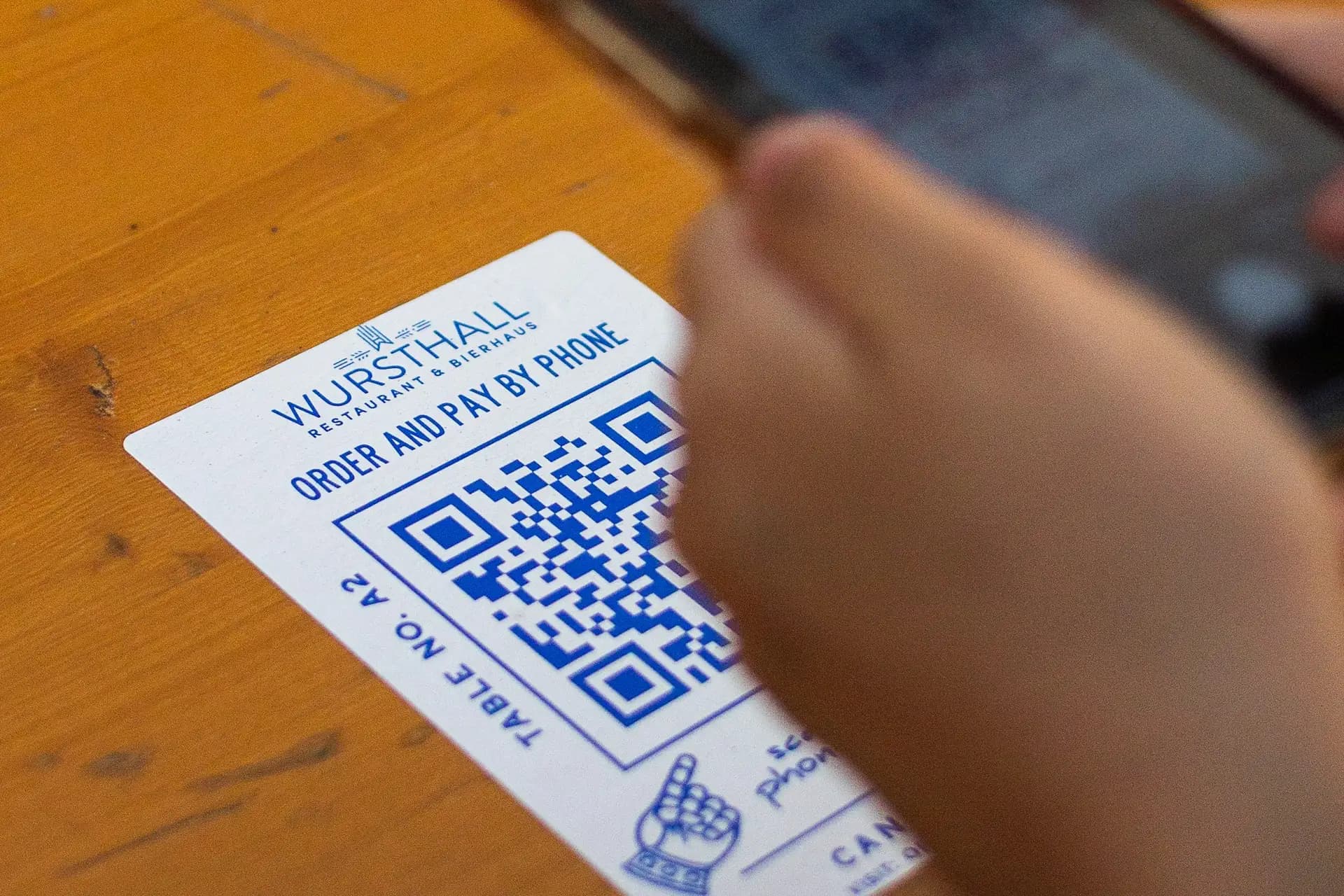
A hand beside a table card printed with a blue QR code to order and pay by phone.

A worked example

A tent card with a 35mm code, viewed by someone seated 40cm away, sits comfortably inside the 10:1 distance-to-size guideline (a 35mm code stays reliably scannable up to roughly 35cm × 10 ≈ 350cm — vastly more distance than a seated diner ever needs, which is exactly the point: at close range, the constraint is less "can this be seen from far away" and more "does the plastic sleeve and inevitable smudging still leave enough contrast to decode").

An honest limitation

A table tent's QR code depends on someone being willing to pull out their phone mid-meal, which not every table will do — older customers in particular sometimes prefer a printed menu they can just read. Consider keeping a handful of printed menus in reserve rather than treating the code as the only way to see what's on offer; the dynamic code is what keeps the menu current, not what makes it accessible to everyone.

Common mistakes

How to do it

  1. 1

    Build the menu once in the dashboard

    Categories, items, and prices — this becomes the live page every tent card on every table points to.

  2. 2

    Size the code per panel

    30mm minimum per visible face, centered, with its own clear space away from photography or pricing text.

  3. 3

    Print and laminate a single tent first

    Scan it through the actual sleeve material at a normal seated distance before committing to a full print run for every table.

Frequently asked

Does every side of a table tent need its own QR code?
Yes — a tent is read from multiple directions by different people at the table, and a code on only one panel is invisible to everyone not facing that side.
Why does a table tent need a higher error-correction level than a business card?
It survives rougher handling — food, spills, wiping down between seatings — and a higher level (Q or H instead of the default M) gives the code more room to still decode correctly even with some physical damage or smudging.
Can I use a PDF menu instead of the dynamic Menu type?
You can, but every price change still means re-uploading a new file, and a PDF doesn't render as reliably across phone screens as a page built for the purpose. The Menu type gives you the same 'update without reprinting' benefit with a better scanning experience.
Will lamination affect how well the code scans?
It can — gloss lamination reflects overhead light straight back at a phone's camera depending on the angle, while matte scatters it. Test your actual sleeve or laminate before a full print run, not just the flat design file.

Related materials

Relevant QR types

Ready to print one?

Free to generate, free to download.

Create your Menu QR code