



Dynamic — editable, with tracking

Feedback QR code

Collect a rating on the spot — feedback made effortless.

A feedback QR code opens a quick rating page people can fill in on the spot, and every response lands in your dashboard. It's the simplest way to hear from customers right after their visit.

  • Collect ratings in the moment
  • Responses go straight to your dashboard
  • Replace paper comment cards
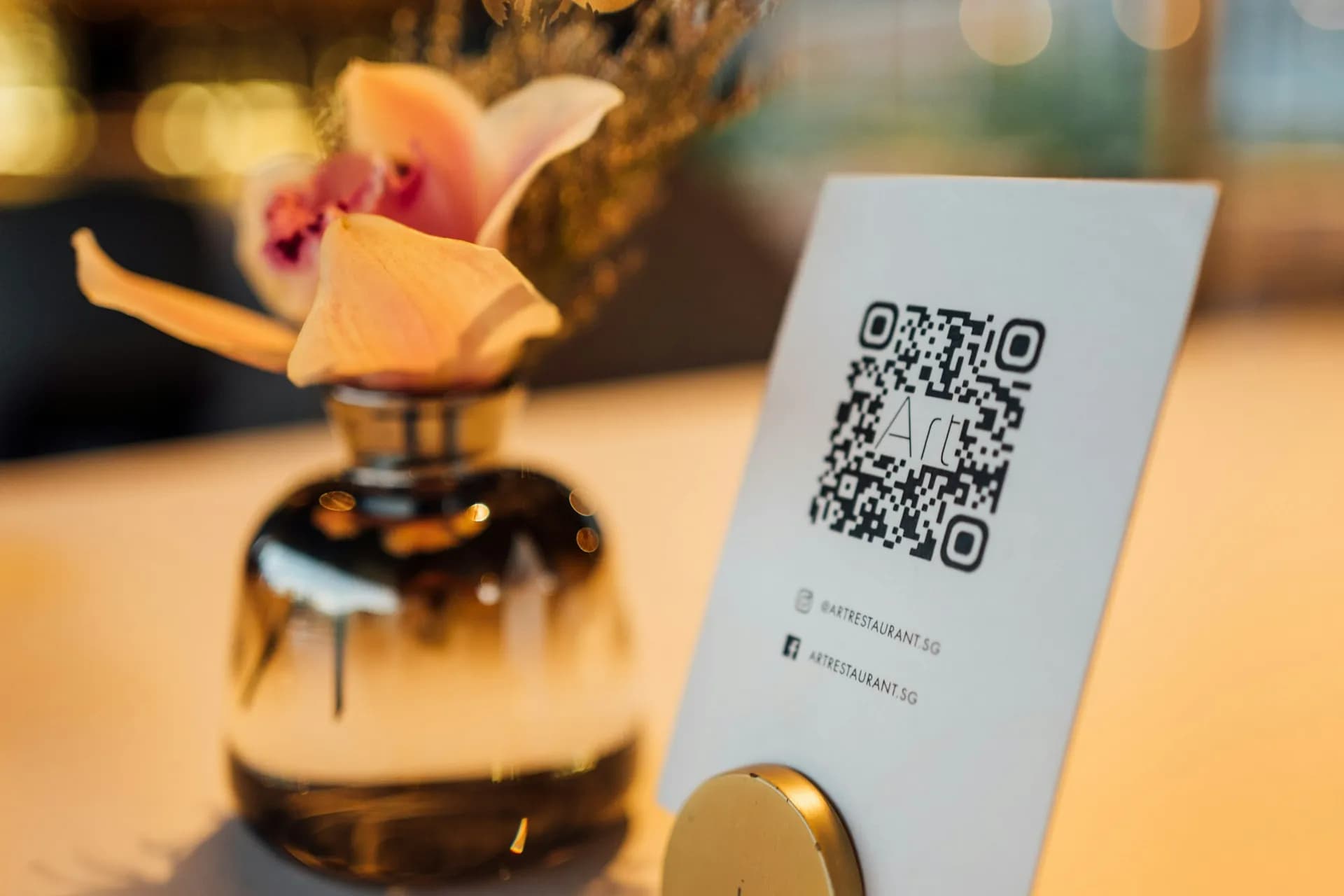
A printed QR code card standing beside a small glass vase on a table.

Try it

See a feedback QR code in action

Sample content so you can see what a scan looks like — this type only exists as a dynamic code, so the code shown to real visitors always points at your own account's live link.

Create your Feedback QR code

Feedback

A rating prompt that posts straight to your dashboard.

How it works

What happens when someone scans a feedback QR code

  1. 1

    The camera decodes a short link, resolved by the redirect route to this platform's hosted feedback page.

  2. 2

    The page shows your prompt (e.g. 'How was your visit today?') with a simple rating input.

  3. 3

    Submitting posts the response back to your dashboard, and the page replies with your thank-you message — the whole loop happens without leaving the browser.

Examples

Where to use a Feedback QR code

Real places a Feedback QR code earns its spot — each links to a full guide for that material.

Fit

Is a feedback QR code the right choice?

Use it when

  • In-the-moment feedback at the point of service — a table, a checkout counter, a fitting room exit — where response rates are highest right after the experience.
  • Lightweight pulse-checks where a single rating (not a full survey) is genuinely enough signal for what you're trying to learn.
  • Replacing a paper comment card or a third-party survey tool for a simple, single-question ask.

Consider another type when

  • Multi-question surveys — this type is built around one prompt and a rating, not a branching questionnaire; a dedicated survey tool linked via a Website or Landing Page code fits that better.
  • If you need to follow up with respondents individually — the type doesn't collect contact details unless you build that into your own process separately.
  • Anywhere a fully anonymous, no-server-involved response matters more than having the data land in a dashboard — this type does post to a server, by design, so results can be reviewed later.

Dynamic vs. static

Dynamic vs. static feedback QR codes

Feedback exists only as dynamic, since the entire mechanism — showing a prompt, accepting a submission, storing it somewhere you can review later — requires a server round-trip on every step. There's no static equivalent that could represent 'collect and store a rating' inside a fixed, offline pixel pattern.

A folded metal table sign with a printed QR code.

Under the hood

Where a submitted rating actually goes

A submission posts to this platform's backend and is attached to this specific code, viewable from your dashboard alongside your other codes' scan data. There's no external survey-tool integration — this is a self-contained rating collector, not a connector to a third-party feedback platform, which keeps the whole loop (scan, rate, review results) inside one place rather than requiring separate accounts elsewhere.

Built for a single, honest question

The type deliberately doesn't try to be a full survey platform — one prompt, one rating, submit. That constraint is what keeps response rates high: a comment card that takes three seconds to fill out gets filled out far more often than one that asks for five separate ratings and a paragraph.

Why the marketing preview shows a wireframe, not a live form

Elsewhere on this platform, a hosted-type preview usually shows the real rendered page. This one shows a sketch instead — a live feedback form posting a real submission from a page meant just to demonstrate the type would create a fake entry in whichever account's dashboard it landed on, which isn't something a preview should ever do quietly.

Step by step

How to create a feedback QR code

  1. 1

    Write your prompt

    Keep it specific to what you actually want to learn — 'How was your visit today?' works better than something generic.

  2. 2

    Set a thank-you message

    Shown after submission — a quick acknowledgment that the response was received and matters.

  3. 3

    Check responses from your dashboard

    Review ratings alongside the code's scan analytics as they come in.

Feedback QR code FAQ

Is feedback anonymous?
By default, yes — the type collects a rating, not a name or contact detail, unless you separately build a way to capture that.
Can I ask more than one question?
Not with this type as-is — it's built around a single prompt and rating. For multi-question feedback, a Landing Page or Website code linking to a dedicated survey tool is a better fit.
Where do responses show up?
In your dashboard, attached to this code — you can review them alongside its scan analytics.
Can I change the prompt after people have already started responding?
Yes — editing the prompt takes effect immediately for any new response; earlier responses stay tied to whatever prompt was live when they were submitted.

Related QR types

Where people put this code

Create your feedback QR code

Free to generate, free to download — no account required to try it.

Create your Feedback QR code