

QR codes on

Posters

Sized to scan from across the room, not just up close.

Layers of event posters on a city wall, several carrying printed QR codes.

Best QR type for this

Video

A poster's job is usually to make someone want to see or hear something before they've experienced it — a trailer, a performance clip, an artist's latest video. A Video type gets there in one tap, rather than routing through a page someone has to read past before finding the thing the poster was actually advertising.

A wall plastered with stickers and posters, including a large printed QR code.

Design considerations for print

Dynamic vs. static, for posters

A poster advertising a specific show, screening, or event carries the same fragility a flyer does, just at a larger unit cost. A run of 50 posters for a gig at roughly $3–5 each is $150–250, and a venue change or lineup swap after they're already up doesn't just cost the reprint — it costs someone walking past a poster that's now actively wrong. A dynamic code fixes that without touching a single printed sheet: update the destination once, and every poster already on every wall reflects it on the next scan.

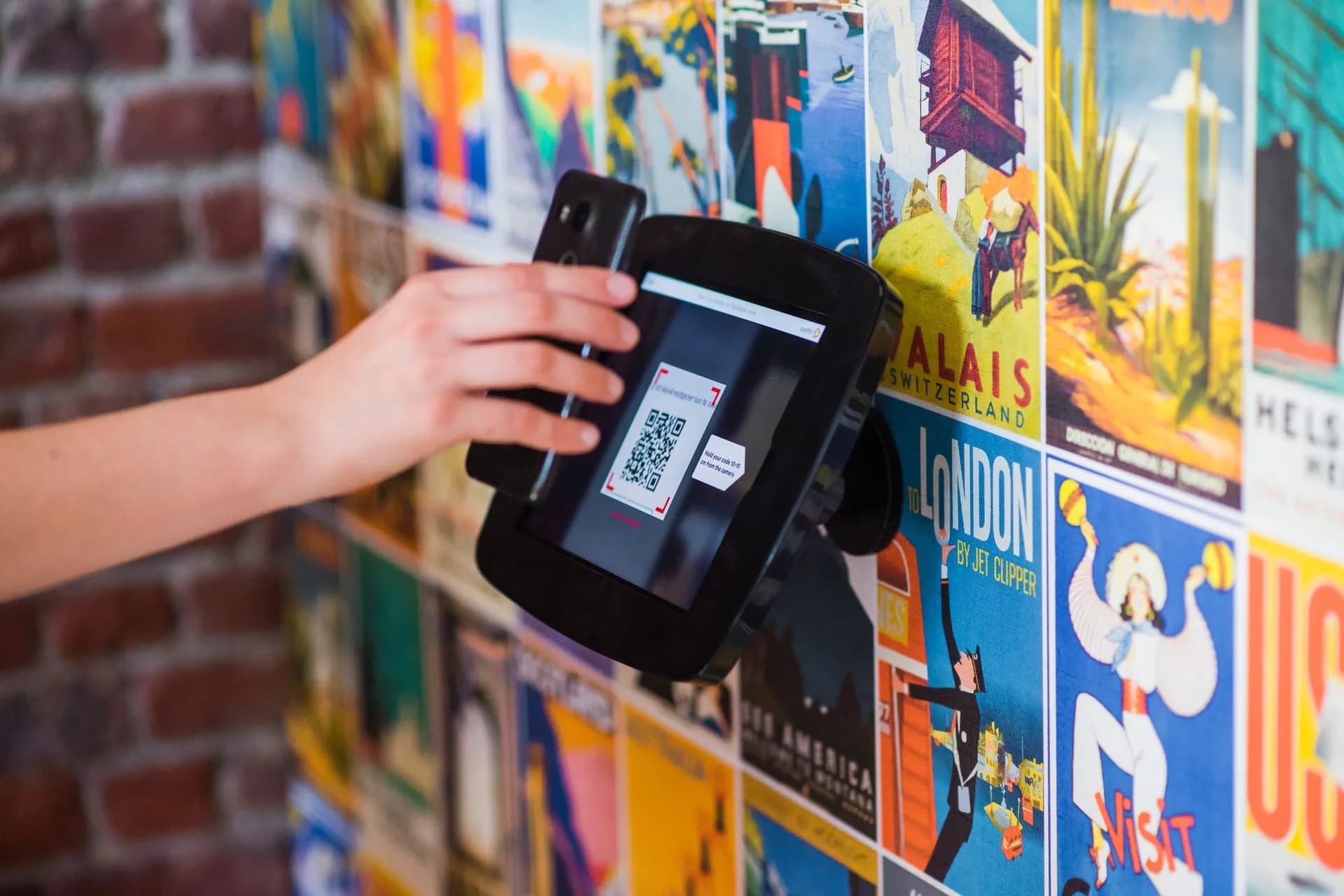
A hand holding a phone to a scanner on a wall of travel posters.

A worked example

A concert poster at 297×420mm with an 80mm code, viewed from 2 metres away, comfortably clears the 10:1 distance-to-size guideline (80mm × 10 ≈ 800cm, or 8 metres — far more than the 2m someone needs to close before scanning). The headline and artist photo are doing the work of stopping someone at 2 metres; the code's job only starts once they're already interested enough to walk closer, which is why it can stay proportionally small relative to the rest of the poster without becoming the limiting factor.

An honest limitation

A poster's code only reaches someone already standing in front of it with a phone out — it does nothing for the much larger number of people who see the poster from across a street, a platform, or a room and never get close enough to scan. Treat the code as the next step for people the poster has already caught, not as a way to reach everyone who merely glances at it.

Common mistakes

How to do it

  1. 1

    Decide what the poster is actually selling

    A trailer, a ticket link, a lineup page — build that destination first, since it decides whether Video or another type fits better.

  2. 2

    Size for approach distance, not headline distance

    80mm or larger for anything on a wall or in a window someone will walk up to from a few metres away.

  3. 3

    Proof at full size before the print run

    Check trim clearance and scan the actual printed sheet, not a screen preview, before committing to multiple copies.

Frequently asked

Why does a poster need a bigger QR code than a flyer if both are read up close eventually?
Because a poster is usually noticed from further away first — the code has to survive being seen (even if not read) at that distance, and needs enough size and contrast that someone approaching doesn't lose it in the last stretch before they're close enough to scan.
Does the code need to be readable from across the room?
No — only the poster's headline and imagery need to work at distance. The code just needs to still be findable and scannable once someone's walked up, which is a much shorter final distance than the one that got their attention in the first place.
Is a static code ever right for a poster?
For something genuinely permanent — a venue's own wayfinding sign, a fixed piece of public art information — yes. For anything promoting a specific date, show, or offer, dynamic is the safer default, since that's exactly the content most likely to change after printing.
What's different about large-format printing?
Mainly the stakes and the tolerances: a resolution shortfall or a trim mis-cut that's invisible on a small piece becomes obvious at A3 or larger, and the per-unit cost of getting it wrong is higher too.

Related materials

Relevant QR types

Ready to print one?

Free to generate, free to download.

Create your Video QR code