Dynamic — editable, with tracking

Video QR code

Link straight to a video, hosted or embedded.

A video QR code takes people straight to a video, whether it's hosted with us or on another platform. Swap in an updated cut later and the printed code keeps working.

  • Play a video in one scan
  • Swap the video anytime
  • No raw platform links to print
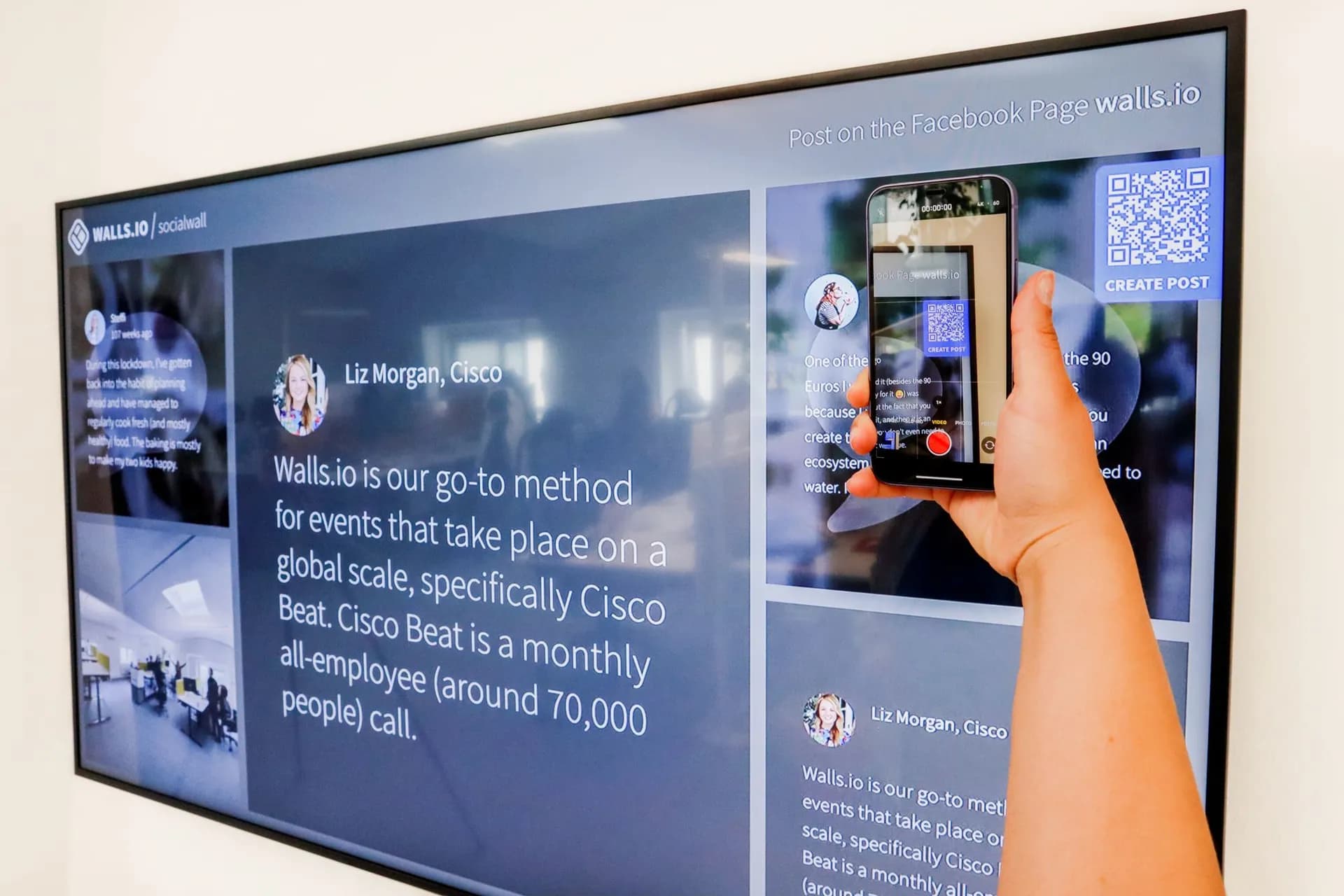
A woman scanning a QR code from a large TV screen with her phone.

Try it

See a video QR code in action

Sample content so you can see what a scan looks like — this type only exists as a dynamic code, so the code shown to real visitors always points at your own account's live link.

Create your Video QR code

How it works

What happens when someone scans a video QR code

  1. 1

    The camera decodes a short link, resolved by the redirect route to your video's actual URL.

  2. 2

    The phone opens the video wherever it's hosted — YouTube, Vimeo, or another platform's own player, in whatever app or browser handles that link on the scanner's device.

  3. 3

    Playback controls, quality, and everything else about the viewing experience come from the video platform itself, not from this platform.

Examples

Where to use a Video QR code

Real places a Video QR code earns its spot — each links to a full guide for that material.

Fit

Is a video QR code the right choice?

Use it when

  • Product demos, instructions, or promotional video linked from packaging, signage, or print material.
  • Anything where the video might be swapped later — an updated cut, a new season's promo — without touching the printed placement.
  • Cross-platform video sharing where you'd rather not print a raw platform-specific link.

Consider another type when

  • If you want the video to play inline, embedded directly in a page with your own branding around it — this type redirects to the video's native host, it doesn't wrap it in a custom player.
  • A video you're certain will never change and would rather encode with zero dependency on this platform — a static URL code pointed directly at the video link is the leaner option there.
  • Content that's really a gallery of multiple videos — this type points at one destination; a Landing Page linking out to several might fit a multi-video need better.

Dynamic vs. static

Dynamic vs. static video QR codes

Video is dynamic-only in this catalog, though structurally the underlying link is really just a URL — the reason it's kept dynamic-only rather than offered as a static URL variant is that swapping a video (a new edit, a corrected version, a seasonal update) is common enough for video specifically that defaulting to editability makes more sense than defaulting to permanence.

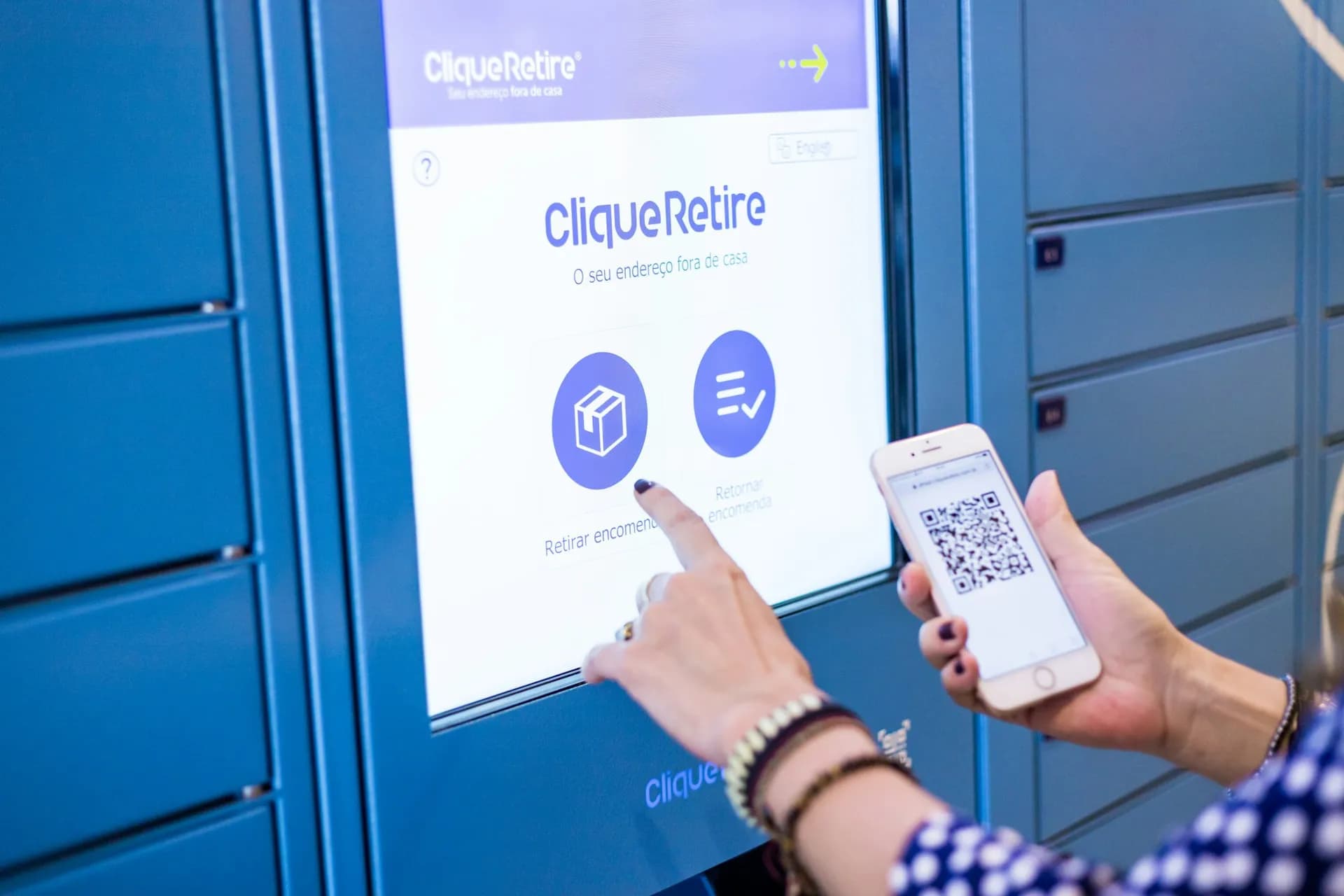
A person scanning a QR code on their phone at a parcel locker.

Under the hood

What the redirect actually points at

The destination is whatever direct video URL you provide — a YouTube watch link, a Vimeo link, or a direct-hosted video file URL. The redirect route sends the browser straight there with a standard 307, the same mechanism the Website type uses; there's no special video-embedding or custom player involved on this platform's side, which keeps the behavior predictable and matches exactly what tapping that link anywhere else would do.

A redirect, not a player

This type is closer in spirit to the Website type than to Menu or Business — it's a smart, editable link, not a hosted experience of its own. That keeps it simple and fast, at the cost of not offering any custom framing or branding around the video itself.

Why editability matters more for video than for most links

Video content gets revised more often than most destinations — a corrected cut, a new promo replacing last season's, a re-upload after a platform migration. Keeping this type dynamic by default means those swaps never touch whatever the code is printed on.

Step by step

How to create a video QR code

  1. 1

    Add the video URL

    A direct link to wherever the video is hosted — YouTube, Vimeo, or your own file host.

  2. 2

    Add a title and description (optional)

    Kept for your own reference in the dashboard; the scan itself redirects straight to the video without an interstitial page.

  3. 3

    Swap the link whenever the video changes

    Update from your dashboard — the printed code and short link stay the same.

Video QR code FAQ

Does the video play inside a branded page, or does it redirect out?
It redirects straight to wherever the video is hosted — there's no intermediate branded player page for this type.
Can I change which video the code points to?
Yes — update the link from your dashboard anytime; every scan of the same printed code goes to the new video immediately.
Does this work with any video platform?
Any platform reachable by a direct URL — YouTube and Vimeo are the most common, but any hosted video link works the same way.
Are views tracked by this platform?
Scans of the code are tracked (the moment someone's redirected), but what happens after that — actual video views, watch time — is tracked by the video platform itself, if at all, separately from this platform's analytics.
Related QR types

Where people put this code

Create your video QR code

Free to generate, free to download — no account required to try it.

Create your Video QR code