QR codes on

Flyers

The strongest case on this platform for going dynamic — the details will change, and every printed copy is money.

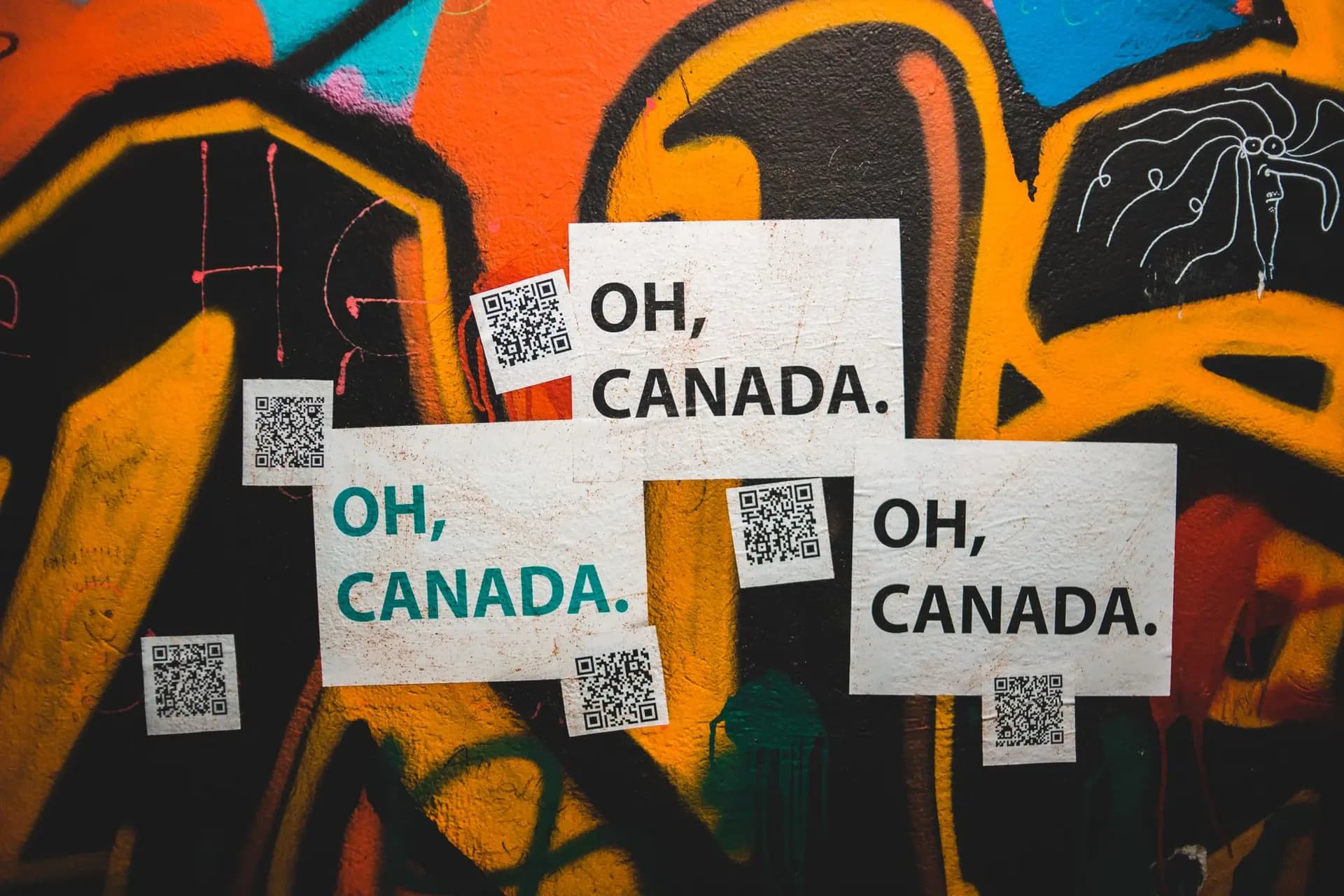
Paper posters with QR codes in their corners pasted on a graffiti wall.

Best QR type for this

Landing page

A flyer is almost always promoting one specific thing — an event, a sale, a launch — and a Landing Page gives that thing a home with a clear headline and one button, rather than dropping a scanner onto a generic homepage they have to navigate from. If the flyer's whole job is 'get people to a specific external site,' a plain Website type works too; the deciding factor is whether you want a purpose-built page or you already have somewhere good to send people.

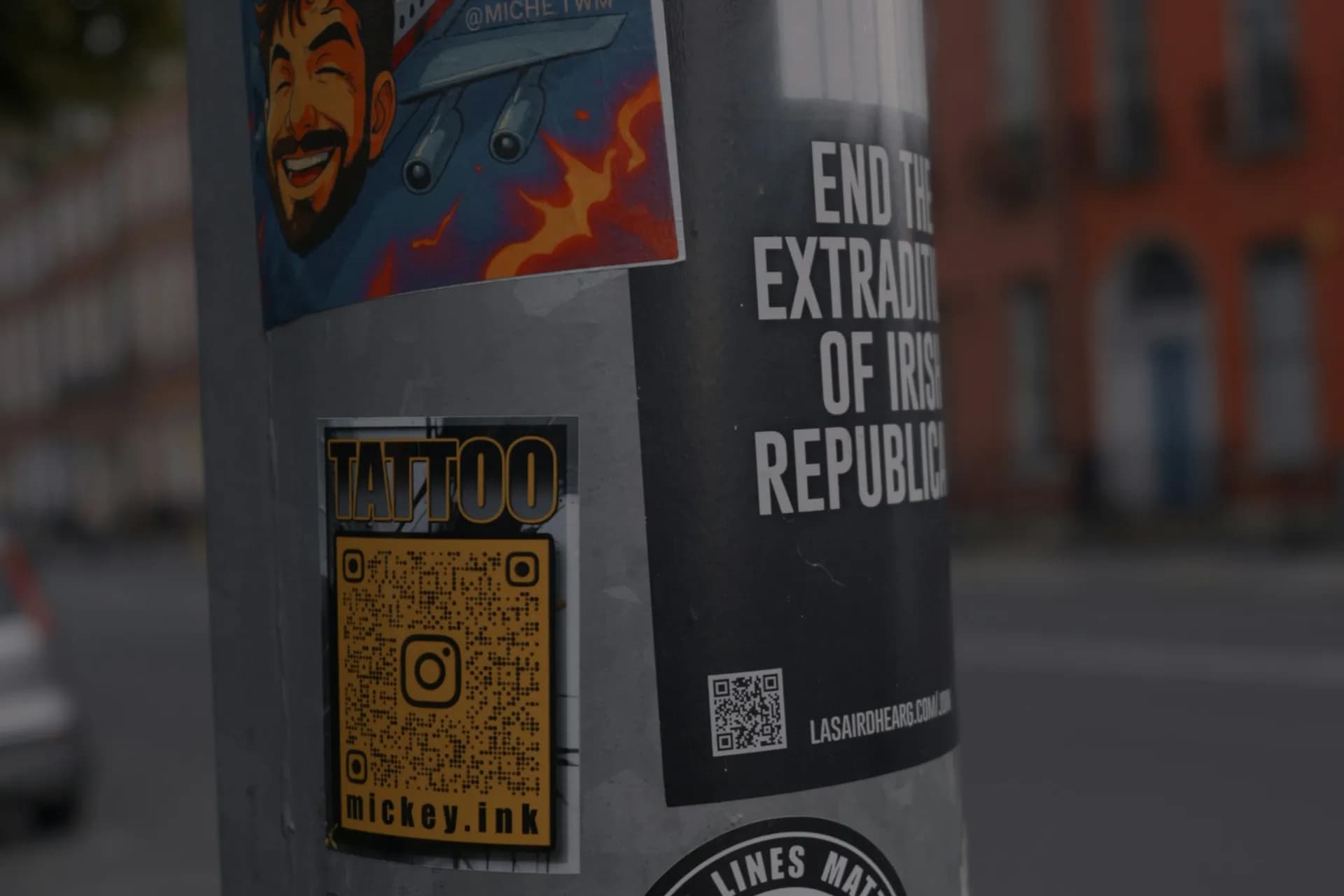
A lamppost with posters attached, including one printed with a large QR code.

Design considerations for print

Dynamic vs. static, for flyers

A flyer is the clearest dynamic case this platform has. The whole premise of a flyer is that it's cheap to print in volume and disposable by design — and that's exactly what makes a static code on one dangerous: the destination is baked in at print time, but the event date changes, the RSVP link breaks, the sale ends and a new one starts, and every flyer already on a wall or in someone's pocket is now silently pointing at something wrong. Run 200 flyers at roughly $0.05–0.10 each for an event, and a last-minute venue change costs you that entire $10–20 run plus the confusion of anyone who already scanned one. A dynamic code sidesteps all of it — update the destination once, and every flyer already posted or handed out points at the correction automatically.

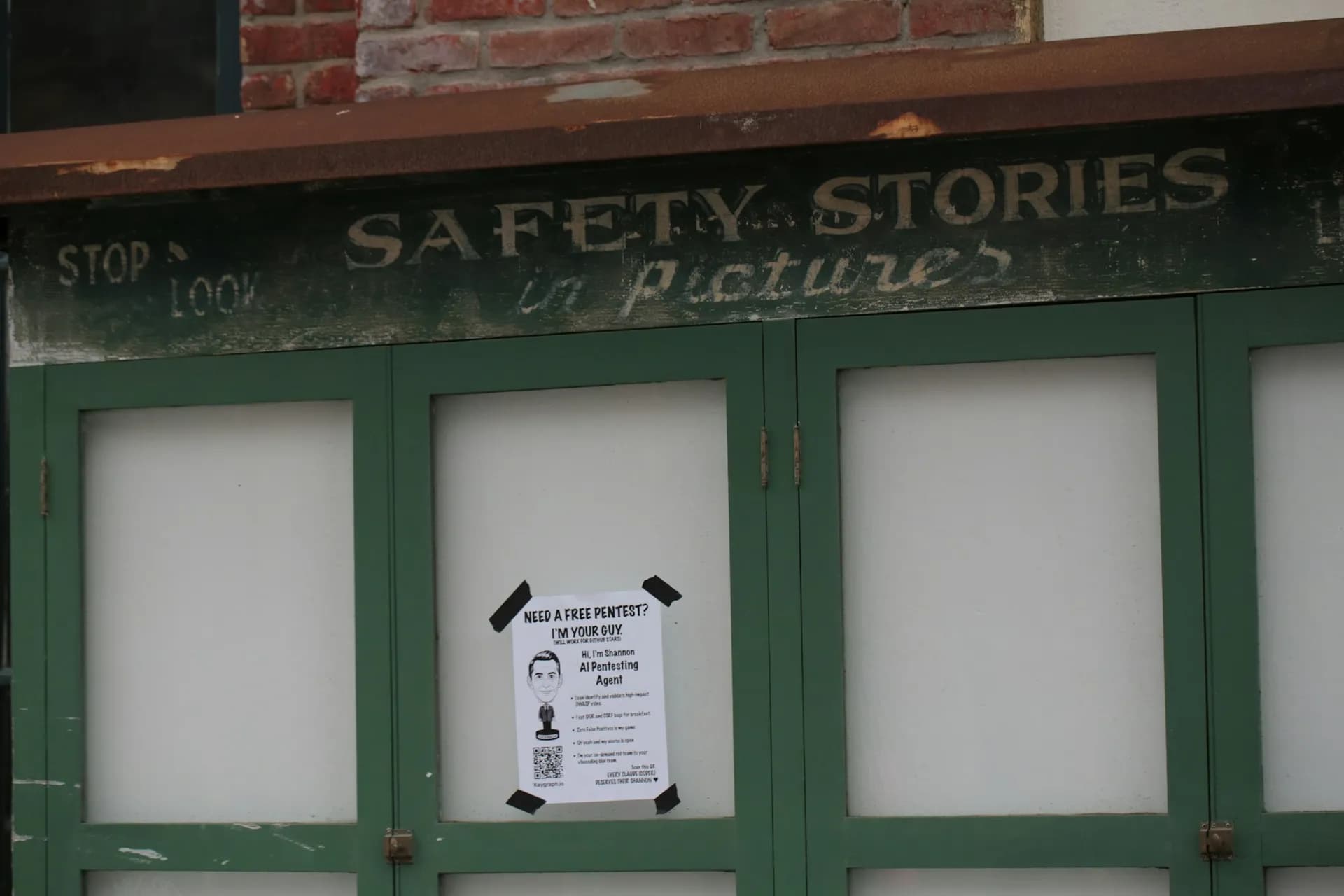
A printed flyer with a QR code taped to an old green shop door.

A worked example

A handed-out flyer with a 20mm code, read at 25cm, sits inside the 10:1 rule with plenty of margin (a 20mm code stays reliably scannable to roughly 200cm away, far beyond the 25cm it's actually being read at). A posted flyer viewed from a meter away needs the math to work the other direction: 100cm ÷ 10 = 10cm minimum — in practice most posted flyers use 40–60mm rather than the full 10cm, since people tend to close the distance and pull out a phone rather than scan from exactly a meter back.

An honest limitation

A flyer's QR code only works for someone already looking at the flyer with a phone in hand and enough interest to scan it — it doesn't do anything for the much larger number of people who glance and walk past. Treat the code as a conversion tool for people already engaged, not a replacement for the flyer's headline actually being worth stopping for.

Common mistakes

How to do it

  1. 1

    Decide handed-out or posted

    This determines your minimum size — 20mm for arm's-length handoff, 40mm+ if it'll be read from further away on a wall or board.

  2. 2

    Build the destination first

    A Landing Page or Website pointed at whatever the flyer is promoting — set this up before finalizing the print layout so the code isn't an afterthought.

  3. 3

    Proof at final size and stock

    Print one flyer at the actual paper weight and finish, fold it if it folds, and scan it before committing to the full run.

Frequently asked

How big should a QR code be on a flyer?
At least 20mm if it'll be handed directly to someone at arm's length; 40mm or larger if it's posted somewhere people view from a distance, like a bulletin board or shop window.
Should a flyer's QR code be static or dynamic?
Dynamic, in almost every case. Flyers are cheap and disposable by design, which means the details behind them (dates, links, offers) are exactly the kind of thing that changes before every printed copy is gone — a dynamic code lets you fix the destination without a reprint.
Will an outdoor flyer's QR code stop working over time?
It can — UV exposure fades ink and gradually reduces the contrast a scanner depends on. A code that scans perfectly on day one isn't guaranteed to scan the same way six weeks later in direct sun.
What's the biggest sizing mistake on flyers?
Treating the code as something to squeeze into whatever space is left after the rest of the design is finished, rather than reserving its minimum size up front. That's how otherwise well-designed flyers end up with codes too small to scan reliably.

Related materials

Relevant QR types

Ready to print one?

Free to generate, free to download.

Create your Landing page QR code