
Dynamic — editable, with tracking

Coupon QR code

Share a redeemable discount code people can claim on scan.

A coupon QR code opens a redeemable offer people can claim right on their phone. Set an expiry date, pause the offer, or swap it for a new one — the printed code stays the same.

  • Redeemable discount on scan
  • Set an end date or pause the offer
  • Track how many people claim it
A shopper with paper bags holding up a printed QR code card.

Try it

See a coupon QR code in action

Sample content so you can see what a scan looks like — this type only exists as a dynamic code, so the code shown to real visitors always points at your own account's live link.

Create your Coupon QR code

20%

20% off any drink

Show this at checkout — one per visit.

Redeem code

SCAN20

How it works

What happens when someone scans a coupon QR code

  1. 1

    The camera decodes a short link, resolved by the redirect route to this platform's hosted coupon page.

  2. 2

    The page shows the offer title, a description, the discount, and a redemption code with a one-tap copy button.

  3. 3

    The person copies the code and redeems it wherever your checkout or till expects it — this page doesn't process the redemption itself, only presents the code.

Examples

Where to use a Coupon QR code

Real places a Coupon QR code earns its spot — each links to a full guide for that material.

Fit

Is a coupon QR code the right choice?

Use it when

  • In-store signage or receipts offering a discount that's simpler to represent as a short scan than a printed code buried in fine print.
  • Promotions with a real expiry — set an end date and the page can reflect it without needing new signage printed for the campaign's end.
  • Campaigns you might want to pause or swap the offer on entirely, using the same printed placement.

Consider another type when

  • If your point-of-sale system needs to scan the QR code directly (barcode-style, at checkout) rather than a person reading a code off a screen — a 2D Barcode type encoding the raw code is likely the better fit for that integration.
  • A permanent, always-on discount with no real campaign structure — a static Text code with the code baked in is simpler if it will genuinely never change.
  • High-value offers where fraud matters — this type doesn't track redemption or limit reuse per person; that enforcement has to happen at your point of sale.

Dynamic vs. static

Dynamic vs. static coupon QR codes

Coupon only exists as dynamic, since the value is in being able to launch, adjust, or end a promotion without new print — change the discount, correct a typo in the terms, or set an expiry date, and every scan of the same printed code reflects it. A static code would freeze the offer at print time with no way to end or adjust a live promotion.

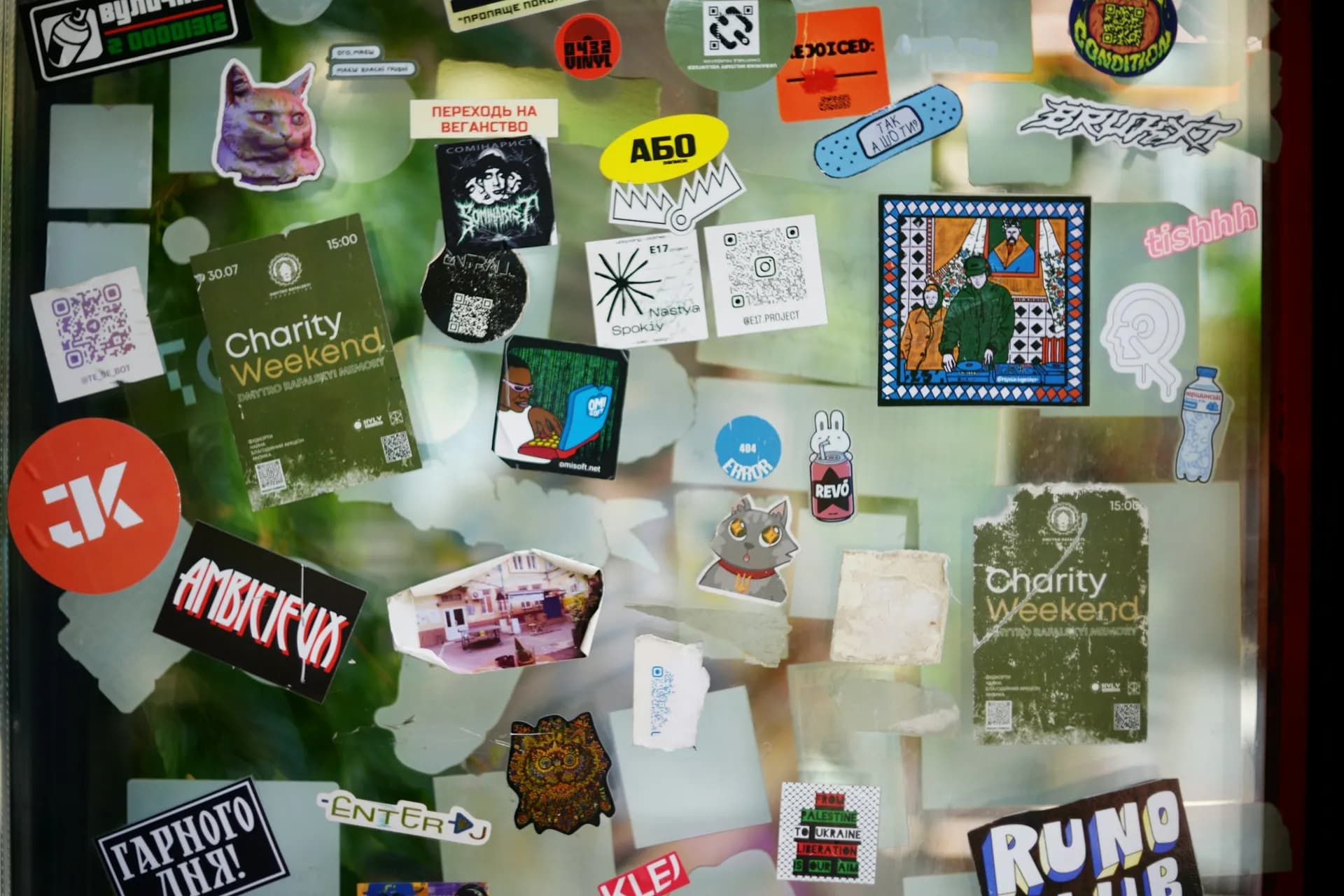
A board of colourful stickers and magnets, a few printed with small QR codes.

Under the hood

What redemption actually looks like

This type generates and displays a redemption code — think a short alphanumeric string, like a promo code you'd type at checkout — that the hosted page presents with a copy button. It does not integrate with any specific POS or e-commerce checkout: enforcing 'this code works once' or 'this code is worth 20% off' happens on whatever system actually processes the redemption, whether that's a cashier manually applying it or a promo-code field on a website you separately configured with the same code.

A display, not a checkout integration

It's worth being clear-eyed about the boundary here: this type shows an offer and a code, cleanly, on a phone screen. Whatever happens after that — applying the discount, checking it hasn't been used before, tracking redemption — is on your point-of-sale or e-commerce system, the same as it would be for a printed coupon in a newspaper insert.

Why an expiry field, if nothing enforces it

Setting an expiry doesn't block the code from working past that date on this platform's end — it's a display signal ("Expires June 30") that helps set expectations, and a prompt for you to remember to update or retire the offer. Real enforcement of an expiry still has to happen wherever redemption is processed.

Step by step

How to create a coupon QR code

  1. 1

    Set the offer details

    Title, description, and the discount itself (a percentage, a dollar amount, whatever your offer is).

  2. 2

    Choose a redemption code

    Pick something short and easy to read off a phone screen at a register or checkout.

  3. 3

    Set an expiry if the offer is time-limited

    Optional — leave it blank for an ongoing offer, or set a date to signal when it ends.

Coupon QR code FAQ

Does the discount apply automatically?
No — this page displays a redemption code for the person to use wherever your business actually processes discounts, whether that's a cashier or a website's promo field. Nothing is applied automatically by this platform.
Can I stop an offer early?
Yes — edit the coupon anytime, including changing the description to note it's ended, or setting an expiry date in the past.
Does this prevent someone from using the code more than once?
No — reuse limits and fraud prevention have to be enforced on your end, wherever the code is actually redeemed. This type only displays the offer and code.
Can I run a different promotion later using the same printed code?
Yes — update the offer details from your dashboard; the printed code and short link don't need to change for a new promotion.

Related QR types

Where people put this code

Create your coupon QR code

Free to generate, free to download — no account required to try it.

Create your Coupon QR code