QR codes on

TV commercials

On screen for seconds — long enough to scan only if it actually holds still.

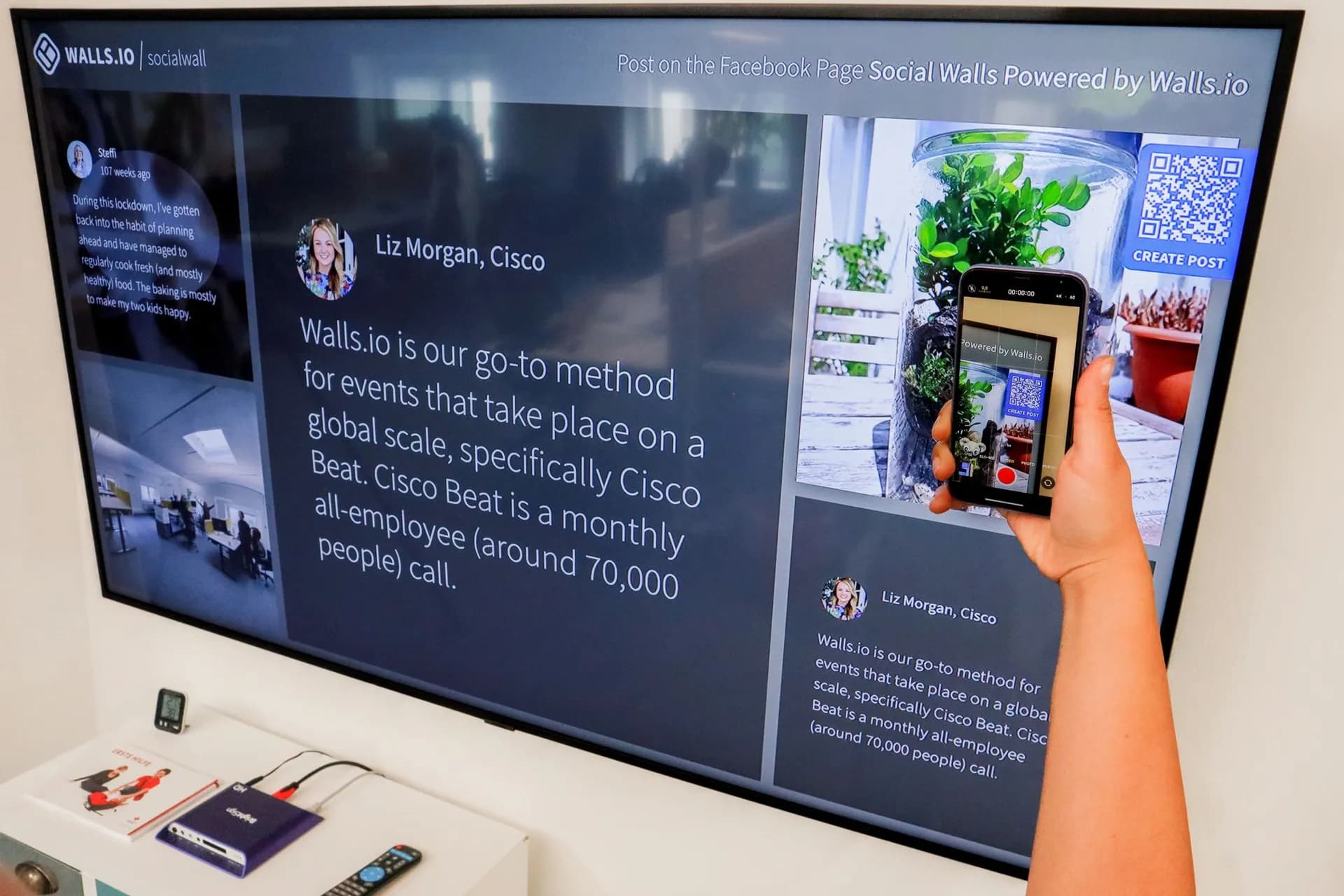
A phone scanning a QR code shown on a large indoor display.

Best QR type for this

Landing page

A viewer scanning mid-commercial has, at best, a few seconds of motivation before their attention moves on — a Landing Page that continues the commercial's exact message with one clear action matches that narrow window far better than a general homepage.

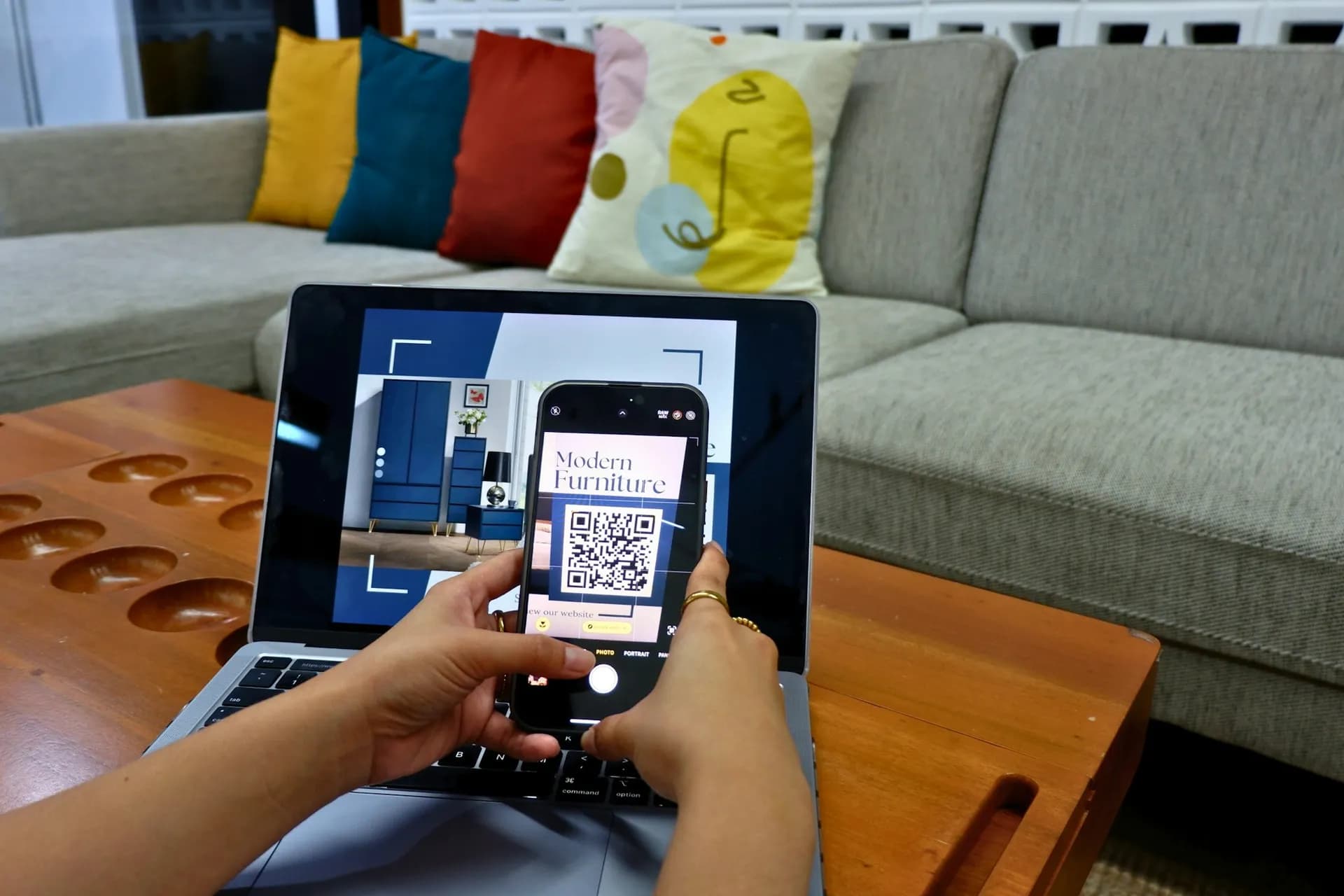
A person on a sofa scanning a QR code on a laptop screen with a phone.

Design considerations for print

Dynamic vs. static, for tv commercials

Dynamic, since a TV spot is expensive to produce and typically runs for a fixed flight before being replaced by newer creative, while the offer or destination behind the code can reasonably need adjustment during that flight — a promotional window closing, inventory running out, a follow-up spot refining the message. A static code locks the destination for the entire media buy; a dynamic one lets the same aired creative keep running while the destination adjusts to match whatever the campaign actually needs at any point during the flight.

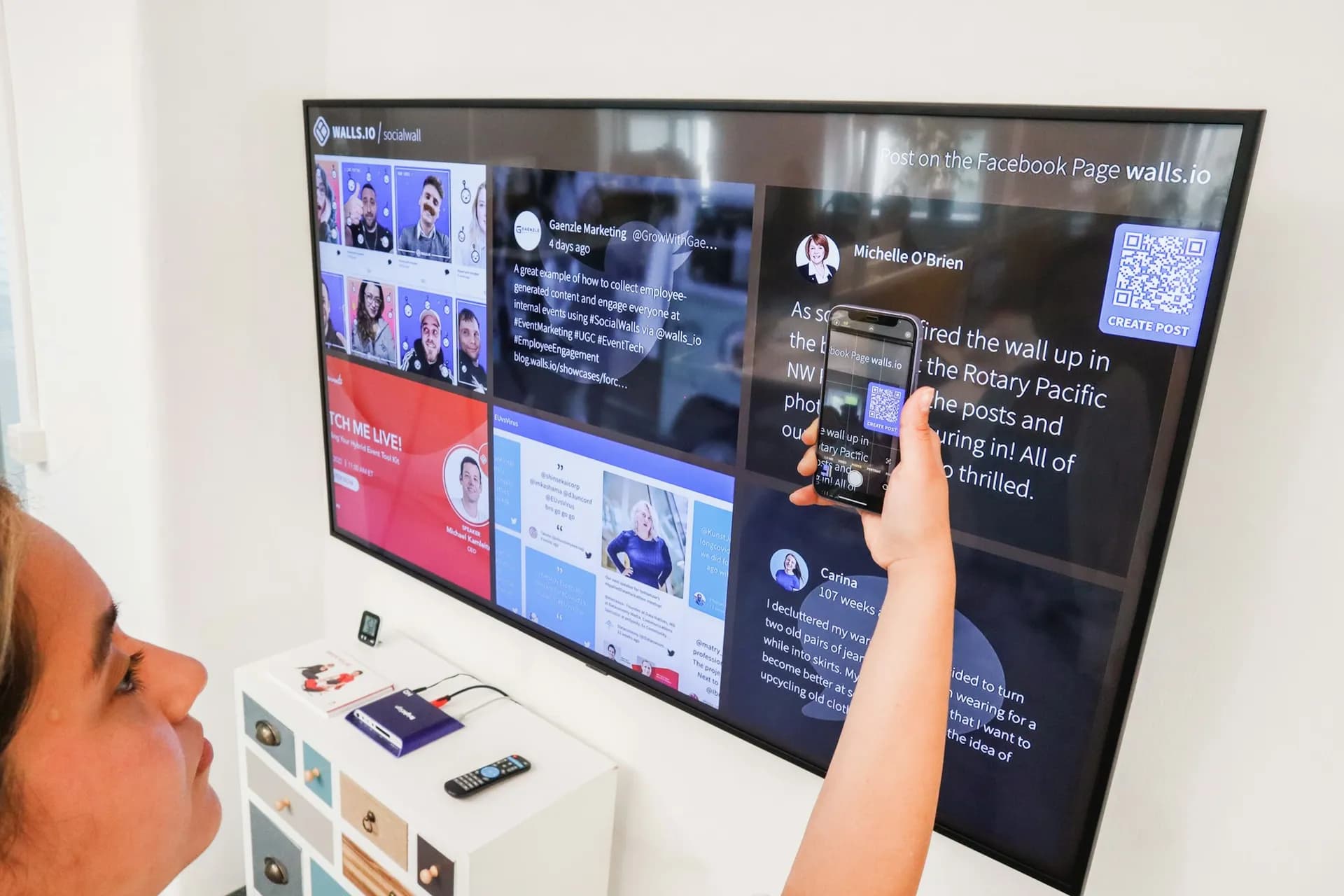
A person scanning a QR code on a large screen showing a social media wall.

A worked example

At a 2.5m couch-to-screen distance, the 10:1 rule needs 25cm — on a typical 55-inch television, that's roughly 15–18% of the screen's width, achievable without the code dominating the frame. That number, though, only matters if the code is actually on screen long enough for someone to react, unlock their phone, open a camera, and complete the scan — which is a much bigger design problem on this surface than the sizing math alone suggests.

Dwell time has to clear roughly three seconds, and most commercials don't budget for it

A QR code's minimum size is calculated from viewing distance, and that calculation assumes the code is sitting still, available to be scanned for as long as the viewer needs. Television commercials routinely violate that assumption without anyone involved in producing them realizing it, because commercial editing is built around fast cuts, motion, and constant visual change — the opposite of what a scannable code actually needs. A code correctly sized for a 2–3 meter couch distance is still functionally useless if it appears on screen for one or two seconds during a fast-moving sequence, because the realistic sequence of actions a viewer has to complete — notice the code, register that it's meant to be scanned, locate and unlock their phone, open a camera app, aim it at the television, and hold steady long enough for a scan to register — simply doesn't fit inside that window.

A rough, practical floor worth treating as a hard requirement is about three seconds of genuinely static, unobstructed visibility, and in practice most successful examples run closer to five, because that three-second figure assumes a viewer who's already primed and ready, phone in hand, which describes almost nobody watching television passively. This is why the most reliable placement for a commercial's QR code isn't woven into the main body of the spot at all — it's a dedicated end-card, a few seconds of the commercial reserved entirely for the code and a clear call to action, after the main creative has finished making its case. That structure treats screen time as a deliberate budget line rather than squeezing the code into whatever gap the editor happened to leave.

The other half of this constraint is that dwell time alone isn't sufficient without a clear signal — a code appearing silently in a corner, even for five full seconds, competes for attention against everything else that's happened in the previous twenty-five seconds of the spot. Pairing the code with an explicit spoken or on-screen cue — "scan now," a visible countdown, a host gesturing at it — measurably increases the odds that dwell time actually gets used, rather than passing unnoticed the way an unlabeled background element usually does.

Common mistakes

How to do it

  1. 1

    Budget real screen time

    Plan for roughly 5 seconds of static, unobstructed on-screen time — treat this as non-negotiable, not a nice-to-have.

  2. 2

    Cue it explicitly

    Tell viewers verbally or on screen to scan now, rather than expecting an unlabeled code to be noticed and acted on unprompted.

  3. 3

    Hold it still

    No animation or camera movement across the code during its window on screen.

Frequently asked

How long does a QR code need to stay on screen in a TV commercial?
Roughly 5 seconds, held completely static — much longer than most commercials would naturally hold a single frame, which is why this usually means a dedicated end-card rather than a brief mid-spot appearance.
How big should a QR code be in a TV commercial?
At least 15% of the screen's shorter dimension for typical living-room viewing distance of 2–3 meters, though dwell time matters more to whether it actually gets scanned than size alone.
Should a QR code in a commercial be animated?
No — hold it completely static once it appears. Any motion during its already-brief window on screen makes it meaningfully harder to scan.
Should a TV commercial's QR code be dynamic?
Yes. TV media buys run for a fixed flight, but the promotion or offer behind the code can reasonably need adjusting during that time — a dynamic code lets the aired spot keep running while the destination stays current.

Related materials

Relevant QR types

Ready to print one?

Free to generate, free to download.

Create your Landing page QR code