QR codes on

Video game

Rendered through a capture pipeline before a lot of players ever actually see it.

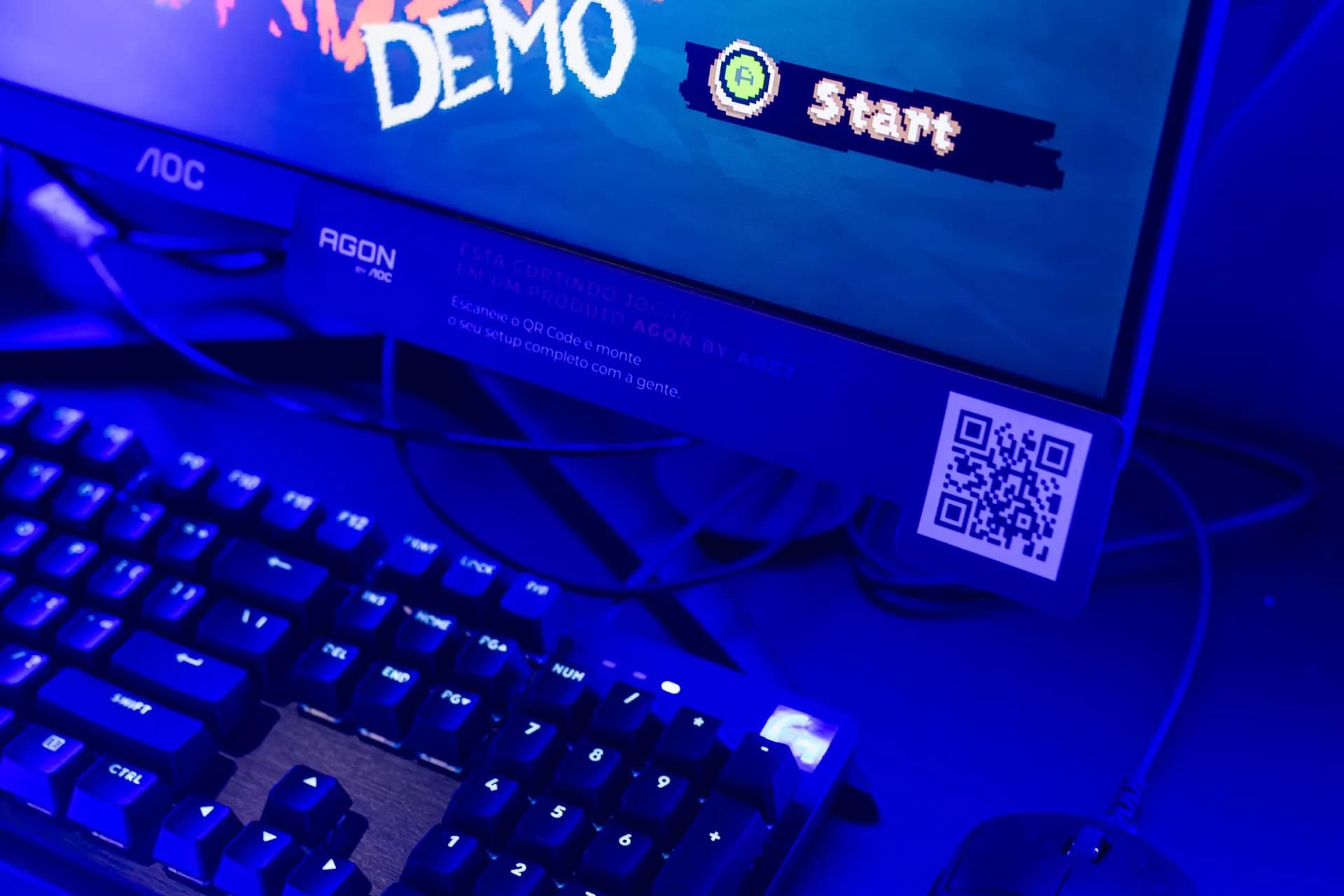
A gaming setup with a QR code shown on the monitor.

Best QR type for this

Apps

An in-game QR code most often exists to send a player to a companion app, a community hub, or a store listing for downloadable content — an Apps type matches that destination directly, sending someone straight to the right storefront listing rather than a general webpage they'd have to navigate from.

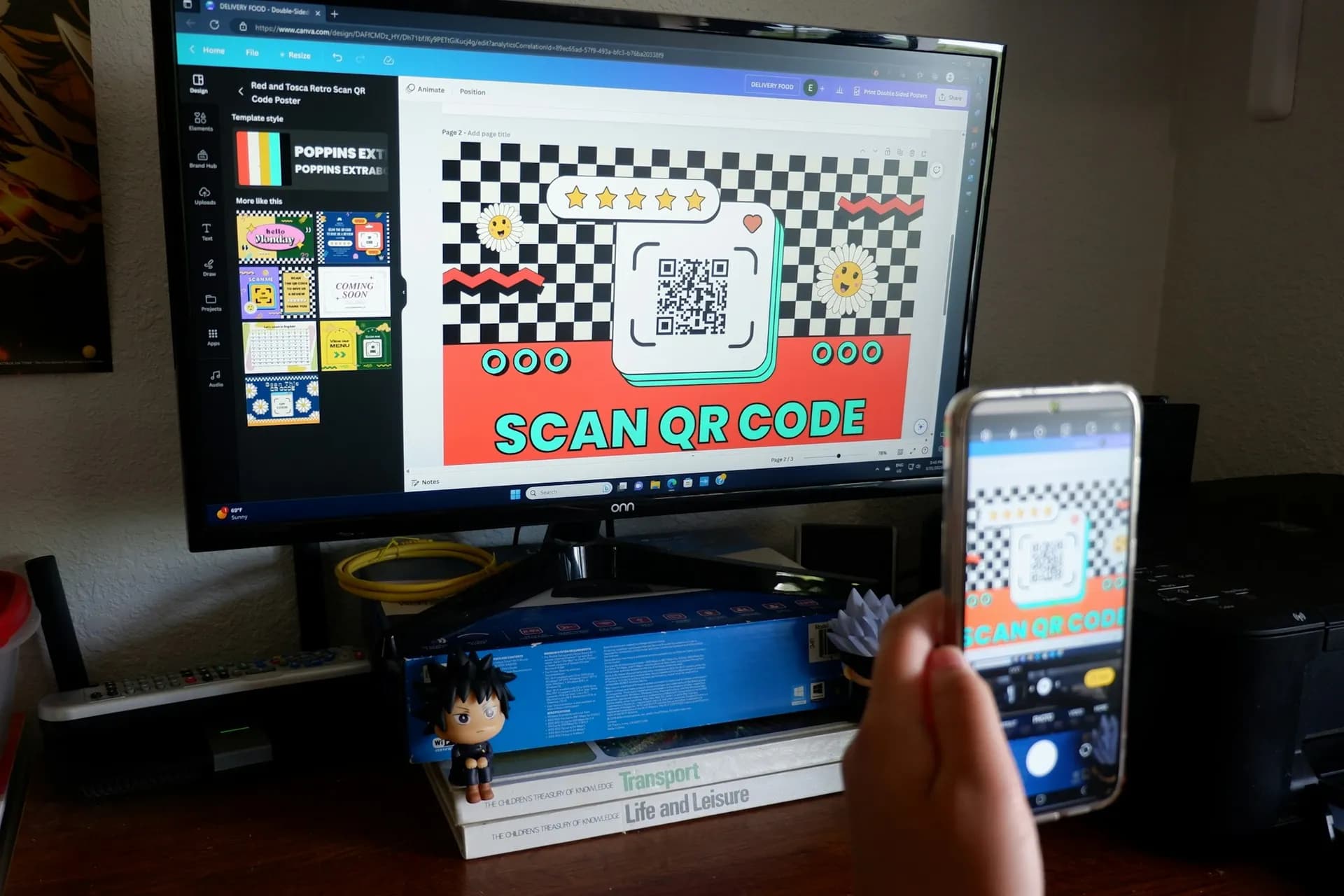
A phone scanning a "Scan QR code" graphic shown on a computer monitor.

Design considerations for print

Dynamic vs. static, for video game

Dynamic, and for a reason specific to games: a title can stay in active play for years after release, across platforms, re-releases, and remasters, while the destination behind an in-game code — a companion app, a seasonal event page, a community Discord — is exactly the kind of thing that changes multiple times over a game's life. A static code baked into shipped game code is effectively permanent without a software patch; a dynamic one lets the destination evolve independently of the game's own release and patch cycle.

A worked example

At a 2.5m couch distance on a television, the 10:1 rule needs 25cm — roughly 20% or more of a typical screen's shorter dimension, larger than the code a desktop monitor setup at 50cm would require at a similar visual proportion. Designing for the couch distance covers the monitor case too, since a code that holds up from further away comfortably holds up closer in as well.

Two different pipelines before a player ever sees it

A video game's on-screen QR code has an unusual property that print material and even most other screens in this guide don't share: a meaningful number of the people who'll ever see it aren't playing the game directly. Games are watched — on streaming platforms, in recorded videos, over a friend's shoulder on a shared screen — at a scale that has no real equivalent in a printed flyer's audience. Each of those viewing contexts routes the on-screen image through its own separate technical pipeline before it ever reaches a viewer, and each pipeline can degrade a code's fine detail in ways that have nothing to do with how the code was originally designed in the game's UI.

A player at home, running the game directly on a console or PC, sees the code rendered at native resolution — the best-case scenario, and the one most developers implicitly design and test against. A viewer watching a live stream sees something that's already been through the streamer's capture hardware or software, re-encoded for upload, and then re-encoded again by the streaming platform for delivery to viewers at whatever bitrate their connection and the platform's settings allow — a chain of lossy compression steps stacked on top of each other. A viewer watching a recorded video, especially on a platform that further compresses uploaded video, adds yet another layer on top of that. None of these viewers are doing anything unusual; they're using the platforms exactly as intended, and yet the image quality they're actually seeing can be substantially lower than what a developer tested against while sitting at a dev kit.

This is compounded by the couch-distance problem most console games already have to solve for their UI at large — text and icons sized for a living-room television viewed from several meters away — except a QR code has a harder functional floor than a health bar or a menu label, which stay legible even somewhat blurred. The practical response is designing generously oversized relative to what a direct-play, close-viewing test would suggest sufficient, specifically because so much of a game's real audience isn't in that best-case scenario at all.

Common mistakes

How to do it

  1. 1

    Choose a static screen

    Menus, loading screens, and pause screens work — active, unpausable gameplay does not.

  2. 2

    Size for the couch, not the desk

    If the primary platform is a console, design around television viewing distance rather than a closer monitor setup.

  3. 3

    Account for streaming viewers

    Remember the code will also be seen through capture cards, stream compression, and recorded video — not just a direct play session.

Frequently asked

Where should a QR code go in a video game?
On a static screen the player controls — a menu, loading screen, or pause screen — never on active gameplay footage that can't be paused by whoever's trying to scan it.
How big should an in-game QR code be?
At least 20% of the screen's shorter dimension for a typical console setup viewed from a couch at 2–3 meters, which is a larger fraction of the screen than a monitor-distance code would need.
Does game streaming affect QR code quality?
Yes — a meaningful share of viewers see in-game content through a stream or recorded video rather than playing directly, and that content passes through its own compression pipeline that can degrade fine detail beyond what direct play would show.
Should a video game's QR code be dynamic?
Yes. Games often stay in active play for years, while companion apps, events, and communities linked from in-game codes change far more often than the game's own code does — a dynamic code lets the destination keep up.

Related materials

Relevant QR types

Ready to print one?

Free to generate, free to download.

Create your Apps QR code