


Dynamic — editable, with tracking

Apps QR code

Route iPhone and Android scanners to the right app store automatically.

An app store QR code sends every scanner to the right place: iPhone users land on the App Store, Android users on Google Play. One printed code covers both audiences, and you can update either store link at any time.

  • One code for iPhone and Android
  • Update either store link without reprinting
  • Count scans by platform and country
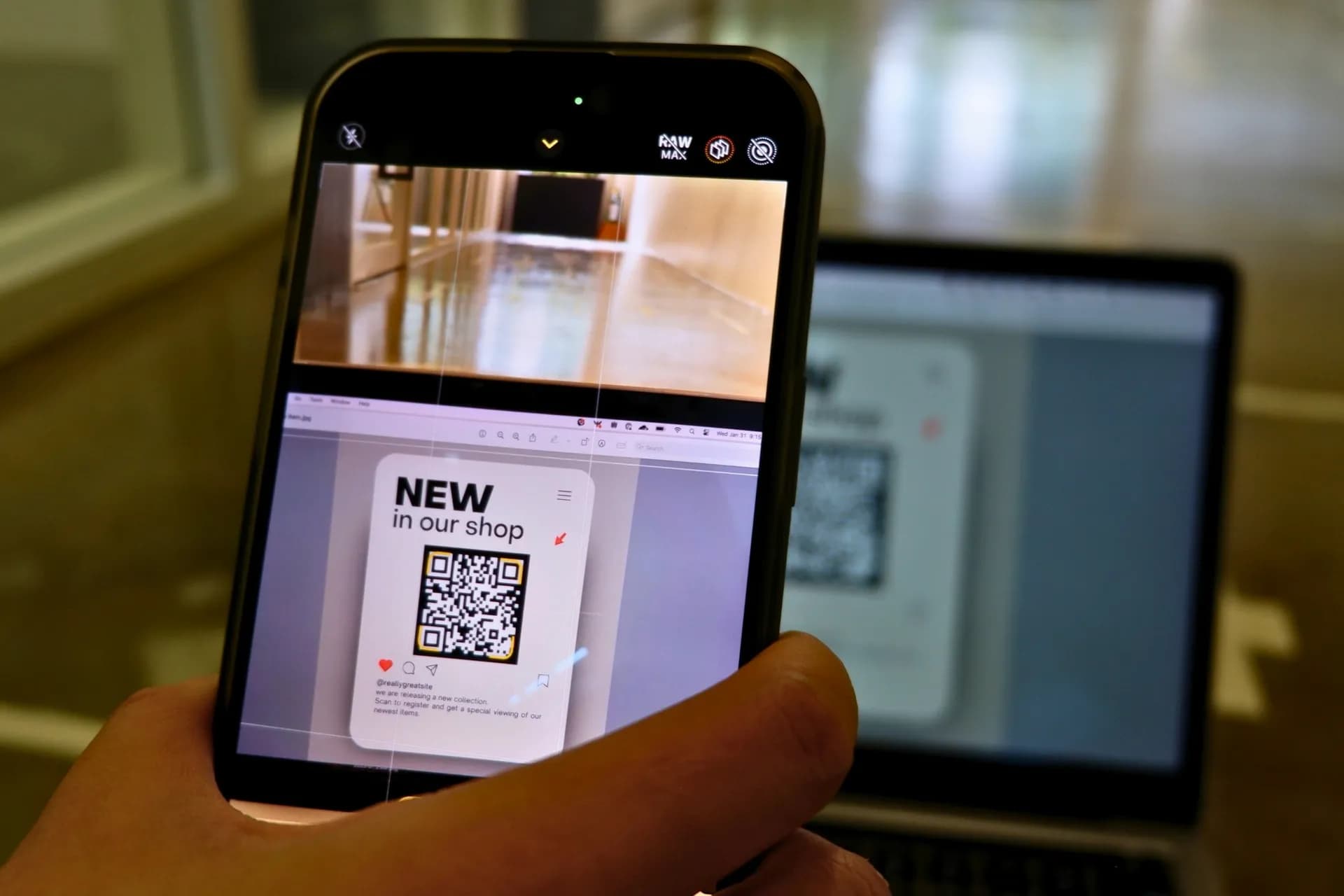
A phone showing a \"new in our shop\" QR code in front of a laptop.

Try it

See a apps QR code in action

Sample content so you can see what a scan looks like — this type only exists as a dynamic code, so the code shown to real visitors always points at your own account's live link.

Create your Apps QR code

Apps

Detects iPhone vs. Android and opens the right store.

How it works

What happens when someone scans a apps QR code

  1. 1

    The camera decodes a short link on this platform's own domain, the same as any other dynamic type.

  2. 2

    The redirect route reads the scanning device's user-agent string before responding — not after, so no extra hop is visible to the person scanning.

  3. 3

    iPhones get sent straight to your App Store listing, Android devices to your Play Store listing, and anything else (desktop browsers, in-app scanners with an unclear UA) falls back to the URL you set for that case.

Examples

Where to use a Apps QR code

Real places a Apps QR code earns its spot — each links to a full guide for that material.

Fit

Is a apps QR code the right choice?

Use it when

  • Any app promotion where you don't control who's scanning — a poster, a flyer, packaging — and can't just print two separate codes for two audiences.
  • Cross-platform launches where iOS and Android ship on different schedules; update either store link independently without touching the printed code.
  • Anywhere you'd otherwise have to choose one platform to favor, or waste space printing two codes side by side.

Consider another type when

  • A single-platform app — if there's no Android or no iOS version, a plain dynamic Website code to the one store listing is simpler and has one less thing to configure.
  • Situations where you need certainty the person lands exactly on a specific screen inside the app rather than the store listing — this type routes to the store, not into an already-installed app.
  • A fallback destination you haven't actually thought through — leaving it blank or pointing at something unrelated is worse than not using this type at all, since it's what non-mobile scanners will see.

Dynamic vs. static

Dynamic vs. static apps QR codes

App store routing has no static equivalent, structurally — a static code can only ever encode one fixed destination, and the entire point here is picking between at least three (iOS, Android, fallback) based on who's scanning. That decision has to happen at scan time on a server that can read the requesting device's user-agent, which is exactly what the dynamic redirect does and a static payload fundamentally can't.

A wall plastered with stickers and posters, including a large printed QR code.

Under the hood

How the platform decision actually gets made

The redirect handler parses the User-Agent header on the incoming request — a string like Mozilla/5.0 (iPhone; CPU iPhone OS...) for iOS or one containing Android for Android — and branches before issuing its redirect. Desktop browsers, and the small number of in-app scanners (some social apps' built-in browsers) that send an ambiguous or spoofed UA, fall through to your fallback URL, which is why setting a sensible fallback — usually a marketing page that itself links to both stores — matters more than it looks like it should.

One code instead of two

The alternative to this type is printing an iOS code and an Android code side by side and trusting people to pick the right one — which works, but eats twice the print space and asks scanners to self-identify their own phone's OS before they've even opened the camera. Detecting it server-side removes that step entirely.

The fallback is the part people skip

Because the iOS and Android paths work so reliably, it's easy to treat the fallback URL as an afterthought. In practice it's what desktop visitors, tablet users, and some in-app browsers actually see — worth pointing at something as considered as either store listing, not a placeholder.

Step by step

How to create a apps QR code

  1. 1

    Add both store links

    Paste your App Store and Play Store URLs — either can be left blank if the app genuinely doesn't exist on that platform, in which case that OS falls through to your fallback instead.

  2. 2

    Set a real fallback

    Required, not optional — this is what desktop browsers and ambiguous scanners see. A landing page linking to both stores is the safest default.

  3. 3

    Test on an actual iPhone and an actual Android device

    Emulators and desktop 'mobile view' don't send the same UA string real hardware does — verify the redirect on real devices before printing.

Apps QR code FAQ

What happens if someone scans this on a laptop?
They're sent to your fallback URL, not to either app store — desktop traffic has no meaningful app store to redirect to, so make sure the fallback is a page that makes sense for that audience too.
Can I update the store links after printing?
Yes — edit either link from your dashboard anytime; the printed code and its short link stay exactly the same.
Does this work for apps not yet published?
Only once the listing exists — point the code at whichever stores are live today and add the other platform's link the day it ships, no reprint required.
Is the platform detection ever wrong?
Rarely, but a small number of in-app browsers (some social apps' built-in webviews) send unusual user-agent strings that don't match cleanly — that traffic falls to your fallback, which is one more reason to make the fallback genuinely useful rather than an afterthought.

Related QR types

Where people put this code

Create your apps QR code

Free to generate, free to download — no account required to try it.

Create your Apps QR code