Dynamic — editable, with tracking

Business QR code

Put your business info in one scan — hours, map, and contact details.

A business QR code opens one clean page with your opening hours, address, map, and contact details. Because it's dynamic, you can update holiday hours or a new phone number and every printed sign stays correct.

  • Hours, map, and contact details in one scan
  • Update details anytime — no reprint
  • Works for single or multi-location businesses
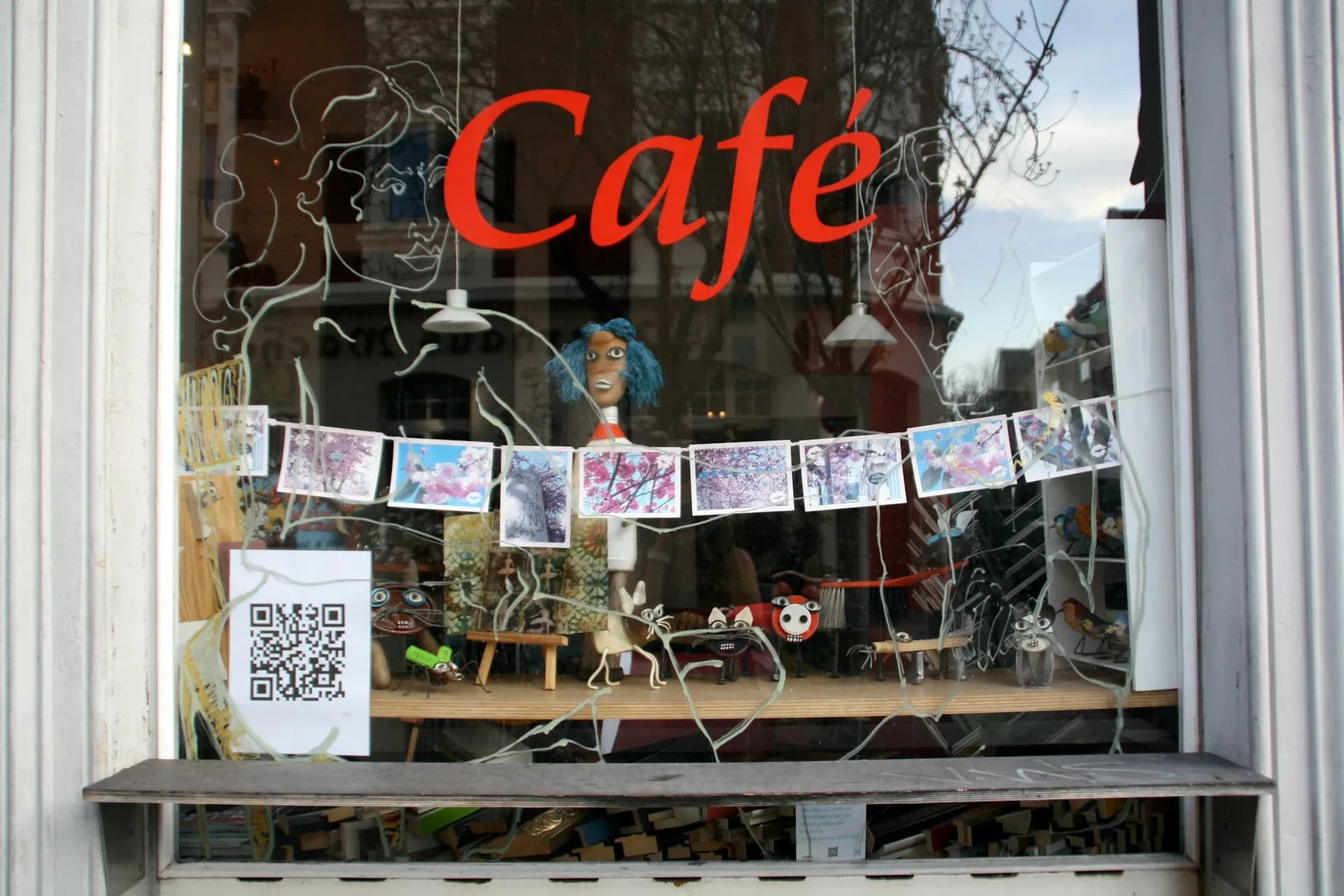
A café window with a printed QR code poster among the window decorations.

Try it

See a business QR code in action

Sample content so you can see what a scan looks like — this type only exists as a dynamic code, so the code shown to real visitors always points at your own account's live link.

Create your Business QR code

Corner Café

Coffee, pastries, and good mornings since 2019.

Hours

Mon–Fri
7am – 6pm
Sat–Sun
8am – 4pm

How it works

What happens when someone scans a business QR code

  1. 1

    The camera decodes a short link, resolved by the redirect route to this platform's hosted business page.

  2. 2

    The page shows your business name and description at the top, then address, phone, website, and hours laid out below.

  3. 3

    Tapping the address opens your map link directly; tapping the phone number starts a call — the page itself has no further navigation beyond that.

Examples

Where to use a Business QR code

Real places a Business QR code earns its spot — each links to a full guide for that material.

Fit

Is a business QR code the right choice?

Use it when

  • A storefront window, door sign, or vehicle wrap where someone wants your hours or address without searching for you online.
  • Multi-location businesses that want one consistent scan behavior everywhere, with each location's code pointing at its own details.
  • Seasonal or holiday hours changes — update once, every printed sign reflects it immediately.

Consider another type when

  • If you already have a full website with this information and would rather send people straight there — a Website code is simpler and avoids maintaining the same details in two places.
  • A business with a menu as the primary need — the dedicated Menu type is built specifically for categorized items and pricing; this type's hours/contact layout isn't meant to double as one.
  • If your hours and location are genuinely permanent and you'd rather not depend on this platform staying up to display them — a static Text code with the same details baked in is a viable, if less polished, alternative.

Dynamic vs. static

Dynamic vs. static business QR codes

Business only exists as a dynamic type, because the layout — description, address, phone, website, a list of hours by day range — would be too large and too likely to change to bake into a static payload usefully. Routing through a hosted page keeps the printed code small and constant while letting every field, especially hours, be corrected the moment they change rather than waiting for a reprint.

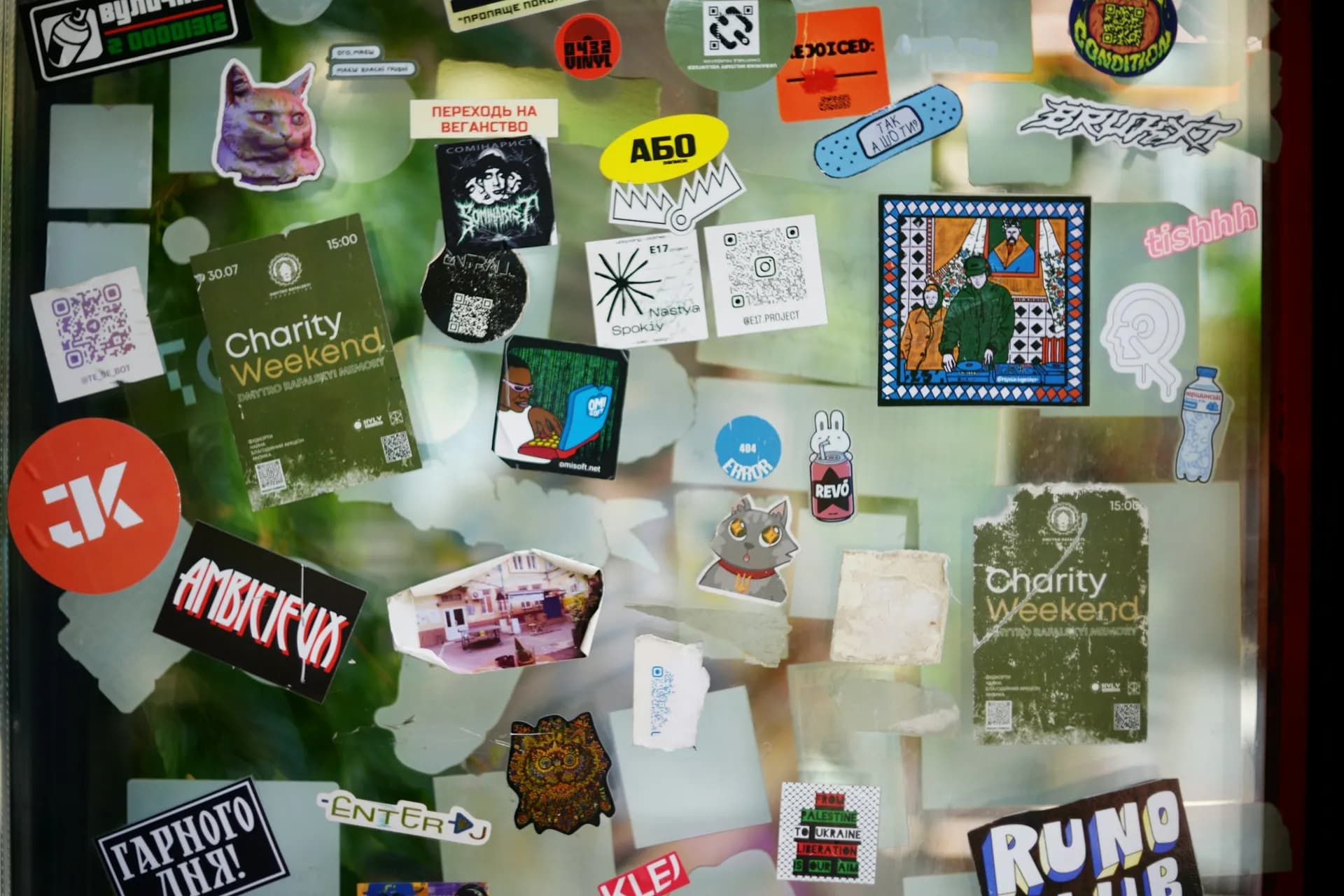
A board of colourful stickers and magnets, a few printed with small QR codes.

Under the hood

How hours are represented

Hours are stored as a free-form list of label/value pairs — 'Mon–Fri' paired with '9am–6pm', for instance — rather than a rigid per-day schedule. That's deliberate: real businesses often have hours that don't map cleanly onto seven distinct days (weekday/weekend splits, seasonal exceptions, 'closed Tuesdays'), and a free-form pair handles all of those without forcing an awkward fit into a stricter structure.

The "closed sign that updates itself" use case

The clearest win for this type is exactly the scenario every storefront runs into: hours change for a holiday, a staffing gap, a seasonal shift, and the printed sign is always slightly wrong for a few days until someone remembers to swap it. A business QR code moves that correction from "reprint the sign" to "edit the hours field," with the printed code staying exactly the same the whole time.

Kept intentionally simple

The hosted page doesn't try to be a full website — no photo galleries, no booking widget, no multi-page navigation. It's built to answer the handful of questions someone standing outside actually has, fast, on a phone screen, which is a different job than a marketing site is doing.

Step by step

How to create a business QR code

  1. 1

    Fill in name, description, and contact details

    Address, phone, and website are all optional individually — include what's actually useful to someone standing outside your door.

  2. 2

    Add a map link

    A direct link to your listing on any map provider makes the address tappable straight into turn-by-turn directions.

  3. 3

    List your hours

    Group however makes sense for your actual schedule — by day range, with exceptions called out separately if needed.

Business QR code FAQ

Can I update my hours for a holiday and revert them after?
Yes — edit the hours list anytime; there's no automatic scheduling, so you'd change it before and after manually, but each change is instant and doesn't touch the printed code.
What happens if I leave the map link blank?
The address still displays as text, just without a tappable link straight into a maps app — worth adding if you have it, but not required.
Can this replace my website?
For a simple 'when are you open, where are you, how do I reach you' need, often yes. For anything richer — a menu, a portfolio, booking — you'd still want to link out to a real site or a more specific QR type.
Is there a limit on how many locations I can create codes for?
No — create a separate business code per location; each has its own independently editable details even printed on identical-looking signage.
Related QR types

Where people put this code

Create your business QR code

Free to generate, free to download — no account required to try it.

Create your Business QR code