

Dynamic — editable, with tracking

Website QR code

Send people to any web address — change it anytime after printing.

A website QR code sends anyone who scans it straight to a web page you choose. Because it's dynamic, the printed code points at a short link you control — so you can change where it goes from your dashboard long after it's been printed.

  • Change the destination anytime — no reprint
  • See scans by country, device, and hour
  • Export as SVG for print or PNG for screens
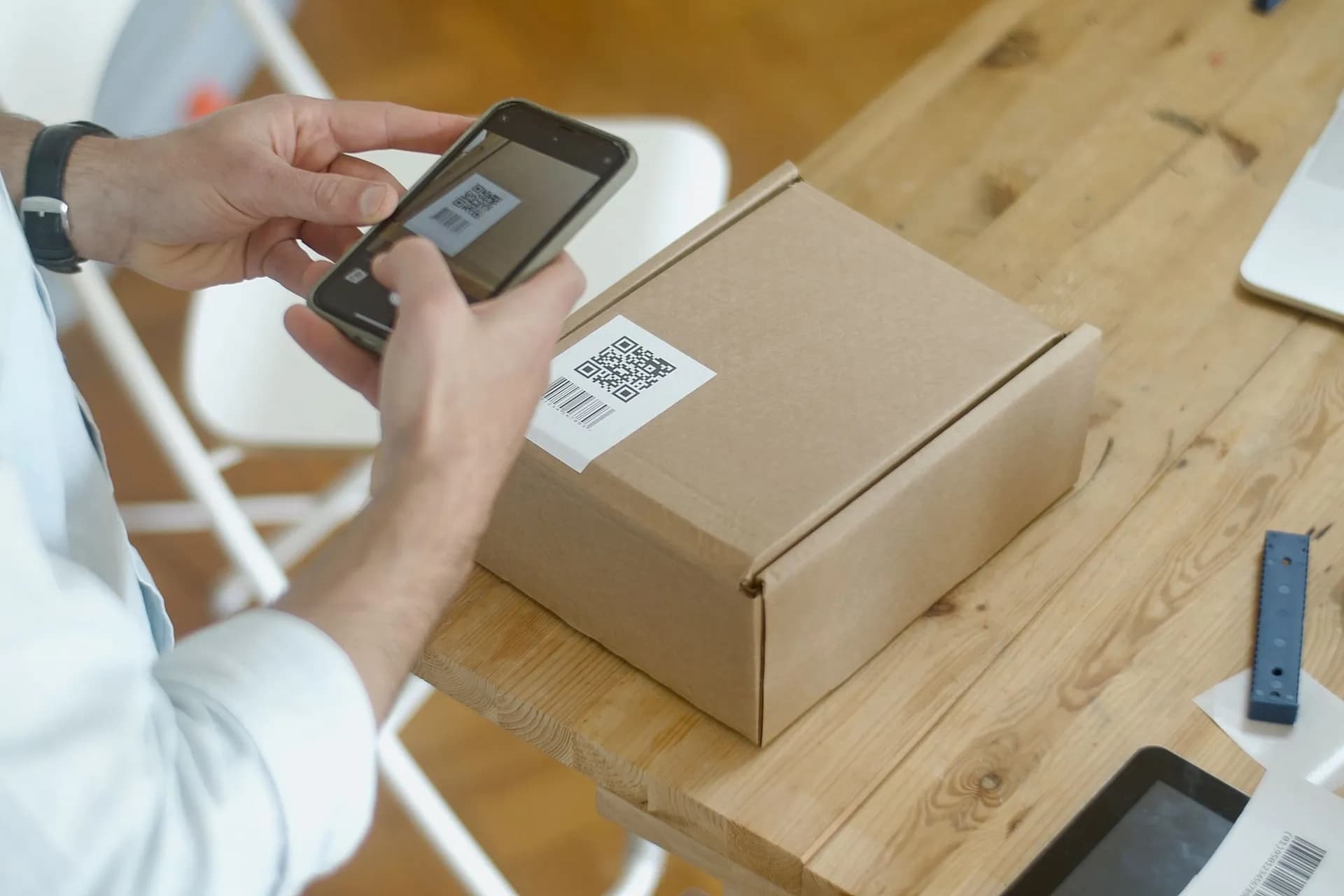
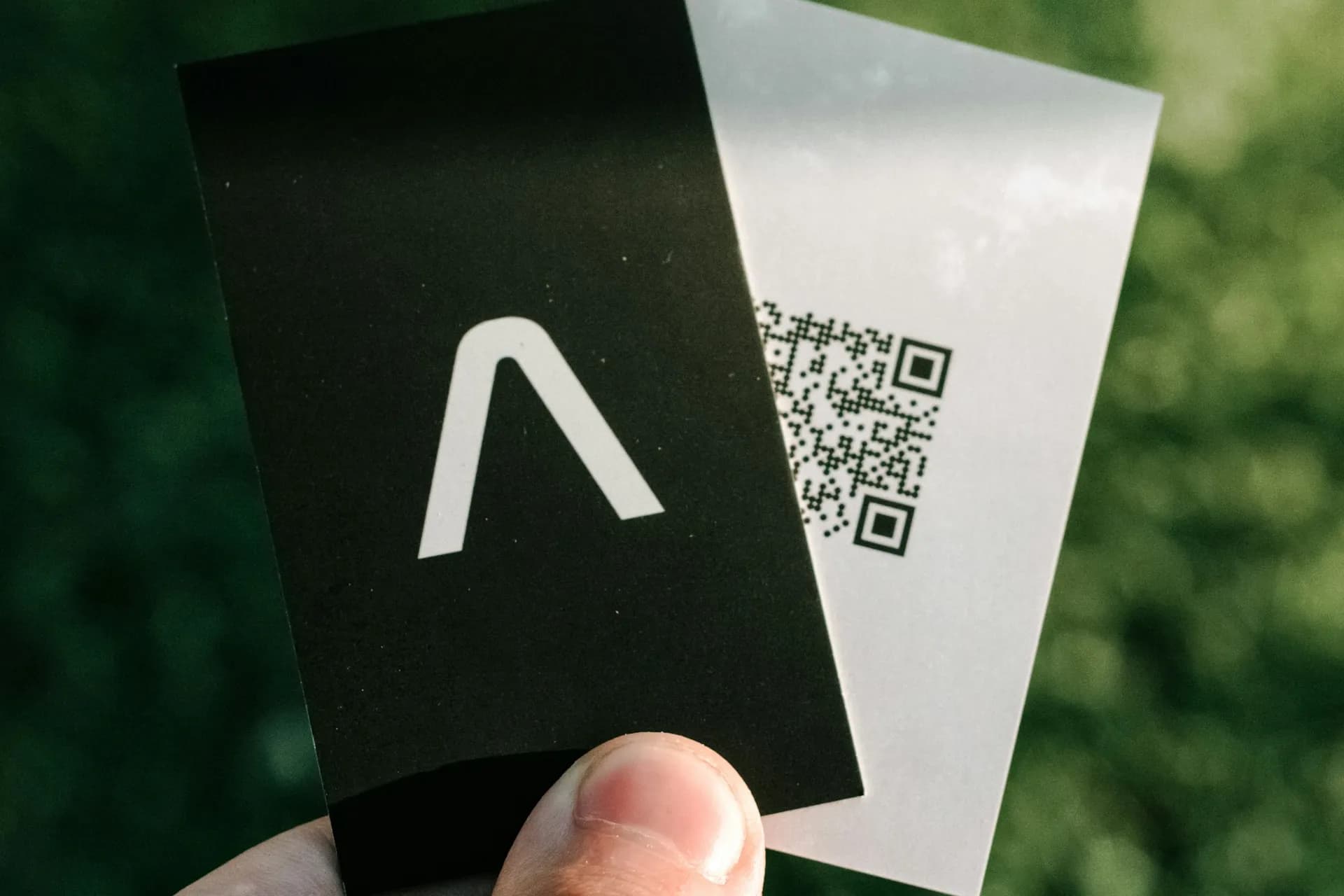
A person scanning a printed QR code on a cardboard box with their phone to open a website.

Try it

See a website QR code in action

Sample content so you can see what a scan looks like — this type only exists as a dynamic code, so the code shown to real visitors always points at your own account's live link.

Create your Website QR code

Website

Redirects straight to your URL — no page of its own.

How it works

What happens when someone scans a website QR code

  1. 1

    The phone's camera reads a short link on this platform's own domain — not your destination URL itself.

  2. 2

    The browser opens that short link, which looks up your current destination and sends the visitor straight there with a 307 redirect. The whole hop takes single-digit milliseconds under normal load.

  3. 3

    The scan is logged in the background while the redirect happens, so tracking never adds delay for the person waiting on their screen.

Examples

Where to use a website QR code

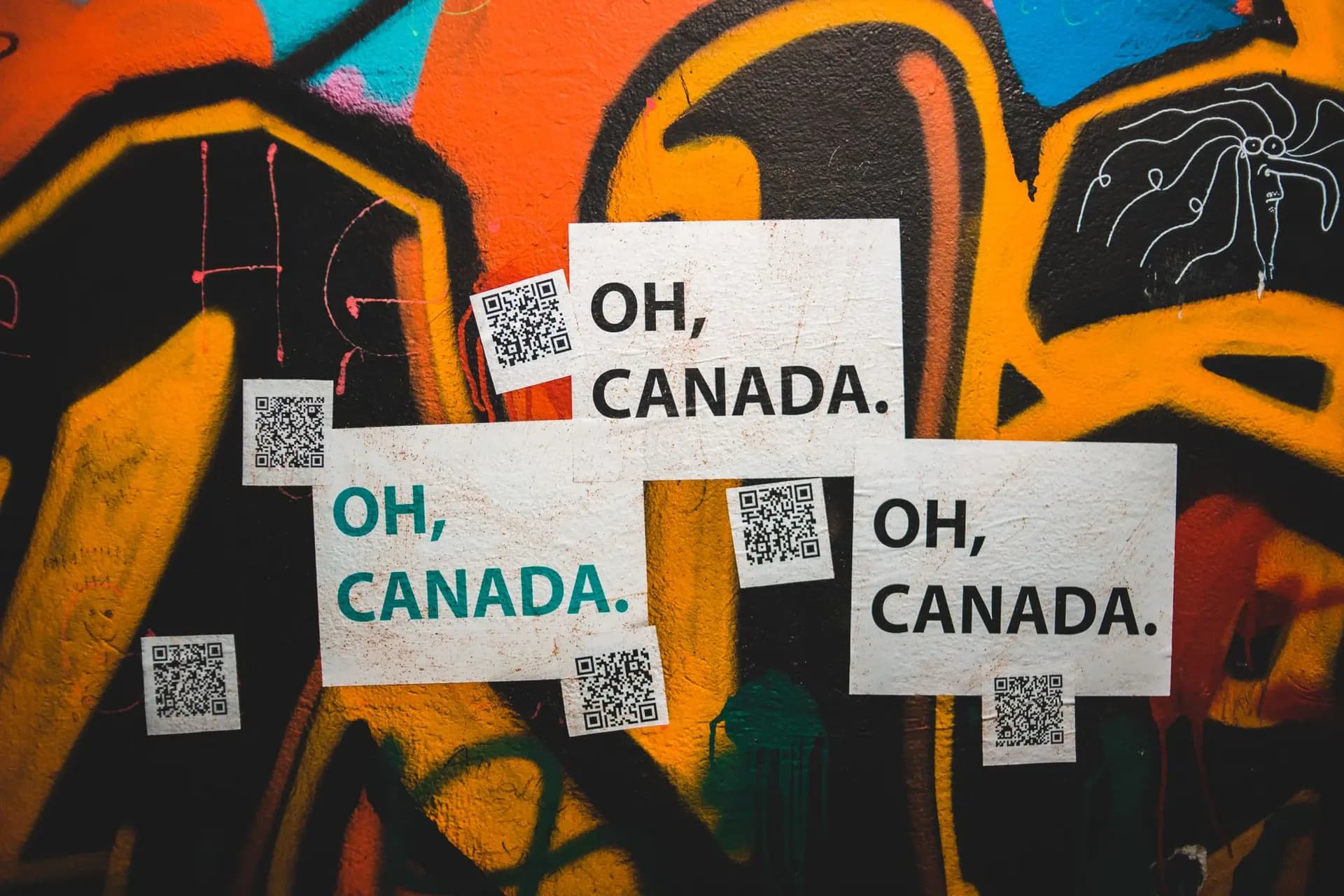
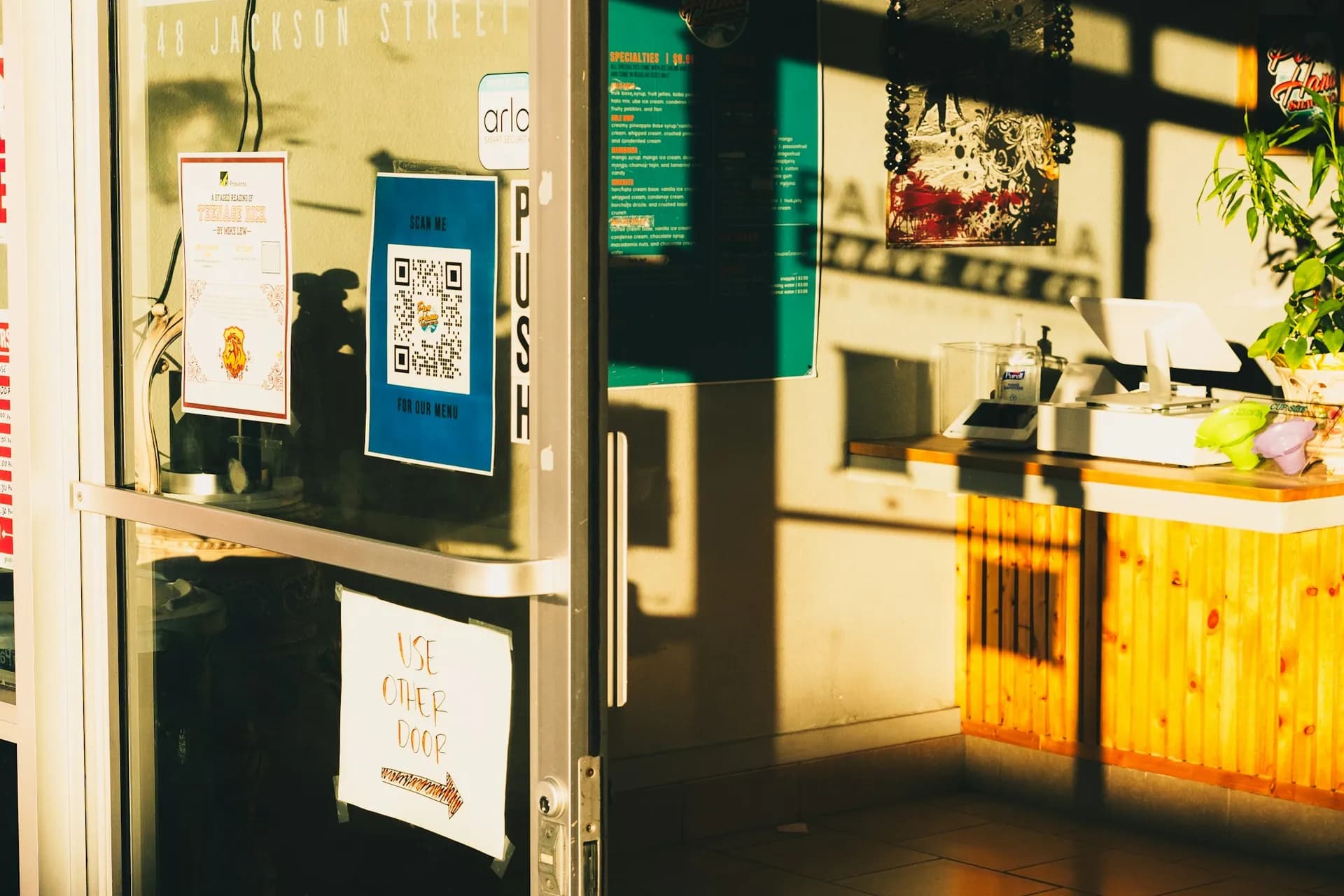
Anywhere a printed object should lead to a web page — especially when that page is likely to change before the print does.

Fit

Is a website QR code the right choice?

Use it when

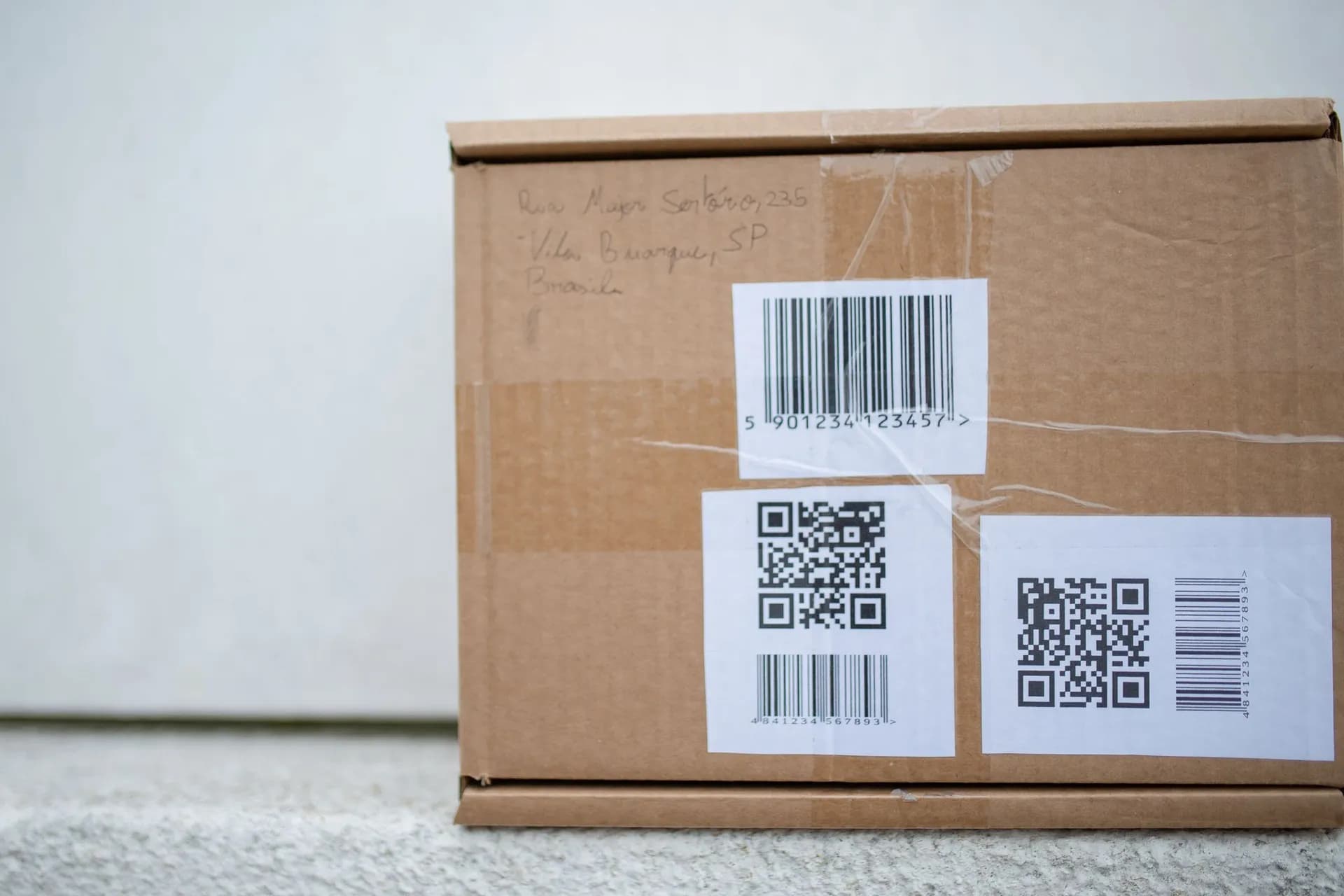
  • Any printed material with a lifespan longer than your certainty about the destination — packaging, signage, anything that outlives a single campaign.
  • A launch where the real landing page isn't finished yet: point the code at a holding page today, swap it for the real one the day it ships, same printed code throughout.
  • Anywhere you want scan counts — total, by country, by hour — since a direct static link to your site gives you none of that.

Consider another type when

  • A destination that will never change and where you'd rather avoid any dependency on this platform staying up — the static URL type encodes your address directly with no redirect hop at all.
  • Extremely latency-sensitive placements where even a single redirect hop is unacceptable — rare in practice, but the static type is the honest answer if it applies to you.
  • Anything where you don't want scans logged anywhere, for privacy reasons on your end — static URL again, since a dynamic code's whole point is the redirect it tracks.

Dynamic vs. static

Dynamic vs. static website QR codes

This is the dynamic sibling of the static URL type, and the difference is entirely about what's printed. A dynamic code encodes a short link — /r/[code] — that this platform controls, so the destination behind it can change any time from your dashboard with zero reprinting. A static URL code encodes your actual address directly, which means it's permanent the moment it's printed but also has nothing to break if this platform is ever unreachable. Most people printing anything at real scale — packaging, posters, anything beyond a one-off flyer — want dynamic for exactly this reason: a broken or outdated link becomes a dashboard edit instead of a reprint order.

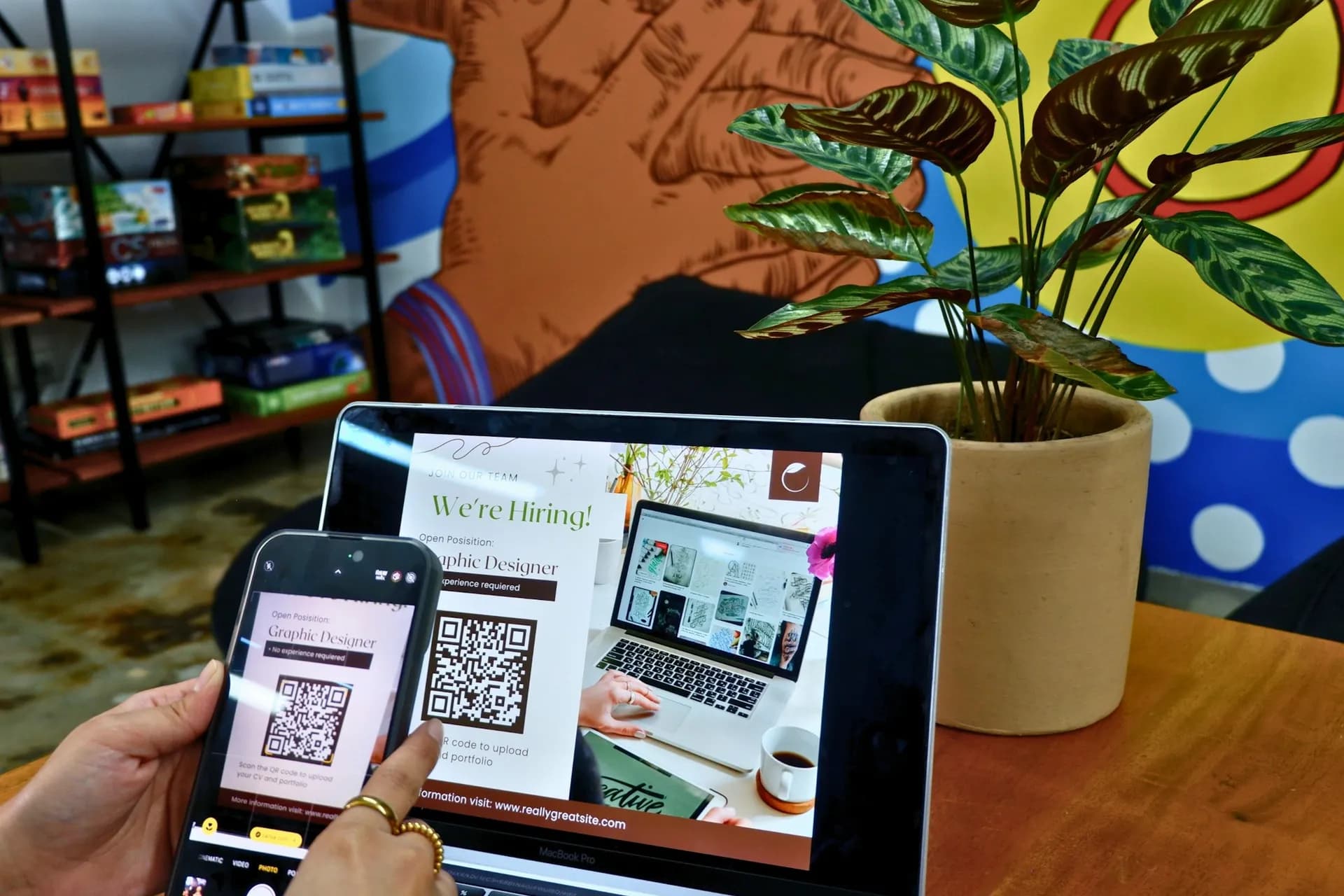
A phone scanning a QR code shown on a web page open on a laptop.

Under the hood

What actually happens during the redirect hop

A scan hits /r/[code], which looks the short code up, checks it's active and inside any schedule or scan-limit you've set, and issues an HTTP 307 to your destination — chosen over a 301/302 so the browser doesn't cache the redirect and lock in an old destination after you've changed it. If the code is paused or past its schedule, the visitor lands on a disabled-link page instead of a broken one. The scan-logging call is fired without being awaited, so a slow analytics write can never add delay to the redirect itself — the person scanning gets sent on their way first, the count catches up in the background.

Why a website QR code uses a redirect

It would be simpler to print your actual URL as a QR code — and that's exactly what the static URL type does. The redirect hop exists purely to buy editability: because the printed code points at a link this platform controls rather than your final address, that address can move without the code ever needing to change. The cost is one small, fast hop through this platform's servers; the benefit is that a rebrand, a domain change, or a fixed typo becomes a dashboard edit instead of a reprint.

An honest limitation: it depends on the redirect staying up

A dynamic code is only as reliable as this platform staying up — if the redirect service is ever down, the code resolves to nothing rather than to your site directly. For most printed material that's an acceptable trade for editability; for something genuinely mission-critical where you'd rather have zero dependency on a third party, the static URL type removes that dependency entirely, at the cost of losing the ability to edit it later.

Step by step

How to create a website QR code

  1. 1

    Paste your destination URL

    Any address works — you're not locked into the domain you start with, since it's the short link that's printed, not this one.

  2. 2

    Preview and export

    Download as SVG for anything that'll be printed, PNG for screens — the short link inside stays identical either way.

  3. 3

    Update it anytime from the dashboard

    Change the destination whenever you need to; the printed code and its short link never change, only where they point.

Website QR code FAQ

Can I change the destination after the code is printed?
Yes — that's the entire point of the dynamic type. Edit the destination URL from your dashboard and every existing printed copy starts pointing at the new address immediately, no reprint needed.
How fast is the redirect?
The lookup and redirect happen server-side in single-digit milliseconds under normal load — noticeably faster than most third-party link shorteners, since there's no third domain in the chain.
What happens if I pause or delete the code?
A paused code sends scanners to a clearly-labeled disabled-link page instead of a dead end or a random destination. Deleting removes the short code entirely, so any remaining printed copies show a not-found page.
Do scans get logged even if I don't check analytics?
Yes — every non-bot scan is logged the moment it happens, so the data is there whenever you decide to look, not just going forward from when you first open the dashboard.

Related QR types

Where people put this code

Create your website QR code

Free to generate, free to download — no account required to try it.

Create your Website QR code