Dynamic — editable, with tracking

Product QR code

Showcase a single product instantly — a dedicated page for one product.

A product QR code opens a dedicated page for one product, with photos, specs, price, and a buy link. Update the price or details anytime without reprinting packaging.

  • A dedicated page for one product
  • Photos, specs, price, and buy link
  • Update details without new packaging
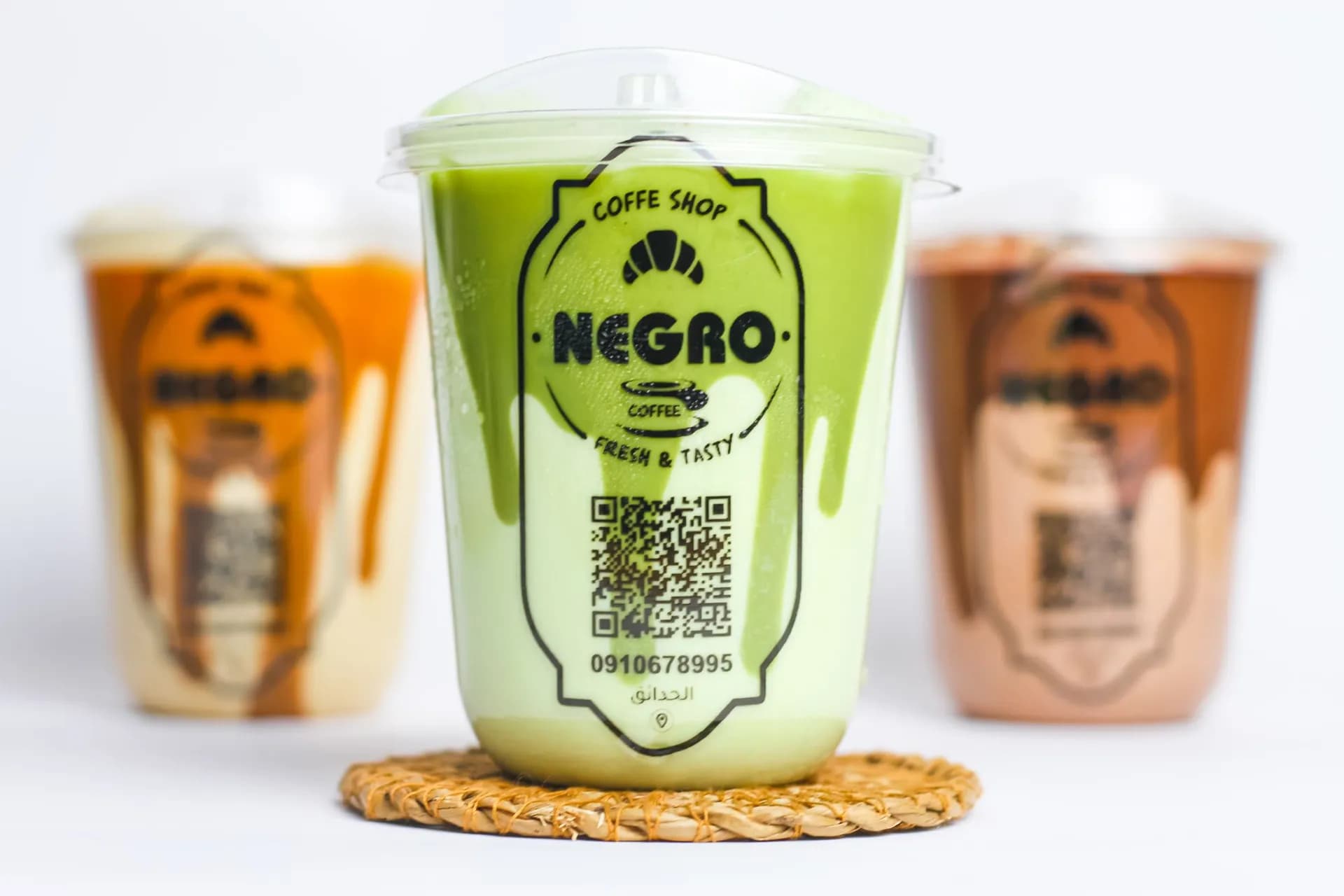
Three iced drinks in cups printed with QR codes.

Try it

See a product QR code in action

Sample content so you can see what a scan looks like — this type only exists as a dynamic code, so the code shown to real visitors always points at your own account's live link.

Create your Product QR code
Ceramic Pour-Over Set

Ceramic Pour-Over Set

USD 42.00

Hand-glazed, dishwasher safe, holds 500ml.

Buy now

How it works

What happens when someone scans a product QR code

  1. 1

    The camera decodes a short link, resolved by the redirect route to this platform's hosted product page.

  2. 2

    The page shows the product photo, name, description, and price, formatted in the currency you've set.

  3. 3

    A buy button, if you've added one, links out to wherever checkout actually happens — this page presents the product, it doesn't process payment itself.

Examples

Where to use a Product QR code

Real places a Product QR code earns its spot — each links to a full guide for that material.

Fit

Is a product QR code the right choice?

Use it when

  • Packaging or in-store signage for a single product where you want more detail than fits on the label itself.
  • Products with a price or description that changes — a seasonal price adjustment, an updated ingredient list — without reprinting packaging.
  • Limited-run or pop-up products where the full e-commerce listing isn't worth building for something short-lived.

Consider another type when

  • A full catalog of multiple products — this type is one page per one product; a Landing Page or List of Links type fits a multi-product catalog better.
  • If you already have a proper e-commerce listing and would rather send people straight there — a Website code linking directly to that listing skips the extra step.
  • Anything needing actual checkout on the page itself — this type links out to buy, it doesn't process a transaction.

Dynamic vs. static

Dynamic vs. static product QR codes

Product exists only as dynamic, since the page — photo, description, price, buy link — is too much structured content to compress into a static payload, and because the value of the type depends on being able to update price or availability without touching whatever packaging or signage the code is printed on.

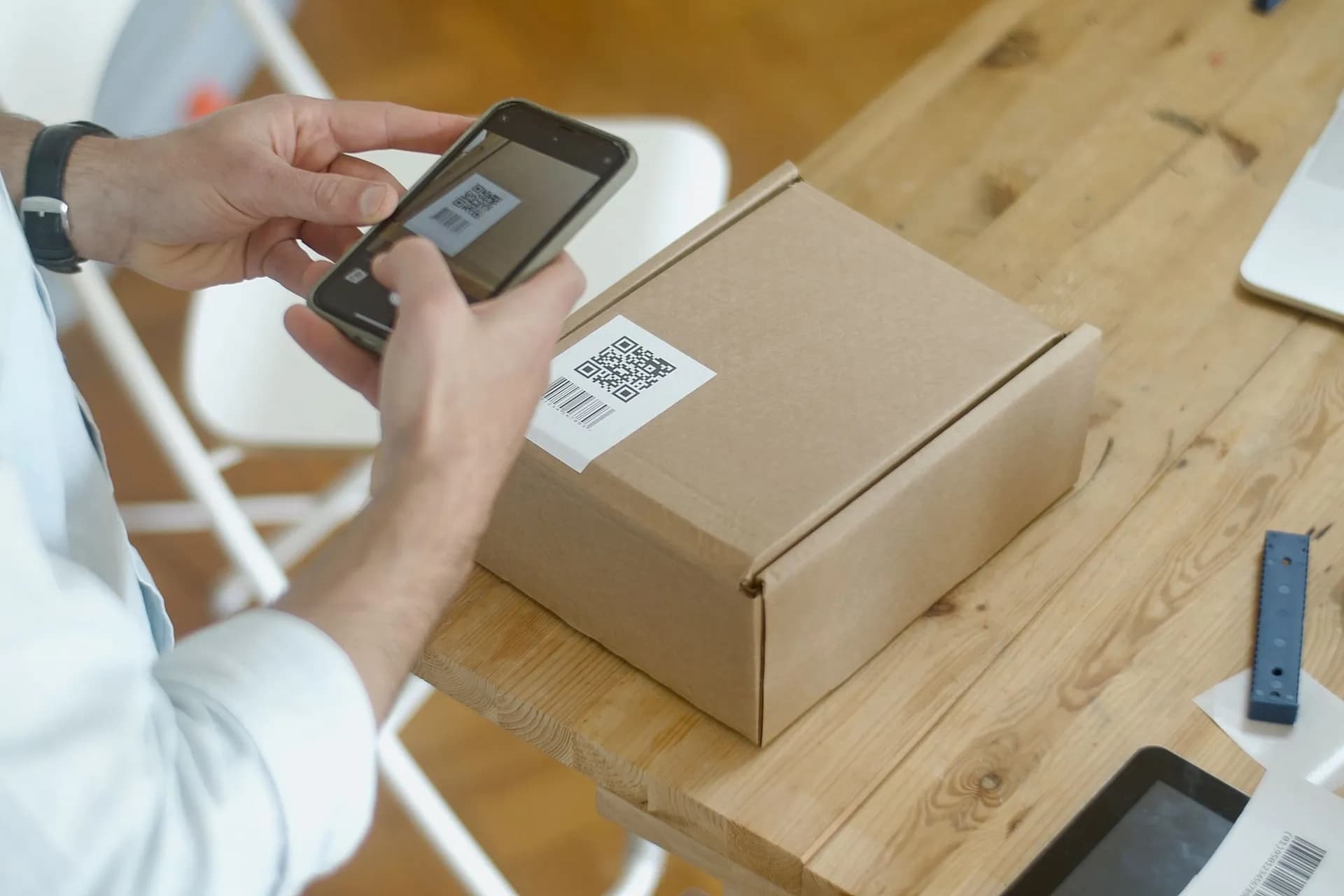
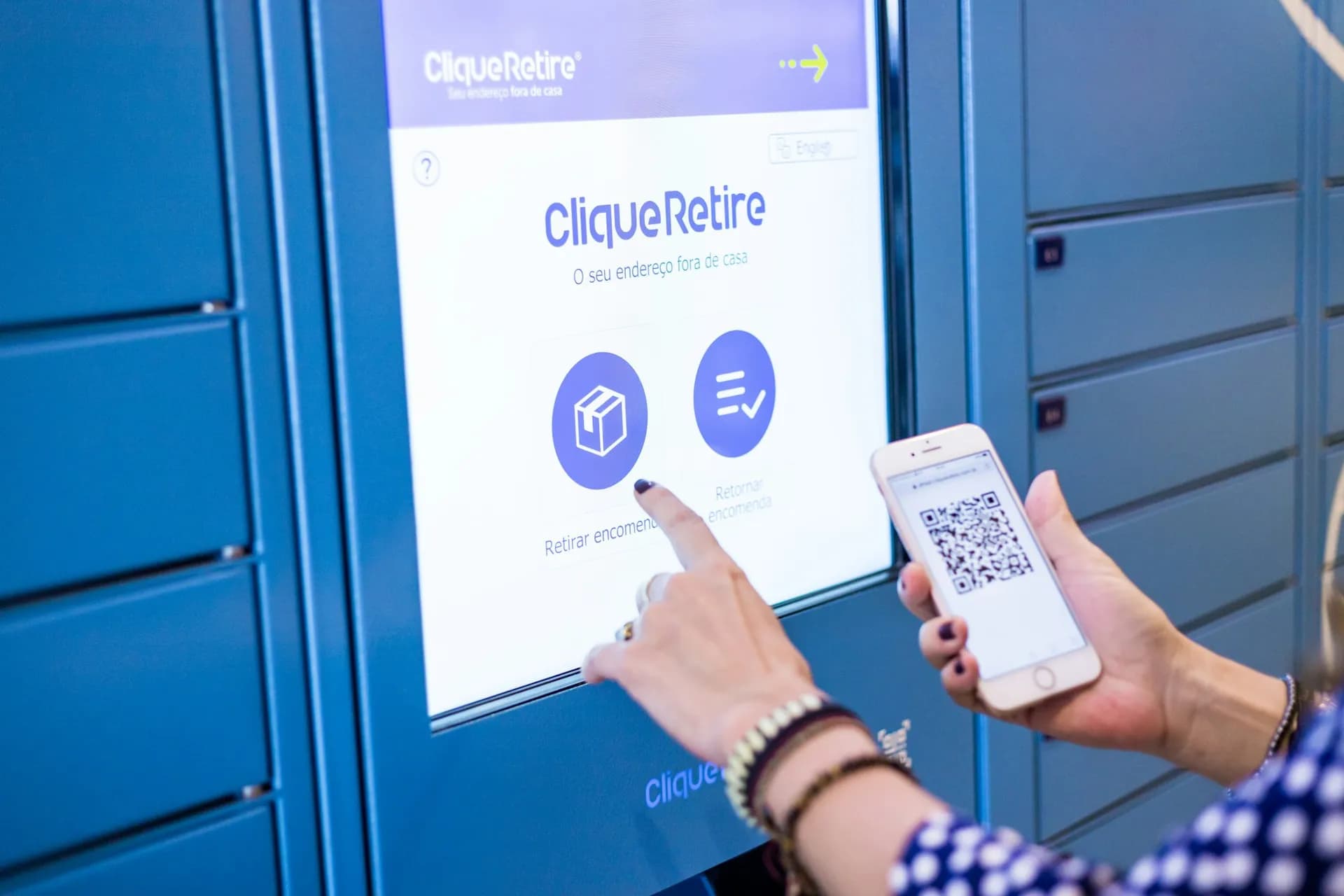
A person scanning a QR code on their phone at a parcel locker.

Under the hood

What the buy button actually does

The buy URL is simply a link you provide — to your own store's product page, a marketplace listing, or wherever checkout for this item actually happens. This platform doesn't process the purchase or handle inventory; the hosted page's job ends at handing the visitor off to wherever you've told it to send them, the same as a 'Shop now' button on any marketing page would.

A spec sheet, not a storefront

This type is best understood as an extension of the product's own packaging — more room to explain, show, and price something than a label allows, without trying to replace an actual e-commerce checkout. The buy button is a hand-off, not a transaction.

Why price lives here instead of on the package

Printing a price directly on packaging locks it in until the next print run. Routing it through this type means a price change — a sale, an adjustment for cost changes — updates instantly on every unit already sitting on a shelf, without a single reprint.

Step by step

How to create a product QR code

  1. 1

    Add the product name, description, and price

    Currency defaults to USD but can be set to whatever your pricing is actually in.

  2. 2

    Add a photo and a buy link

    Both optional individually, but a photo especially helps the page do its job at a glance.

  3. 3

    Update price or details as they change

    Every edit is live immediately — no reprint needed for a price change or a restock update.

Product QR code FAQ

Can people actually purchase on this page?
No — the buy button links out to wherever you actually process purchases (your store, a marketplace listing). This page presents the product; it doesn't handle checkout.
Can I update the price after printing packaging with this code?
Yes — edit the price from your dashboard anytime; the hosted page reflects it immediately, with no packaging reprint needed.
What if a product goes out of stock?
Update the description to note it, or point the buy link elsewhere — there's no dedicated 'sold out' state built in, so it's handled through the description and link fields you control.
Can I use this for more than one product?
Create a separate product code per item — each is independently editable, even if printed on identically designed packaging.

Related QR types

Where people put this code

Create your product QR code

Free to generate, free to download — no account required to try it.

Create your Product QR code