


Dynamic — editable, with tracking

Playlist QR code

Share a full playlist with a scan.

A playlist QR code takes people straight to a full playlist, without printing a long platform-specific link. Refresh the playlist for a new season and the printed sign keeps working.

  • Share a full playlist in one scan
  • Update the playlist anytime
  • No raw streaming links to print
People celebrating at a night event next to a glowing QR code.

Try it

See a playlist QR code in action

Sample content so you can see what a scan looks like — this type only exists as a dynamic code, so the code shown to real visitors always points at your own account's live link.

Create your Playlist QR code

How it works

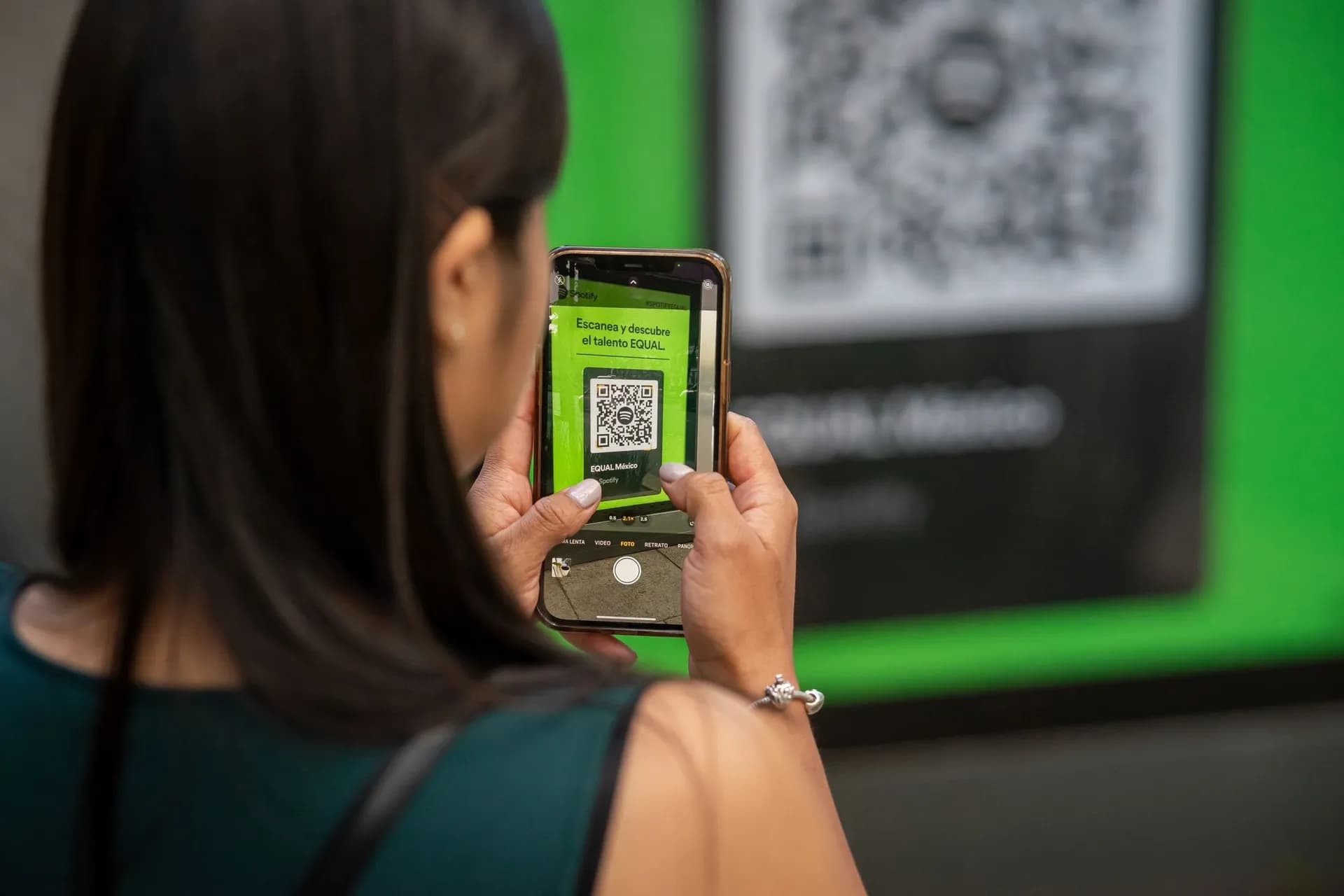
What happens when someone scans a playlist QR code

  1. 1

    The camera decodes a short link, resolved by the redirect route to your playlist's URL.

  2. 2

    The phone opens it in whatever app handles that platform's links — the Spotify app for a Spotify playlist, Apple Music for an Apple Music one, or a browser fallback if the app isn't installed.

  3. 3

    Playback and the listening experience from there are entirely the streaming platform's own.

Examples

Where to use a Playlist QR code

Real places a Playlist QR code earns its spot — each links to a full guide for that material.

Fit

Is a playlist QR code the right choice?

Use it when

  • Event or venue signage sharing a curated playlist — a bar's house music, a wedding's song list, a workout studio's class mix.
  • Anything you might update between print runs — refresh the playlist for a new season without touching the printed sign.
  • Cross-promotional material where you'd rather not print a raw platform-specific playlist link.

Consider another type when

  • A single track rather than a collection — the MP3 type fits a specific song better than treating it as a one-item playlist.
  • If your audience is split across streaming platforms and you need to route each to their own preferred service — this type points at one link on one platform; you'd need to pick the platform most of your audience actually uses.
  • A playlist you're confident is permanent and want with zero platform dependency — a static URL code to the same link is the leaner static option.

Dynamic vs. static

Dynamic vs. static playlist QR codes

Playlist is dynamic-only in this catalog for the same practical reason as Video and MP3 — playlists get refreshed more than most links (a new season, an updated vibe, a corrected track order), and defaulting to editable means that refresh never touches whatever the code is printed on.

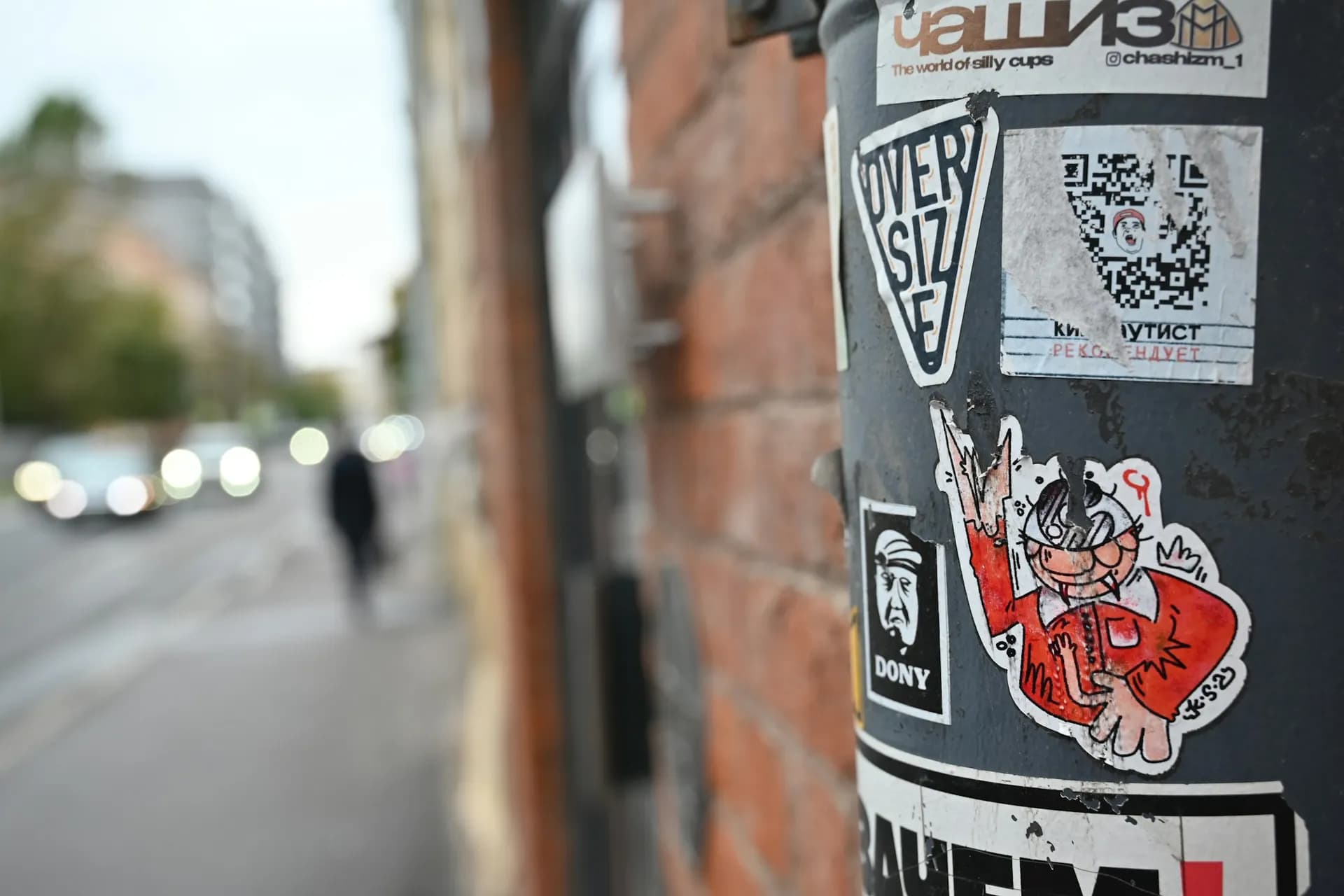
A wall plastered with stickers and posters, including a large printed QR code.

Under the hood

What the redirect actually does

The short link resolves with a standard 307 straight to the playlist URL you provide — a Spotify, Apple Music, YouTube Music, or other platform's playlist link. If the corresponding app is installed, most platforms' universal links open the app directly rather than a mobile browser; without the app, the visitor lands on that platform's web player instead.

A link, not a hosted playlist

This type doesn't build or host a playlist itself — it points at one that already exists on a real streaming platform. That keeps the listening experience exactly as good as the platform you're already using, at the cost of committing to whichever platform your printed code sends people to.

Worth picking the platform your audience actually uses

Since this type routes to one specific platform's playlist, the biggest practical decision is which platform to use — worth matching to wherever your actual audience already listens, rather than defaulting to whichever one you personally use.

Step by step

How to create a playlist QR code

  1. 1

    Add the playlist URL

    A direct link from Spotify, Apple Music, or wherever the playlist actually lives.

  2. 2

    Add a title and description (optional)

    Kept for your own reference; the scan redirects straight to the playlist rather than an interstitial page.

  3. 3

    Update the link when the playlist changes or moves

    From your dashboard anytime — the printed code and short link stay the same.

Playlist QR code FAQ

Does this open the streaming app or a browser?
If the relevant app (Spotify, Apple Music, etc.) is installed, most platforms' links open the app directly. Without it installed, the visitor lands on that platform's web player instead.
Can I link to a playlist on a different platform later?
Yes — swap the URL from your dashboard anytime; a new link from any platform works the same way, no reprint needed.
Does this play audio directly, like the MP3 type?
No — it redirects to the playlist on its own platform, which then handles playback with its own player and controls.
Are plays or listens tracked?
Scans of the code are tracked by this platform; actual streams or plays are tracked (if at all) by the streaming platform itself, separately.

Related QR types

Where people put this code

Create your playlist QR code

Free to generate, free to download — no account required to try it.

Create your Playlist QR code