

Dynamic — editable, with tracking

MP3 QR code

Let a scan play your track — plays instantly on scan.

An MP3 QR code plays an audio track the moment it's scanned, without sending people to a streaming app. Replace the file later — a remaster or a corrected recording — and the printed code keeps working.

  • Plays instantly on scan
  • Replace the audio file anytime
  • No streaming app required
A wall plastered with stickers and posters, including a large printed QR code.

Try it

See a mp3 QR code in action

Sample content so you can see what a scan looks like — this type only exists as a dynamic code, so the code shown to real visitors always points at your own account's live link.

Create your MP3 QR code

How it works

What happens when someone scans a mp3 QR code

  1. 1

    The camera decodes a short link, resolved by the redirect route to your audio file's URL.

  2. 2

    The phone opens or plays the file using whatever handles that link type on the scanner's device — usually the browser's native audio player for a direct file link.

  3. 3

    Playback itself is entirely the device's own audio player behavior, not something this platform controls.

Examples

Where to use a MP3 QR code

Real places a MP3 QR code earns its spot — each links to a full guide for that material.

Fit

Is a mp3 QR code the right choice?

Use it when

  • A song, voice memo, or audio guide attached to physical material — art installations, greeting cards, product packaging.
  • Anything where the file might be replaced later — a remastered version, a corrected recording — without reprinting whatever the code is on.
  • Audio content you'd rather not force through a specific streaming platform's app.

Consider another type when

  • A full playlist or multi-track set — the dedicated Playlist type links to an actual playlist rather than one file.
  • If you want inline playback controls embedded in a branded page — this type redirects to the file directly rather than wrapping it in a custom player.
  • A file you're confident will never change and want with zero dependency on this platform — a static URL code pointed at the same file link is the leaner static alternative.

Dynamic vs. static

Dynamic vs. static mp3 QR codes

MP3 is dynamic-only in this catalog for the same reason as Video — while the underlying link is just a URL, treating it as dynamic-by-default means a corrected or updated recording doesn't require reprinting whatever physical object the code is attached to, which is common enough for audio (remasters, edits, replacing a placeholder file) to be worth defaulting to.

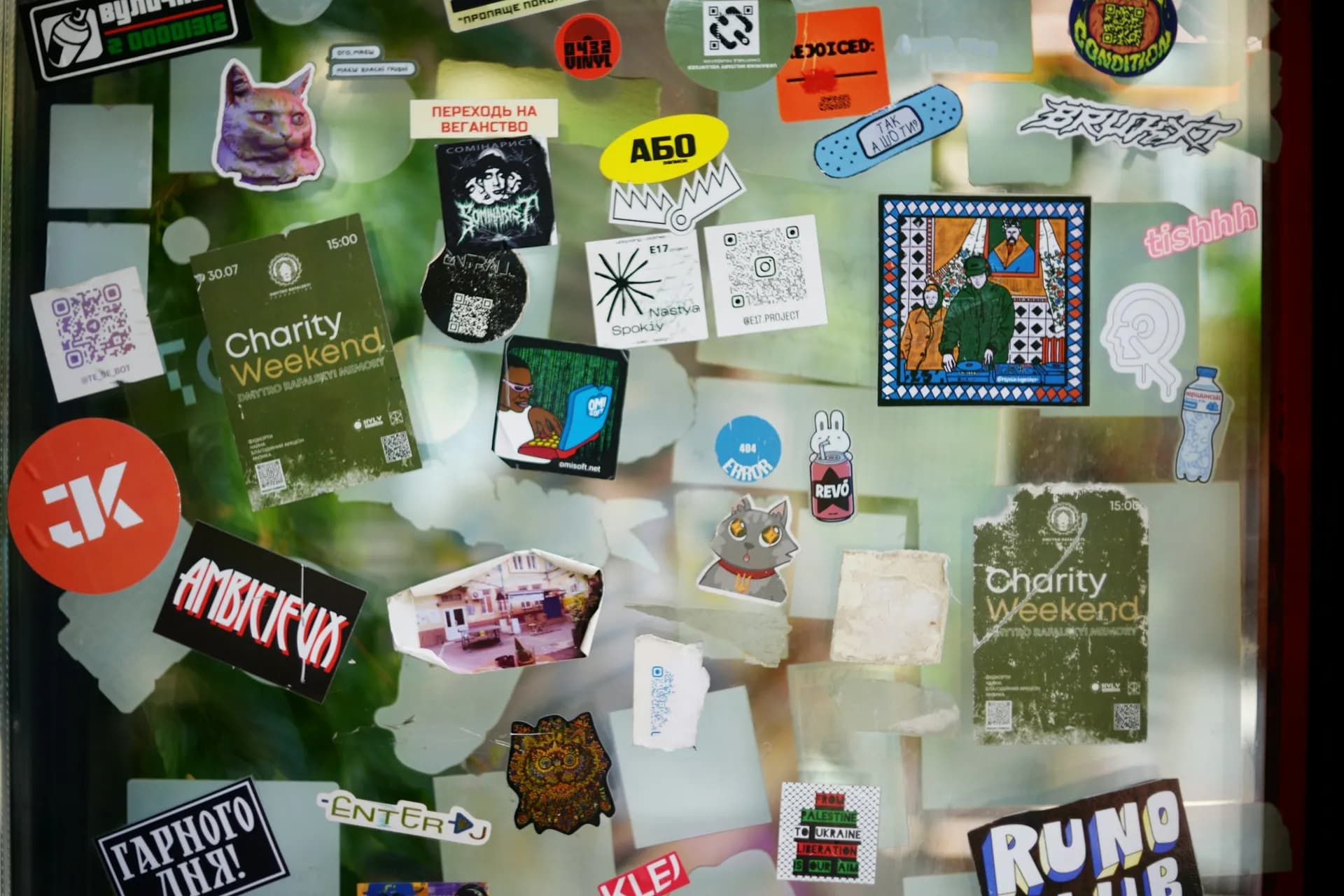
A board of colourful stickers and magnets, a few printed with small QR codes.

Under the hood

What actually plays, and where

The redirect sends the browser straight to your audio file's URL with a standard 307. Whether that opens an inline player, downloads the file, or plays automatically depends entirely on the file type and the scanning device's browser — an MP3 link typically opens a minimal native audio player in most mobile browsers, but behavior isn't identical across every OS and browser combination.

A direct line to one track

This type keeps things minimal on purpose — one file, one link, no custom player wrapped around it. That's the right fit for a single piece of audio tied to a specific physical object; for a broader listening experience, the Playlist type is the better match.

An honest limitation

Playback experience — whether it auto-plays, what controls appear, whether it downloads instead of streaming — is entirely up to the scanning device's browser and OS, not something this platform can standardize. Testing the actual scan on a couple of different phones before printing at scale is worth the few minutes it takes.

Step by step

How to create a mp3 QR code

  1. 1

    Add the audio file URL

    A direct link to the hosted file — from your own storage or another audio host.

  2. 2

    Add a title and artist (optional)

    Kept for your own reference; the scan redirects straight to the file rather than showing a branded player page.

  3. 3

    Swap the file whenever it changes

    Update the link from your dashboard — the printed code and short link stay the same.

MP3 QR code FAQ

Does the audio play automatically on scan?
Behavior depends on the scanning device's browser — many will open a minimal native player that requires a tap to start, rather than auto-playing immediately.
Can I replace the track later?
Yes — update the file link from your dashboard anytime; the printed code and short link don't change.
Is there a file size or length limit?
None enforced by this type specifically, though a smaller file loads and starts faster on a scan, especially in weak signal.
Can I use a link from a streaming service instead of a raw file?
Yes, if the service provides a direct playable link — behavior then depends on that service's own app or web player rather than a native browser audio player.

Related QR types

Where people put this code

Create your mp3 QR code

Free to generate, free to download — no account required to try it.

Create your MP3 QR code