
Static — no tracking

Text QR code

Show a message on scan — no link, no app, nothing to load.

A text QR code shows a short message on scan — no link, no app, and nothing to load. It works anywhere, even with no signal, because the message is stored in the code itself.

  • Shows a message with no link
  • Works offline — nothing to load
  • Can't be redirected after printing
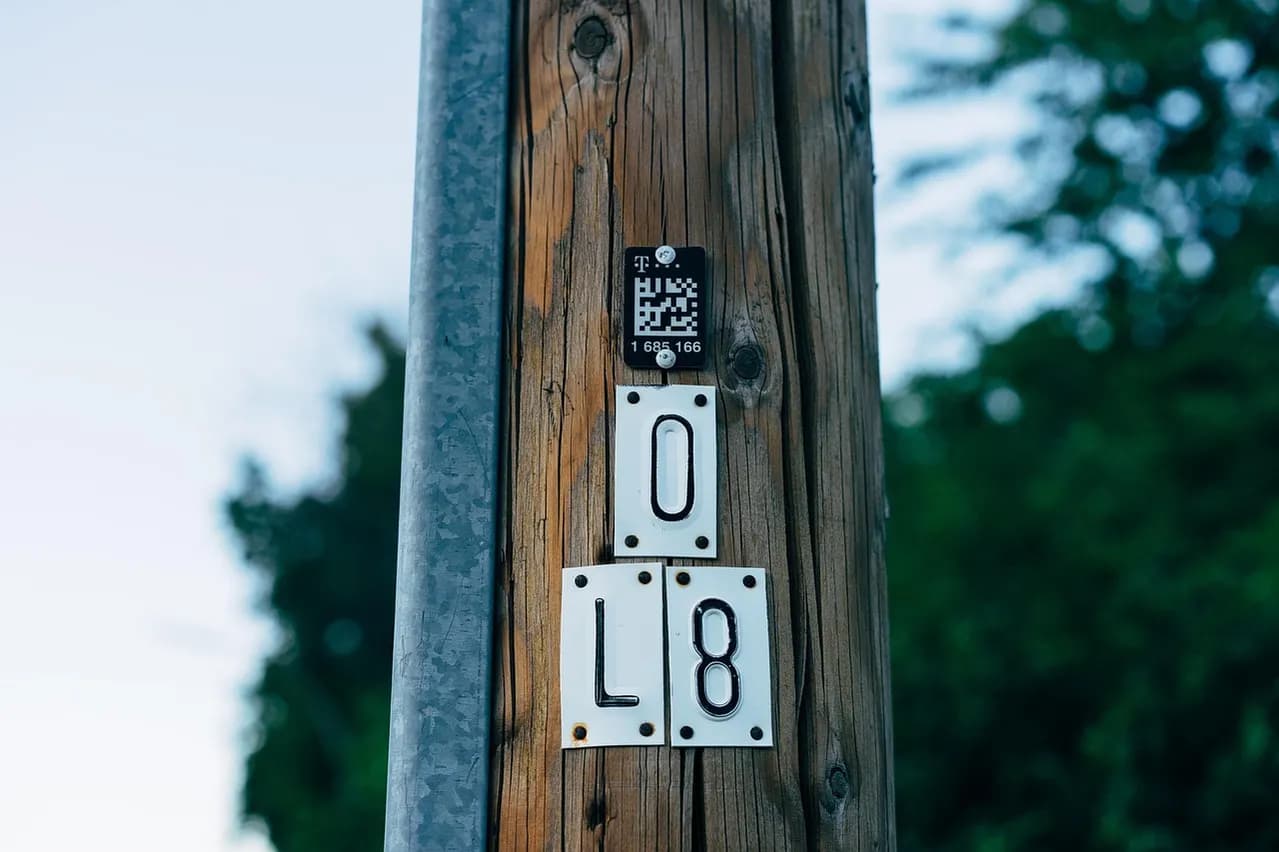
A small wooden sign with a QR code nailed to a tree.

Try it

See a text QR code in action

35/300 characters

Table 4 — scan for today's specials

How it works

What happens when someone scans a text QR code

  1. 1

    The camera app decodes the code and recognizes a plain-text payload — not a URL, so there's nothing to open in a browser.

  2. 2

    iOS shows the text directly in the QR preview banner with a Copy action; Android's camera and Google Lens show the same text in a bottom sheet with Copy and Search options.

  3. 3

    Nothing is fetched over the network. The phone never leaves airplane mode for this — the words on screen are the entire payload.

Examples

Where to use a Text QR code

Real places a Text QR code earns its spot — each links to a full guide for that material.

Fit

Is a text QR code the right choice?

Use it when

  • A message that will never need to change — a gallery placard, a thank-you note, a poem, event credits.
  • Situations where you deliberately don't want a link — a QR that can't be swapped for something else after the fact, which some public installations use as a trust signal.
  • Offline-first contexts: a code on a hiking trail marker or a basement wall with no signal still works, because there's no server to reach.

Consider another type when

  • Anything you might need to correct. A typo in a static text code is a typo on every copy you've printed, forever.
  • Marketing copy you'll want to A/B test or update seasonally — use a Landing Page or Website type instead, and keep the printed code untouched while the destination changes underneath it.
  • Long-form content. Past a few hundred characters the code gets visually dense enough that phones held at a normal arm's length start struggling to focus on it.

Dynamic vs. static

Dynamic vs. static text QR codes

Text has no dynamic variant, and it isn't an oversight — a dynamic code works by encoding a short link that resolves to whatever the destination is today (this platform's is /r/[code]). A text code has no destination to resolve; the words in the code are the content. Making it 'dynamic' would just mean encoding a link to a page that shows text, which is the Landing Page type, not this one.

A board of colourful stickers and magnets, a few printed with small QR codes.

Under the hood

Why message length changes the code's size in steps, not smoothly

QR codes come in fixed versions — version 1 is a 21×21 grid of modules, version 2 is 25×25, and so on up to version 40. Each version has a fixed byte capacity per error-correction level, so growing a message doesn't grow the code smoothly; it jumps to the next version once the current one is full. At error-correction level M (this generator's default), version 4 (33×33 modules) holds up to 62 bytes. A 59-character ASCII message like "Thanks for visiting our pop-up. Follow us for the next one." fits comfortably inside that version — three characters more and a scanner would silently render it one version larger and visually denser, without you changing anything except the words.

Why there's no network round-trip

A text code skips the trip through a server entirely. Most link-based QR types work by pointing at a short URL that the phone's browser has to fetch before it can show anything; a text code's payload is the content, so there's no fetch, no loading state, and no way for the destination to have moved or gone offline. That immediacy is the entire appeal — and, as the sections above lay out, also the entire limitation, since there's nothing to redirect once it's printed.

An honest limitation

This is the type most likely to be the wrong choice. If there's any chance the message needs a correction, a seasonal update, or a link out to somewhere with more detail, a static text code turns that need into a reprint. Most of the time, what people actually want is a link that behaves like a note — short, no app required — which points back to a dynamic Landing Page rather than plain text.

Step by step

How to create a text QR code

  1. 1

    Write the message

    Type what you want scanners to see. There's no character limit enforced beyond what stays comfortably scannable — the live preview above shows the real code updating as you type.

  2. 2

    Check it scans

    Point a phone camera at the preview before you commit to print. If the code looks visually dense, shorten the message rather than shrinking the print size to compensate.

  3. 3

    Download and print

    Export as SVG for anything printed — it stays crisp at any size, unlike a PNG that pixelates once stretched past its source resolution.

Text QR code FAQ

Can I edit a text QR code after printing?
No — the text is embedded directly in the code's pixel pattern, so editing it means generating and printing a new code. If you expect to need edits later, use a Landing Page or Website type instead, where the printed code stays fixed and only the destination behind it changes.
Does a text QR code need an internet connection to scan?
No. The phone decodes the message from the code itself with no network request at all, which is exactly why it works in places with no signal.
Why did my QR code get visually denser when I added a sentence?
QR codes jump between fixed module-grid sizes (versions) rather than resizing smoothly. Crossing a version's byte limit — 62 bytes at error-correction level M for version 4, for example — bumps the whole code up a size, adding a visible ring of extra modules around the edge.
Can I use emoji or accented characters?
Yes, but they cost more bytes than plain ASCII once encoded as UTF-8, which means you'll hit the next version boundary sooner than the character count alone suggests.

Related QR types

Where people put this code

Create your text QR code

Free to generate, free to download — no account required to try it.

Create your Text QR code