QR codes on

Labels

Carries more than the packaging around it has room to print.

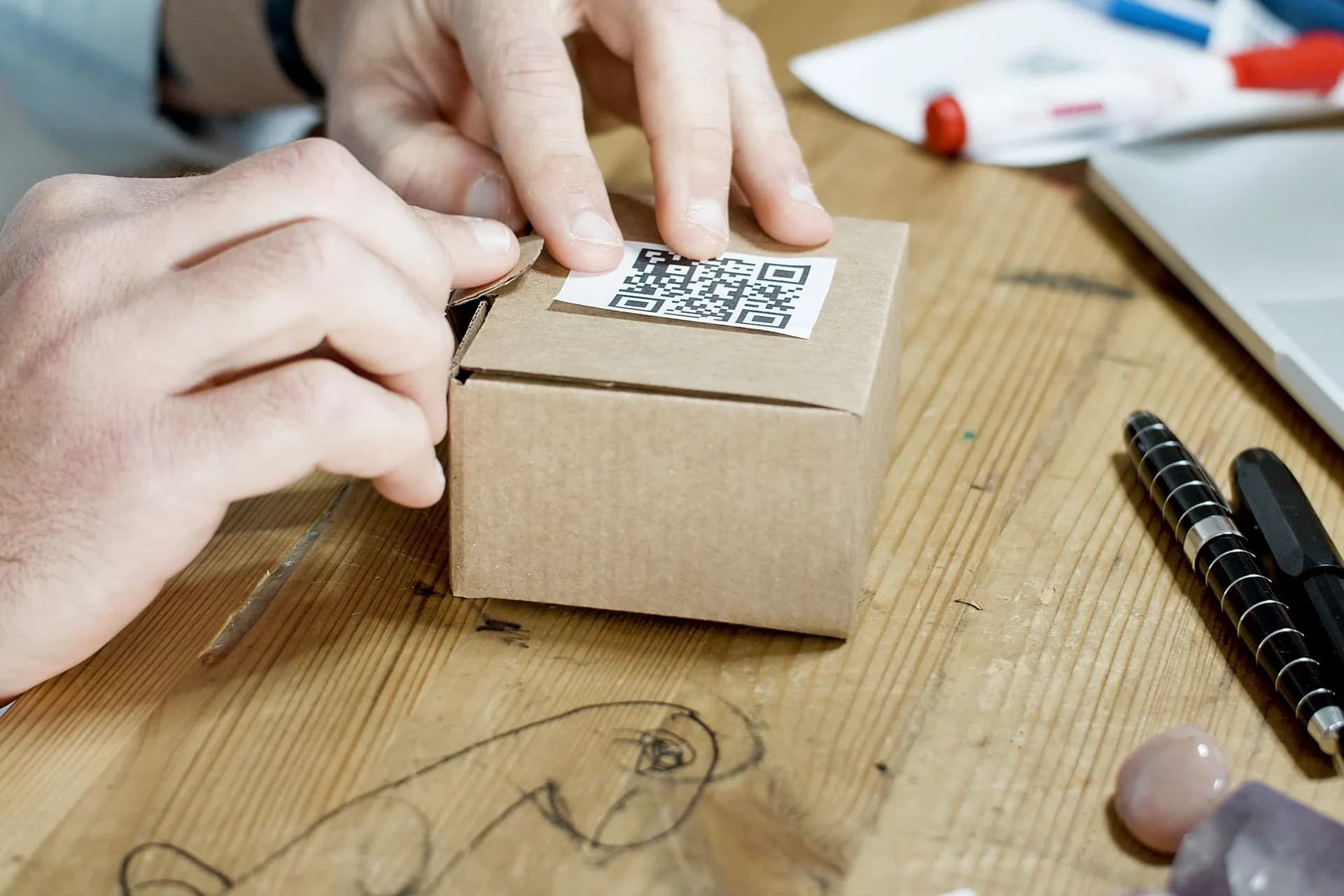
Hands sticking a QR code label onto a small cardboard box.

Best QR type for this

Coupon

A product label is one of the few places a scan happens at the exact moment someone's already holding the product — which makes it a strong spot for a repeat-purchase or loyalty offer. A Coupon type puts a redeemable discount one tap away, right when someone's most likely to act on it.

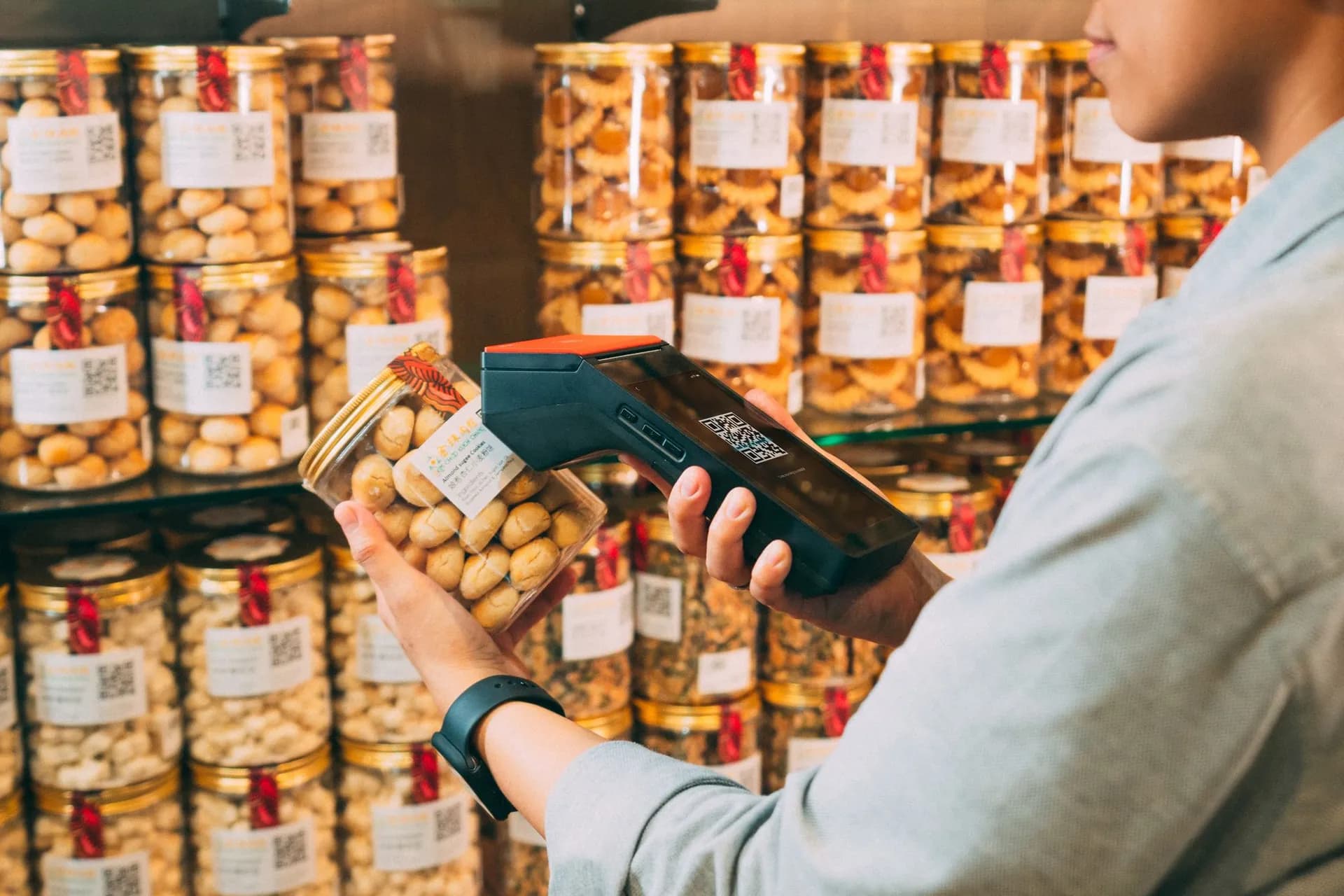
A shop worker scanning QR codes on labelled jars with a handheld scanner.

Design considerations for print

Dynamic vs. static, for labels

Labels often carry batch- or lot-specific printing that's static by nature — that part isn't really a static-vs-dynamic decision at all. But a code meant to drive a reorder, a loyalty program, or a promotional offer is a different matter: those destinations shift over time, and a label design frequently gets reused across many production batches without the code itself being redesigned each time. Making that code dynamic means a promotion can rotate, a loyalty program can be restructured, or a reorder link can move to a new store, without touching the label artwork at all — which matters given how often the exact same label design ends up printed across multiple separate runs over a product's life.

A worked example

A jam maker's label carries mandatory ingredient and nutrition text along one edge, leaving a 22mm corner free for a code linking to a "scan for 10% off your next jar" coupon. Because the offer is dynamic, it can rotate seasonally — a summer discount, then a holiday one — without a single label being reprinted, even though the physical label design (and its required text) stays exactly the same across every production batch in between.

An honest limitation

A label's code competes for a genuinely small amount of space with content that isn't optional, which means it will sometimes lose that fight entirely — there are labels where the honest answer is that a code doesn't fit without either shrinking required text below a usable size or making the label physically bigger. If neither is possible, that's a real signal to move the code to the packaging around the label instead, not to force it in somewhere it will end up too small to scan reliably.

Common mistakes

How to do it

  1. 1

    Lay out required text first

    Ingredients, nutrition, and any regulatory copy claim their space before the code does — there's often no flexibility on their minimum size.

  2. 2

    Add a solid backing swatch if the stock is clear

    A transparent label needs a solid color behind the code, or its contrast will vary with whatever's visible through the container.

  3. 3

    Test-scan the real, curved product

    Apply a proof to an actual filled jar or bottle and scan it before committing to a full label run.

Frequently asked

What's the biggest constraint on a product label's QR code?
Usually mandatory content, not design preference — ingredients, nutrition facts, or regulatory text often have a required minimum size, and the code has to fit into whatever space that leaves rather than claiming space first.
Does a clear or transparent label need anything special?
Yes — put a solid color swatch behind the code rather than printing directly onto the transparent film. Without one, the code's contrast shifts depending on what's visible through the bottle, which isn't reliable.
Should a label's QR code be static or dynamic?
Batch-specific printed content is naturally static, but a code meant for a reorder link, loyalty program, or promotion benefits from being dynamic — those tend to change over a product's life while the label artwork itself gets reprinted unchanged across many batches.
Does the container's shape affect scanning?
Yes — labels wrap around a true cylinder on jars and bottles, and a tight radius can distort the code more than a flatter surface would. Test on the actual filled, curved product rather than a flat proof sheet.

Related materials

Relevant QR types

Ready to print one?

Free to generate, free to download.

Create your Coupon QR code