Static — no tracking

vCard QR code

Save a contact straight to the phone — name, number, and company in one scan.

A vCard QR code saves your name, number, email, and company straight to the scanner's contacts. It's static, so it works offline — even in a trade-show hall with no signal.

  • Saves straight to the phone's contacts
  • Works offline, no server needed
  • No typing contact details by hand
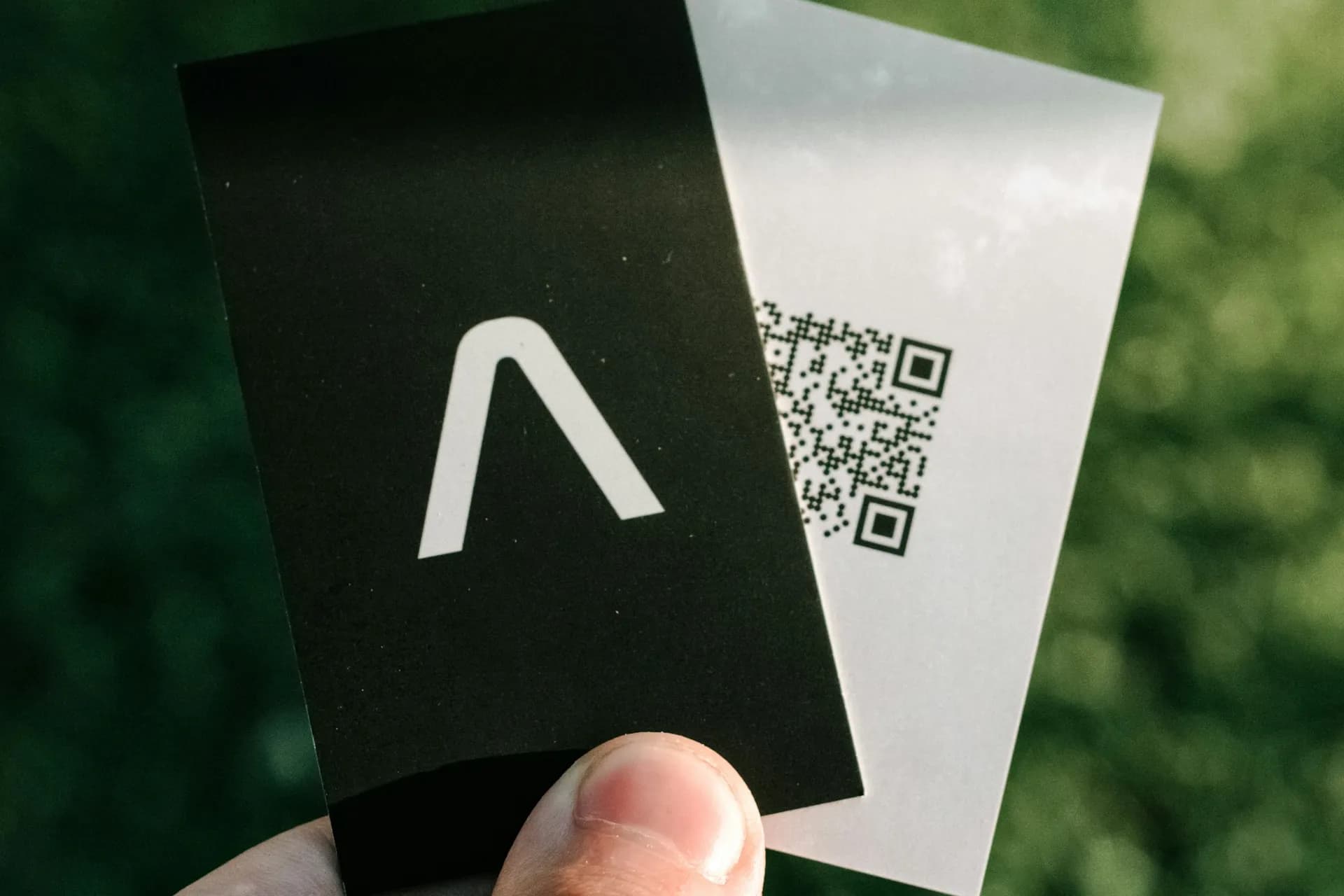
A hand holding two business cards, one printed with a QR code.

Try it

See a vcard QR code in action

How it works

What happens when someone scans a vcard QR code

  1. 1

    The camera decodes a payload starting BEGIN:VCARD — the format defined by the vCard 3.0 spec, the same one address books have used since Outlook 2003.

  2. 2

    iOS and Android both recognize the prefix natively and open their own 'Add Contact' screen pre-filled with whatever fields were included, no app install or account required.

  3. 3

    The person taps Save (or Cancel) — nothing is sent anywhere, and you have no way of knowing whether they saved it, which is the tradeoff for a card that needs no network at all.

Examples

Where to use a vCard QR code

Real places a vCard QR code earns its spot — each links to a full guide for that material.

Fit

Is a vcard QR code the right choice?

Use it when

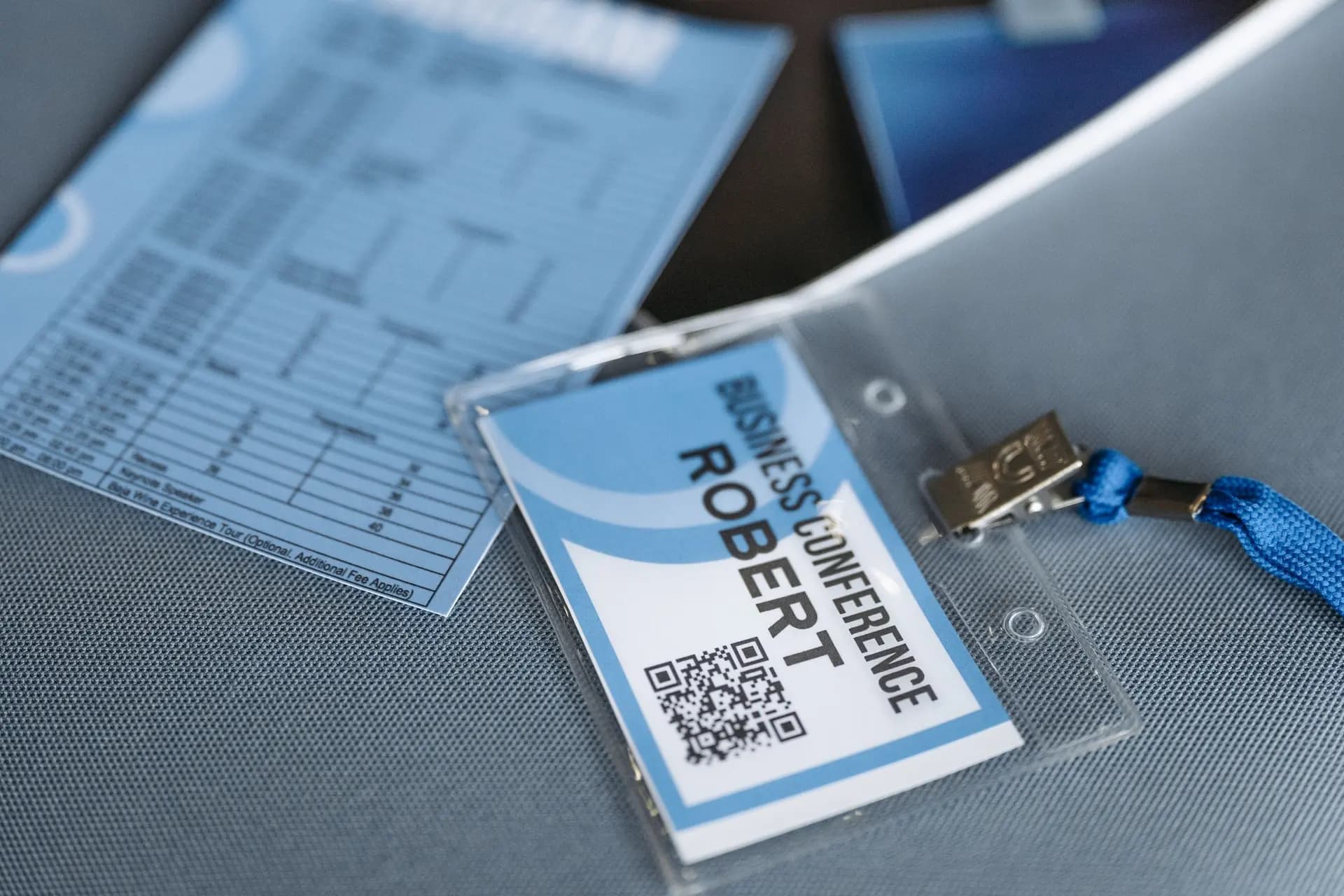
  • A business card, conference badge, or booth sign where the goal is purely 'get into their phone,' offline, in one tap.
  • Situations where your details genuinely won't change before the card is reprinted — a fixed direct line, a stable email.
  • Anywhere you want the card to work with zero connectivity — a trade show hall with bad signal is exactly where a static vCard beats a link to a hosted page.

Consider another type when

  • If you want a photo, social links, or a branded profile page behind the scan, this type won't do it — that's what vCard Plus is for (see below).
  • If your phone number or title changes often. Every printed copy holds the details it was generated with; there's no way to push a correction to cards already handed out.
  • If you want to know who scanned it. A static vCard never touches your server, so there's no scan count, no location, nothing — use the dynamic vCard Plus type if that matters to you.

Dynamic vs. static

Dynamic vs. static vcard QR codes

vCard here is always static — the contact fields are compiled directly into the code's payload, which is what lets it work with zero network round-trip. If you want the dynamic behavior — editable after printing, a hosted profile page, scan analytics — that's a different, deliberately separate catalog entry: vCard Plus. It adds a photo, social links, and a save-to-phone button behind a short link instead of raw fields, trading offline-only reliability for the ability to update details after the card is already out in the world.

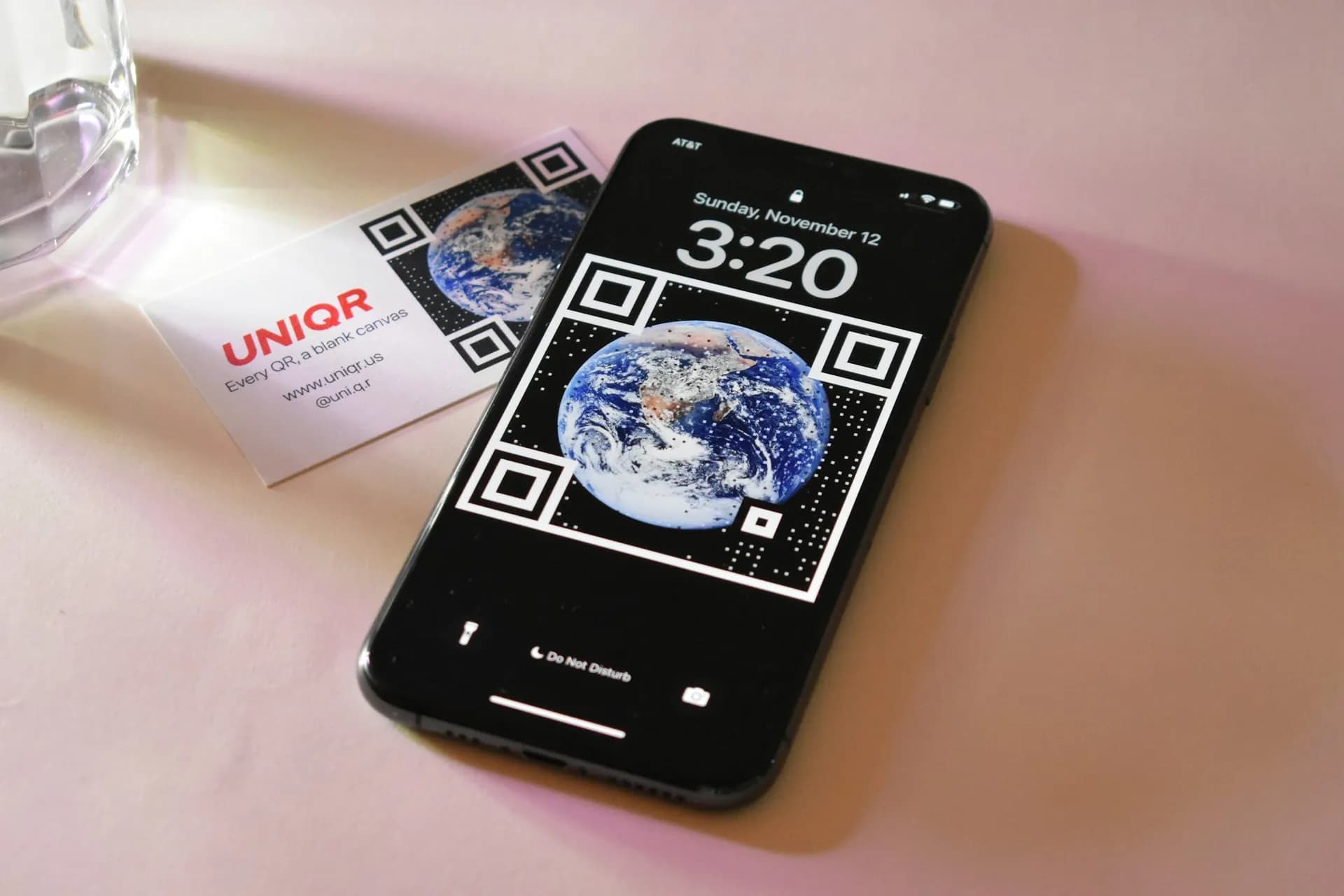
A printed QR code card on a table beside a phone showing the same code.

Under the hood

Why the name field has two representations in the payload

The vCard spec requires both a structured N: field (Last;First;;;) for sorting into an address book alphabetically, and a formatted FN: field ("First Last") for how the contact displays. Get the semicolon count wrong in N: — vCard reserves five components (family;given;additional;prefix;suffix) — and some address book apps silently drop the entry instead of erroring, which is why hand-writing this payload is a common source of 'the QR code doesn't work' reports. A generator that builds it from named fields, rather than a free-text box, is what actually avoids that failure mode.

No hosted page in the loop

There's no hosted page in the loop for the static version — the scan resolves entirely on-device. That's the core tradeoff versus vCard Plus: static vCard can't tell you it was scanned, can't be edited after printing, and can't carry a photo or social links, but it also can't break, expire, or depend on your server being up. For a stack of business cards handed out at a single event, that reliability usually matters more than the analytics would.

A worked example

A finished card for "Alex Rivera, Creative Director at Rivera Studio" with phone, email, and website filled in compiles to roughly 180 bytes once formatted as a vCard — comfortably inside a version-6 code (41×41 modules) at error-correction level M. Add a full street address and it can cross into version 7, which is still small enough to read cleanly at the roughly 2×2cm minimum a printed business card allows (see the business card material guide for the print-size math).

Step by step

How to create a vcard QR code

  1. 1

    Fill in the fields

    Name is required; phone, email, and company are optional but each one you add is one less thing the other person has to type in by hand later.

  2. 2

    Preview the save screen

    The phone mockup above renders the same 'Save to contacts' card a scan produces — check the name and title read the way you want before printing.

  3. 3

    Export at print resolution

    SVG for anything printed, so the code stays crisp on a card that might be reprinted larger than its original size.

vCard QR code FAQ

Will scanning this add the contact automatically, or does the person have to confirm?
They confirm. Scanning opens the phone's native 'Add Contact' screen pre-filled with your details; the person still taps Save. Nothing is added without that tap.
Can I add a photo to a vCard QR code?
Not to this static type — a photo has to be referenced by URL inside the vCard, which needs somewhere to host it and defeats the offline-only point of a static code. vCard Plus supports a photo because it's hosted and dynamic by design.
Why would I choose static vCard over vCard Plus?
Reliability with zero network dependency, and nothing to maintain. If your details are stable and you don't need analytics or a branded page, static vCard is simpler and works even where a phone has no signal at all.
Does this work the same on iOS and Android?
Both recognize the vCard 3.0 format used here and route straight to their native contact-add screen — no third-party app required on either platform.
Related QR types

Where people put this code

Create your vcard QR code

Free to generate, free to download — no account required to try it.

Create your vCard QR code