QR codes on

Badges

A name badge that hands over a full contact card instead of a squint at small print.

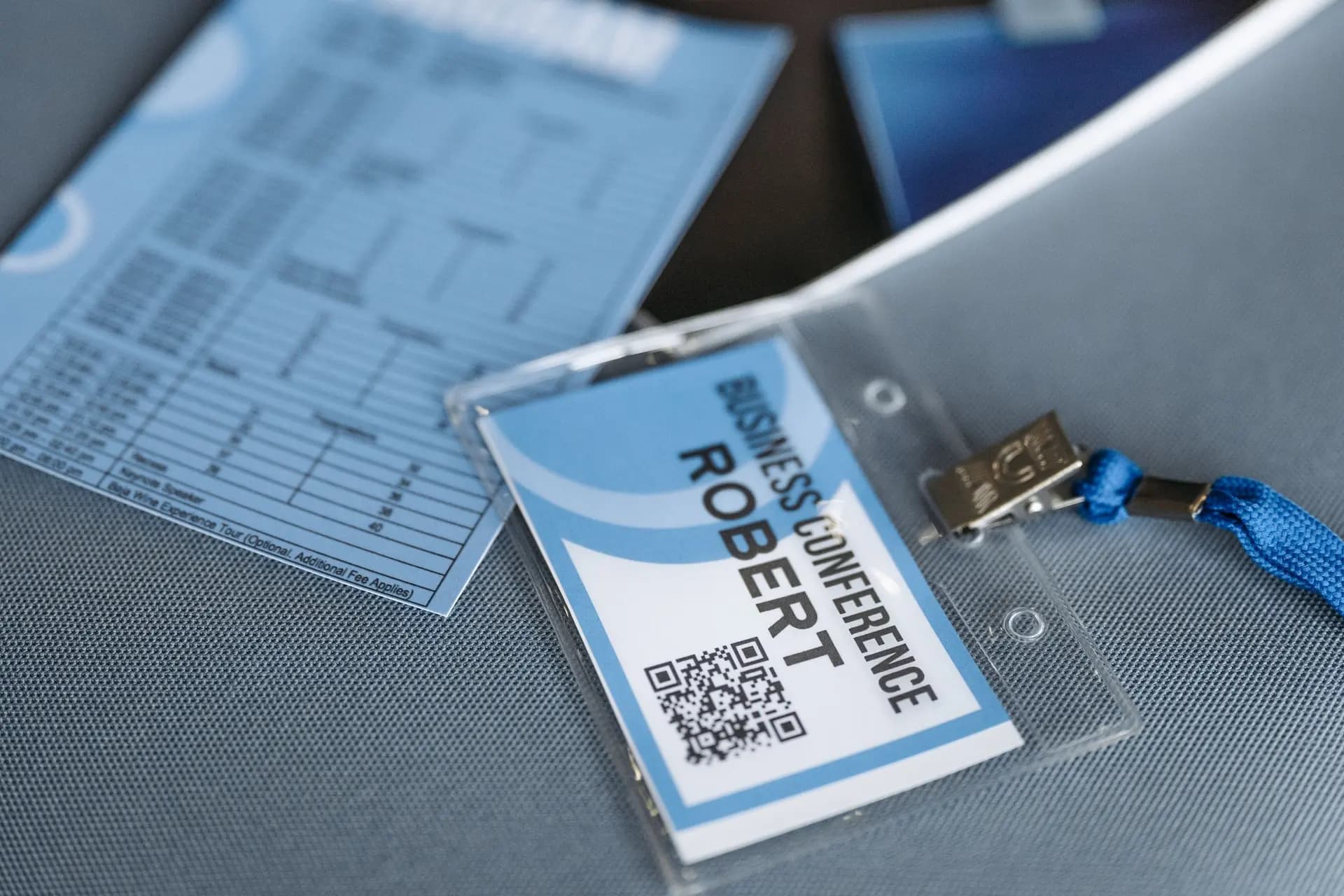
A blue business-conference name badge with a printed QR code, lying beside the event programme.

Best QR type for this

vCard Plus

A badge's entire job at a conference or event is introducing one person to another, so a vCard Plus — a complete, savable contact card — replaces the awkward moment of two people typing each other's details into their phones mid-conversation. It's the most literal match between a surface and a QR type in this whole guide.

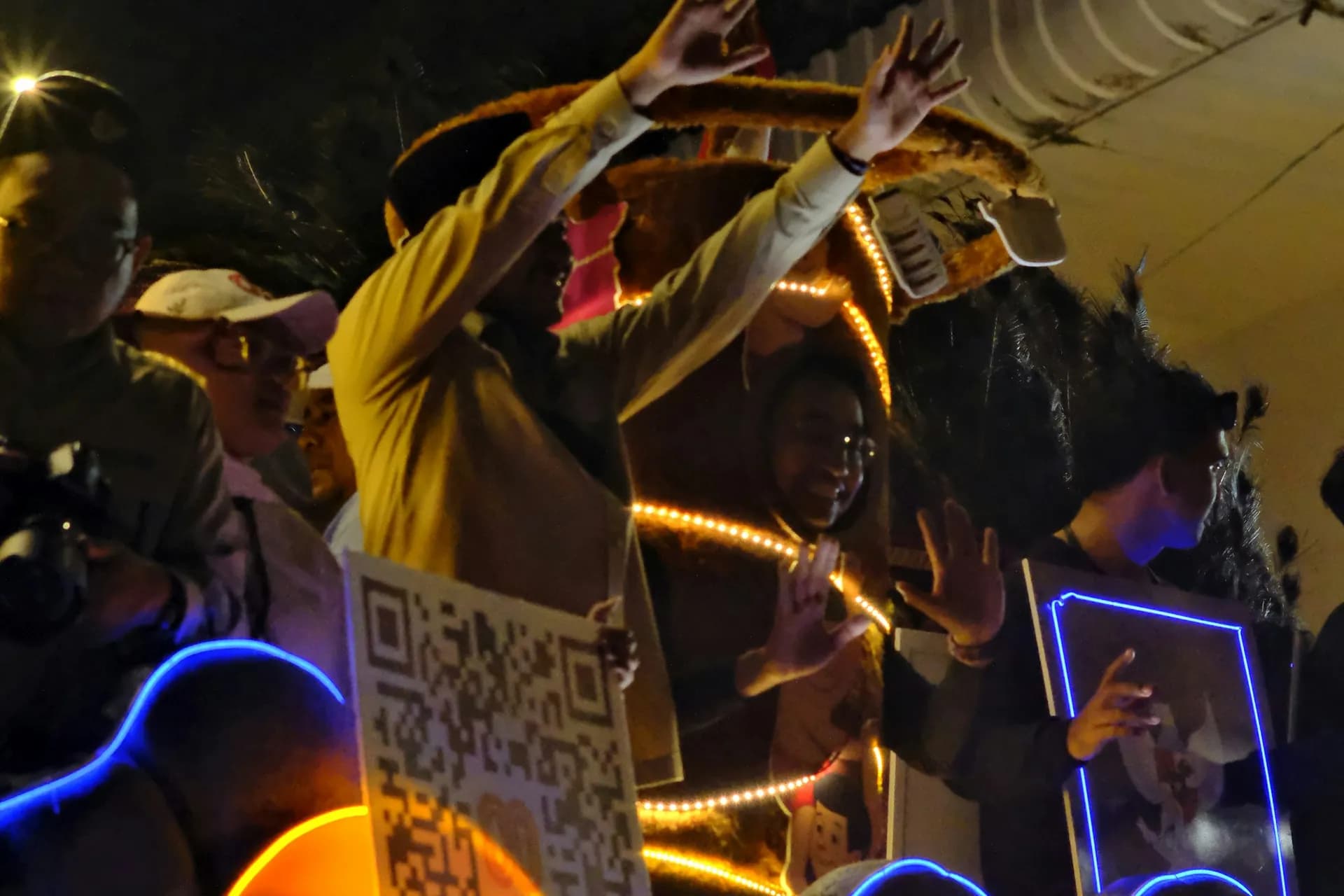
People celebrating at a night event next to a glowing QR code.

Design considerations for print

Dynamic vs. static, for badges

Dynamic, because the person is dynamic even when the badge isn't. A static code encoding a full vCard directly means every detail — job title, phone number, company — is frozen at the moment the badge was printed, which is a real problem for anyone who changes roles, switches employers, or simply updates a phone number between the time badges are printed and the event actually happens, sometimes months later. A dynamic code pointing at a hosted contact card lets that information stay current up to the moment someone scans it, including corrections made the morning of the event.

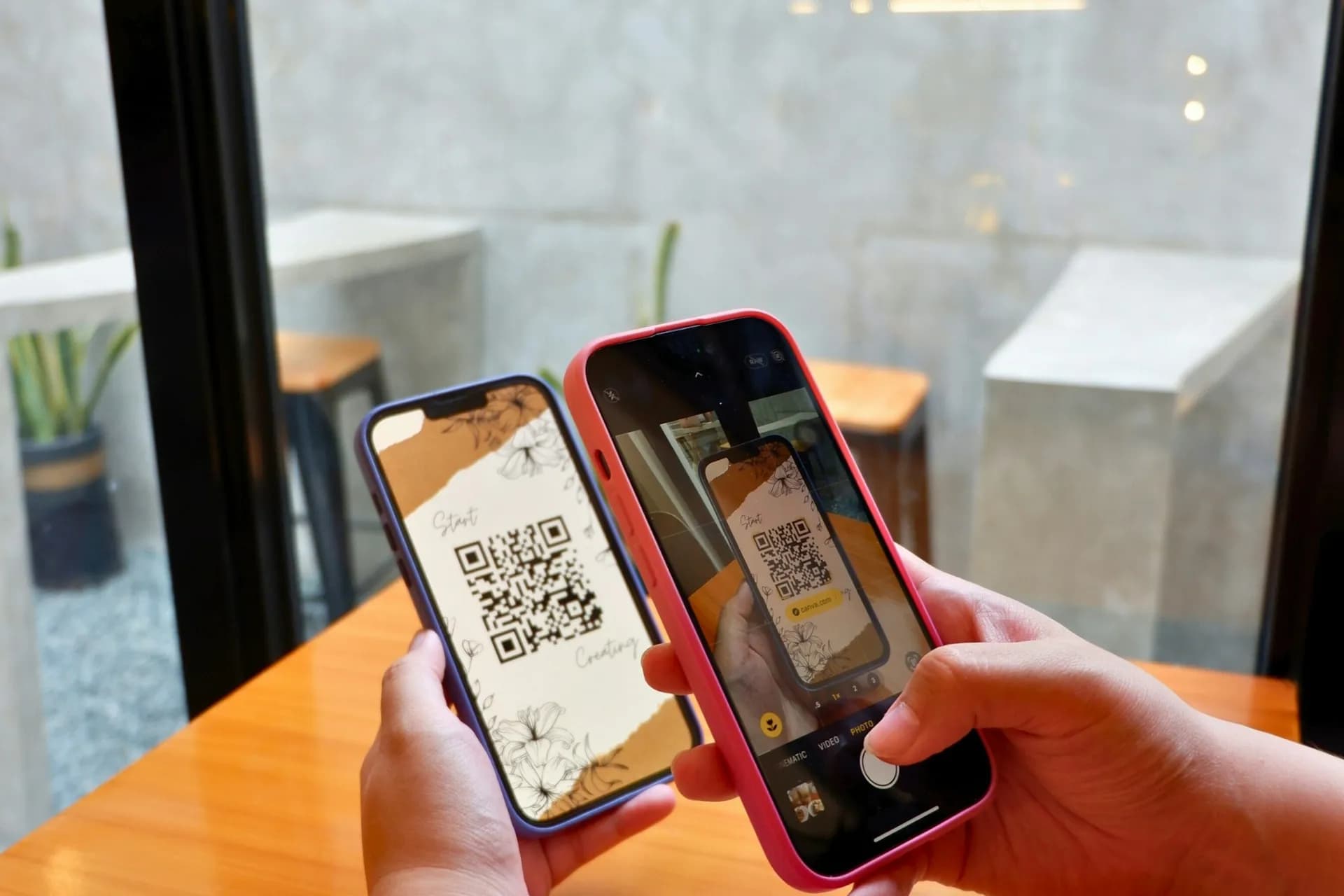
Two phones held up together at a café table, one scanning the other's QR code.

A worked example

At a 25cm conversational distance, the 10:1 rule puts the floor at 2.5cm — 16–18mm clears it, sized for a code that's read up close during a face-to-face exchange rather than glanced at from across a room. The margin matters less here than the conditions the scan actually happens under, which is where badges diverge from almost every other small-format surface in this guide.

Scanned by someone else, through plastic, at an angle

Nearly every surface in this guide is scanned by the person holding it — someone reads a menu and scans their own copy, someone stands in front of a poster and scans it themselves. A badge inverts that entirely. The wearer almost never scans their own badge; it's read by whoever they're talking to, mid-conversation, which changes three things about the scanning conditions at once, and all three compound rather than offsetting each other.

First, the angle. A badge worn on a lanyard sits roughly vertically against someone's chest, and the person reading it is standing in front of them, typically tilting their phone downward and slightly toward the badge rather than holding it flat and perpendicular the way a scan of a poster or a menu usually happens. That off-angle read is exactly the kind of geometric distortion a scanner's software has to correct for, and it's a condition most other print surfaces in this guide simply don't create.

Second, the plastic. Most conference and event badges live inside a rigid or semi-rigid plastic holder clipped to the lanyard, and that holder sits between the printed code and whatever's reading it. Plastic sleeves add glare under typical indoor lighting — fluorescent overheads and event-hall lighting are particularly bad for this — and a slight optical distortion from the material itself. A code that was proofed as a bare printed card, without ever being tested inside the actual holder it'll ship in, is being tested under conditions the real scan will never happen in.

Third, the social context. A badge scan happens during an actual conversation between two people, which means there's a natural time pressure and a mild awkwardness to a failed attempt that doesn't exist when someone's alone with a flyer. Nobody wants to stand there re-angling their phone at a stranger's chest for the third time. Designing for this surface means treating the holder, the angle, and the brief real-world window as first-class constraints — not an afterthought layered onto a design that was only ever tested flat, in good light, held straight on.

Common mistakes

How to do it

  1. 1

    Design for the holder, not just the card

    Proof the finished badge inside its actual plastic sleeve — glare and distortion only show up there.

  2. 2

    Position below the name, above the clip

    Keep the code clear of anything that folds over or clips onto the badge.

  3. 3

    Link to a live contact card

    A dynamic vCard Plus stays accurate even if details change after the badges are printed.

Frequently asked

How big should a QR code be on a name badge?
16–18mm is enough for the typical conversational scanning distance of 20–30cm, when another person reads it off the badge someone else is wearing.
Does a plastic badge holder affect QR code scanning?
Yes — the glare and slight distortion from a standard plastic sleeve can be enough to break a code that scanned fine as a bare printed card, so proof the finished, holder-enclosed badge before printing a full batch.
Who actually scans a badge's QR code?
Almost always someone else, not the wearer — badges are read during face-to-face conversation, at an angle, which is a different scanning context than most other print surfaces in this guide.
Should a badge encode contact details directly or link to a page?
Link to a dynamic contact card rather than encoding details directly. Job titles, phone numbers, and companies can all change between when badges are printed and when the event happens.

Related materials

Relevant QR types

Ready to print one?

Free to generate, free to download.

Create your vCard Plus QR code