QR codes on

Tickets

Entry, seat, or redemption — scanned once, under pressure, and it either works or it doesn't.

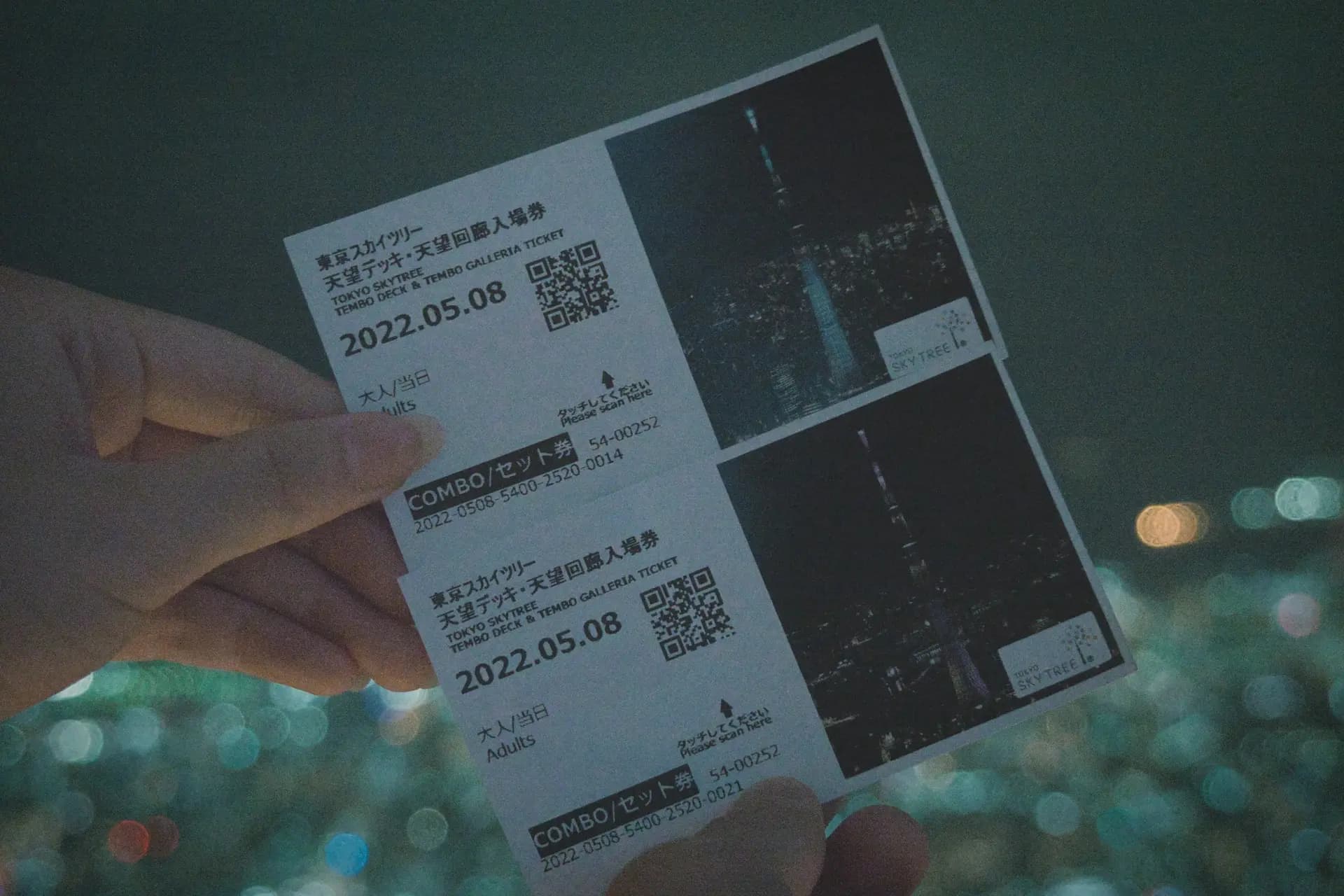
Two printed event tickets with QR codes held up at night.

Best QR type for this

Event

A ticket exists for exactly one purpose — admitting someone to a specific event at a specific time — and an Event type carries that structured information directly rather than routing through a generic page. It also keeps the code's payload predictable for whatever scanning hardware is checking it at the door.

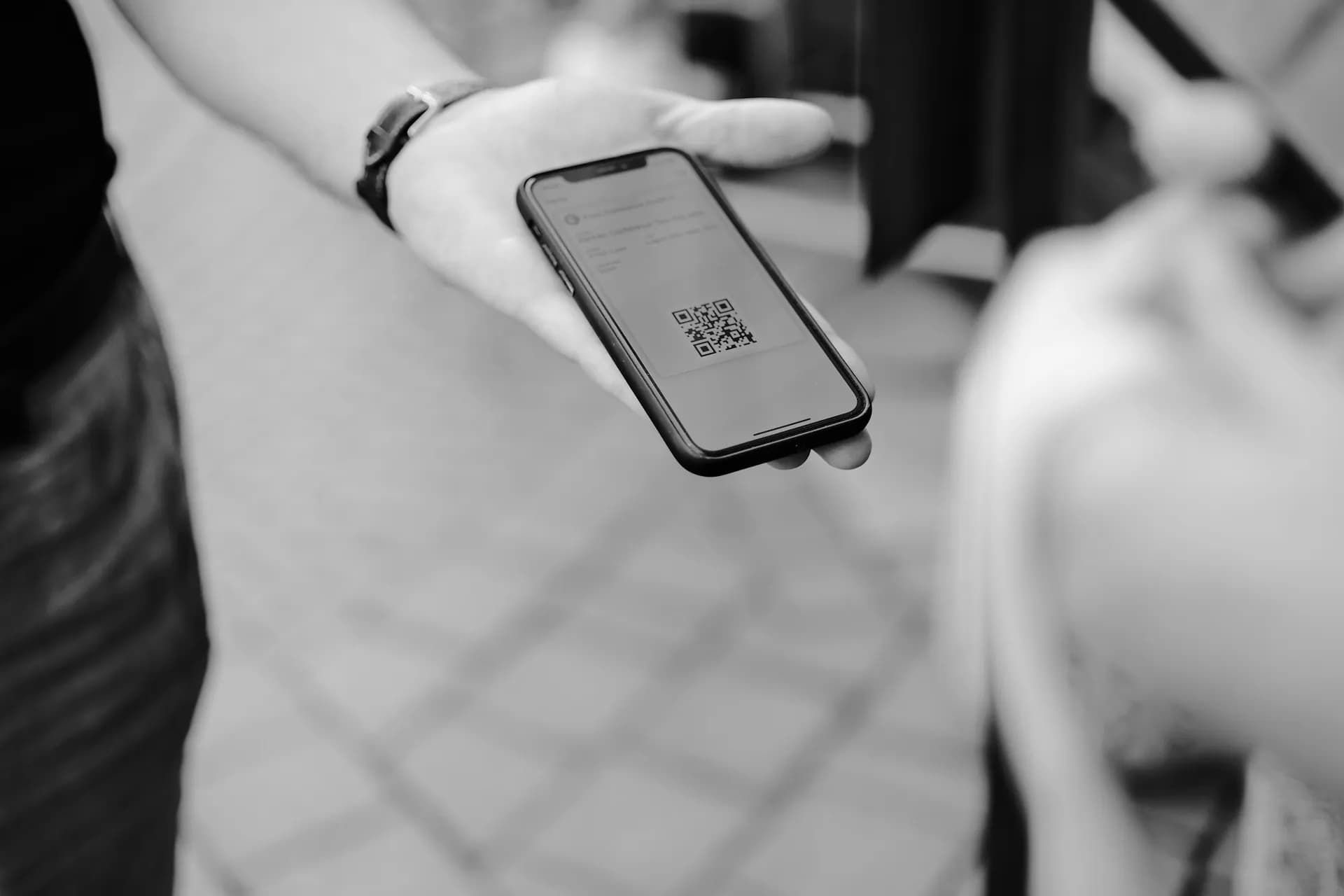
A hand holding out a phone with a QR code ticket on screen.

Design considerations for print

Dynamic vs. static, for tickets

This is the one surface in this guide where static is usually the right default, not dynamic. A ticket's code encodes a specific admission right — a seat, a date, a redemption — that shouldn't change after printing; if it needs to change, that's a new ticket, not an updated destination. The exception is a general-admission or multi-use ticket where the underlying event details might shift (a venue change, a rescheduled date) before the ticket is used — in that narrower case, a dynamic code lets the destination be corrected without reprinting and reissuing every ticket already sold.

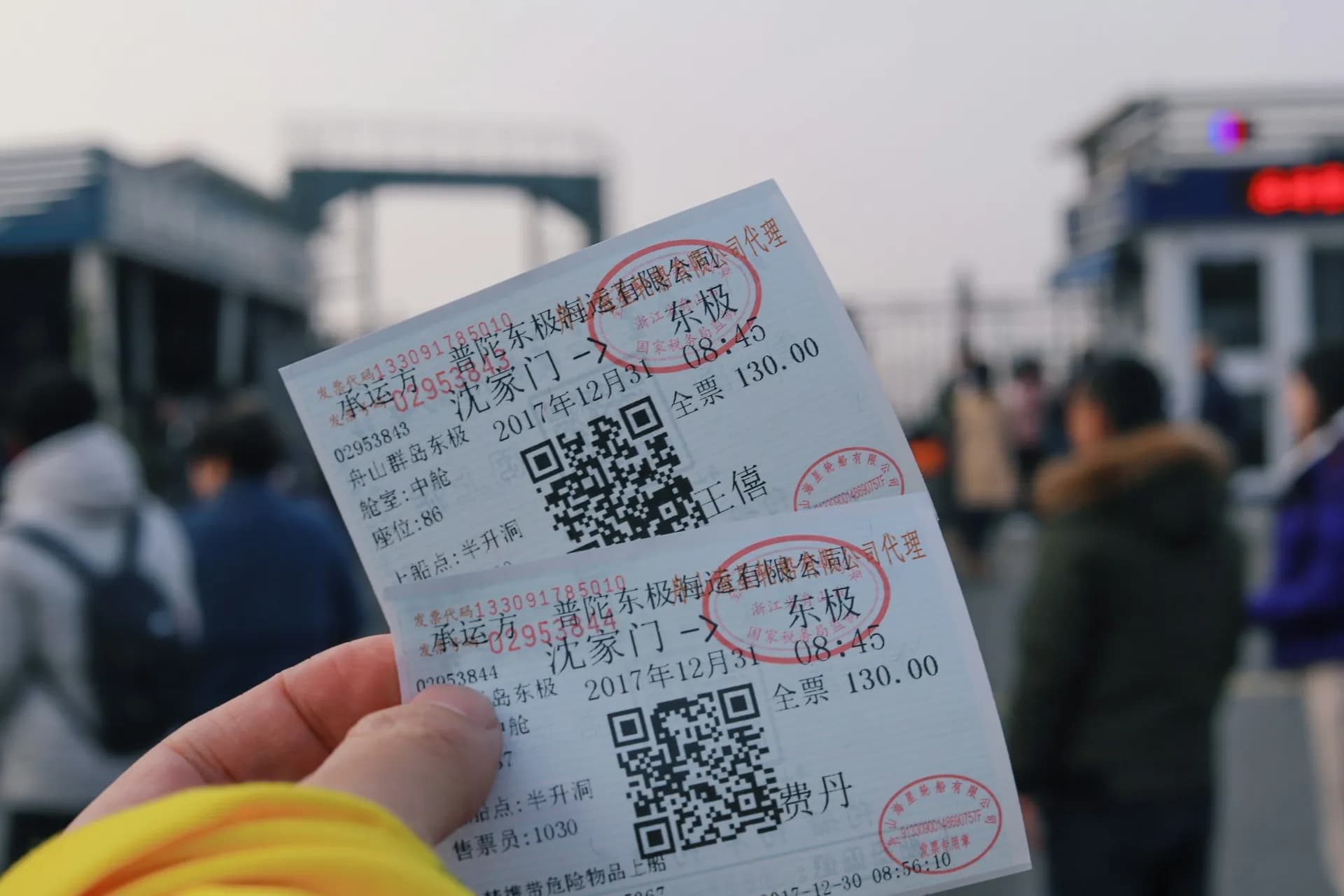
A hand holding printed travel tickets with QR codes at a busy station.

A worked example

At 25cm, the 10:1 rule needs a 2.5cm floor — 15–18mm comfortably covers it for the up-close, deliberate scanning motion a ticket gets, which is a different interaction than almost anything else in this guide. Nobody scans a ticket from across a room; it's held directly up to a reader or a phone at conversational distance, which is exactly why tickets can run smaller than surfaces meant to be read passively.

Scanned once, in a queue, usually in the dark

Almost every other surface in this guide gets a forgiving, low-pressure scan: someone browsing a menu, standing in front of a poster, or holding a flyer has time to reposition their phone, get better light, or simply try again if the first attempt doesn't register. A ticket doesn't get that luxury. It's scanned exactly once, at a specific moment, usually by someone standing in a line with other people waiting behind them, at a venue entrance that's frequently dim by design — concert doors, cinema lobbies, evening events where ambient lighting is deliberately kept low for atmosphere rather than optimized for barcode scanners.

That combination — one shot, time pressure, bad light — is a genuinely different failure mode than the rest of this guide deals with. A flyer that fails to scan on the first try just gets tried again a second later with no real cost. A ticket that fails to scan holds up a line, creates a moment of friction for the person holding it and everyone behind them, and often forces a fallback to manual verification that defeats the purpose of having a scannable ticket at all. The tolerance for a marginal code — one that's technically within spec but sits at the edge of what a scanner can reliably read — is much lower here than almost anywhere else, because there's no slack in the interaction to absorb a bad scan.

This changes what actually matters at the design stage. Size within spec is necessary but not sufficient; contrast against the ticket's actual background color matters more here than on almost any other surface, because colored stock is common for distinguishing ticket tiers and a code that scans fine on white paper can lose meaningful contrast on a saturated background color. Testing needs to happen under the lighting conditions the ticket will actually face — a doorway at dusk, an indoor venue with low ambient light — not just the bright, even light of a design studio. None of this is complicated to fix. It just has to be checked deliberately, because a ticket doesn't offer a second chance the way most of the rest of this guide's surfaces do.

Common mistakes

How to do it

  1. 1

    Reserve a dedicated panel

    Give the code its own space, away from the perforation and away from crowded required-info text.

  2. 2

    Check contrast on the actual stock

    Colored ticket paper can quietly undercut the contrast a scanner needs — test on the real material.

  3. 3

    Proof it in low light

    Most tickets get scanned at dim entrances, not in daylight — test under those conditions before the print run ships.

Frequently asked

How big should a QR code be on a ticket?
15–18mm is enough for something held up close to a scanner or staff device, typically 20–30cm away.
Should a ticket's QR code be static or dynamic?
Usually static — a ticket encodes a specific admission right that shouldn't change after printing. Dynamic makes sense mainly for general-admission tickets where event details might still shift before the ticket is used.
Why does a ticket's QR code need to be tested in low light?
Because that's how it's actually used. Most ticket scanning happens at venue entrances, evening events, or dim doorways, not in daylight — a code proofed only in good light can fail under real entry conditions.
Can a QR code overlap a ticket's tear-off stub?
No. The perforation is designed to separate the ticket from its stub, and a code split across that line will lose modules the moment it's torn.

Related materials

Relevant QR types

Ready to print one?

Free to generate, free to download.

Create your Event QR code