QR codes on

Bottles & cans

Wrapped around a curve, which changes how the code has to be built before it ever gets printed.

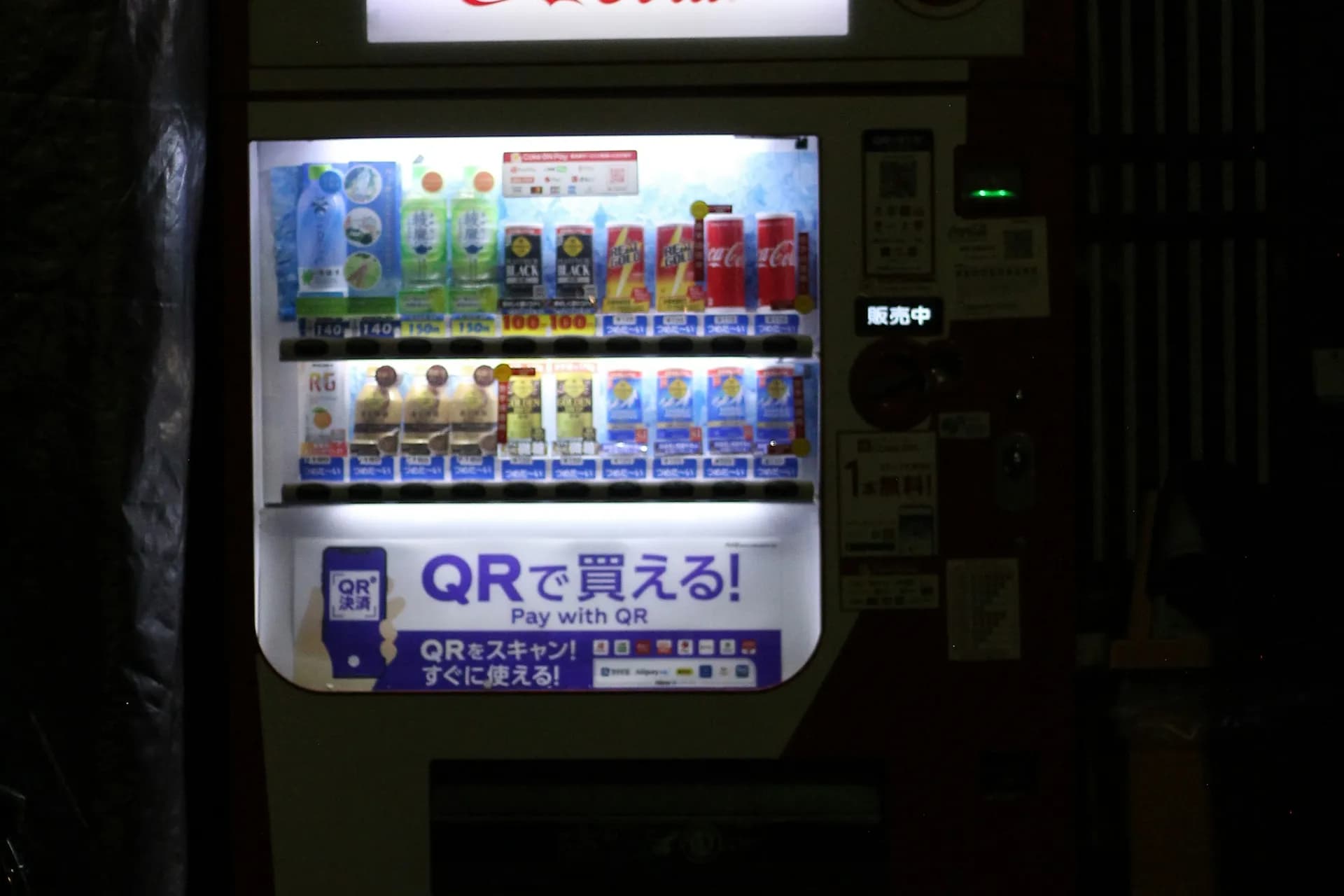
A drinks vending machine with a QR code payment panel.

Best QR type for this

Product

A bottle or can is a single product with a label that has limited room for anything beyond branding and required legal text. A Product type gives the code a home for what the label physically can't include — full ingredient sourcing, brewing or distilling notes, a reorder link — without redesigning the label itself.

Bottles in a chiller with QR codes printed on the shelf labels.

Design considerations for print

Dynamic vs. static, for bottles & cans

Dynamic, mainly because bottles and cans are produced in large, standardized runs that are expensive to change once approved. A label die-line and print run for a beverage or product line often gets locked in for months or years, covering many production batches — while the destination behind the code (seasonal recipes, sourcing updates, a promotional page tied to a specific batch) has a much shorter natural lifespan than the label design itself. A dynamic code lets the same approved label artwork keep shipping across every batch while the actual content behind the code changes as often as needed.

A worked example

At 40cm, the 10:1 rule needs a 4cm floor — a 20mm code sits comfortably under that on the flat label artwork, since bottles and cans are typically picked up and examined closely rather than viewed from a shelf-browsing distance. The number that matters more on this surface, though, is what happens to that 20mm square once it's wrapped around a cylinder instead of printed on something flat.

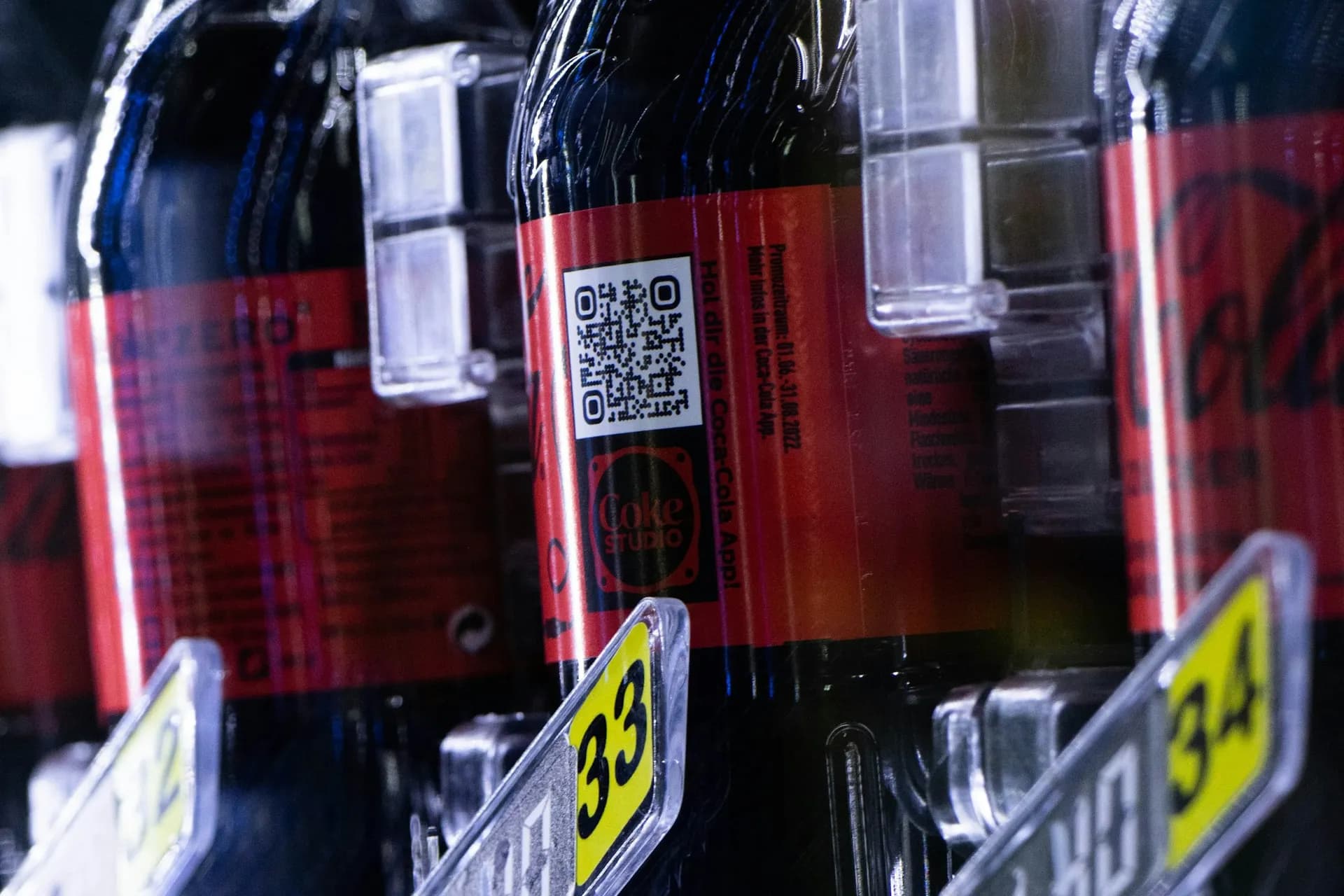
Curved surfaces distort the module grid

A QR code is designed as a flat grid — a fixed number of square modules arranged in fixed rows and columns, decoded by a scanner that expects those modules to sit at consistent, predictable positions relative to each other. Every design tool that generates a code assumes it's going onto a flat surface, because that's true for the overwhelming majority of print material. A bottle or can breaks that assumption by definition: the label isn't flat, it's wrapped around a cylinder, and that curve stretches and compresses the printed grid in ways a flat design file never shows.

The distortion isn't uniform either. A label wrapped around a narrow can curves more sharply per centimeter of surface than the same label height wrapped around a wider bottle or jar, which means a code design that scans fine on one container shape doesn't automatically transfer to a different diameter, even at an identical label size on paper. The modules nearest the edges of the code, where the curve's effect compounds across the width of the printed square, are typically where this shows up first — subtle warping that a flat-file review will never catch, because the flat file doesn't have a curve to distort in the first place.

This is why proofing on an actual curved sample matters more here than almost any other packaging surface in this guide. A code that's only ever been approved from a flat PDF or a mockup rendered in design software is being approved on a version of the packaging that will never actually exist in the real world — every real unit that ships will have the curve, and the curve is exactly the variable that wasn't tested. The fix is straightforward once it's identified: get a physical or accurately curved digital proof on the real container shape and diameter, scan it from a few different angles the way a shopper actually would while turning a bottle in their hand, and only lock the design once it holds up under those conditions — not the flat ones it was originally drawn in.

Common mistakes

How to do it

  1. 1

    Design flat, proof curved

    Finalize the code on a real sample of the actual bottle or can, not just the flat label file.

  2. 2

    Avoid the seam

    Keep the code away from where a wraparound label overlaps itself.

  3. 3

    Test at an angle

    Scan the curved sample from a few different angles, not just straight-on, before approving the run.

Frequently asked

How big should a QR code be on a bottle or can label?
20mm × 20mm as the flat pre-wrap size is a reliable floor, for something read at around 40cm while a container is picked up and turned toward the reader.
Does a curved container distort a QR code?
Yes — wrapping a flat design around a cylinder introduces a curve the code's modules weren't designed for, and smaller-diameter containers curve more sharply than wider ones at the same label height, which is worth checking on an actual sample rather than flat artwork alone.
Where shouldn't a QR code go on a wraparound label?
Across the seam where the label overlaps itself — that area often has weaker print registration in addition to the physical overlap itself.
Should a bottle or can's QR code be dynamic?
Usually yes. Label print runs are often locked in for a long production period, while the content behind the code — recipes, sourcing, promotions — tends to change more often than the label design does.

Related materials

Relevant QR types

Ready to print one?

Free to generate, free to download.

Create your Product QR code