QR codes on

Food packaging

Ingredients, allergens, or a recipe — more than a food label legally has room to print.

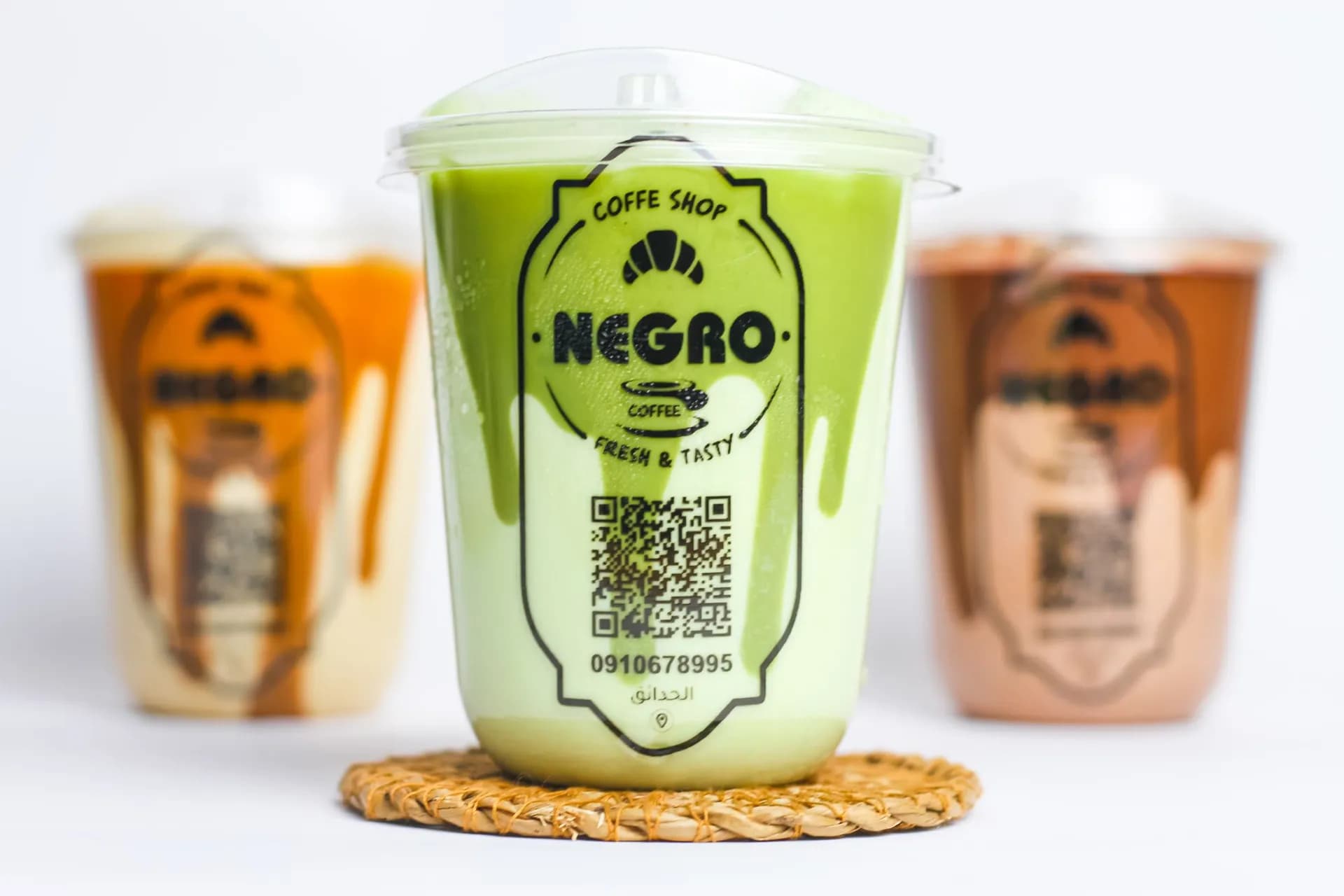
Three iced drinks in cups printed with QR codes.

Best QR type for this

Product

Food packaging has hard limits on how much it can legally and physically print — allergen statements, nutrition panels, and ingredient lists already claim most of the available space. A Product type gives the code somewhere to send extra detail (full sourcing, recipes, allergen deep-dives) that the box itself was never going to fit.

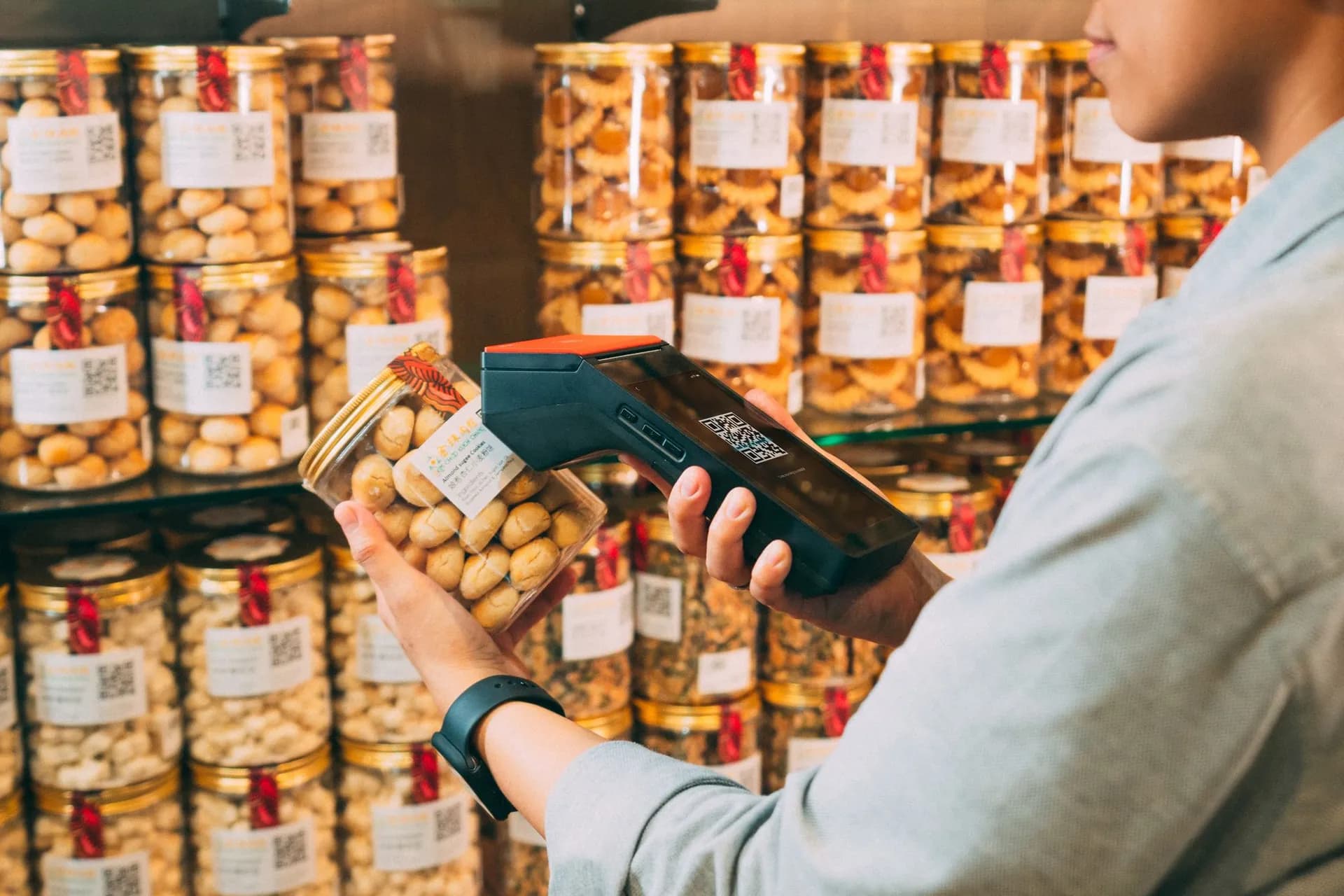
A shop worker scanning QR codes on labelled jars with a handheld scanner.

Design considerations for print

Dynamic vs. static, for food packaging

Dynamic, and often for regulatory reasons as much as marketing ones. Recipes get reformulated, suppliers change, sourcing claims get updated, and allergen information occasionally needs a correction — none of which most food brands can wait out an entire print run to fix. A static code baked into packaging that's already shipped, sitting in warehouses or on shelves, can't be corrected without a recall-level intervention. A dynamic code lets the information behind it be corrected the moment it needs to be, even on packaging that's already left the facility.

A worked example

At 40cm, the 10:1 rule needs a 4cm floor — 20–25mm holds under that in practice because most food packaging is picked up and examined closely before purchase, closer than the notional 40cm a shelf-browsing distance suggests. The tighter constraint on this surface usually isn't the math; it's whether the code survives what food packaging actually goes through physically.

Food-safe ink, condensation, and the freezer

Every packaging surface in this guide deals with print quality, but food packaging adds a set of physical constraints that have nothing to do with design and everything to do with what the package is actually for. The first is regulatory: any ink that ends up in contact with food, or close enough to migrate under normal handling, has to meet food-safe standards separate from ordinary print-quality ink. This mostly affects flexible pouches and any packaging where the printed surface is on the inside or in direct product contact — a QR code isn't exempt from that requirement just because it's a small, functional print element rather than branding.

The second constraint is condensation, and it's the one most general print guides never mention because most print material never gets cold. Food packaging routinely moves through a refrigerated or frozen supply chain and then gets handled in a warm room — pulled from a fridge case, carried to a checkout counter, unpacked at home. That temperature change causes moisture to condense directly on the packaging surface, and a thin film of condensation sitting on top of a QR code can be enough to drop the contrast a scanner depends on, even though the print itself is completely undamaged underneath. The code isn't broken; it's temporarily obscured, and it clears once the moisture does — but if nobody tested for this, the failure looks identical to a bad print run.

Freezer-stored products add frost on top of condensation, which is a harder problem: frost doesn't just reduce contrast, it can physically obscure fine detail with an uneven layer of ice crystals. The practical response isn't a different code design — it's testing under the conditions the packaging will actually experience. Chill or freeze a sample the way it'll really be stored, let it warm up in a normal room, and scan it while any condensation or frost is still present, not after it's had time to fully clear. If it scans reliably in that state, it'll work under ordinary conditions too. Skipping this step is how a code that tested perfectly in a dry studio environment turns out to fail for a meaningful fraction of real-world scans.

Common mistakes

How to do it

  1. 1

    Confirm food-safe ink

    Check the ink and substrate are approved for the packaging's actual contact conditions, not just print quality.

  2. 2

    Test through a cold cycle

    Chill or freeze a sample, let it reach room temperature, and scan it while condensation is still present.

  3. 3

    Check the die-line

    Confirm the code doesn't sit across a tear strip, vent, or resealable seam before finalizing placement.

Frequently asked

How big should a QR code be on food packaging?
20–25mm on a standard box or pouch panel is a reliable floor for something read at about 40cm, while a product is being held or examined.
Does refrigeration or freezing affect a QR code on packaging?
Yes — condensation forms as cold packaging warms up, and that moisture film can reduce contrast enough to block a scan until it clears. Freezer-stored products should be tested through a full cold-to-room-temperature cycle.
Can a QR code go anywhere on food packaging?
Not quite — avoid tear strips, vents, and resealable seams, and confirm any ink near the product itself is rated food-safe, not just print-quality.
Why does food packaging need a dynamic QR code?
Recipes, sourcing, and allergen details occasionally need correcting after packaging has already shipped. A dynamic code lets that information be fixed without a recall-level intervention on stock already on shelves.

Related materials

Relevant QR types

Ready to print one?

Free to generate, free to download.

Create your Product QR code