QR codes on

Brochures

Multi-panel fold-outs — point every page at something that can still change.

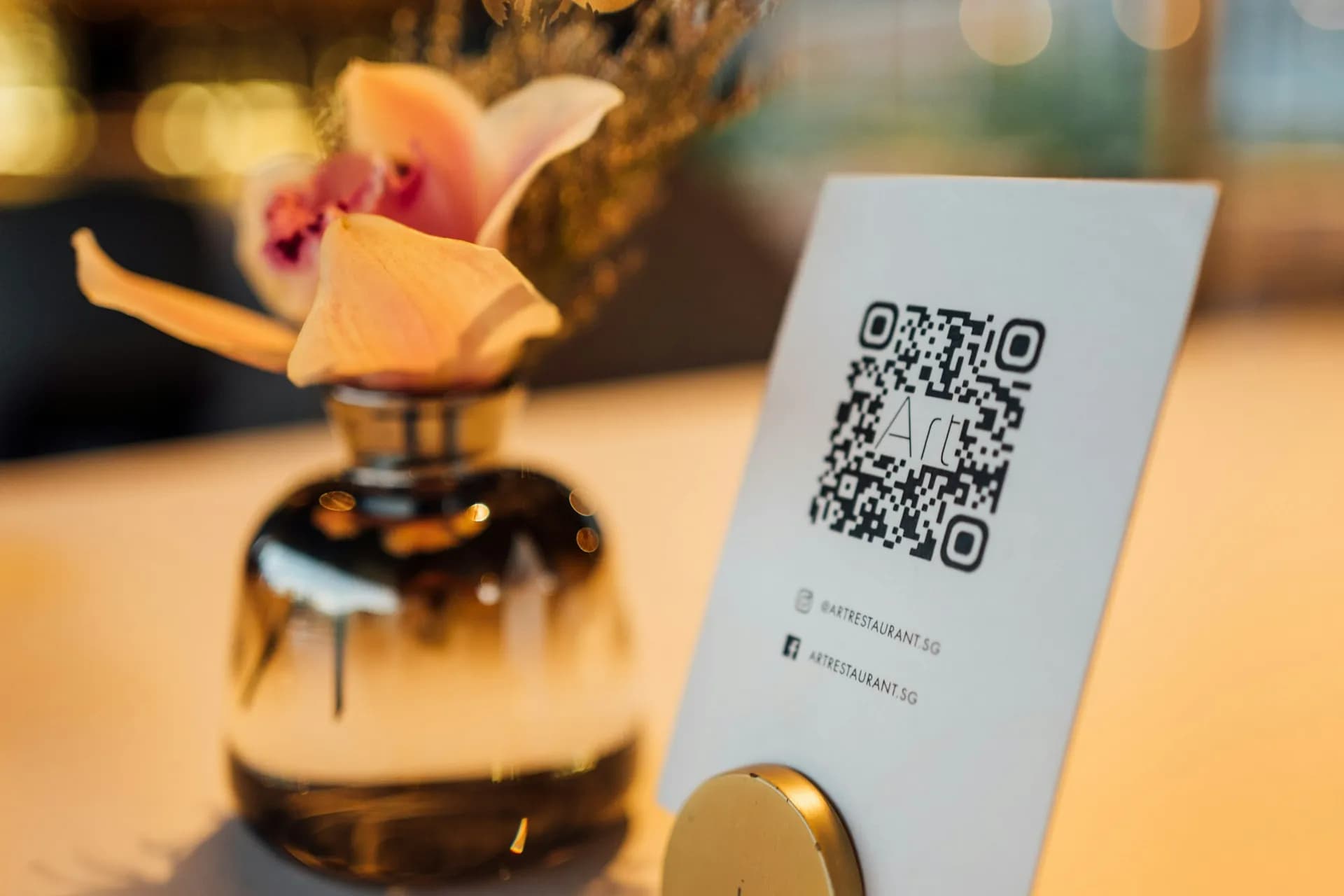
A printed QR code card standing beside a small glass vase on a table.

Best QR type for this

List of links

A brochure almost always covers more than one thing — services, rooms, tour options, menu categories — the same way its panels are organized into sections. A List of links page mirrors that: one code, one page, each topic getting its own link, rather than funneling every panel's worth of content into a single generic homepage a scanner has to dig through.

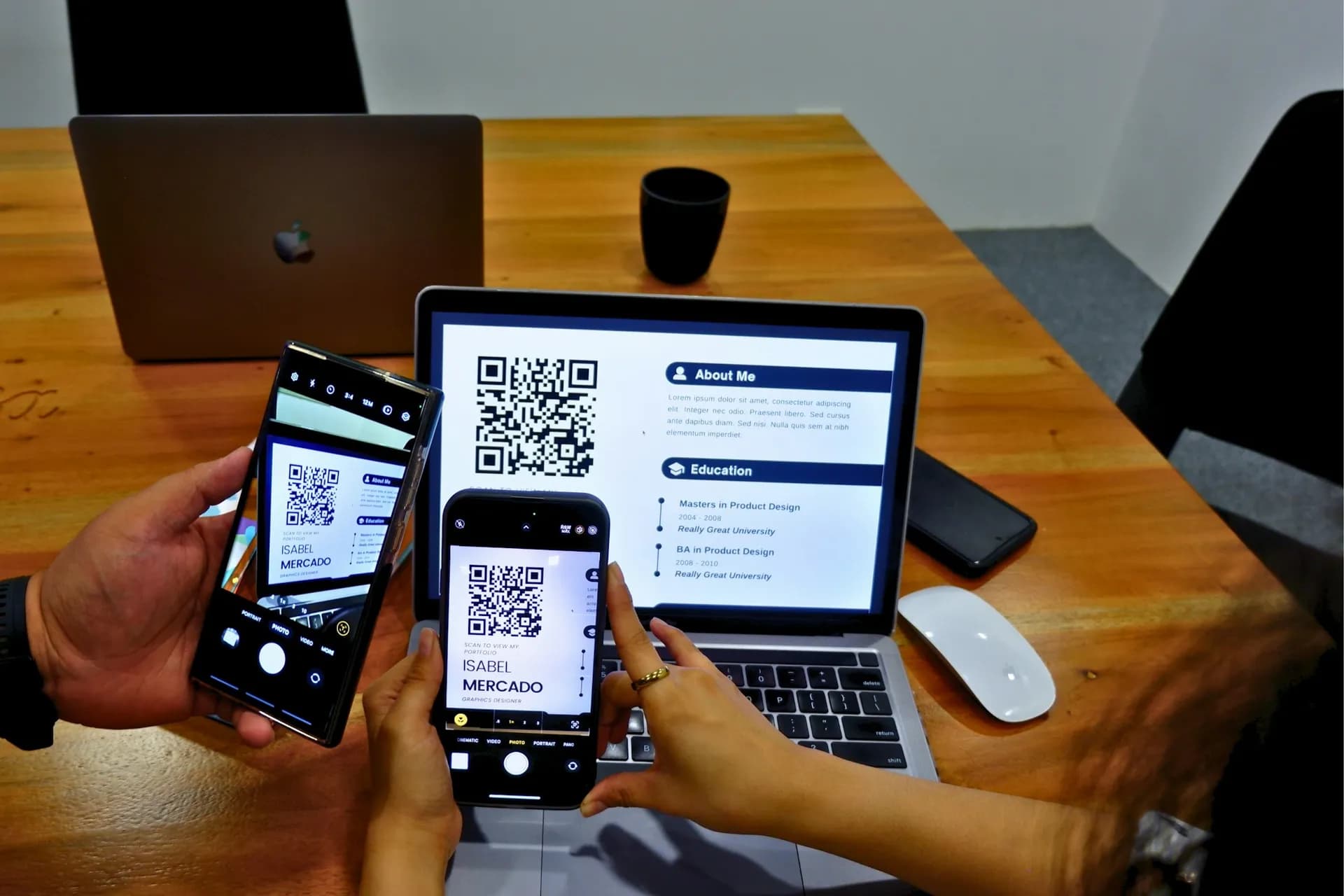
Two people at a desk scanning a QR code on a printed page with their phones.

Design considerations for print

Dynamic vs. static, for brochures

Brochures tend to sit around longer than flyers do — in a waiting room rack, a hotel lobby, a real-estate office — sometimes for months at a stretch rather than one event's lifespan. That's exactly the situation where a static code quietly becomes wrong: a service gets discontinued, a price changes, a tour schedule updates, and the box of 1,000 brochures still in the rack (a run at roughly $0.15–0.25 each is $150–250) keeps handing out the old version until someone notices and reprints. A dynamic code sidesteps the whole problem — the rack never needs emptying just because one detail on the page behind the code changed.

A worked example

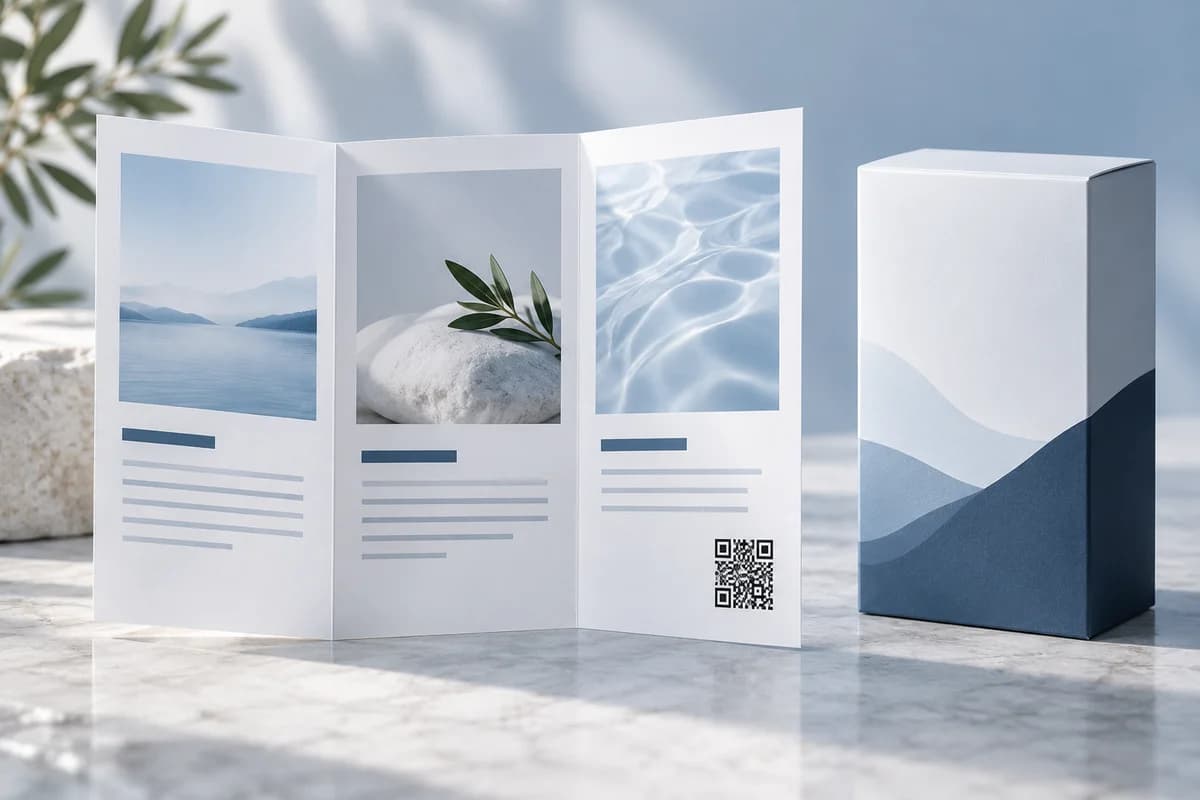
A spa's trifold brochure lists six treatments across its three panels, with a code on the back panel pointing to a List of links page — one link per treatment, each going to its own booking page. When the spa adds a seventh treatment and retires an old one, the printed brochure doesn't change at all: the List of links page gets a new entry and loses an old one, and every brochure already sitting in the lobby rack reflects the update the next time someone scans it, without a single one being reprinted.

An honest limitation

A code on a brochure's cover tells you it was scanned — it doesn't tell you which of the panels someone actually read first, or whether they opened the brochure at all before scanning. If you need to know which service or section is actually driving interest, that level of detail lives in how the destination page itself is built (separate links per topic, each with its own click tracking), not in anything the brochure's code reports on its own.
In practice

Make every brochure a starting point

A single QR code can keep printed collateral useful after the information on its panels changes.

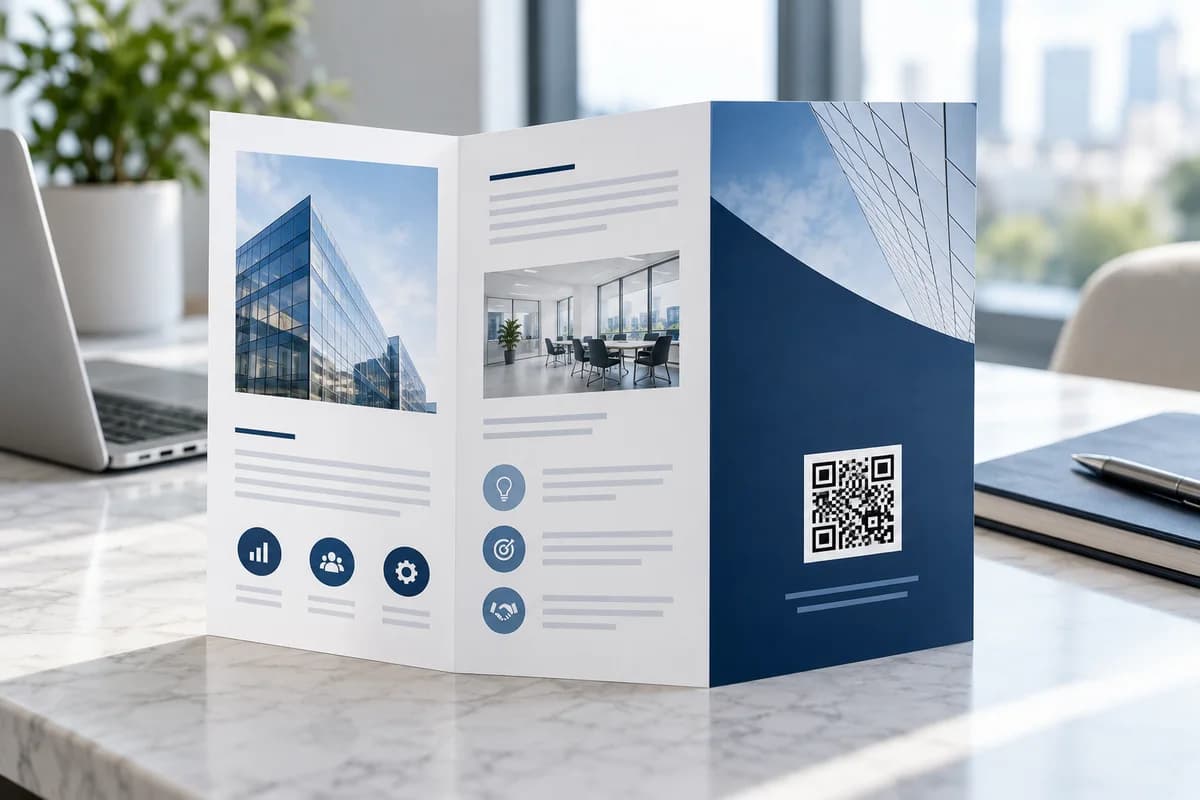
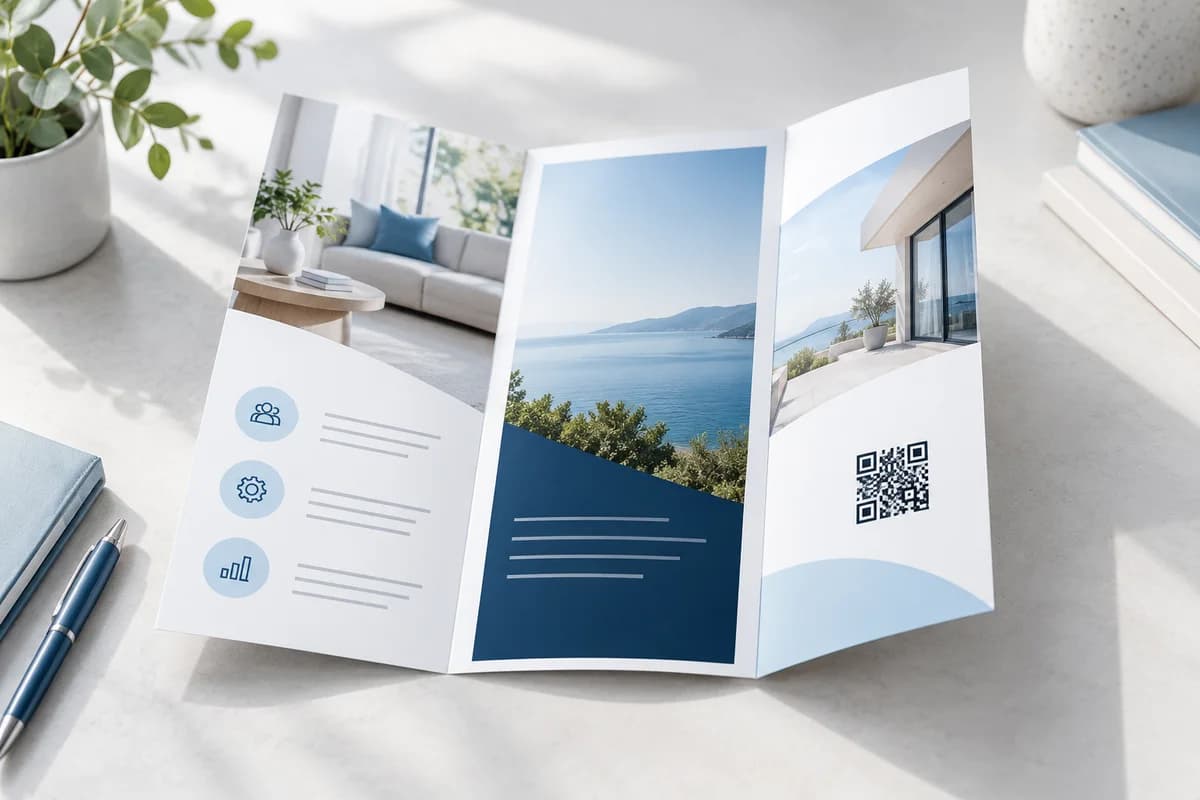
A trifold marketing brochure with a QR code on its back panel, opened on a desk.

Marketing & services

Connect readers to current service details, booking pages, or campaign landing pages.

A product brochure beside an unbranded product package, with a QR code on the brochure.

Product information

Extend product specifications, care guides, and reorder links beyond the printed panel.

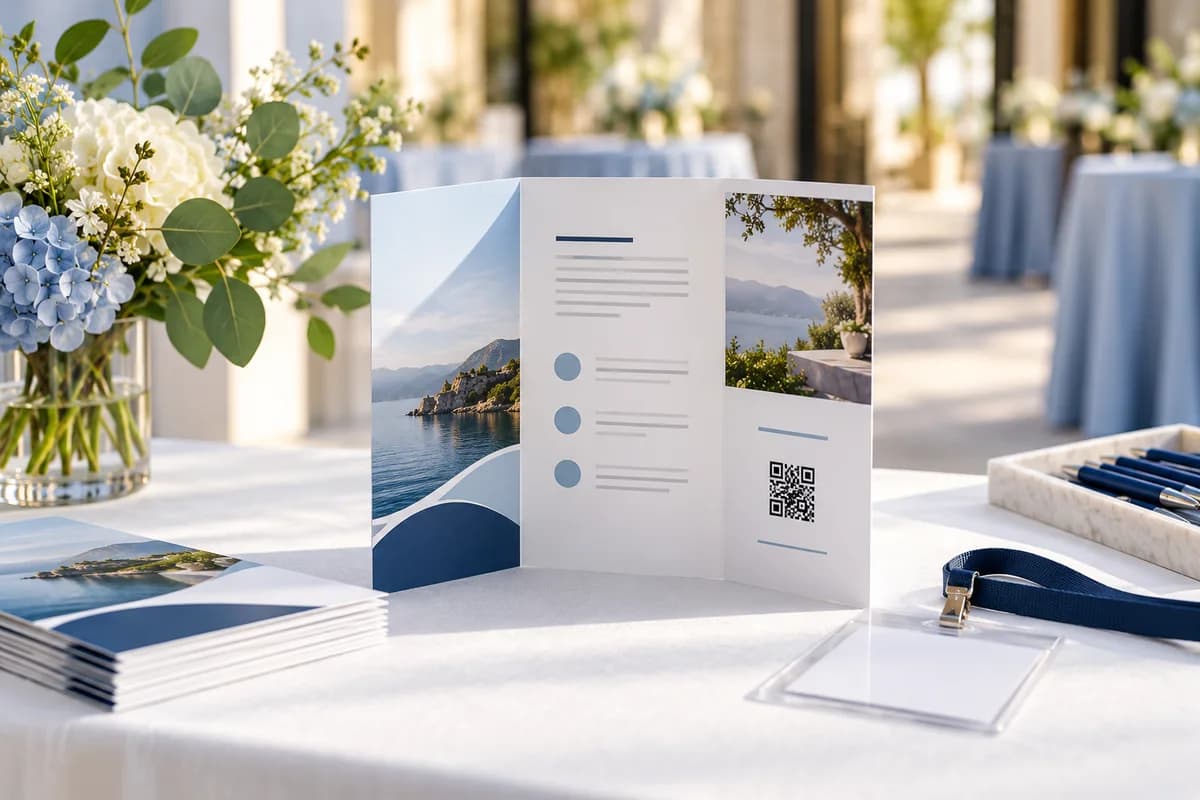
An event brochure on a registration table with a QR code on its back panel.

Events & hospitality

Route guests to schedules, maps, registration, or event updates in one scan.

A corporate trifold brochure with a QR code in a modern office setting.

Business communications

Give proposals, capability brochures, and sales collateral a measurable next step.

Common mistakes

How to do it

  1. 1

    Decide what the code should point to

    One List of links page covering everything the brochure's panels describe, or a single page if the brochure is really about one thing.

  2. 2

    Place it on the cover or back panel

    At least 25mm plus margin, positioned so it clears both fold lines with room to spare, not just the nearer one.

  3. 3

    Fold and unfold a physical proof

    Print one at final size and stock, fold it the way it'll actually be folded, and scan it in that folded state before committing to a full run.

Frequently asked

Which panel should the QR code go on?
The cover or back panel — whichever is visible while the brochure is still folded. Most people decide whether to engage before unfolding the whole thing, so a code buried on an inner panel reaches a much smaller audience.
Does a trifold need a code on every panel?
Usually not — one code on the cover or back, linking to a page that covers everything the panels describe, works better than repeating a code on each panel unless the brochure genuinely functions as several unrelated standalone pieces.
Is 25mm big enough on a 99mm-wide panel?
It's workable at normal reading distance, but tight — after margins, that leaves roughly three-quarters of the panel's width for everything else, which is worth deciding on before the rest of the layout is finalized rather than after.
Should a brochure's code be static or dynamic?
Dynamic, in most cases — brochures often sit in circulation for months, which is plenty of time for a service, price, or schedule to change underneath a static code that can't be corrected without a reprint.

Related materials

Relevant QR types

Ready to print one?

Free to generate, free to download.

Create your List of links QR code