


Dynamic — editable, with tracking

PDF QR code

Host a document people can view instantly — no download required.

A PDF QR code opens a hosted document people can view instantly on their phone — no download or attachment needed. Upload a revised file anytime and the printed code shows the latest version.

  • View documents instantly on phones
  • Replace the file anytime
  • Keep the code small, whatever the file size
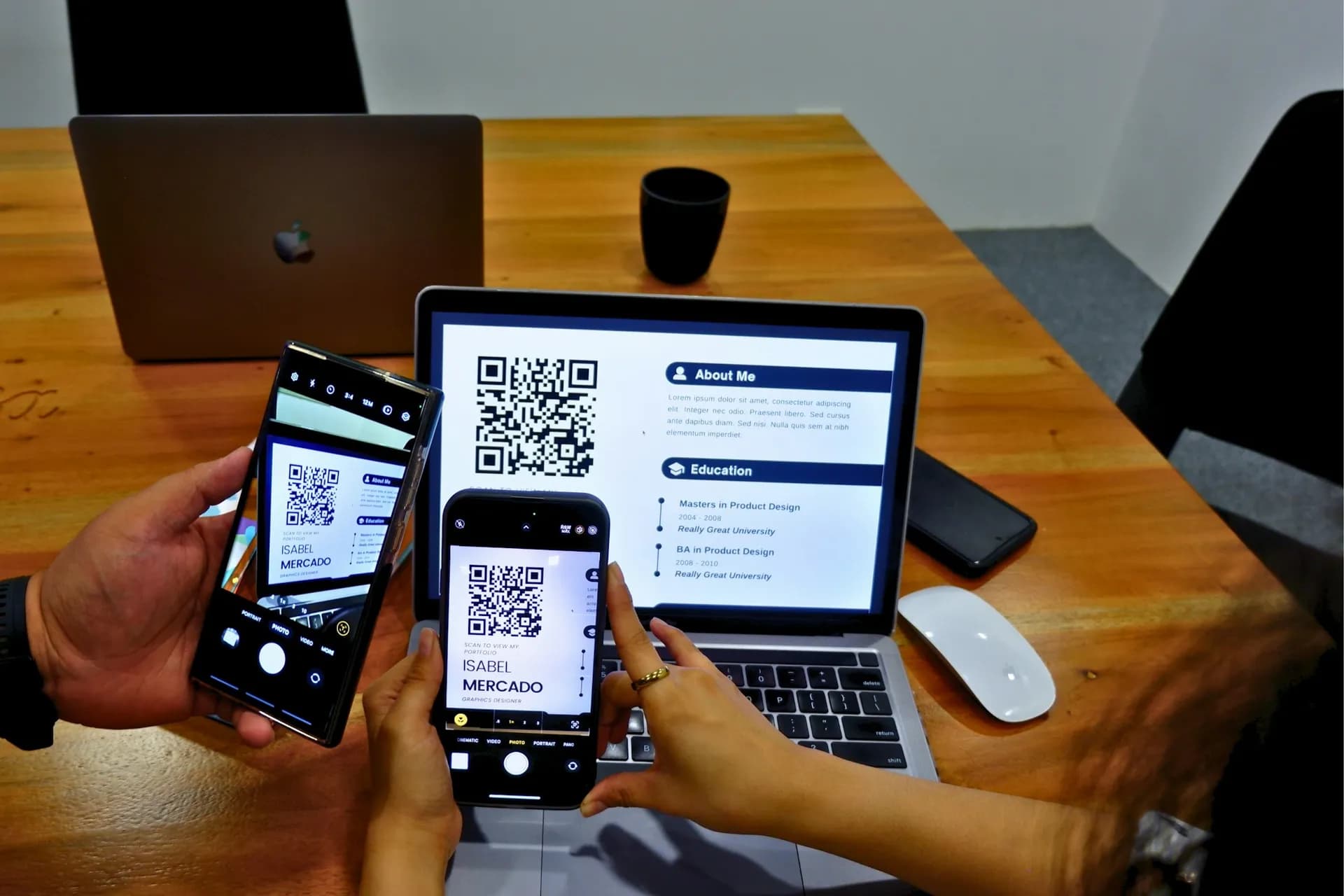
Two people at a desk scanning a QR code on a printed page with their phones.

Try it

See a pdf QR code in action

Sample content so you can see what a scan looks like — this type only exists as a dynamic code, so the code shown to real visitors always points at your own account's live link.

Create your PDF QR code

How it works

What happens when someone scans a pdf QR code

  1. 1

    The camera decodes a short link, resolved by the redirect route to your uploaded PDF's actual file location.

  2. 2

    Most phone browsers render a PDF inline rather than forcing a download — the document opens straight in the browser tab.

  3. 3

    The person can read, zoom, or save it from there, using whatever their browser's own PDF viewer offers.

Examples

Where to use a PDF QR code

Real places a PDF QR code earns its spot — each links to a full guide for that material.

Fit

Is a pdf QR code the right choice?

Use it when

  • Spec sheets, instruction manuals, menus-as-PDF, or any document you'd otherwise print or email as an attachment.
  • Anything that gets revised — a swapped file updates behind the same printed code, no reprint needed.
  • Packaging or product material where the QR code needs to stay small and simple regardless of how large the underlying document is.

Consider another type when

  • A short message that doesn't need a whole document — a Text or Landing Page type is a lighter, faster-loading fit.
  • Very large files on a slow connection — a multi-megabyte PDF can be slow to load on-scan in poor signal areas; consider a lighter-weight format or a compressed export if that's a real concern for your audience.
  • Content you want indexed and searchable as a real webpage — a PDF viewed inline isn't a substitute for actual page content if SEO or accessibility on the document itself matters.

Dynamic vs. static

Dynamic vs. static pdf QR codes

PDF only exists as dynamic — a static code can't meaningfully encode a multi-page document directly (there's no reasonable way to fit a real PDF's bytes into a scannable QR code), so this type necessarily routes through a hosted file reference. The upside beyond just making it possible at all: the underlying file can be replaced anytime, so a corrected spec sheet or an updated manual doesn't require reprinting whatever the code is attached to.

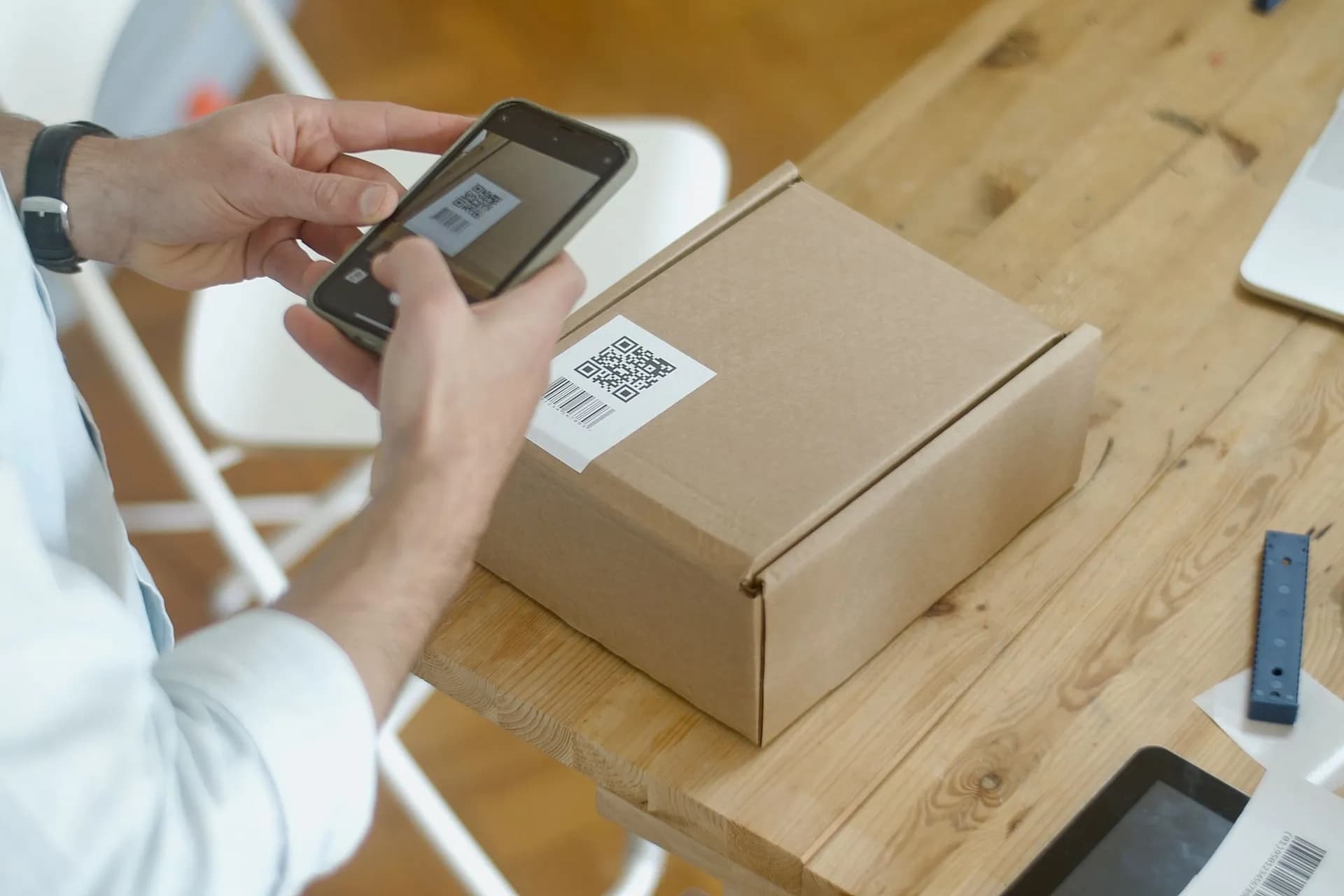
A person scanning a QR code on their phone at a parcel locker.

Under the hood

What happens on the file-swap

Uploading a new PDF replaces the file the short link resolves to, without changing the short code itself — the printed QR code's payload is unaffected by a file swap. Most modern mobile browsers (Safari, Chrome) render PDFs natively inline; a small number of older or minimal browsers may instead prompt a download rather than an inline view, which is a browser behavior this platform doesn't control.

Replacing a printed insert, not a webpage

This type is closest in spirit to a printed instruction sheet or spec card — something meant to be read as a document, not browsed as a site. The value over a plain paper insert is entirely in the swap: correct a typo, update a spec, ship a new revision, and the existing printed packaging or signage never has to be reprinted.

An honest limitation

Rendering a PDF well is ultimately up to the visitor's own browser, which this platform doesn't control — on a small number of older or stripped-down mobile browsers, that means a download prompt instead of an inline view. For most modern phones this isn't something you'll notice, but it's worth knowing if your audience skews toward older devices.

Step by step

How to create a pdf QR code

  1. 1

    Upload your PDF

    The file itself, not a link to one hosted elsewhere — this platform serves it directly from the short link.

  2. 2

    Name the file clearly

    The filename can matter if the browser does prompt a download rather than viewing inline.

  3. 3

    Replace the file whenever it's out of date

    Swap it from your dashboard anytime; the printed code and short link stay identical.

PDF QR code FAQ

Does the PDF open in a viewer app or the browser?
Typically the browser itself — most modern mobile browsers render PDFs inline without needing a separate app, though this varies slightly by browser and OS version.
Can I replace the document later?
Yes — upload a new file from your dashboard anytime; the same printed code and short link will serve the new version immediately.
Is there a file size limit?
Practically, yes, and smaller files load faster on a scan in weak signal — keeping a PDF reasonably compressed is worth doing even where there's no hard limit.
Can I see how many times the document's been viewed?
Yes — each scan is logged the same as any other dynamic type's, viewable from your dashboard.

Related QR types

Where people put this code

Create your pdf QR code

Free to generate, free to download — no account required to try it.

Create your PDF QR code