QR codes on

Displays

A retail floor stand competing with everything else on the shop floor for a glance.

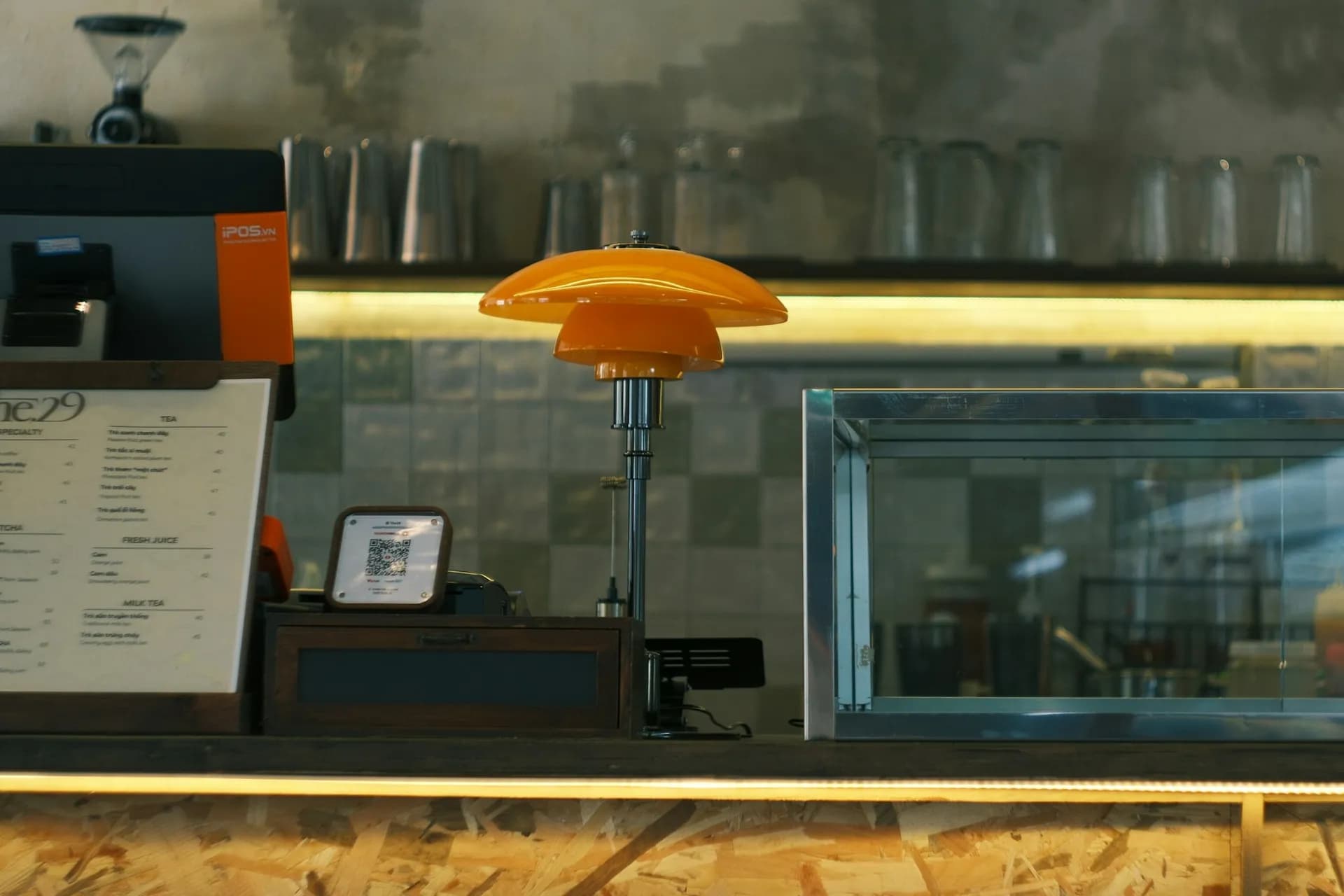
A café counter with a QR code stand next to the register.

Best QR type for this

Landing page

A retail display is almost always promoting a specific product or offer in the moment someone's already shopping, so a Landing Page with one clear action matches the display's purpose better than a general site. It also lets the display support a specific in-store promotion without a dedicated product page needing to exist for that exact context.

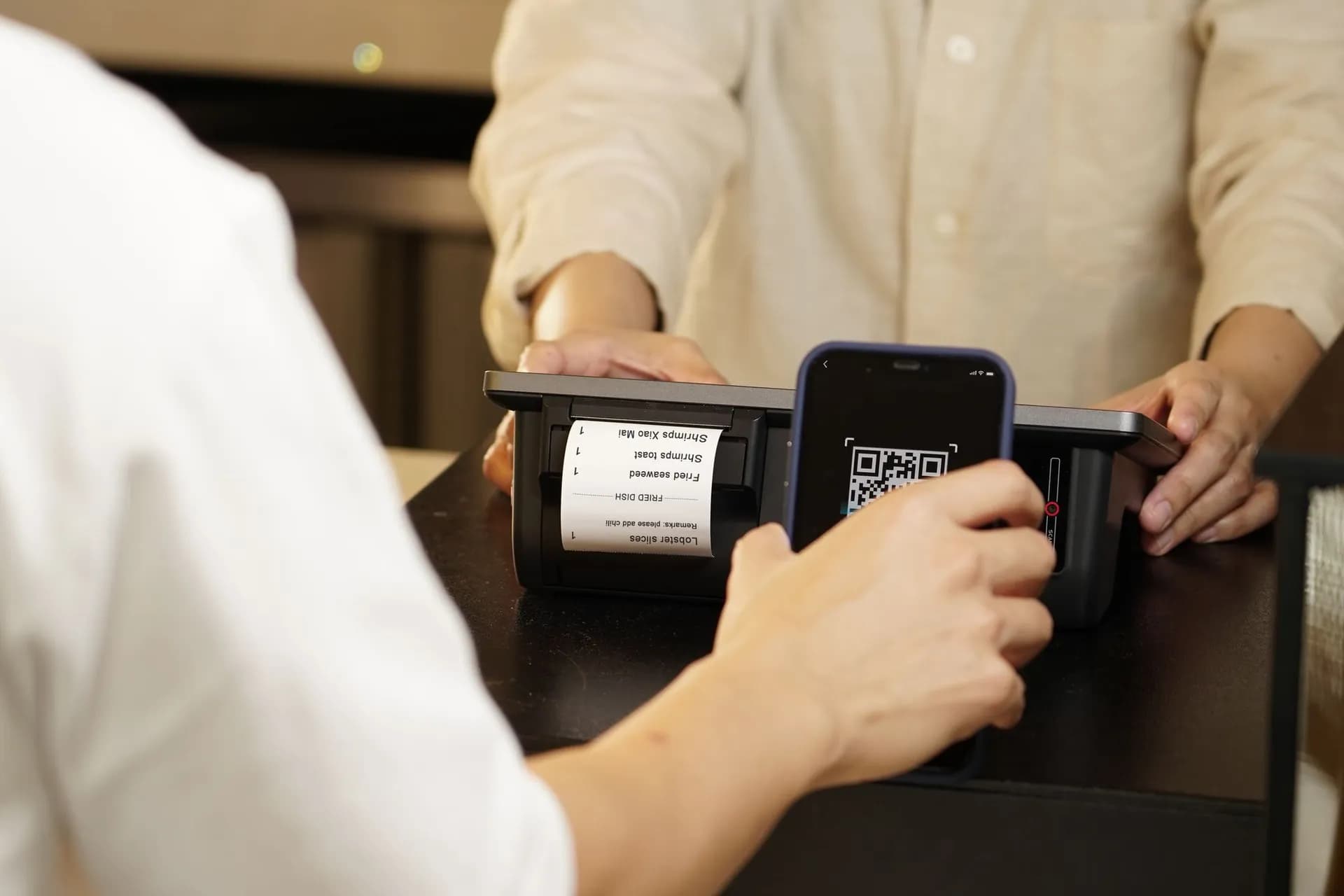
A customer paying by scanning a QR code at a checkout counter.

Design considerations for print

Dynamic vs. static, for displays

Dynamic, since retail displays are usually built around a specific, time-limited promotion — a seasonal push, a new product launch, a limited-time offer — and reused as physical hardware across multiple different promotions over their working life. A static code ties the display permanently to whatever campaign was live when it was printed; a dynamic one lets the same physical display be redeployed for a new promotion by simply updating the destination, without a new printed panel every time.

A worked example

At 1.5m, the 10:1 rule needs a 15cm floor, though most retail displays run slightly under that at 100mm since shoppers browsing a display often close the distance somewhat before actually trying to scan. The bigger factor determining whether that code actually gets read successfully isn't the size at all — it's whether the finish on top of the print is helping or working against it.

Lamination protects the print and can also defeat it

Retail displays get handled, bumped, and exposed to a shop floor's general wear in a way a one-time flyer never has to survive, which is exactly why lamination is standard on this kind of print material — it protects the surface from scuffing, moisture, and the daily friction of a busy retail environment. That protection is genuinely necessary. The problem is that the most common, most durable lamination option — a high-gloss finish — introduces a new failure mode that has nothing to do with the print underneath it: reflection.

A glossy laminate behaves almost like a mirror under bright, direct lighting, which describes most retail environments by default — overhead fluorescent or LED fixtures designed to illuminate merchandise evenly and brightly. Point a phone camera at a glossy-laminated code under that kind of lighting and there's a real chance the dominant thing the camera sees isn't the code at all, but a bright reflected glare off the laminate's surface sitting directly on top of it. The code can be printed perfectly, at the correct size, with excellent contrast — and still fail to scan, because the camera is contending with a reflection problem the print itself has no control over.

This is the same underlying issue storefront glass creates, but with a fix that's actually available at the design and production stage rather than something that has to be managed after installation: choosing a matte or anti-glare laminate instead of gloss. Matte lamination sacrifices a small amount of visual pop and doesn't have quite the same glossy, premium look on the shelf, but it scatters light diffusely instead of reflecting it directly back at a viewer, which is precisely the property that keeps a code scannable under normal retail lighting. Where gloss is chosen anyway — for aesthetic or brand consistency reasons — positioning matters even more: keep the code out of the specific zone that would sit in direct line with an overhead fixture's reflection, checked on-site under the actual lighting the display will really stand under, not a studio proof shot under different, more even light.

Common mistakes

How to do it

  1. 1

    Choose matte over gloss

    Anti-glare lamination protects the print without creating the reflections gloss finishing introduces under retail lighting.

  2. 2

    Check the real install lighting

    Test on-site, or under equivalent lighting, rather than relying on a studio mockup.

  3. 3

    Reuse the display, update the destination

    A dynamic code lets the same physical unit support a new promotion without reprinting.

Frequently asked

How big should a QR code be on a retail display?
100mm on a standard floor-standing display, sized for someone browsing at roughly 1–2 meters before deciding whether to walk closer.
Does laminating a display hurt QR code scanning?
It can, if it's high-gloss. Gloss lamination protects the print but reflects overhead retail lighting directly back at the camera trying to scan it — matte or anti-glare lamination avoids that problem while still protecting the print.
Should a retail display's QR code be dynamic?
Yes, especially if the same physical display gets reused across different promotions over time. A dynamic code lets the destination change with each new campaign without reprinting the panel.
Where should the QR code go on a retail display?
On the most visible, unobstructed flat panel, positioned so it doesn't sit directly opposite overhead store lighting that could reflect back into the shot.

Related materials

Relevant QR types

Ready to print one?

Free to generate, free to download.

Create your Landing page QR code