
Dynamic — editable, with tracking

Social Media QR code

Link every one of your profiles at once — one scan, all your socials.

A social media QR code sends people straight to one profile or post, so following you takes a single scan. Change the destination later and the printed code still works.

  • Open one profile or post directly
  • Change the destination anytime
  • Track scans from print to social
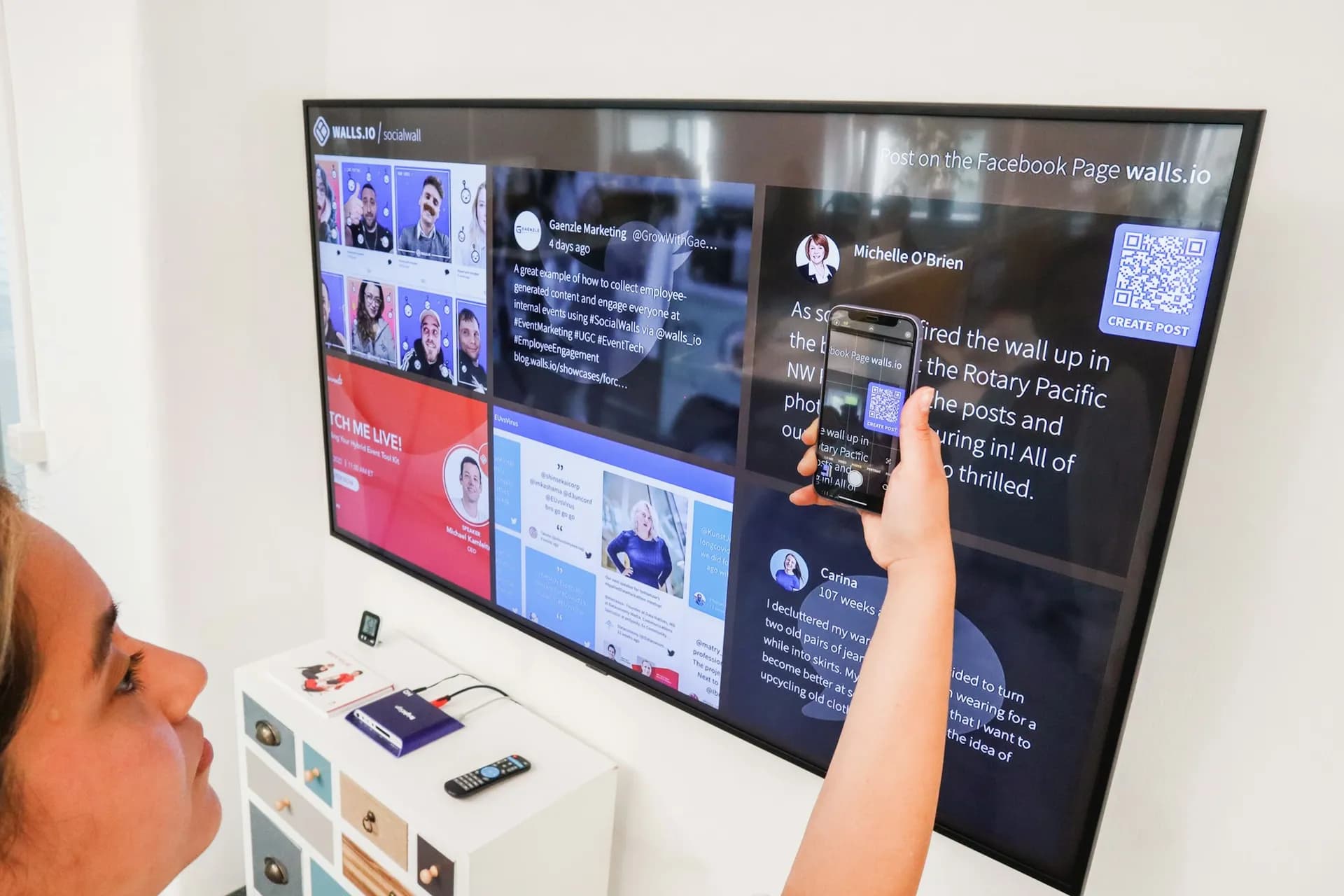
A person scanning a QR code on a large screen showing a social media wall.

Try it

See a social media QR code in action

Sample content so you can see what a scan looks like — this type only exists as a dynamic code, so the code shown to real visitors always points at your own account's live link.

Create your Social Media QR code

Social Media

Opens one profile directly, no page in between.

How it works

What happens when someone scans a social media QR code

  1. 1

    The camera decodes a short link, resolved by the redirect route to the specific profile or post URL you've set.

  2. 2

    The phone opens it in whichever app handles that platform's links if installed — Instagram, TikTok, X, and most major platforms support opening straight into the app from a link.

  3. 3

    Without the app installed, the link falls back to that platform's website in the browser instead.

Examples

Where to use a Social Media QR code

Real places a Social Media QR code earns its spot — each links to a full guide for that material.

Fit

Is a social media QR code the right choice?

Use it when

  • Signage or packaging promoting one specific social presence — a single Instagram account, one TikTok, a specific post — where you want the fastest possible path there.
  • Anywhere you'd rather send people to exactly one destination rather than making them choose from a list.
  • Campaigns tied to a specific post or reel rather than a profile generally — link straight to that content.

Consider another type when

  • If you have more than one social presence worth sharing — the List of Links type shows several at once and lets the visitor choose, instead of committing print space to just one.
  • A profile likely to be renamed, deleted, or migrated to a new platform entirely — while the link is editable, frequent changes here mean more upkeep than a more stable destination type.
  • If you want a branded page in between the scan and the profile — this type redirects directly with no interstitial, unlike Business or Landing Page.

Dynamic vs. static

Dynamic vs. static social media QR codes

Social Media is dynamic-only, since the whole point is being able to redirect to wherever your presence on that platform currently lives — a handle changes, a post gets replaced by a newer one, a brand moves from one platform's focus to another's, and this type lets the printed code follow along instead of pointing at something stale.

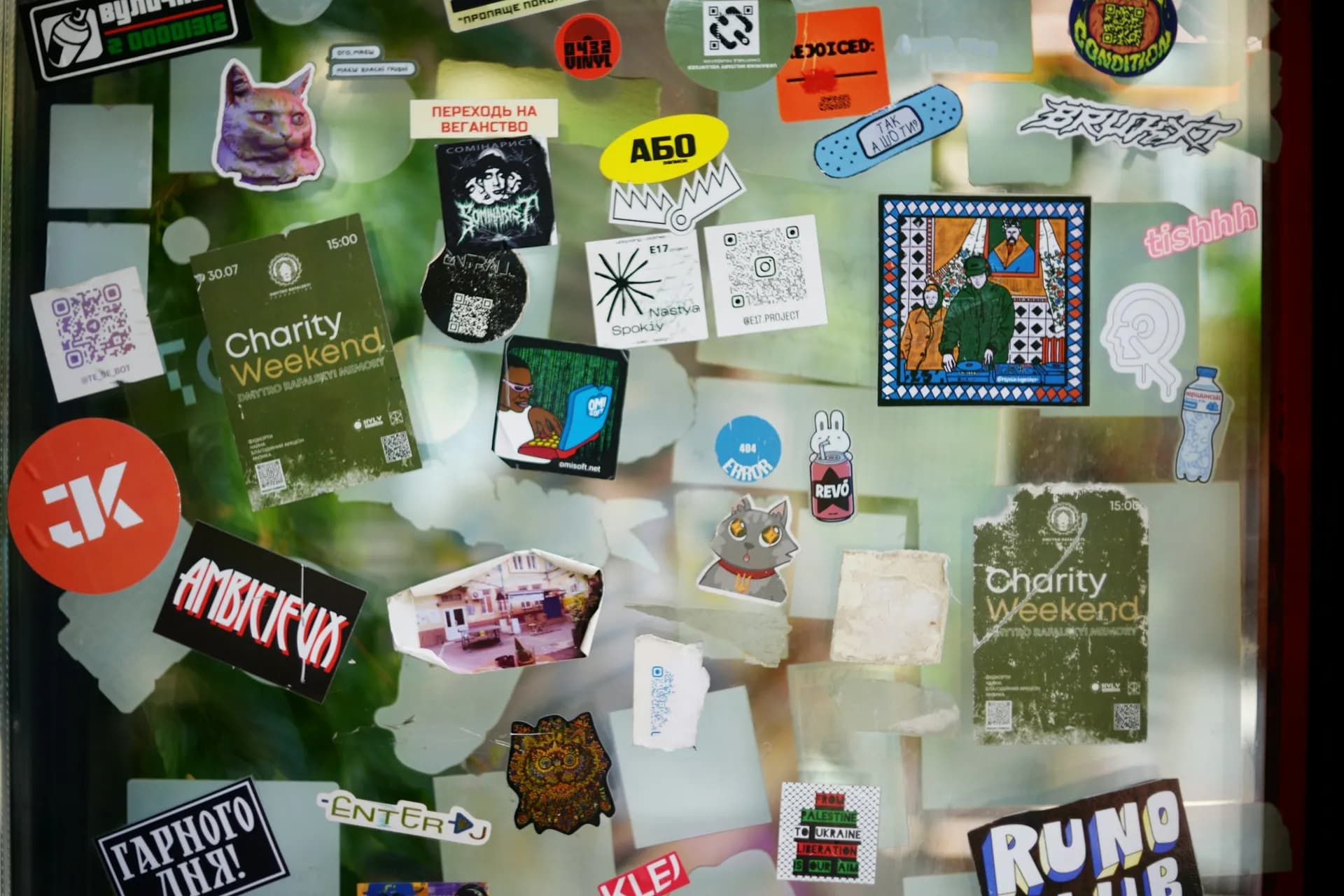
A board of colourful stickers and magnets, a few printed with small QR codes.

Under the hood

How the platform-specific link gets built

You choose a platform (Instagram, Facebook, X, TikTok, YouTube, LinkedIn, WhatsApp, email, or phone) and a value — typically a handle or a direct post URL — and the redirect resolves to the correctly formatted destination for that platform. Most major platforms support deep-linking straight into their own app via a standard web URL, which the OS intercepts and hands to the installed app automatically rather than opening a browser first.

The fastest path to one destination

Where List of Links optimizes for offering choice, this type optimizes for speed to a single, specific place — no list to scroll, no page to load in between, just a direct hand-off to one profile or post. That's the right trade when there's genuinely one destination that matters most.

Worth revisiting occasionally

Because social presences shift — a platform falls out of favor, a handle gets renamed, a campaign's focal post gets replaced — this type benefits from an occasional check that the destination still points at something current, even though updating it never requires touching the printed code itself.

Step by step

How to create a social media QR code

  1. 1

    Pick the platform

    Instagram, TikTok, X, YouTube, LinkedIn, or another supported option.

  2. 2

    Add the handle or post URL

    A profile handle for a general profile link, or a direct post URL for something more specific.

  3. 3

    Update it if the destination changes

    Swap the handle, the platform, or the specific post anytime from your dashboard — the printed code and short link stay the same.

Social Media QR code FAQ

Does this open the app or a browser?
If the relevant app is installed, most platforms' links open it directly. Without the app, the link falls back to that platform's website in a browser instead.
Can I point this at a specific post instead of a general profile?
Yes — use a direct post URL as the value instead of a bare handle, and the redirect goes straight to that post.
How is this different from List of Links?
This type sends every scan to exactly one destination with no page in between. List of Links shows several destinations on a hosted page and lets the visitor pick — the right choice depends on whether you have one link worth all the attention or several worth offering together.
Can I change which platform this points to later?
Yes — edit the platform and value from your dashboard anytime; the printed code and short link are unaffected.

Related QR types

Where people put this code

Create your social media QR code

Free to generate, free to download — no account required to try it.

Create your Social Media QR code