Static — no tracking

2D Barcode QR code

Encode raw data — a SKU, batch ID, or similar — directly into a scannable code.

A 2D barcode QR code stores a raw value — a SKU, batch ID, or serial number — directly in the code, ready for a scanner or inventory system to read. Nothing opens on a phone; the data itself is the point.

  • Encodes the value directly — no link, no server
  • Reads with standard handheld and phone scanners
  • More data and error correction than a 1D barcode
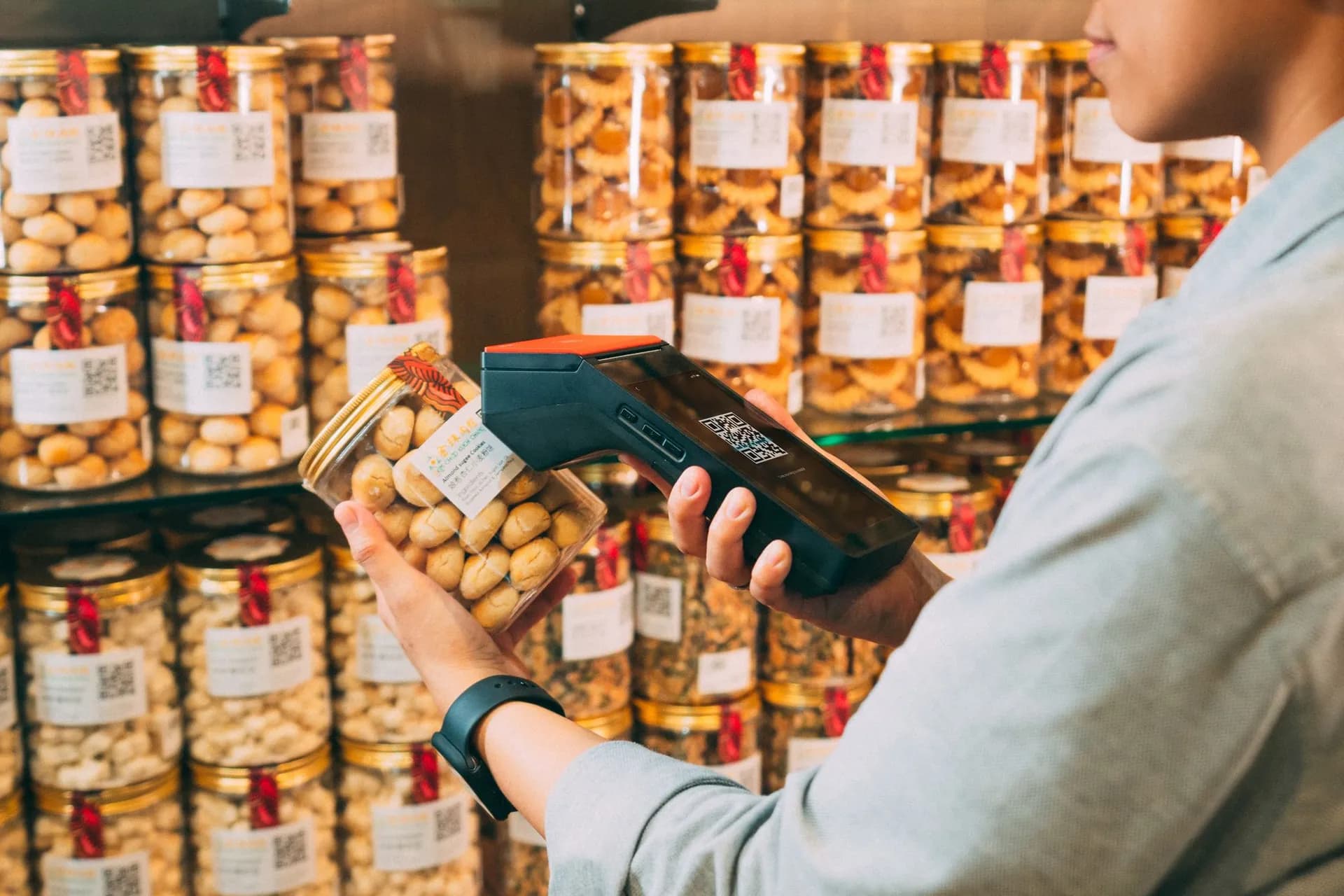
A shop worker scanning QR codes on labelled jars with a handheld scanner.

Try it

See a 2d barcode QR code in action

Sample content, but a real, scannable code — try it with the phone in your hand.

Create your 2D Barcode QR code

Encodes raw data

No page to preview — a scanner reads the value directly.

How it works

What happens when someone scans a 2d barcode QR code

  1. 1

    The camera or a dedicated barcode scanner decodes the payload as plain text — no URL, no special prefix, just the raw value.

  2. 2

    A phone's default camera app shows the value with a copy option, the same as it would for any plain-text QR code.

  3. 3

    A dedicated inventory or POS scanner reads the value directly into whatever field it's wired to, the same as it would a traditional 1D barcode.

Examples

Where to use a 2D Barcode QR code

Real places a 2D Barcode QR code earns its spot — each links to a full guide for that material.

Fit

Is a 2d barcode QR code the right choice?

Use it when

  • Inventory, asset tags, or internal tracking where the code needs to feed a value straight into a scanning system, not open anything for a human.
  • Situations where a QR code's higher data density or 2D error correction is preferable to a traditional 1D barcode for the same job.
  • Any raw identifier — SKU, batch number, serial number — that a downstream system looks up, rather than content meant to be read by a person.

Consider another type when

  • Anything meant to be read by a person scanning with their phone camera for information — a Text type is a better fit for human-readable content, even though both are static plain-text payloads.
  • A destination or piece of content you want to update after printing — this type is permanently fixed the moment it's generated, with no dynamic option at all.
  • If you want scan tracking or analytics — this type never touches this platform's servers on scan, so there's no data collected.

Dynamic vs. static

Dynamic vs. static 2d barcode QR codes

2D Barcode is static-only and, unlike most other static types on this platform, has no dynamic counterpart in the catalog at all — its entire purpose is standing in for a traditional fixed barcode, where the value is meant to be exactly, permanently what's encoded. A dynamic redirect would undermine the one property that matters most for this use case: that the raw value read by a scanner is guaranteed stable and never resolved through an intermediate lookup.

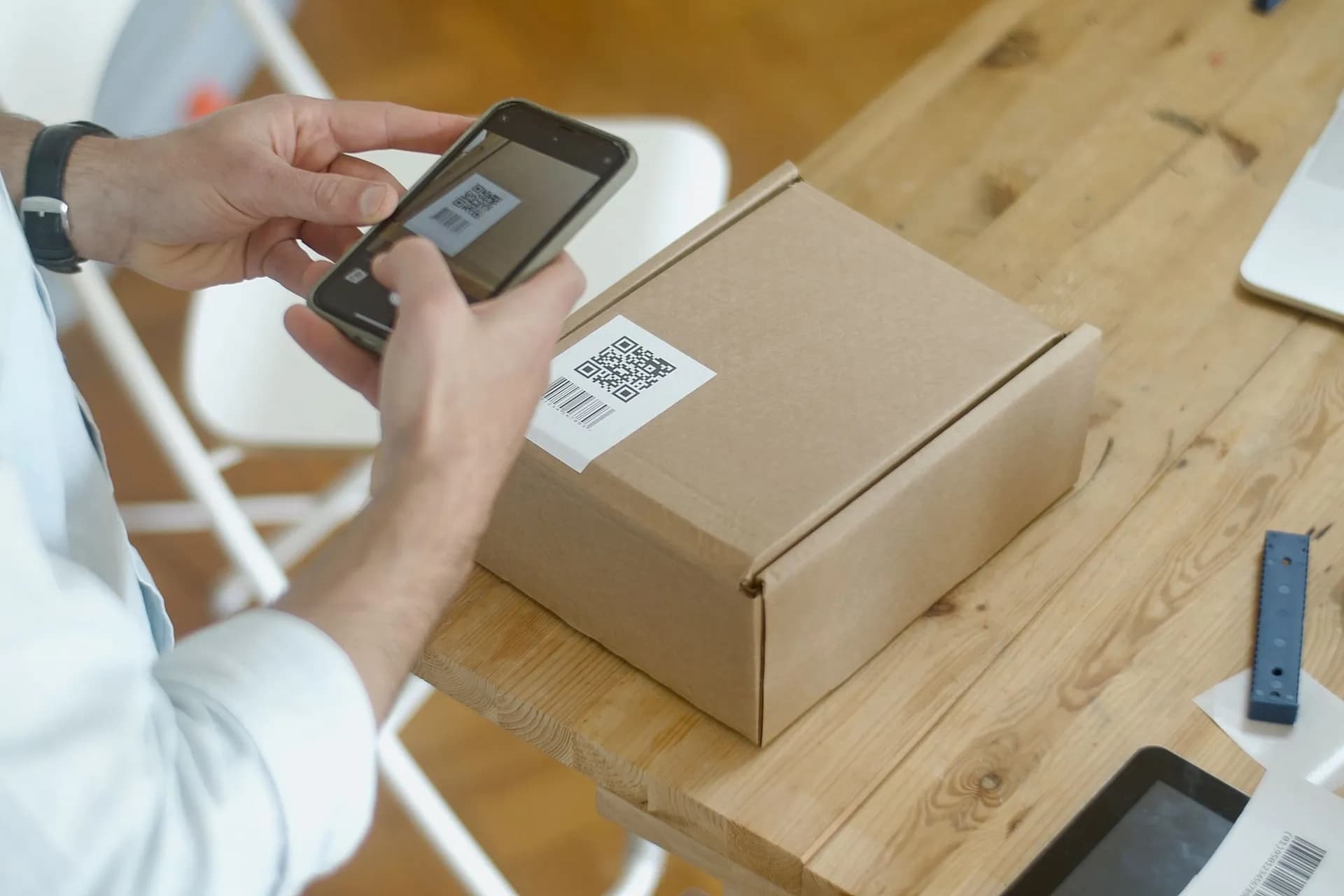
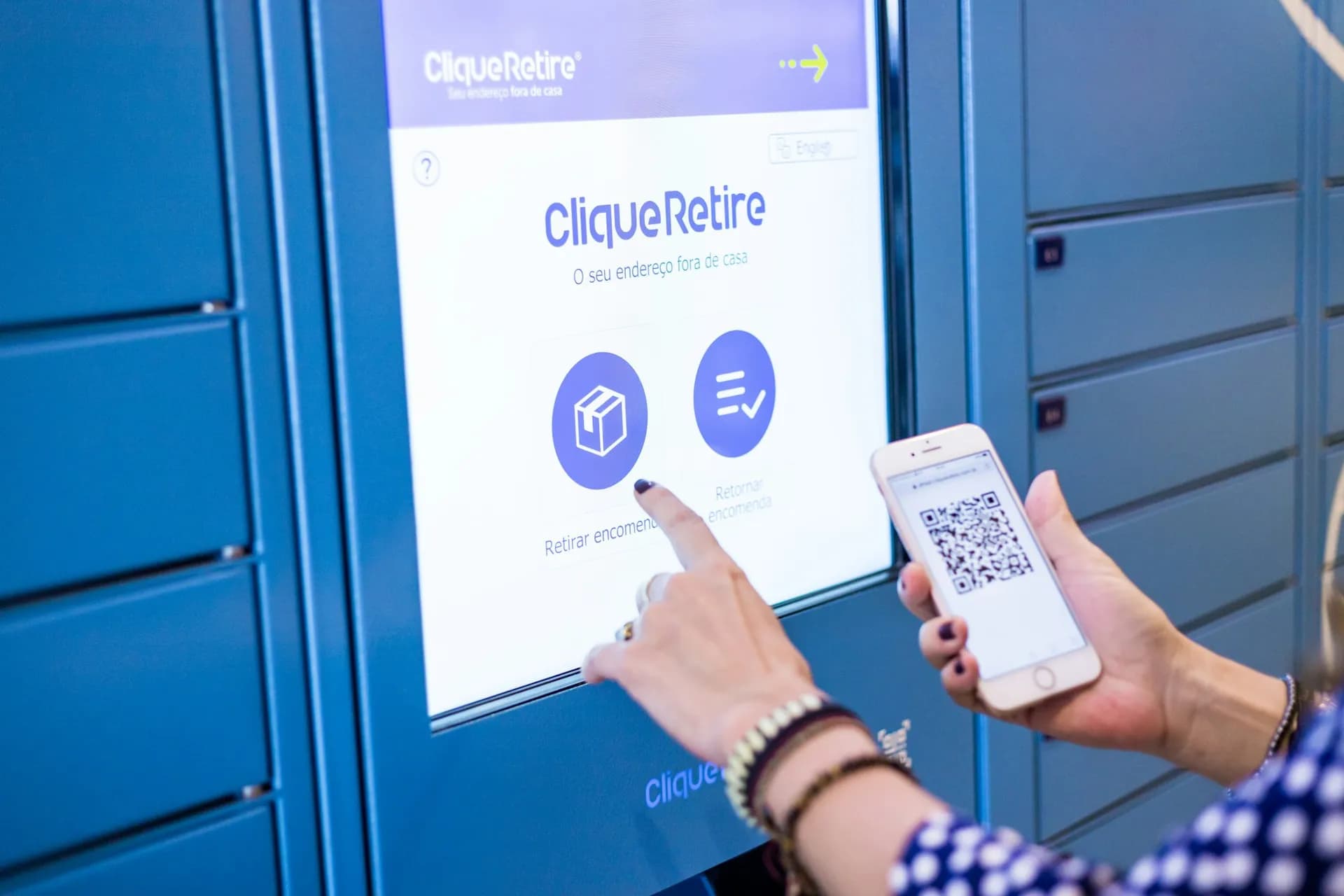
A person scanning a QR code on their phone at a parcel locker.

Under the hood

Why 'QR code' and 'barcode' aren't actually different formats here

A QR code is technically a type of 2D (matrix) barcode already — this type doesn't produce a visually different symbol, it just encodes a raw data string with no interpretation applied, unlike the Text type's UTF-8 message or the vCard type's structured format. The distinction from a traditional 1D barcode (the parallel-line kind on most retail packaging) is data density and error correction: a QR code's 2D structure holds meaningfully more data in the same physical space, and its built-in error correction lets it stay readable even partially damaged or obscured, which most 1D formats can't do.

Built for machines, not people

Nearly every other static type on this platform assumes a human is the one scanning — reading a message, saving a contact, joining a network. This one assumes a scanner or a system is the audience instead, which is why it has no dynamic counterpart and no hosted page: the entire point is a stable, literal value a downstream system can rely on.

An honest limitation

Encoding conventions for identifiers vary a lot by industry and by the specific inventory or POS system reading them — this type doesn't validate or format your input against any particular standard, it encodes exactly what you type. Confirming compatibility with your actual scanning hardware before a large print run is worth the time it takes.

Step by step

How to create a 2d barcode QR code

  1. 1

    Enter the raw value

    Whatever your system expects — a SKU, batch ID, serial number, or similar identifier.

  2. 2

    Verify against your scanning system

    Test with the actual hardware or app that will read this code before committing to a print run — encoding conventions can vary by industry.

  3. 3

    Export at print resolution

    SVG for anything printed at scale or onto small labels, so the code stays crisp regardless of final size.

2D Barcode QR code FAQ

Is this different from a regular barcode on a product?
Functionally similar in purpose (identify an item), but a QR code holds more data in less space and reads reliably even partially damaged, which is why some inventory systems have moved to it from traditional 1D barcodes.
Can I encode more than one piece of data?
You can encode a structured string yourself (e.g. a delimited value combining an ID and a batch number) if your downstream system knows how to parse it — the type itself just stores whatever raw text you give it.
Does this type support tracking or analytics?
No — like every static type, it never touches this platform's servers on scan, so there's nothing to track.
Can I update the value after printing?
No — this type has no dynamic option at all. A changed value means generating and printing a new code.

Related QR types

Where people put this code

Create your 2d barcode QR code

Free to generate, free to download — no account required to try it.

Create your 2D Barcode QR code