
Static — no tracking

Email QR code

Let people email you with one scan — prefilled and ready to send.

An email QR code opens the scanner's mail app with your address, subject, and message already filled in, so contacting you takes one tap. It's static, so it works without any server in between.

  • Prefilled address, subject, and message
  • Works offline until the email is sent
  • No account or tracking required
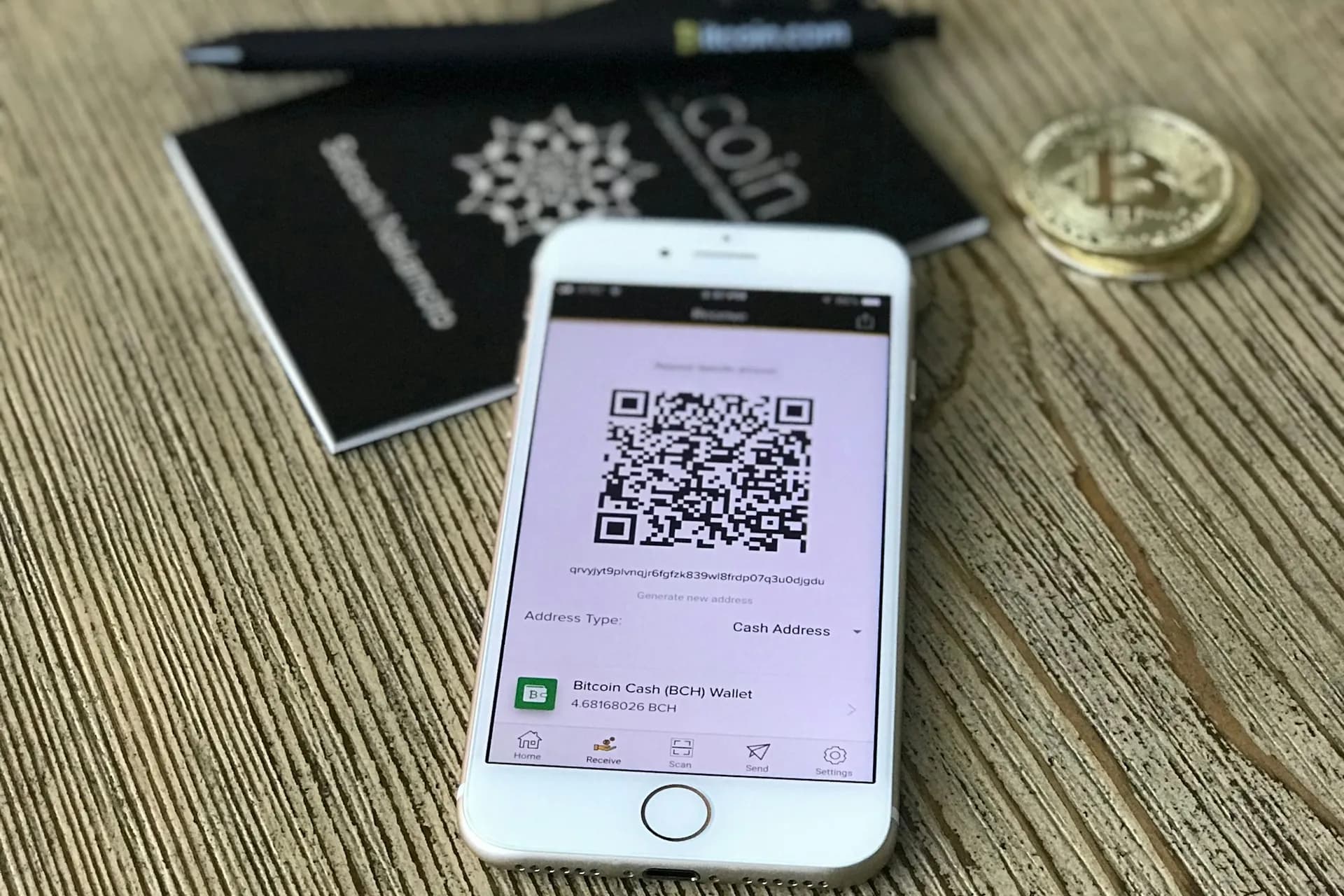
A phone on a wooden desk with a QR code on its screen.

Try it

See a email QR code in action

Sample content, but a real, scannable code — try it with the phone in your hand.

Create your Email QR code

Email

Opens a prefilled email, ready to send.

How it works

What happens when someone scans a email QR code

  1. 1

    The camera decodes a mailto: payload — a standard every phone's default mail app recognizes without any extra software.

  2. 2

    The OS opens the device's default mail app (or offers a choice, if more than one is installed) with a new message already open.

  3. 3

    The recipient, subject, and body are pre-filled exactly as set when the code was generated — the person just reviews and taps send.

Examples

Where to use a Email QR code

Real places a Email QR code earns its spot — each links to a full guide for that material.

Fit

Is a email QR code the right choice?

Use it when

  • Contact points on print material — business cards, posters, packaging — where you want a direct email started with zero typing.
  • A support or inquiry address paired with a subject line that helps route the message correctly on your end.
  • Anywhere offline reliability matters — a mailto: link needs no network to open, only to actually send once composed.

Consider another type when

  • An address that changes often — like any static type, editing means reprinting.
  • If you want to know how many people scanned and started an email — this type never touches this platform's servers, so there's no scan count.
  • A recipient who might not have a mail app configured on their phone (common on tablets or shared devices) — a plain printed address may be more reliable there.

Dynamic vs. static

Dynamic vs. static email QR codes

Email is static-only: the mailto: link, including your address and any prefilled subject and body, is compiled directly into the code. There's no dynamic version because there's nothing to redirect — a mailto: link isn't a page the phone fetches, it's an instruction the OS acts on immediately, the same structural reason Wi-Fi and Text have no dynamic variant either.

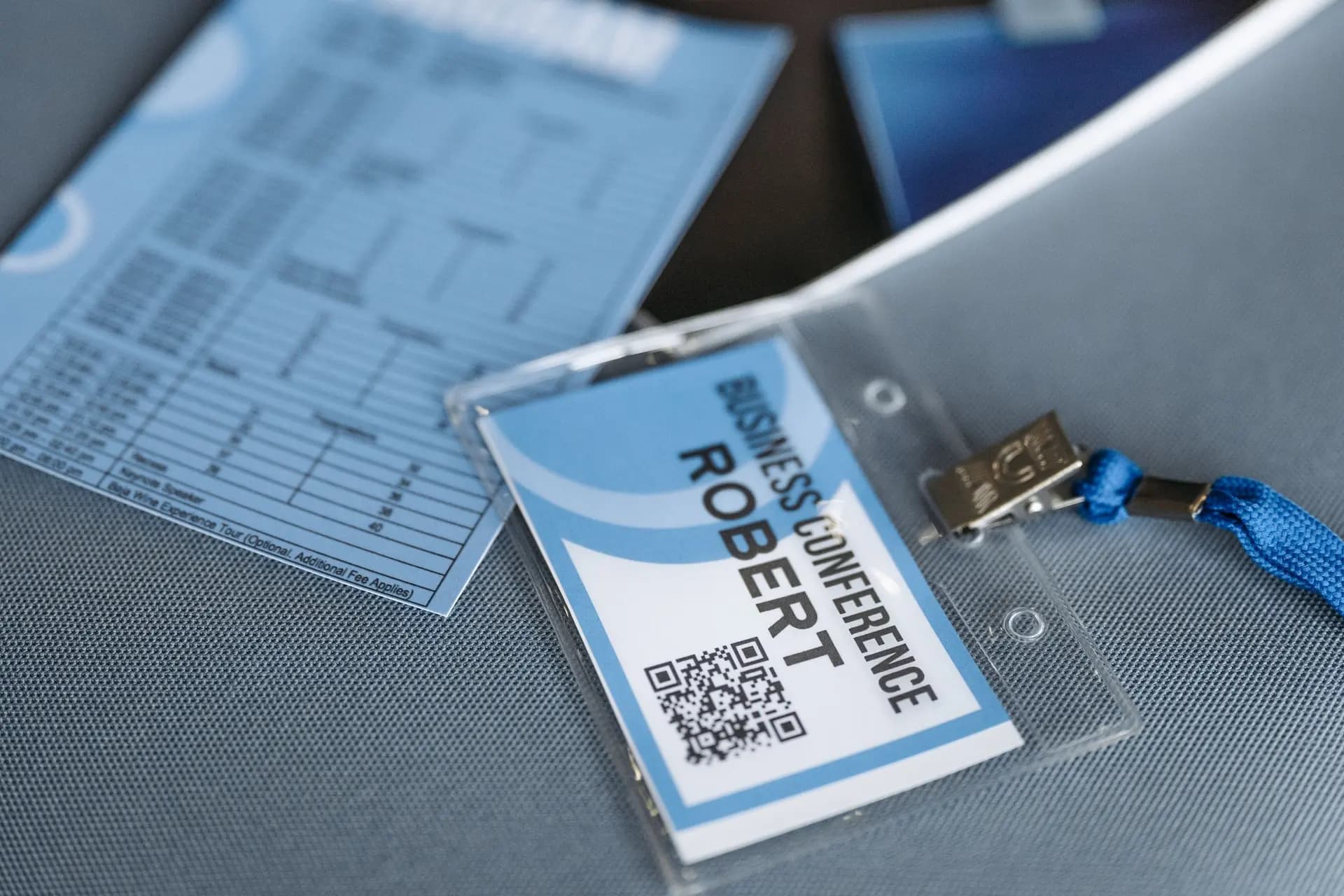
A blue business-conference name badge with a printed QR code, lying beside the event programme.

Under the hood

What the mailto: payload actually contains

The generator builds mailto:you@example.com?subject=...&body=..., with the subject and body URL-encoded so punctuation, line breaks, and special characters survive the trip intact. Leaving subject or body blank produces a shorter payload with just the address — perfectly valid, and sometimes preferable if you want the sender to write their own subject line rather than one you've chosen for them.

An instruction, not a page

Like Wi-Fi and Text, this type never involves a network request to open — the phone's OS reads the mailto: payload and acts on it directly, launching the mail app locally. That's what makes it instant and offline-reliable, and also why there's nothing this platform can log about the interaction.

The subject line does real work

A generic mailto: with no subject works fine, but a specific one — "Question from [poster location]" — gives you a free routing signal on the receiving end, especially useful if the same address fields inquiries from several different printed placements at once.

Step by step

How to create a email QR code

  1. 1

    Enter the destination address

    Double-check it — a typo here means every scan sends mail to the wrong inbox with no way to intercept it.

  2. 2

    Add a subject and starter body (optional)

    A specific subject line helps route or filter incoming messages if this address handles more than one kind of inquiry.

  3. 3

    Test the scan yourself first

    Confirm the mail app opens with everything filled in correctly before printing at any scale.

Email QR code FAQ

Does the email send automatically?
No — scanning only opens a pre-filled draft in the mail app. The person still has to review it and tap send themselves; nothing goes out without that action.
What if someone doesn't have a mail app set up?
The OS will typically prompt them to set one up or choose one, but on a device with no configured account, this may go nowhere useful — worth keeping in mind for audiences likely to be on shared or bare devices.
Can I track how many people scanned this?
No — a static email code never touches this platform's servers, so there's no scan count or analytics of any kind.
Can I change the address after printing?
No — it's baked into the code. Changing it means generating and printing a new one.

Related QR types

Where people put this code

Create your email QR code

Free to generate, free to download — no account required to try it.

Create your Email QR code