Static — no tracking

SMS QR code

Send a pre-filled text message, ready to send the moment it's scanned.

An SMS QR code opens a text message with your number and message already filled in, ready to send. It's a fast way to start a two-way text conversation or collect sign-ups by reply.

  • Prefilled number and message
  • No app install needed
  • Great for text-in sign-ups and RSVPs
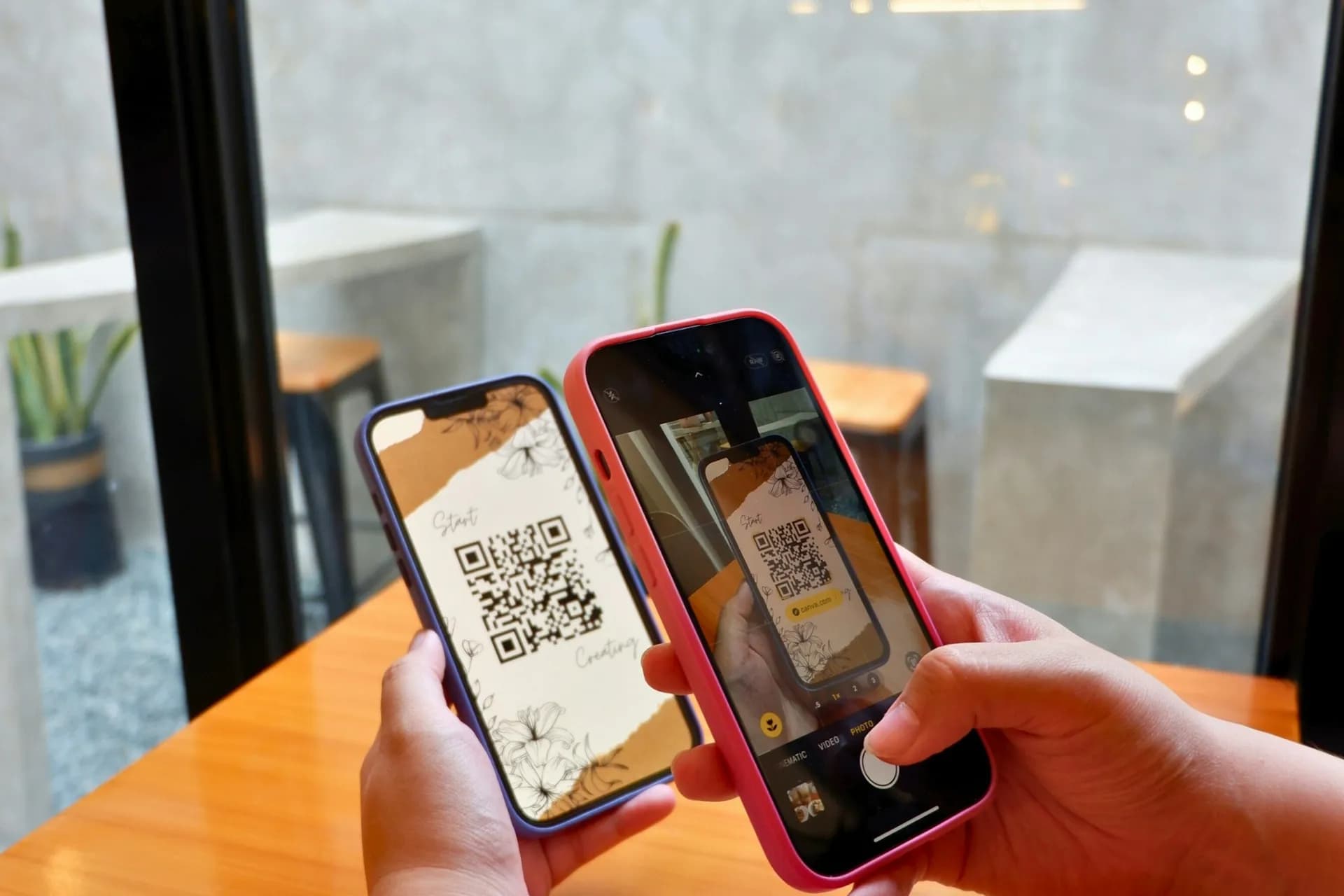
Two phones held up together at a café table, one scanning the other's QR code.

Try it

See a sms QR code in action

Sample content, but a real, scannable code — try it with the phone in your hand.

Create your SMS QR code

SMS

Opens a prefilled text message, ready to send.

How it works

What happens when someone scans a sms QR code

  1. 1

    The camera decodes an SMSTO: payload — the ZXing-convention format most camera scanners (not just this platform's) recognize for prefilled texts.

  2. 2

    The phone opens its default messaging app with a new conversation to your number already started.

  3. 3

    Any message text set at generation time appears typed into the input box — the person reviews it and taps send.

Examples

Where to use a SMS QR code

Real places a SMS QR code earns its spot — each links to a full guide for that material.

Fit

Is a sms QR code the right choice?

Use it when

  • Text-in signups, RSVPs, or short-code-style campaigns where you want the recipient's phone number captured on your end via a reply.
  • Audiences more likely to text than email or call — SMS still has near-universal reach with no app install required.
  • Anywhere you want the lowest-friction path to starting a two-way text conversation from print material.

Consider another type when

  • If your number changes often — static, like every direct-encode type, means a change requires reprinting.
  • Longer-form communication — SMS message length and the format's real-world reliability favor short, simple starter texts, not paragraphs.
  • If you need delivery confirmation or scan analytics — this type never touches this platform's servers, so there's no record of who scanned or whether they sent it.

Dynamic vs. static

Dynamic vs. static sms QR codes

SMS is static-only, for the same structural reason as WhatsApp and Email: the payload is a direct instruction to the phone's OS (open a text thread to this number, with this text prefilled), not a page fetched from anywhere. There's nothing to redirect and no server round-trip to make dynamic — the entire behavior happens on-device the instant the code is decoded.

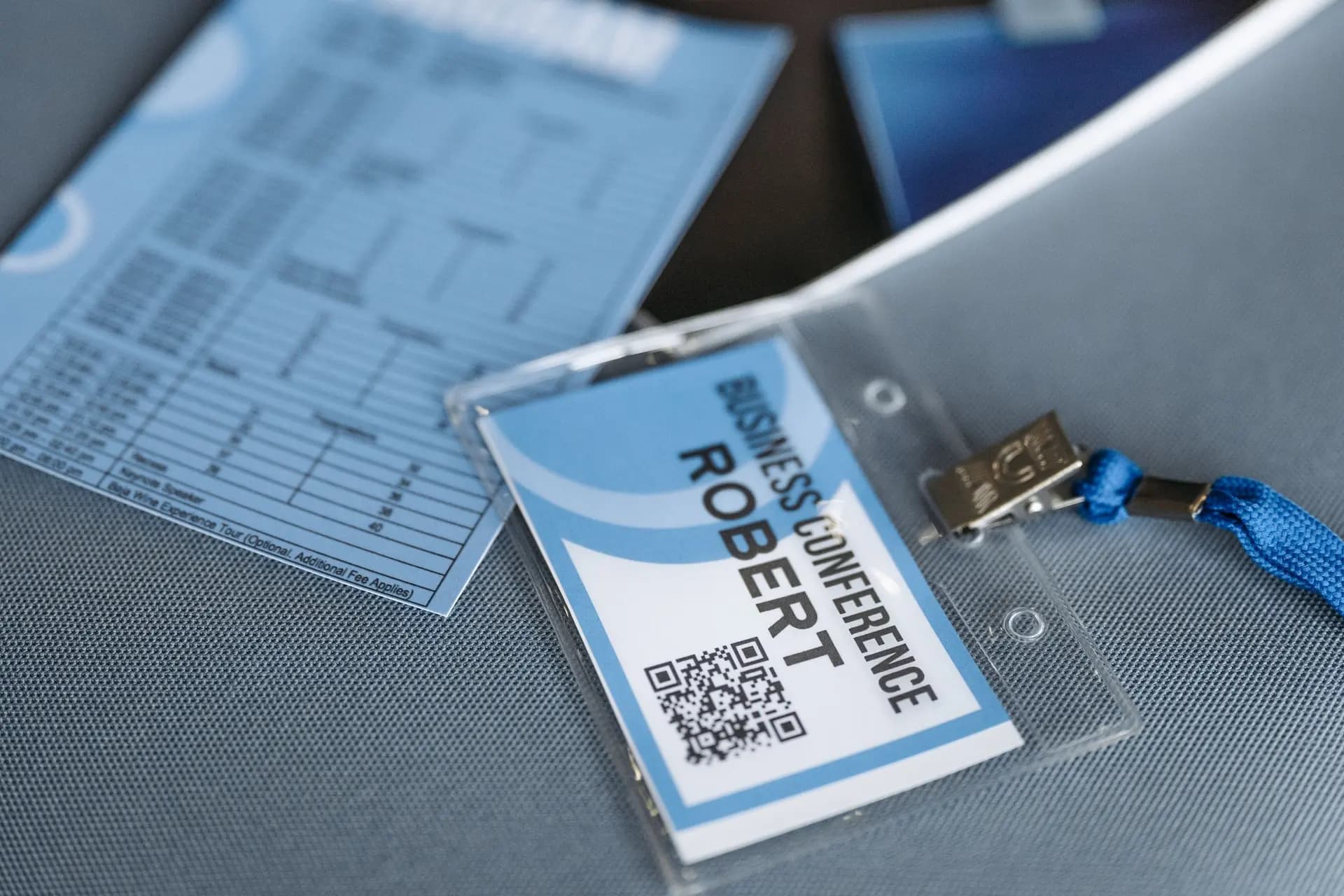
A blue business-conference name badge with a printed QR code, lying beside the event programme.

Under the hood

Why the format is SMSTO:, not sms:

This generator uses SMSTO:[number]:[message] rather than the sms: URI scheme you'll see in some browser links, because SMSTO: is the convention with the widest real-world scanner support for reliably carrying both the number and a prefilled body together — plain sms: links inconsistently support a prefilled message body across different phone OS versions. If a prefilled message matters to your use case (and it usually does — it's most of the point), SMSTO: is the safer choice, which is why it's what gets encoded here.

Built for the reply, not just the send

The real value of a prefilled SMS code usually isn't the outbound message — it's what it captures on your end: the sender's phone number, arriving as a real text you can reply to. That makes this type a lightweight way to start a two-way conversation, closer to a contact form than a broadcast.

An honest limitation

Real-world SMSTO: support, while broad, isn't as universally consistent as a mailto: or a tel: link — a small number of older devices or non-default messaging apps may not handle it cleanly. If SMS is central to how your audience reaches you, a quick test across a few device types before a large print run is worth the ten minutes it takes.

Step by step

How to create a sms QR code

  1. 1

    Enter the destination number

    Include the country code for reliability across different phones' default region settings.

  2. 2

    Write a short starter message

    Keep it brief — SMS favors short text, and a long prefilled message can get truncated or awkward to edit on a small keyboard.

  3. 3

    Test on a real phone before printing

    Confirm the correct number and message appear in the messaging app exactly as intended.

SMS QR code FAQ

Does scanning send the text automatically?
No — it opens a prefilled draft in the messaging app. The person still has to review and tap send; nothing is sent without that action.
Will this work on any phone?
The SMSTO: format has broad support across iOS and Android camera scanners, but support isn't universal on every older device — testing on your actual target audience's phones is worth doing before a large print run.
Can I track responses?
Not through this platform — a static SMS code never touches its servers. Any reply-tracking would need to happen on your messaging/carrier side, separate from this QR code.
Can I edit the message after printing?
No — like any static type, it's baked into the code. A change means printing a new one.

Related QR types

Where people put this code

Create your sms QR code

Free to generate, free to download — no account required to try it.

Create your SMS QR code