

Static — no tracking

WhatsApp QR code

Open a WhatsApp chat instantly, prefilled and ready to send.

A WhatsApp QR code opens a chat with your number and a starter message ready to send. It's the quickest way for customers to start a conversation with your business.

  • Opens a chat with your number
  • Starter message prefilled
  • Uses WhatsApp's official wa.me links
A café counter with a QR code stand next to the register.

Try it

See a whatsapp QR code in action

Sample content, but a real, scannable code — try it with the phone in your hand.

Create your WhatsApp QR code
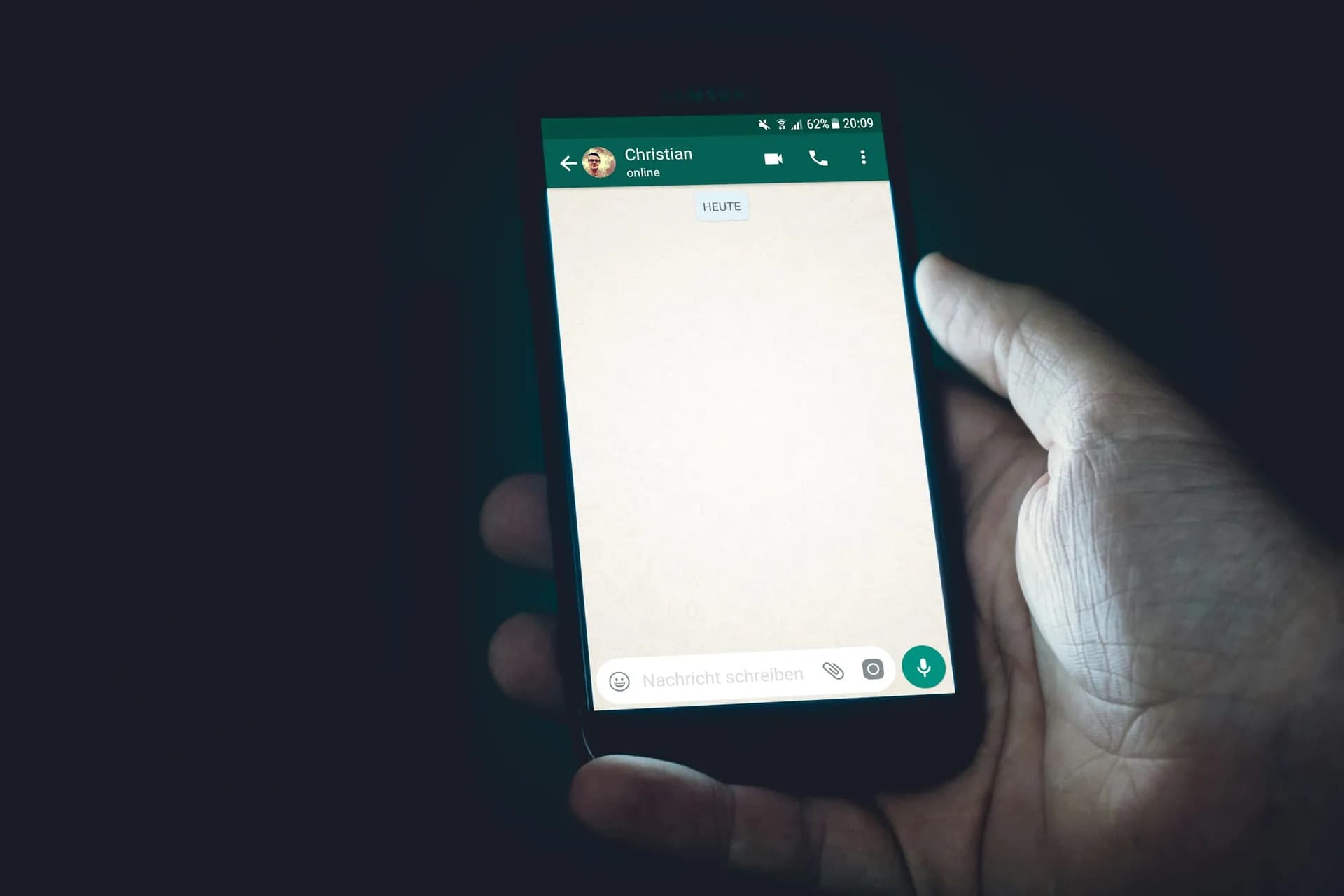
A hand holding a phone with a WhatsApp chat open, the message box ready to type into.

How it works

What happens when someone scans a whatsapp QR code

  1. 1

    The camera decodes a wa.me link — WhatsApp's own official deep-link format, not something specific to this platform.

  2. 2

    The phone opens it like any web link; if WhatsApp is installed, the OS routes straight into the app instead of a browser.

  3. 3

    The chat opens with your number already selected and, if you set one, a message pre-typed into the input box — the person just has to tap send.

Examples

Where to use a WhatsApp QR code

Real places a WhatsApp QR code earns its spot — each links to a full guide for that material.

Fit

Is a whatsapp QR code the right choice?

Use it when

  • Customer support or sales lines where you want the lowest-friction path from 'saw your sign' to 'started a conversation.'
  • Order-ahead or booking flows for small businesses running entirely through WhatsApp instead of a dedicated ordering system.
  • Anywhere texting beats calling for your audience — WhatsApp's global reach makes this especially common outside the US.

Consider another type when

  • An audience unlikely to have WhatsApp installed — reach varies a lot by region, and without the app the link just opens WhatsApp's web fallback, an extra step that assumes account access on that device.
  • If your number changes often — like any static type, the number is baked into the code and a change means a new code.
  • Formal or high-volume support that needs a ticketing system — WhatsApp chat doesn't have the structure a real support queue does.

Dynamic vs. static

Dynamic vs. static whatsapp QR codes

WhatsApp is static-only on this platform: the code encodes a wa.me link built from your phone number and optional message directly, with no redirect through this platform's own servers at all. There's no dynamic version, since the entire payload — a phone number and a short message — is small and stable enough that reprinting for a genuine change (a new support line) is rare, and adding a redirect hop here would only slow down what's meant to be an instant handoff into the app.

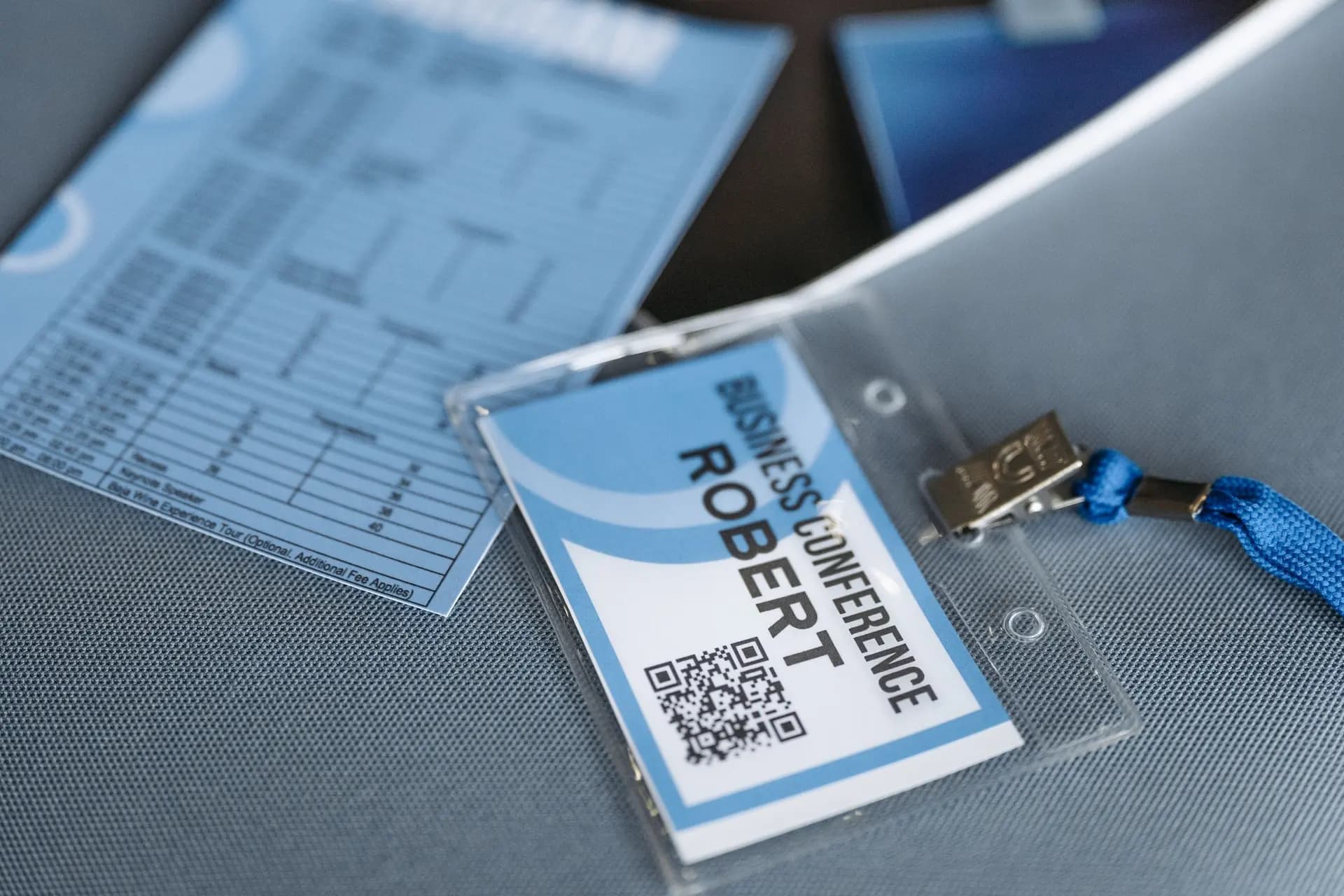
A blue business-conference name badge with a printed QR code, lying beside the event programme.

Under the hood

The exact link format, and the one thing that breaks it

The generator builds https://wa.me/[digits]?text=[encoded message] — WhatsApp's documented click-to-chat format. The phone number has to be digits only, in full international format with country code and no leading +, spaces, or punctuation; a number formatted for local display (with a leading 0, say) resolves to nothing or the wrong contact. This platform strips non-digit characters automatically, but it's worth double-checking the resulting number in the live preview against a number you know is correct before printing.

An app deep-link, not a hosted page

Unlike most dynamic types on this platform, there's no page in between the scan and the destination — the code points straight at WhatsApp's own infrastructure via the wa.me format. That means this platform never sees or logs anything about the interaction; it purely constructs the correct link for you to encode.

Why the message field matters more than it looks

A bare WhatsApp link works, but a prefilled message meaningfully changes response rates in practice — it gives the recipient a starting point instead of a blank chat, and signals what the scan was actually for, which matters if the same number handles multiple kinds of inquiries.

Step by step

How to create a whatsapp QR code

  1. 1

    Enter your number in international format

    Country code first, digits only — the generator strips spaces and symbols, but starting clean avoids ambiguity.

  2. 2

    Write a starter message (optional)

    Pre-filling a message like 'Hi, I saw your sign and have a question about...' lowers the effort to actually send it.

  3. 3

    Test the scan on a phone with WhatsApp installed

    Confirm the correct chat opens with the message prefilled exactly as intended before printing at any scale.

WhatsApp QR code FAQ

Does the person need WhatsApp installed?
For the app to open directly, yes. Without it installed, the wa.me link falls back to WhatsApp's web interface, which still works but requires linking a WhatsApp account in the browser.
Can I prefill a message?
Yes — anything you set appears in the chat's input box, ready to send as-is or edited first. It's not sent automatically; the person still has to tap send.
What happens if I change my WhatsApp number later?
Since this is a static type, the old number is permanently baked into any code already printed — a number change means generating and printing a new code.
Is this different from just printing my phone number?
Yes — scanning opens WhatsApp with the chat and message ready, instead of requiring the person to manually save your number and start a conversation themselves.

Related QR types

Where people put this code

Create your whatsapp QR code

Free to generate, free to download — no account required to try it.

Create your WhatsApp QR code