Dynamic — editable, with tracking

Images QR code

Share a small photo gallery people can scroll through.

An images QR code opens a small, scrollable photo gallery hosted for you. Swap photos in or out over time and every printed code shows the latest set.

  • A scrollable photo gallery on scan
  • Add or remove photos anytime
  • No photo-sharing account needed
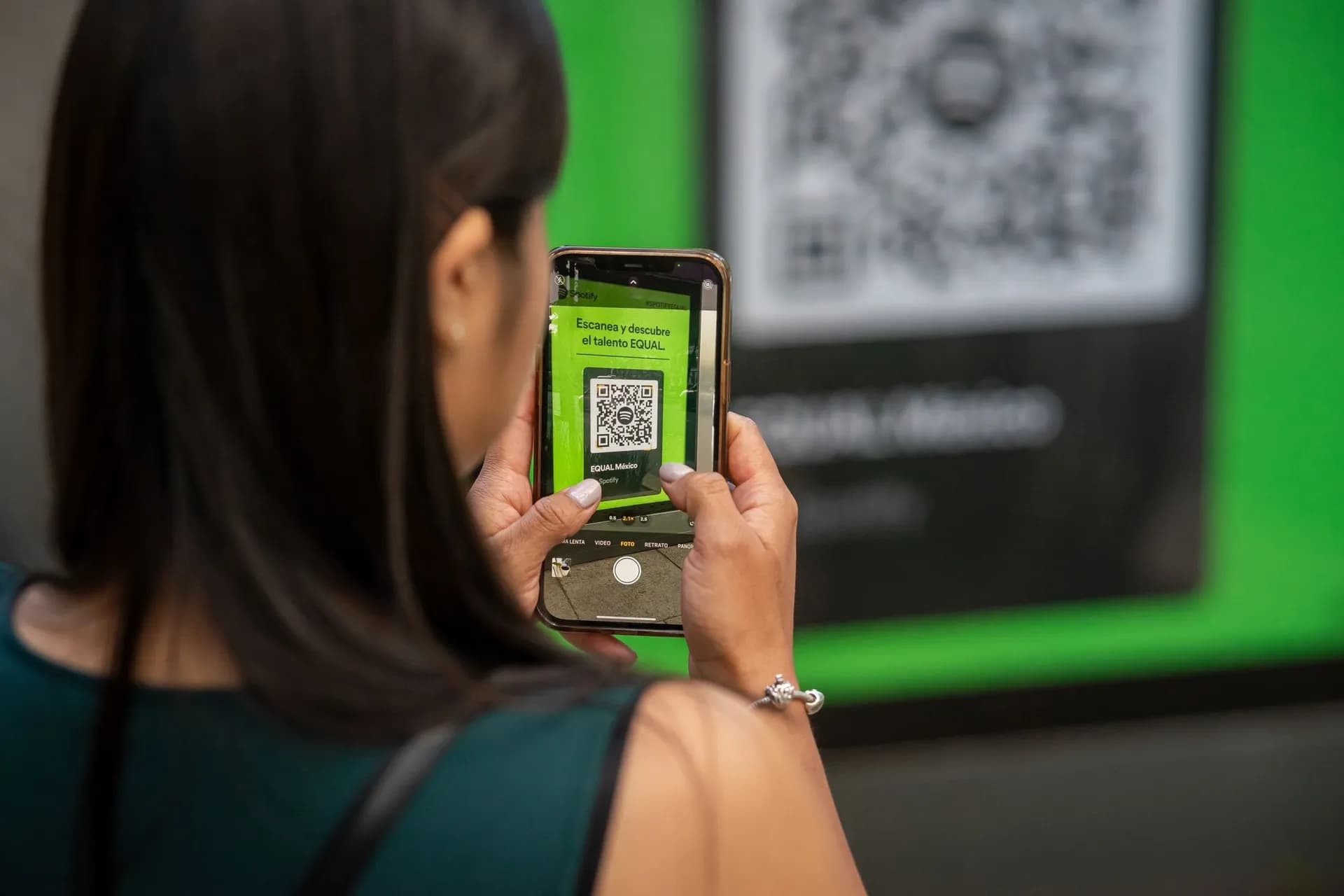
A woman photographing a large QR code sign with her phone.

Try it

See a images QR code in action

Sample content so you can see what a scan looks like — this type only exists as a dynamic code, so the code shown to real visitors always points at your own account's live link.

Create your Images QR code

Shoot day — the Martins

Golden hour, backyard
Family portrait
Family portrait
Candid, kitchen
Candid, kitchen
Group shot
Group shot

How it works

What happens when someone scans a images QR code

  1. 1

    The camera decodes a short link, resolved by the redirect route to this platform's hosted gallery page.

  2. 2

    The page shows an optional title, then every image you've added, each with an optional caption, in a simple scrollable layout.

  3. 3

    There's no login or app required to view — the person scrolls, taps to view an image larger if the layout supports it, and that's the whole interaction.

Examples

Where to use a Images QR code

Real places a Images QR code earns its spot — each links to a full guide for that material.

Fit

Is a images QR code the right choice?

Use it when

  • Sharing a small curated set of photos after an event, a shoot, or a project — a lighter alternative to a full album on a photo-sharing platform.
  • Product or venue photography on packaging or signage, where a handful of images tells the story better than one hero shot.
  • Anywhere you want to update the photo set over time (swap in new work, retire old images) without touching whatever the code is printed on.

Consider another type when

  • A large, ongoing photo archive — this type is built for a curated handful, not hundreds of images or an evolving portfolio site.
  • If you need download or licensing controls on the images — there's no built-in protection here beyond what's visible on the page.
  • A single hero image paired with other content (text, links) — a Landing Page type fits a mixed-content page better than a pure gallery.

Dynamic vs. static

Dynamic vs. static images QR codes

Images exists only as dynamic, since a static code has no way to represent more than a tiny amount of data — nowhere close to enough for even one photo, let alone several. Routing through a hosted page is the only structurally possible way to represent a gallery of any real size, with the side benefit that individual images can be swapped or added after the code is already printed.

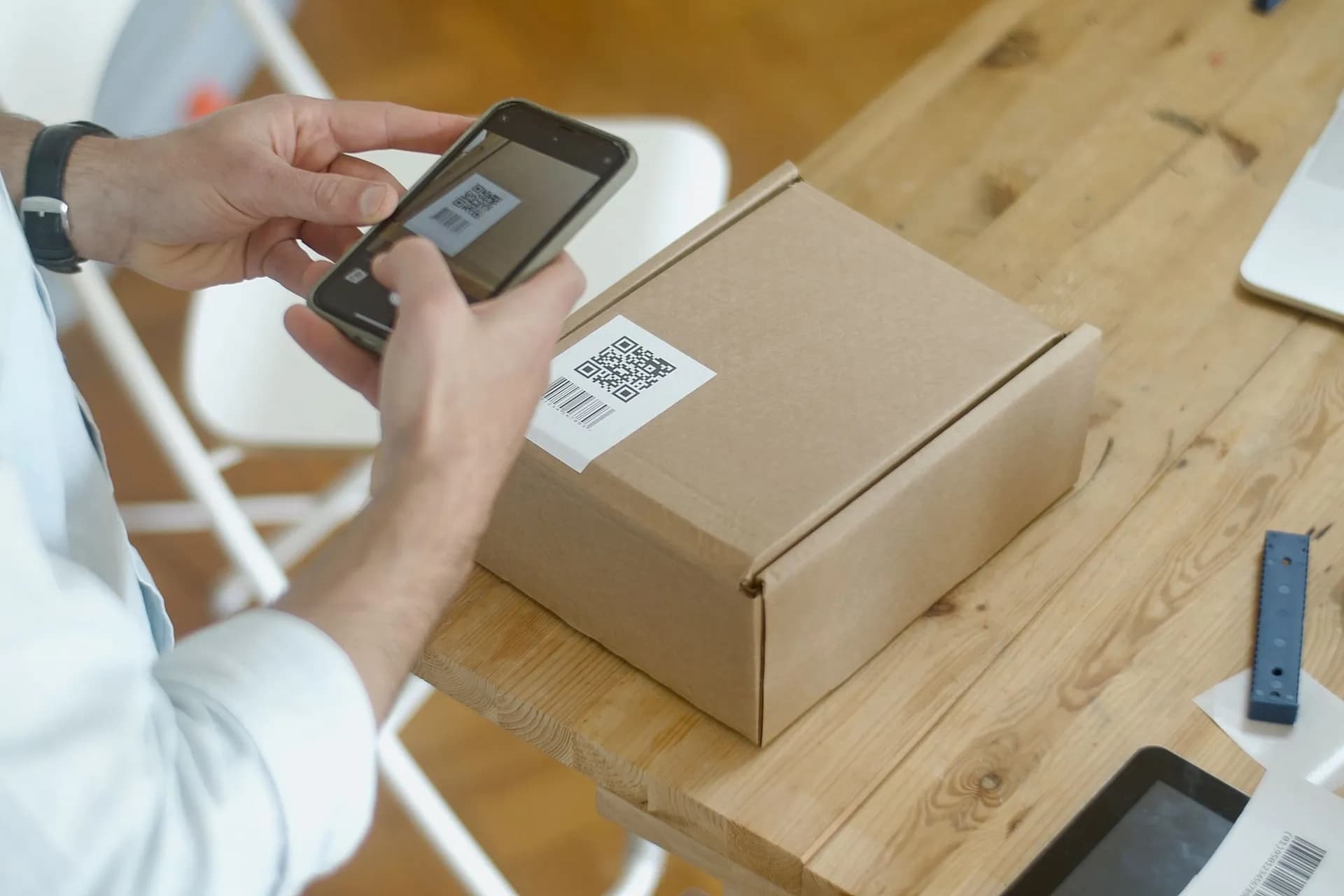
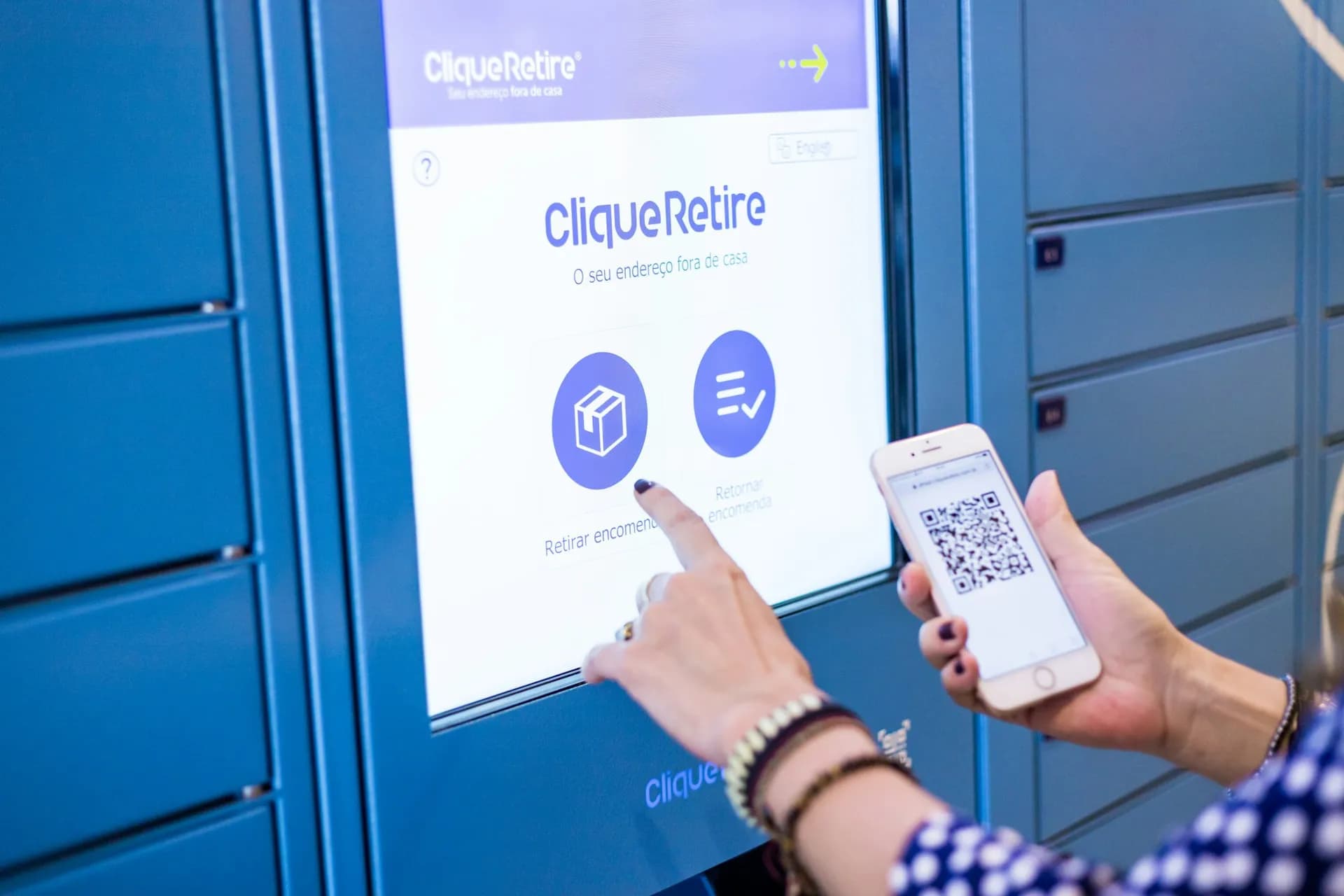
A person scanning a QR code on their phone at a parcel locker.

Under the hood

What's stored per image

Each entry is an image URL and an optional caption — the platform doesn't currently host raw image uploads for this type directly in the same flow as a design logo, so images are referenced by URL (which can be a link to an image you've uploaded elsewhere, or hosted assets from your own storage). The hosted page lays them out in view order, which follows the order you add them in.

A curated set, not a feed

The deliberate constraint here is scope: this is for a specific, chosen handful of images tied to one scan — a shoot, an event, a product — not an ongoing stream. That keeps the hosted page fast to load and easy to scroll on a phone, which a large, ever-growing archive would work against.

Why URLs instead of a direct upload flow

Referencing images by URL rather than a dedicated upload keeps this type simple and fast to set up if you already have images hosted somewhere (your own site, a design tool's export, cloud storage) — at the cost of needing a working URL for each image rather than dragging a file straight in.

Step by step

How to create a images QR code

  1. 1

    Add a title (optional)

    Shown at the top of the gallery page — useful context for what the photos are of.

  2. 2

    Add each image and caption

    One entry per photo, with an optional short caption underneath it.

  3. 3

    Reorder or update anytime

    Swap in new photos, remove old ones, or change captions from your dashboard — the printed code stays the same.

Images QR code FAQ

Can people download the photos from the page?
There's no dedicated download button built into the layout — visitors can save an image the way any phone lets you save an image from a webpage, which is standard browser behavior this type doesn't add extra protection against.
How many images can I add?
No hard limit is enforced, but this type is built for a curated set — a handful to a few dozen — rather than a large ongoing archive.
Can I reorder the images after adding them?
Yes — the page follows whatever order they're arranged in on your end, and that can be changed anytime.
Is this the same as vCard Plus's photo field?
No — vCard Plus uses a single photo as part of a contact card. This type is a dedicated multi-image gallery with its own hosted page.

Related QR types

Where people put this code

Create your images QR code

Free to generate, free to download — no account required to try it.

Create your Images QR code